

Ambient Daily Briefing
Ambient · Productivity
Ambient Daily Briefing is an AI assistant for executives and team leads. It preps meetings before they start, records notes while they run, tracks tasks afterward and keeps a running log of the decisions made along the way. Think of it as an AI executive assistant. Or an AI chief of staff without the salary.
About Ambient Daily Briefing
What Is Ambient Daily Briefing
Ambient Daily Briefing is a web-based AI tool from Ambient that acts as a fractional chief of staff. Instead of juggling a calendar app, a note pad, a task board and a separate doc for decisions, you run all four through one assistant. It sits in the background of your workday, pulling together what happened, what's pending and what needs a call from you.
The tool is built for people whose calendars are the bottleneck. Founders, product leads, sales directors and operations managers all share the same problem: too many conversations, too many loose ends, and no clean record of why a choice was made six weeks ago. So how does Ambient Daily Briefing close that gap? By turning scattered meeting talk into structured output you can actually act on.
Getting Started
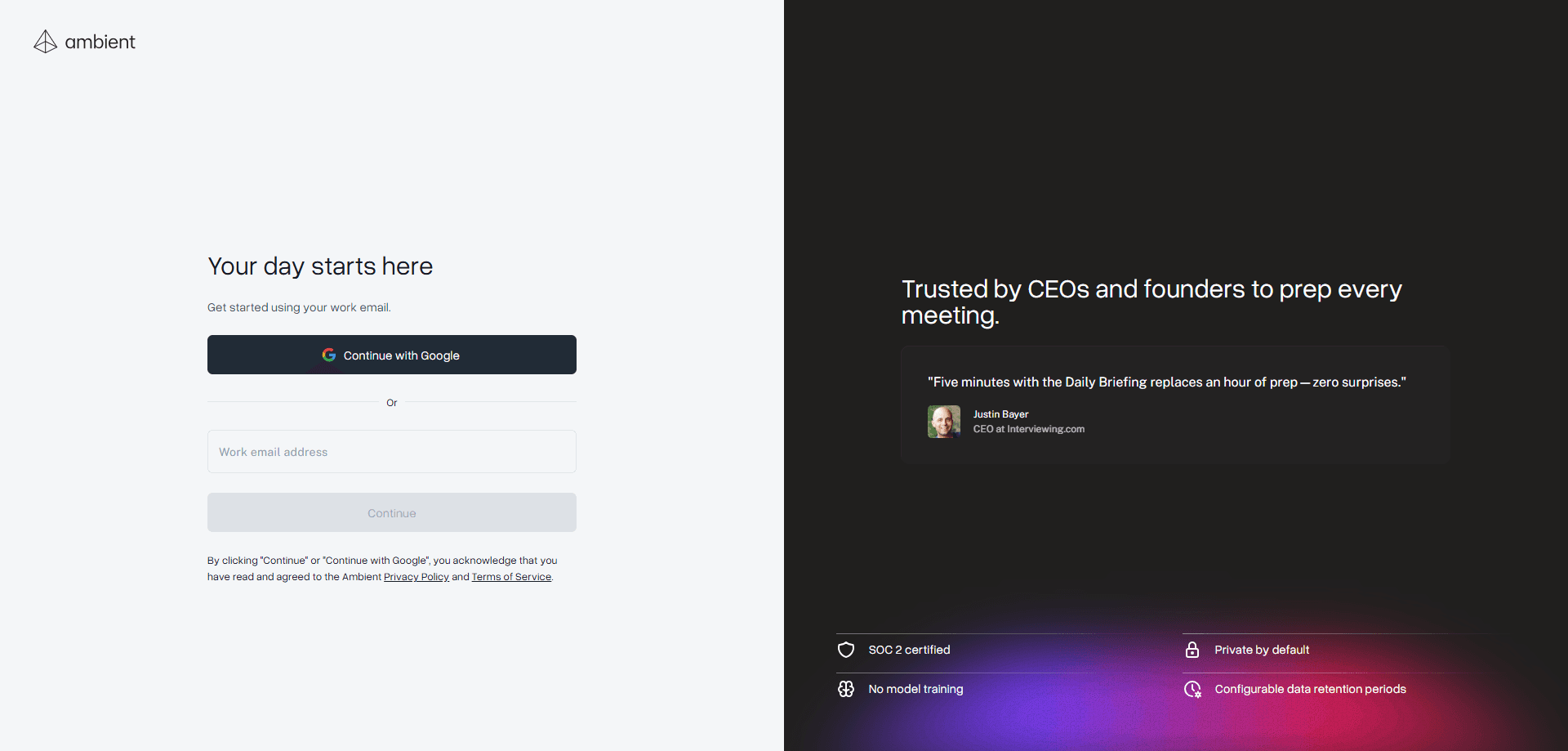
- Open the Ambient web app and create your account with a work email.
- Connect your calendar so the assistant can see upcoming meetings and attendees.
- Start or join a call and let the tool capture notes in the background.
- Review the generated summary, action items and decision list after each meeting.
- Check the daily briefing each morning to see what's due and what changed.
Product Information
A quick look at Ambient Daily Briefing's pricing, supported platforms, and performance.
Best for
The users, tasks, and scenarios where this tool fits best.
Users
- Founders and executives who run back-to-back meetings
- Chiefs of staff and operations managers supporting a leadership team
- Product and sales leads who need a clean record of decisions
- Small teams that want meeting follow-through without extra admin work
Tasks
- Preparing agendas and context before a meeting
- Capturing notes and action items during calls
- Tracking who owes what and when
- Logging decisions with the reasoning behind them
Scenarios
- A weekly leadership sync where follow-ups keep slipping
- A sales pipeline review that needs a written summary afterward
- A product planning session where priorities get decided and forgotten
- A one-on-one where you want a running history of what you agreed
Key features
Meeting Preparation
Ambient Daily Briefing builds context before a meeting starts. It looks at the people invited, the topic and any recent threads. Then it hands you a short brief. You can skim it in the two minutes before the call begins. That prep matters most when you're jumping between unrelated subjects all day. It's hard to hold every thread in your head.
Daily Briefing
Each morning the assistant assembles a briefing. It pulls together your schedule, your open tasks and any decisions still waiting on you. One screen. That's it. It tells you where your attention should go first.
Note Taking Without a Bot
The tool captures what gets said in a call and turns it into notes that read like a summary, not a transcript. You get the key points, the open questions and the follow-ups separated out. This kind of meeting notes AI matters because nobody wants to re-read a wall of text. Because it doesn't drop a visible recording bot into the meeting, the conversation tends to stay natural.
Task Tracking
Task tracking for executives is where most tools fall short. Every action item that comes up here gets pulled into a task list with an owner and a due point. So instead of scanning five sets of notes to remember what you promised, you check one list. The assistant keeps those items alive across meetings. A task raised on Monday still shows up on Friday.
Decision Logging
Decisions are the part most teams lose. Any good decision log software has to capture the reasoning, not just the outcome. Ambient Daily Briefing records what was decided, who decided it and the context around it. Months later, when someone asks why a feature was cut or a hire was paused, the answer is already written down.
Calendar Awareness
The tool reads your calendar. It knows which meeting is next and what it's about. That connection is what lets it prep the right brief at the right time rather than handing you generic material.
Pros and cons
Pros
- Combines meeting prep, notes, tasks and decisions in one place
- Runs without adding a recording bot to every call
- Daily briefing gives a clear starting point each morning
- Helps small teams keep a written record without a dedicated assistant
Cons
- Focused on individual workflows more than large-team administration
- Web-only, so there's no native mobile app for capturing notes on the go
- Value depends on actually reviewing the summary after each meeting
- Exact pricing and plan limits change, so check the official site before subscribing
Frequently asked questions
Ambient Daily Briefing is an AI assistant that preps your meetings, takes notes during them, tracks the tasks that come out of them and logs the decisions made. It's meant to replace the scattered mix of a notes app, a to-do list and a decision doc with one tool.
Related content
Explore related tools, skills, and articles for Ambient Daily Briefing.
Ambient Daily Briefing Alternatives

Swms
Swms AI · Writing · Productivity · BusinessSwms is an AI safety compliance tool that turns a plain description of a job into ready-to-use safety documents. Describe your project, trade, and known hazards, and it writes a safe work method statement, job hazard analysis, safe work procedure, RAMS, or safety data sheet in seconds. It also ships with Oscar, a chat assistant that answers workplace safety questions in any language. Teams in construction, mining, transport, and warehousing use it to cut the paperwork that usually eats into a workday.

Wordly AI Translation
Wordly · Voice & Language · ProductivityWordly AI Translation is a real-time AI translation and captioning platform built for meetings, conferences, and events. It delivers live translation, captions, transcripts, and summaries in more than 60 languages, and attendees join by scanning a QR code or opening a link instead of using dedicated headsets. The platform works with Zoom, Microsoft Teams, Google Meet, and Webex, and it's designed for organizations that want multilingual access without hiring human interpreters for every session. Simple as that.

Rows
Rows (Superhuman) · Productivity · BusinessRows is an AI spreadsheet and data analysis tool that imports live data from more than 50 sources, then lets you work with it using plain language instead of SQL queries or nested formulas. You can pull numbers out of PDFs, connect ad platforms, databases, and bank accounts, and ask the AI to build reports, merge datasets, or set up models that recalculate themselves. It runs in the browser, works like a spreadsheet, and now sits under the Superhuman umbrella.