
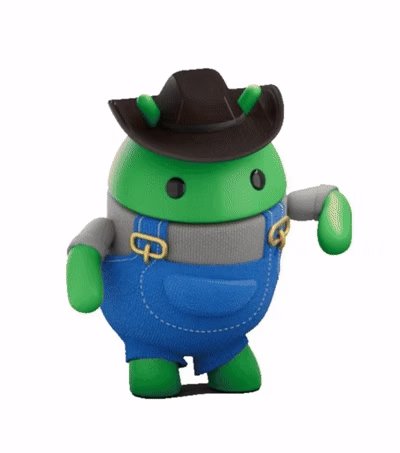
Androidify
Google · Image · Chatbot
Androidify is a free Google AI avatar app that turns a selfie or a short text prompt into a custom Android bot avatar. Instead of drawing a character by hand, you hand the app a photo or a few words and it generates a cartoon robot that looks like the idea you described. It's built on Google's Gemini and Imagen technology, ships as an open-source project, and runs on Android phones and Wear OS watches.
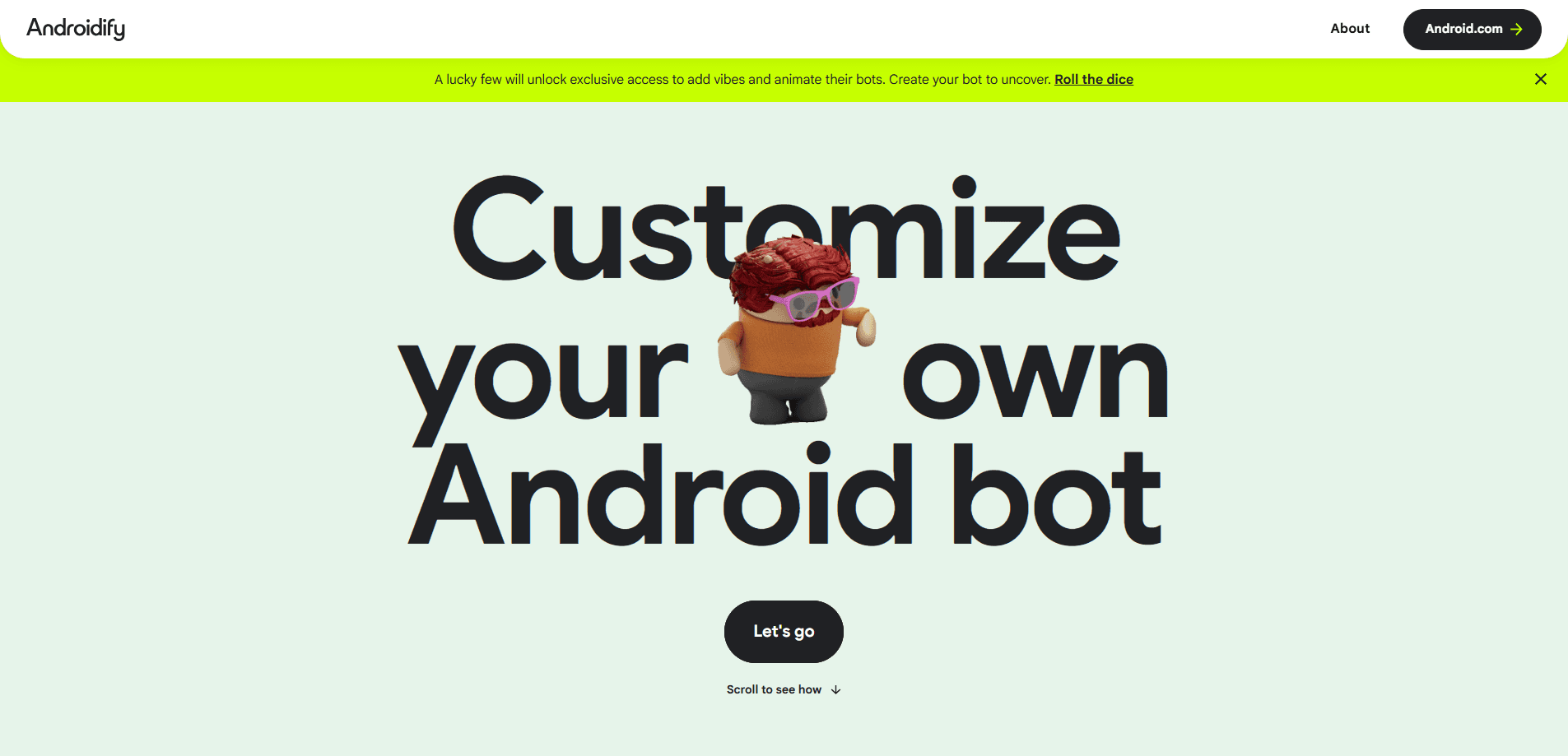
About Androidify
What Is Androidify
Androidify is a character-creation app from Google that builds a personalized Android bot from a selfie or a written description. You're not picking from preset parts like the old Androidify web toy. Here, the app reads your photo, writes a description of it, then generates a matching avatar from scratch. Not bad for a free download.
Think of it as an AI bot generator with a very narrow focus. It reads a face or a sentence and draws a robot, and that's the whole trick. The scope is limited on purpose.
The app leans on Google's Gemini and Imagen models, the same image tools used across other Google products, so the quality you get depends heavily on how good those models are at drawing a specific cartoon style on any given day. That means the results vary. Google itself notes the app is still in development and that a fine-tuned model trained specifically on Android bot styling was coming later, so early outputs can look a little wild. Treat it as an experiment you get to play with, not a polished portrait service.
The biggest limitation is scope. It makes Android bot avatars and basically nothing else. There's no general image editor, no batch mode, and no web version you can use from a laptop. If you want a specific, gallery-quality mascot for a brand, this isn't that tool.
Getting Started
- Install the Androidify app from Google Play on an Android phone running a recent version of the OS.
- Open the app and grant camera access when it asks.
- Take a selfie with the built-in camera, or type a short text prompt describing the bot you want.
- Let the app generate your avatar, then tweak and regenerate until you like the result.
- Save the avatar, share it, or set it as your Wear OS watch face if you have a compatible watch.
Product Information
A quick look at Androidify's pricing, supported platforms, and performance.
Best for
The users, tasks, and scenarios where this tool fits best.
Users
- Android fans who want a playful bot version of themselves
- Social media users hunting for a fresh profile picture
- Developers learning how AI features run on Android
Tasks
- Turning a selfie into a cartoon avatar
- Generating a bot from a text idea
- Making a matching watch face for Wear OS
Scenarios
- Picking a new profile picture for a chat app or forum
- Casual creative play on a commute
- Showing someone how generative AI works without a tech lecture
Key features
Selfie to Avatar
The core trick is turning your face into an Android bot. The app uses the camera to capture a selfie, then a Gemini model writes a text description of what it sees. That description feeds the image model, which draws a robot with hints of your features. It won't be a photographic likeness. Think "inspired by you," not "a portrait of you."
Text Prompt Generation
You don't need a photo to start. Type a description and the app generates a bot from words alone. This is where the tool gets fun for themed ideas, like a bot dressed for a holiday or one built around a hobby. The clearer your prompt, the closer the result lands to what you pictured. What if you've got no photo handy? Just describe the bot you want and run it. A rough prompt still works. Vague in, vague out, as with any image model.
Camera Built for the Job
The camera isn't a stripped-down add-on. It supports the rear camera, pinch-to-zoom, and tap-to-focus, with a custom interface layered on top. That matters because a sharp, well-framed shot gives the model better material to work with, and blurry inputs tend to produce messy bots.
Wear OS Watch Faces
Androidify supports Wear OS, so you can set your generated bot as your watch face. It's a small touch, but it turns a throwaway avatar into something you actually see every day. You'll need a compatible Wear OS watch and the paired phone app to set it up.
Open-Source Code
Google released Androidify's source on GitHub. Developers can read how the app wires together the Gemini API, the Firebase AI Logic SDK, and Jetpack Compose, which is exactly the kind of end-to-end example that's hard to find in official docs. If you're learning to add AI features to your own Android app, the code is a working reference rather than a vague tutorial.
Pros and cons
Pros
- Completely free, with no subscription, credits, or in-app purchases.
- Generates avatars from either a selfie or a text prompt, so you're not locked to one input.
- Open-source code gives developers a real reference for building Gemini-powered Android features.
- Wear OS support lets the same avatar double as a watch face.
- Fast generation means you can reroll as many times as you like.
Cons
- It makes Android bot avatars only, with no general image editing.
- Results are inconsistent, and Google says the app is still in development.
- Android and Wear OS only, with no iPhone or web version, so other users can't run it.
Frequently asked questions
Yes. Androidify costs nothing to download or use, and there are no paid tiers, credits, or in-app purchases. You just install it and start generating avatars.
Related content
Explore related tools, skills, and articles for Androidify.
Androidify Alternatives

X Ray Interpreter
X-ray Interpreter · ImageX Ray Interpreter is a web-based AI radiology tool that turns X-rays, CT scans, MRI, ultrasound, and PET images into plain-language reports. You upload a scan, get a preliminary X-ray interpretation in moments, then ask follow-up questions if something needs explaining. It works as a second opinion and a learning aid, not as a medical diagnosis.

Aieasypic
AIEasyPic · ImageAIEasyPic is an AI image generator that turns plain text prompts into finished artwork in seconds. You can also train custom models on your own photos, swap faces in existing images, and create short video clips from text, all from a browser. It suits casual creators who want quick visuals and hobbyists who want to build a personal model without touching any code.

Chargen
Chargen · ImageChargen is an AI character generator and worldbuilding toolkit built for Dungeons & Dragons and other tabletop RPGs. It turns a one-line idea into a painted character portrait, spins up NPCs, monsters, maps and encounters from the same session, and keeps every creature's details close at hand. The tabletop RPG art side runs on a credit system called Gold, while the text generators stay free for everyone.