
animateMyPic
AnimateMyPic · Video
AnimateMyPic is a browser-based AI photo animator that turns still pictures into short videos. It bundles effects, text-to-video, and models like Kling 3.0 and Veo 3.1 in one place.
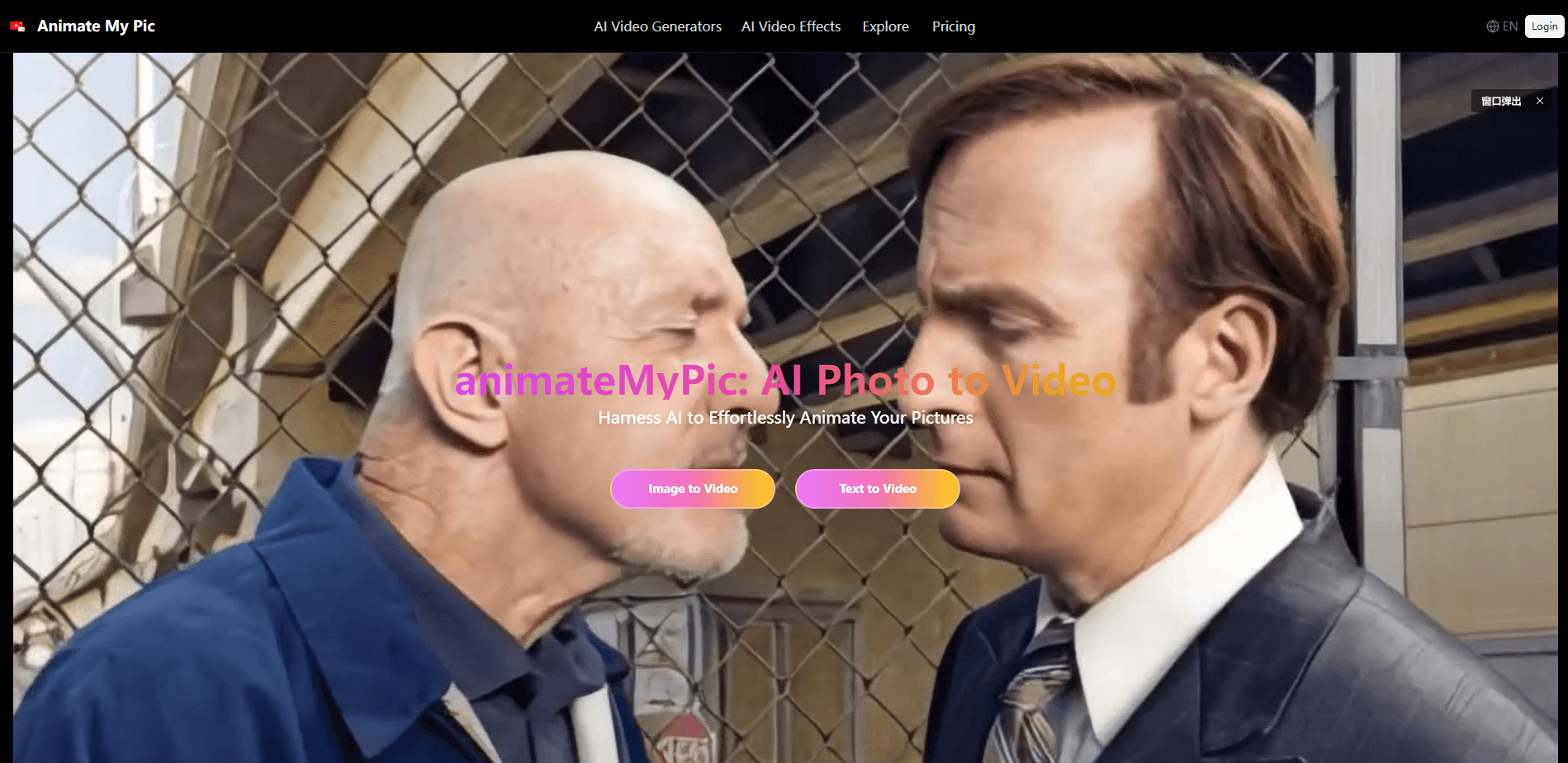
About animateMyPic
What Is AnimateMyPic
AnimateMyPic is an online studio for animating photos with AI. You upload a portrait, a pet shot, an old family picture, or a product image, pick an effect or a video model, and the service returns a short clip with natural motion. No editing skills are needed, and everything runs in the browser.
The product leans on the idea that a static picture is often enough to make a moving scene. Alongside its own animator, it gathers third-party video and image models such as Kling 3.0, Seedance 2.0, Nano Banana, and Veo 3.1. That mix covers both simple "make it move" jobs and more ambitious storytelling clips.
The main limit is scope. AnimateMyPic is a paid-credit service with an annual-billing structure, and the free tier only offers trial credits. Longer or higher-resolution outputs eat credits faster, so heavy use adds up.
Getting Started
- Open the site in a browser and create an account, then claim the free trial credits.
- Upload the photo you want to animate, or paste a text prompt if you would rather start from scratch.
- Choose an animation effect or switch to an advanced model such as Seedance 2.0, Kling 3.0, or Veo 3.1.
- Generate the clip, review the result, and download a watermark-free video.
Product Information
A quick look at animateMyPic's pricing, supported platforms, and performance.
Best for
The users, tasks, and scenarios where this tool fits best.
Users
- Casual creators
- Social media fans
- Small business owners
Tasks
- Animating old family photos
- Making pet or couple clips
- Turning illustrations into motion
Scenarios
- Building a set of clips for a campaign
- Repairing an understocked content calendar
- Testing effects before committing
Key features
AI Photo Animator
The core tool handles photo to video conversion, turning a single still photo into a short clip with natural motion and expressive faces. You upload the image, pick a style, and get a clip you can download without a watermark. It handles portraits, pets, products, and drawings, so one workflow covers most everyday animation jobs.
60+ Animation Effects
The library spans old-photo animations, dance clips, kiss scenes, and camera-move videos. Each preset targets a specific look, which saves you from writing prompts or tuning settings by hand. With this many options, you can match a clip to a gift, a post, or a client brief in a few clicks.
Third-Party Video Models
AnimateMyPic plugs in models like Kling 3.0, Seedance 2.0, and Veo 3.1 for higher-quality photo-to-video scenes. Kling 3.0 adds cinematic camera moves, while Seedance 2.0 aims for smoother motion and stronger realism. Picking the right model matters when the output is going in front of an audience.
Text to Video
When an animated photo project needs extra shots, text-to-video fills the gaps. You describe the scene you want and the tool generates matching footage to pair with your animated clips, stories, or social posts. It keeps a project in one workspace instead of spreading it across sites.
Image Generation and Editing
AI image animation starts cleaner when the source is sharp, so Nano Banana and a NanoBanana editor let you generate or touch up portraits, characters, and product shots first. You can adjust faces, lighting, and backgrounds first, so the moving result starts from a cleaner image. This step matters most when the source photo is rough.
Credits and Watermark-Free Downloads
Every plan runs on monthly credits, and all tiers promise no-watermark downloads. Starter gives 300 credits, Creator 700, and Studio 1,500. Credits also cover the bundled models, so a single balance pays for animating, generating, and editing.
Pros and cons
Pros
- Runs fully in the browser and needs no software install.
- Bundles several top video and image models in one workspace.
- All plans include watermark-free downloads.
- Free trial credits let you test effects before paying.
- Annual pricing starts at a low $7 per month.
Cons
- Billing is annual, so the entry cost is a one-time $84 charge, not a monthly bill.
- Credits run out fast on longer or higher-resolution clips, which pushes heavy users to higher plans.
- Refunds are limited to 7 days and fewer than 60 used credits, so there is little room to change your mind late.
Frequently asked questions
It handles photo to video conversion using AI. You upload an image, choose an effect or model, and download a moving clip, all in the browser.
Related content
Explore related tools, skills, and articles for animateMyPic.
animateMyPic Alternatives

Vadu AI
Vadu AI · Image · VideoVadu AI is a web-based AI video generator that turns written prompts or still images into short clips, and it can also generate images on its own. You type what you want, pick a model and style, and the platform renders the result in minutes. A free plan covers light testing, while paid tiers run from $9 to $77.40 per month based on how many credits you burn.

Mykaraoke Video
MyKaraoke Video · VideoMykaraoke Video is an online karaoke video maker and lyric video maker that turns any song into a finished, lyrics-synced video right in your browser. It handles the slow part for you. The AI pulls vocals out of the mix and locks the lyrics to the beat, then lets you customize background, fonts, and colors before exporting in 1080p MP4. If you make lyric videos for social media, party nights, or music promotion, it skips the software installs and manual timing work entirely. Want a karaoke video generator that doesn't eat your whole evening? That's the pitch here.

Finalframe
Finalframe · VideoFinalframe is a set of free, browser-based tools for grabbing exact frames out of a video clip. Its best-known feature, the Final Frame Extractor, lets you extract the last frame of any video so you can use it as the starting image for AI video tools like Luma Dream Machine, Runway, or Kling. Want to keep a clip going? That last frame is your starting point. The tool runs locally in your browser, needs no sign-up, and costs nothing. A separate paid AI video-generation app from the same team is currently offline while it's rebuilt.