

Anomalo
Anomalo · Productivity · Business
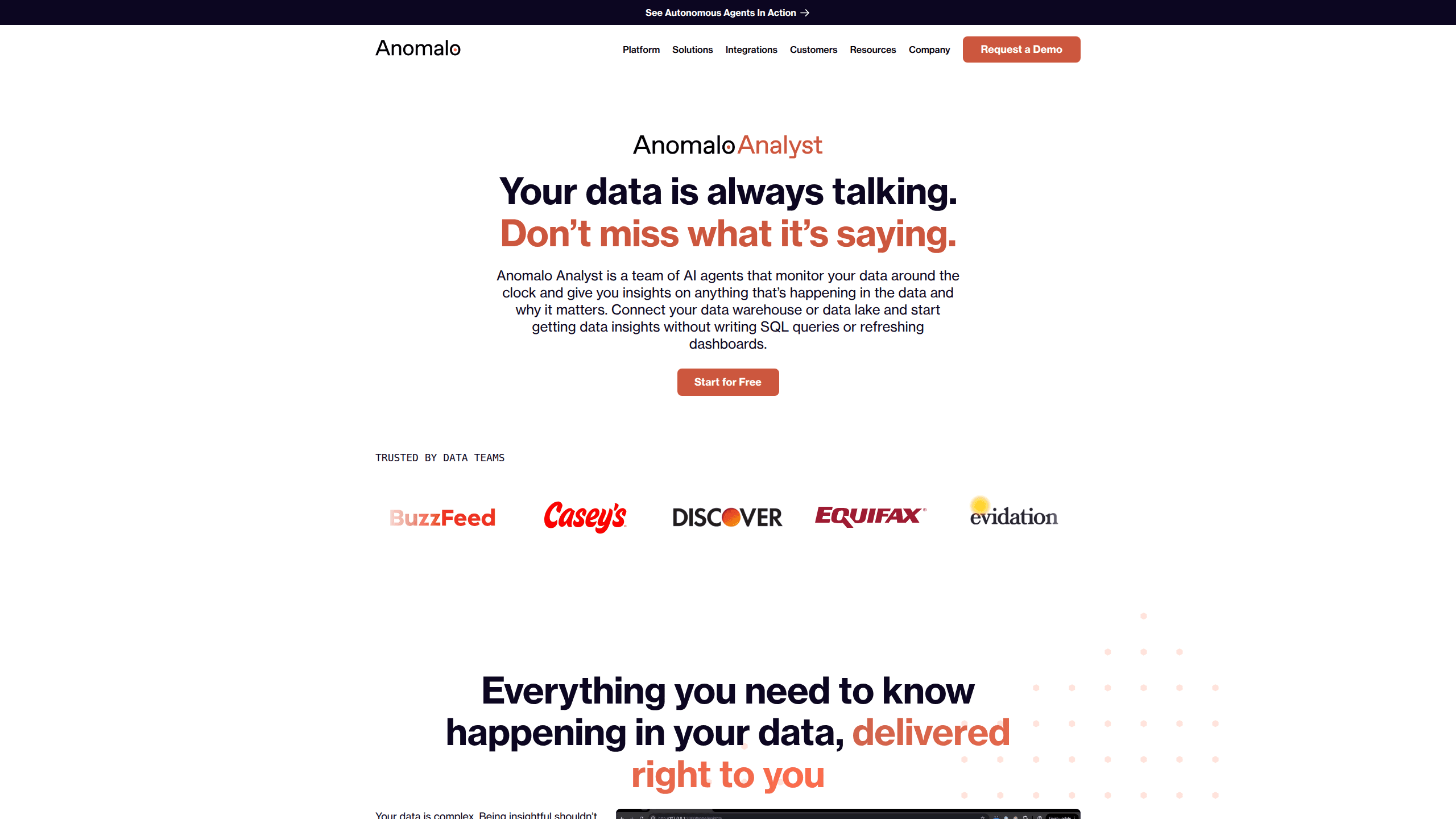
Anomalo is an AI data quality monitoring platform that watches enterprise data warehouses and tables around the clock, catching silent failures before they reach the dashboards, reports, and AI models that depend on them. Its Anomalo Analyst agent surfaces what changed, flags anomalies early, and explains why an issue matters in plain language. You connect a data warehouse, let it learn normal patterns, and get insights you can question in a follow-up rather than a ticket. What does that save you? Hours of digging, most weeks.
About Anomalo
What Is Anomalo
Anomalo is a data quality monitoring platform built for enterprise data teams. Instead of making engineers write and maintain hundreds of brittle rules, it learns what healthy data looks like and alerts you when something drifts. The Anomalo Analyst agent takes that a step further: it runs continuously, reports on changes in your data, and answers follow-up questions in plain language. No SQL required.
The product fits teams that already run a cloud data warehouse and depend on the numbers flowing out of it. Marketing dashboards, finance reports, and machine learning pipelines all break quietly when a column fills with nulls or a schema shifts overnight. Anomalo catches those breaks early. That matters most when the cost of a wrong number is high.
The biggest limitation is fit rather than function. Anomalo is sold to companies, not individuals. There's no public pricing page, no free tier you can sign up for, and no self-serve plan. You talk to sales and get a demo. Small teams or solo builders will find it overkill and out of reach.
Getting Started
- Request a demo through the Anomalo site and speak with the team about your data stack.
- Connect your data warehouse and grant Anomalo read access to the tables you want monitored.
- Let the platform profile your tables and learn normal ranges for freshness, volume, schema, and value distributions.
- Review the insights Anomalo Analyst posts, then ask follow-up questions about anything that looks off.
- Route confirmed alerts into your existing tools, such as Slack, email, or a workflow like Airflow or dbt.
Product Information
A quick look at Anomalo's pricing, supported platforms, and performance.
Best for
The users, tasks, and scenarios where this tool fits best.
Users
- Data engineers
- Analytics teams
- ML and AI teams
Tasks
- Monitoring freshness and volume
- Detecting schema drift
- Validating value distributions
- Answering ad-hoc data questions
Scenarios
- A daily revenue report that quietly breaks after an upstream pipeline change.
- Onboarding a new data source and needing baseline monitoring without weeks of rule-writing.
- Preparing for an audit or board meeting where the numbers have to be defensible.
Key features
Anomalo Analyst
This is the agent at the center of the product. It monitors your data warehouse continuously and reports what changed and why it matters, rather than waiting for someone to ask. When an insight catches your eye, you ask a follow-up question directly in the interface instead of filing a ticket. It's the difference between a dashboard you have to read and an analyst who tells you what you need to know. Huge difference.
Automated Anomaly Detection
Anomalo learns the normal shape of each table and column on its own, then flags deviations from that baseline. You don't define thresholds or write rules for every metric. The platform watches freshness, volume, schema consistency, and value patterns in parallel, so a table that goes stale at 2am gets caught before anyone opens it in the morning. That's the whole point.
Data Validation
Beyond anomalies, Anomalo lets teams assert what good data looks like and monitor for anything that breaks those expectations. This covers completeness, accuracy, and consistency checks across tables. The point is to catch the failures that break dashboards and the AI models downstream, not just the ones that look unusual.
Data Observability and Lineage
The platform shows data quality in the context of how data flows from source to destination. When a check fails, lineage helps you trace where the problem entered the pipeline. That shortens the gap between "this number is wrong" and "here's the job that broke it." Worth its weight on a messy pipeline.
Deep Warehouse and Tool Integrations
Anomalo connects natively to warehouses including Snowflake and Databricks, catalogs like Alation, and orchestrators such as dbt and Airflow. Alerts can flow into Slack, email, and BI tools, so quality information lives where your team already works. The company has won partner recognition from Databricks, and it leans on warehouse-specific behavior to keep monitoring efficient. Fits most modern stacks.
Unstructured Data Monitoring
Anomalo extends monitoring to unstructured content, not just rows and columns. For teams feeding documents into AI systems, it checks quality on that material too. That's a newer capability and worth confirming against your exact use case during a demo.
Pros and cons
Pros
- Learns normal data patterns automatically, so you write far fewer manual rules.
- Anomalo Analyst explains what changed and accepts follow-up questions in plain language.
- Strong native integrations with Snowflake, Databricks, Alation, dbt, and Airflow.
- Covers structure, freshness, volume, schema, lineage, and unstructured data in one platform.
- Enterprise-grade governance and compliance posture suited to regulated industries.
Cons
- No public pricing and no free or self-serve tier, so you can't evaluate it without a sales conversation.
- Built for organizations with a cloud data warehouse, which puts it out of reach for individuals and small teams.
- You need warehouse read access and some setup time before monitoring delivers value.
Frequently asked questions
Anomalo is used to monitor the quality of data in enterprise warehouses. It detects anomalies, validates that data meets expectations, and explains what changed so teams can fix issues before the wrong numbers reach dashboards or AI models.
Related content
Explore related tools, skills, and articles for Anomalo.
Anomalo Alternatives

Swms
Swms AI · Writing · Productivity · BusinessSwms is an AI safety compliance tool that turns a plain description of a job into ready-to-use safety documents. Describe your project, trade, and known hazards, and it writes a safe work method statement, job hazard analysis, safe work procedure, RAMS, or safety data sheet in seconds. It also ships with Oscar, a chat assistant that answers workplace safety questions in any language. Teams in construction, mining, transport, and warehousing use it to cut the paperwork that usually eats into a workday.

Wordly AI Translation
Wordly · Voice & Language · ProductivityWordly AI Translation is a real-time AI translation and captioning platform built for meetings, conferences, and events. It delivers live translation, captions, transcripts, and summaries in more than 60 languages, and attendees join by scanning a QR code or opening a link instead of using dedicated headsets. The platform works with Zoom, Microsoft Teams, Google Meet, and Webex, and it's designed for organizations that want multilingual access without hiring human interpreters for every session. Simple as that.

Rows
Rows (Superhuman) · Productivity · BusinessRows is an AI spreadsheet and data analysis tool that imports live data from more than 50 sources, then lets you work with it using plain language instead of SQL queries or nested formulas. You can pull numbers out of PDFs, connect ad platforms, databases, and bank accounts, and ask the AI to build reports, merge datasets, or set up models that recalculate themselves. It runs in the browser, works like a spreadsheet, and now sits under the Superhuman umbrella.