

AppDeploy
AppDeploy · Coding
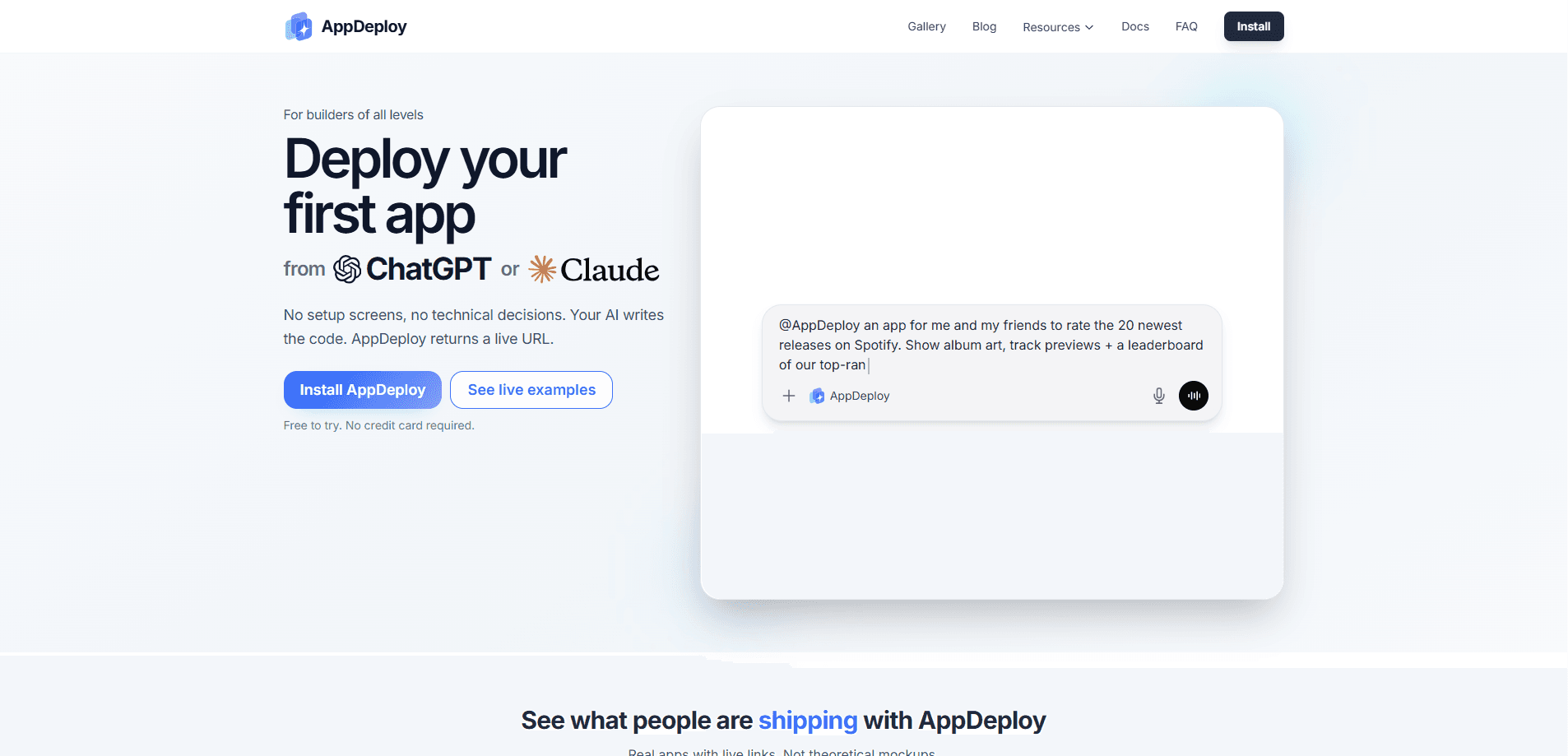
AppDeploy is a chat-native deployment platform that takes an app your AI assistant just wrote and turns it into a live web app. Install it once into ChatGPT, Claude, Cursor, or another MCP-compatible agent. Describe what you want. The assistant hands the source to AppDeploy, which builds it, provisions a database and authentication, runs its own QA pass, and returns a public URL in the same chat. The point is to skip the hosting decisions, the database setup, and the deploy pipeline you would normally babysit. It's a no-code deployment step for people who'd rather not touch a server.
About AppDeploy
What Is AppDeploy
AppDeploy sits between the code your AI agent writes and the internet. Instead of copying files into a Git repo, picking a host, wiring up a database, and configuring logins by hand, you let the agent call AppDeploy through the Model Context Protocol. The platform handles cloud hosting, HTTPS, file storage, secrets, background jobs, and push notifications behind one install. That's a lot of setup gone.
It solves a specific gap. AI assistants got good at generating working code, but that code still died in the chat window. AppDeploy gives those assistants a deployment target, so the output becomes something you can open in a browser and share. If you can describe an app, you can ship one. That's the whole pitch, and it mostly holds up.
The main limit is that you're trusting a managed platform with your code and data. Free plans carry a watermark, add up to 5 users, and cap you at 7 deployments a day. Heavier projects, custom domains, and unlimited users live behind the paid tier.
Getting Started
- Install AppDeploy once from your AI tool's directory or setup guide, picking whatever you already use: ChatGPT, Claude, Cursor, Codex, GitHub Copilot, Slack, or another MCP-compatible agent.
- Write a prompt describing the app you want, and let the assistant generate the code directly in the chat.
- Tell the assistant to deploy, and AppDeploy builds the project, sets up hosting, database, and login, and runs its own end-to-end QA.
- Open the live URL the platform returns in the conversation, then share it or keep iterating by describing changes.
- Track versions, inspect source, and roll back from the same chat when something breaks.
Product Information
A quick look at AppDeploy's pricing, supported platforms, and performance.
Best for
The users, tasks, and scenarios where this tool fits best.
Users
- Non-coders with an idea
- Solo builders and indie hackers
- Small teams shipping internal tools
Tasks
- Turning a ChatGPT or Claude prototype into a working URL
- Standing up a database-backed app
- Shipping a quick landing or booking tool
Scenarios
- Weekend hackathon builds
- Validating an idea before investing
- Learning by shipping
Key features
Deployment straight from chat
AppDeploy connects to your AI assistant over MCP, so the deploy step happens inside the conversation. The agent sends the source, the platform builds and hosts it, and a public URL comes back in the same thread. You never leave the chat. If you want to deploy from ChatGPT or deploy from Claude, this is the whole point of the tool. No terminal required.
Managed hosting without the setup
The platform runs your app on cloud infrastructure that grows with traffic, with HTTPS and global delivery baked in. As an app hosting platform, it keeps the servers, the TLS certificates, and the global edge off your plate. There's no hosting provider to pick and no deploy pipeline to configure. You get the URL. AppDeploy keeps the servers running.
Backend essentials included
Database and file storage, user login, background tasks, push notifications, and real-time sync come with the account. That covers most of what a small web app needs before you write a single line of backend code. You pay for usage in credits rather than standing up your own services. No servers to babysit either.
Autonomous end-to-end QA
On the Plus plan, AppDeploy runs its own QA pass against your app and sends visual bug reports back into the chat. You get a screenshot of what broke instead of a silent failure. Not ideal for every project, but it saves the round trip of hunting for errors manually.
Version history and instant rollbacks
Every deployment is tracked, so you can inspect source and jump back to a previous version when a change goes wrong. Rollbacks are one step. That matters when you're iterating quickly and something breaks in production. No panic needed.
Separate permission scopes
Read operations, write operations, and deletion each use their own declared OAuth permission scope. That means the tool you grant read access to can't quietly delete your app. Good design. It's a small detail, but it's the kind of control that matters when an AI agent is holding the keys.
Built-in in-app AI
Your deployed app can include its own AI features, billed at 9 credits per 1,000 tokens. You don't need a separate model provider account to add a chatbot or a text feature to the thing you just shipped. Useful, if a little niche.
Pros and cons
Pros
- Removes the whole hosting, database, and auth setup step, which is where most side projects stall.
- Works with the AI tools people already use, including ChatGPT, Claude, Cursor, Codex, Slack, and Notion.
- Returns a live URL in the same conversation, so the loop from idea to shareable link stays short.
- Free tier is genuinely usable, with no credit card needed to try and to ship your first apps.
- Version history and rollbacks are included even on the free plan.
Cons
- The free plan adds a watermark and caps you at 5 app users and 7 deployments a day, so anything public-facing pushes you toward Plus.
- Costs run on a credit system with usage-based rates for database and storage, which makes exact monthly bills harder to predict than a flat fee.
- You're locked into AppDeploy's managed environment, so migrating a mature app off the platform later takes real work.
Frequently asked questions
It turns code written by an AI assistant into a live, hosted web app. You install it into your chat tool, and it handles deployment, hosting, database, and authentication so you get a public URL without touching infrastructure.
Related content
Explore related tools, skills, and articles for AppDeploy.
AppDeploy Alternatives
Forefront
Forefront · CodingForefront is a web platform for building with open-source AI. It lets you fine-tune leading open-source language models on your own data, evaluate how they perform, and run them through an API or export them to host yourself. Developers who want the convenience of a closed-source platform but insist on owning their models and data are the target audience here.

Startkit
StartKit.AI · CodingStartkit is a boilerplate for building AI SaaS and AI wrapper products. Think of it as an AI startup boilerplate with the boring parts already wired up: authentication, Stripe and Lemon Squeezy payments, usage limits, transactional email, and an AI API starter that talks to OpenAI, Anthropic, Groq, or Llama. You clone the repo, set your price, and start on the part of your product that people actually pay for. It's Next.js under React and Tailwind, so most of the boilerplate code already feels familiar.
Testim
Tricentis · CodingTestim is an AI-powered test automation platform for building and running end-to-end tests across web, mobile, and Salesforce applications. It leans on machine learning to keep tests stable when an interface changes, so teams spend less time fixing broken selectors. Not bad for an automated testing tool you can start using today. You create tests by recording actions in a browser, then optionally add JavaScript when you need more control. It's a solid pick for busy QA teams.