

Asa.team
Asa.Team · Productivity
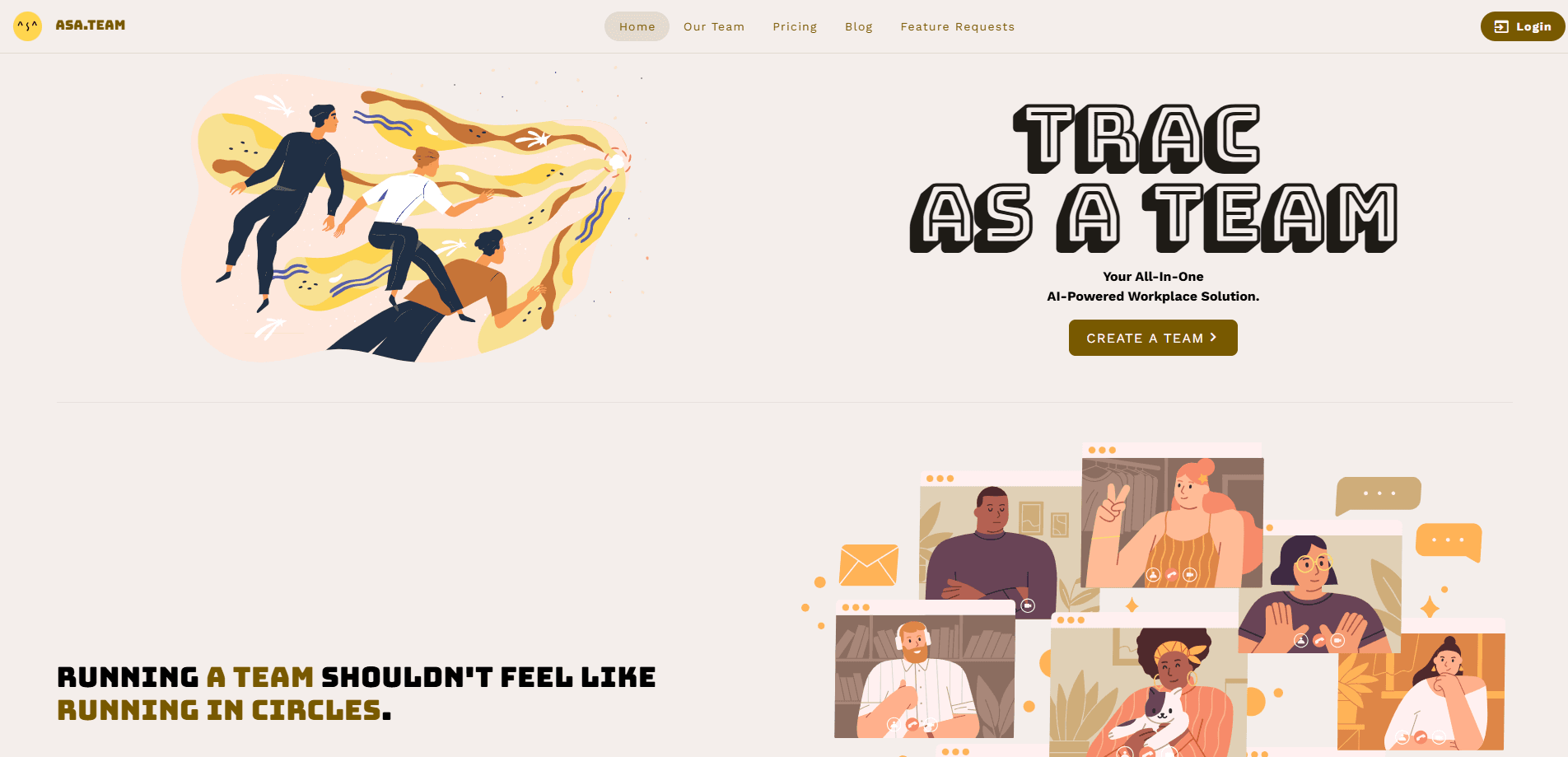
Asa.team is an AI workplace management platform that turns the conversations your team already has in Slack, Microsoft Teams and Telegram into clear project status, blockers and next steps. The Microsoft Teams integration works the same way Slack and Telegram do. It bundles time tracking software, a calendar, project boards and team wellness features into one workspace. Then it layers an AI assistant on top, so managers can ask "@asa where are we on Q4-launch?" and get a straight answer pulled from the data. Small teams start free. Pricing scales by company, not by seat.
About Asa.team
What Is Asa.team
Asa.team is a workplace management tool built around a simple premise: status updates should come from the work itself, not from another meeting. Instead of asking people to fill in timesheets and update boards by hand, it connects to the chat channels where projects already live and reads them.
The product combines two layers. The first is a quiet management core with clock-in tracking, automatic timesheets, kanban boards, project budgets and basic wellness monitoring. The second is Project Intelligence, which reads project channels and produces a health summary with active blockers, decisions and risks. One project can span several rooms across platforms. A field crew on Telegram and engineers on Slack share a single timeline.
The main limitation is scope. Asa reads only the channels where the bot is invited. It never touches direct messages. That's a deliberate privacy choice, but it also means the picture is only as complete as the channels you connect. It's also aimed at teams up to roughly 1,000 people, not large enterprises with complex compliance needs.
Getting Started
- Sign up on the official site and start on the free Starter plan, which covers up to 5 team members without a credit card.
- Connect your chat tools with one OAuth click each. Asa.Team supports Slack, Microsoft Teams and Telegram, and it's read-only.
- Pick the specific channels you want Asa to read, then map a project to those channels by pointing it at the conversations that represent real delivery work.
- Type @asa anywhere your team works to ask for status, or wait for the morning brief that lands in your inbox around 08:30.
- Review the dashboard when a claim needs proof. Every summary traces back to the hours, people and projects behind it.
Product Information
A quick look at Asa.team's pricing, supported platforms, and performance.
Best for
The users, tasks, and scenarios where this tool fits best.
Users
- **Small teams up to 5 people
- **Agencies and client services
- **Software and product managers
- **Field, retail and operations crews
Tasks
- **Tracking billable hours
- **Spotting blockers early
- **Drafting standups and retros
- **Watching team wellness
Scenarios
- **End-of-week reporting
- **Budget overruns
- **Decisions slipping through the cracks
Key features
Project Intelligence That Reads Chat
Asa points at the Slack, Teams or Telegram channels a project lives in and turns the conversation into a live health summary. It surfaces active blockers, recent decisions and risks. Every claim traces back to the underlying hours and cards. The summary answers the question managers actually ask: what changed since last week?
Built-In Time Tracking
Clock-in and clock-out tracking, break time, automatic timesheets and punctuality monitoring all run inside the same workspace. Advanced schedules and timezones are available, and CSV exports make it easy to hand billing data to a finance team. The time tracking software matters more than it sounds. The AI's answers are only as honest as the data underneath them.
Project Boards With Memory
Kanban boards carry context with every status change. A card that moved from "blocked" to "done" keeps the reason attached. Project budgets, bulk team allocation and per-project reports sit alongside the intelligence feed, so you move from signal to action without switching tools.
AI Assistant in Your Team Chat
A conversational bot lives in Teams and Slack and handles time tracking, tasks and team insights. The free plan allows 15 messages a day. Paid plans lift the cap. Ask it for a standup summary and it reports back how many cards moved, which blockers cleared and what new risk appeared.
Real-Time Margin and Budget Tracking
For agencies, the platform shows per-project margin live instead of at month-end. Drag a card and the burn forecast redraws. Client channels are read for status but never billed against. That combination keeps the billable picture current without extra admin.
Wellness Monitoring
Basic wellness tracking is included on every plan. Growth and above add AI burnout detection, wellness alerts and insights. For a team wellness platform, that's a rare addition to a project tool, and it points at teams that keep shipping through crunch.
Pros and cons
Pros
- Setup takes about two minutes and one OAuth click per chat tool, so there's no learning curve to fight through.
- Pricing is per company, not per seat, which keeps costs predictable as a team grows.
- The AI assistant works inside Slack and Teams where people already are, so nobody has to adopt a new app.
- Time tracking, tasks, calendar and wellness live in one place, giving a single source of truth.
- It reads private and public channels but never direct messages, and no human reviews the chats.
Cons
- The free Starter plan caps you at 5 people and 3 active projects, so growing teams hit the wall fast.
- Telegram integration means the AI reads conversations in a consumer messaging app, which some teams won't accept.
- Project Intelligence realistically needs Growth and above, so the entry price for the headline feature is $60/mo.
- There's no time-limited trial. The free plan is the only way to test it before paying.
Frequently asked questions
It reads the Slack, Microsoft Teams and Telegram channels your projects live in and turns them into project status, blockers and next steps, with time tracking, tasks, calendar and wellness built in. Think of it as project management software that gets its updates from chat instead of from people filling out forms.
Related content
Explore related tools, skills, and articles for Asa.team.
Asa.team Alternatives

Swms
Swms AI · Writing · Productivity · BusinessSwms is an AI safety compliance tool that turns a plain description of a job into ready-to-use safety documents. Describe your project, trade, and known hazards, and it writes a safe work method statement, job hazard analysis, safe work procedure, RAMS, or safety data sheet in seconds. It also ships with Oscar, a chat assistant that answers workplace safety questions in any language. Teams in construction, mining, transport, and warehousing use it to cut the paperwork that usually eats into a workday.

Wordly AI Translation
Wordly · Voice & Language · ProductivityWordly AI Translation is a real-time AI translation and captioning platform built for meetings, conferences, and events. It delivers live translation, captions, transcripts, and summaries in more than 60 languages, and attendees join by scanning a QR code or opening a link instead of using dedicated headsets. The platform works with Zoom, Microsoft Teams, Google Meet, and Webex, and it's designed for organizations that want multilingual access without hiring human interpreters for every session. Simple as that.

Rows
Rows (Superhuman) · Productivity · BusinessRows is an AI spreadsheet and data analysis tool that imports live data from more than 50 sources, then lets you work with it using plain language instead of SQL queries or nested formulas. You can pull numbers out of PDFs, connect ad platforms, databases, and bank accounts, and ask the AI to build reports, merge datasets, or set up models that recalculate themselves. It runs in the browser, works like a spreadsheet, and now sits under the Superhuman umbrella.