

Assembly
Assembly · Productivity · Marketing
Assembly is an AI app builder and client platform for professional services firms. You describe the app you want in plain language, and Assembly builds a live, branded application inside a client experience that also handles your CRM, messaging, billing, and payments. This Assembly review walks through how the platform works, what Assembly pricing looks like, and which teams it fits. It suits accounting practices, agencies, and consultancies that would rather run one system than stitch together a portal, a CRM, and a payment tool. If you're hunting for a client portal for accountants that also builds apps, this is the category to watch.
About Assembly
What Is Assembly
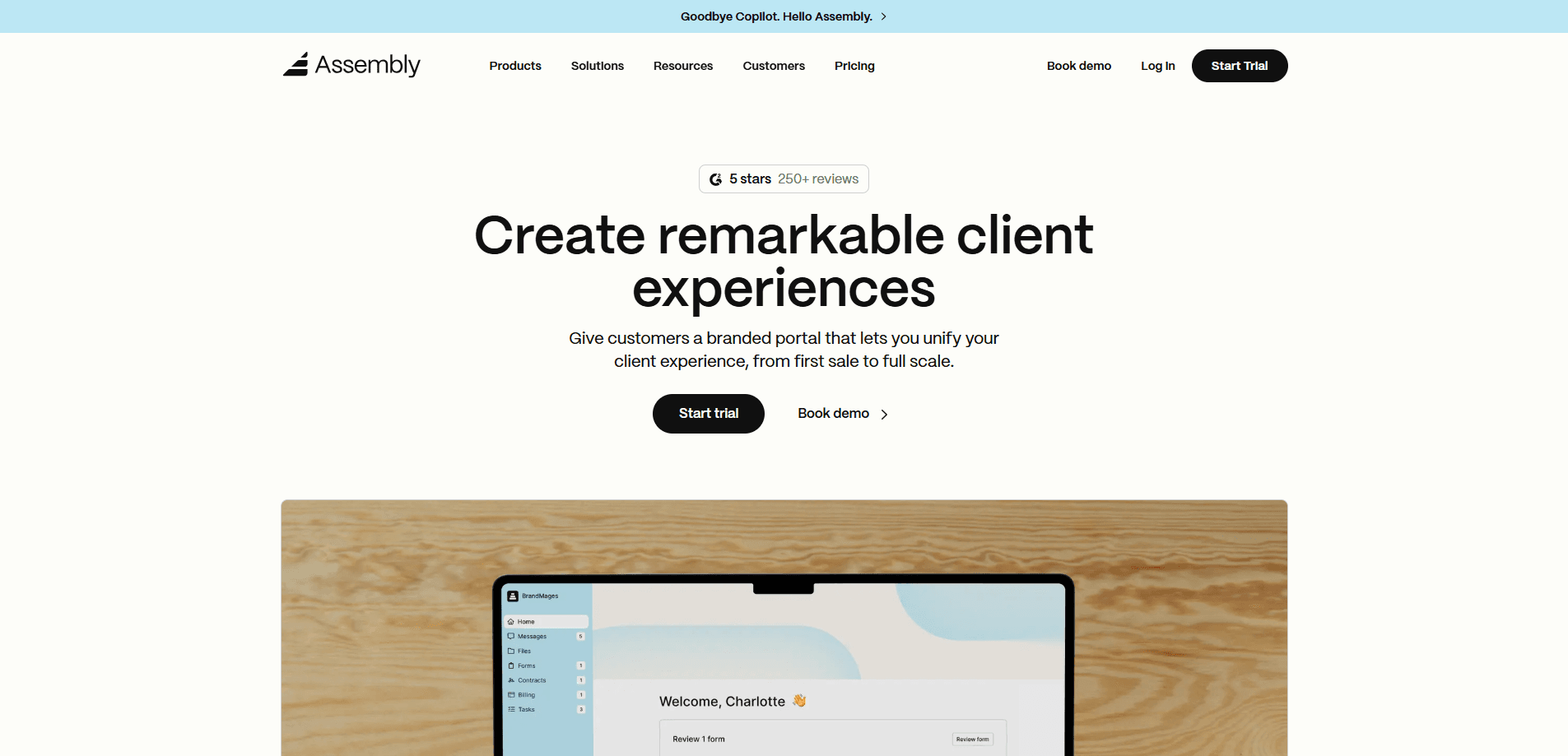
Assembly is a web platform with two halves that most products keep apart. One half is an AI app builder that turns a plain-language description into a working application. The other half is the back office: a CRM, a client experience your customers log into, a team inbox, and billing with payment collection.
The idea is that generated apps shouldn't float off on their own. They stay put. When you publish an app in Assembly, it lands inside the same branded client experience your firm already uses, wired to real client records from the start. Your clients sign in once and see everything under your name. That's the whole point.
So who is it for? Accounting practices, marketing agencies, consultancies, and advisory shops, mostly. The free plan covers a handful of clients. Paid tiers add custom domains, white-labeling, automation, and compliance features as a firm grows. I haven't seen another product that ships a genuinely capable app generator and a mature back office this tightly together.
Getting Started
- Sign up on the Assembly site. No credit card is needed for the free plan.
- Describe the app you want in everyday language, then answer the builder's clarifying questions.
- Review the app plan the builder proposes. Planning is free. Credits are spent only after you approve the plan and building starts.
- Customize the app and your client experience, adding fields, layouts, or branding as needed.
- Publish the app so your clients can sign in, or install a pre-made app from the library of 30+.
Product Information
A quick look at Assembly's pricing, supported platforms, and performance.
Best for
The users, tasks, and scenarios where this tool fits best.
Users
- Accounting and bookkeeping firms
- Marketing and creative agencies
- Consultancies and advisory shops
- Solo founders and small teams
Tasks
- Building a custom client app
- Managing client records and communication
- Collecting payments
- White-labeling your client experience
Scenarios
- A small practice outgrowing spreadsheets and email
- An agency standardizing delivery
- A firm testing an idea cheaply
Key features
AI app builder that ships live apps
You describe the app you want in everyday language, answer a few questions, and approve a plan before anything gets built. The output is a functioning application your clients can use, not a static mockup. After launch, you keep refining it through chat. Add a field, change a layout, or adjust a calculation without touching code. Build credits are only spent once you approve the plan and construction starts, and failed builds don't burn credits.
A unified, branded client experience
This is the layer most app builders skip. Generated apps live inside your firm's client experience, so they look like your product rather than a generic tool bolted on. Apps are integrated, branded, and secured by the platform the moment you publish, and clients sign in once to reach everything.
CRM connected to your apps
Apps connect to real client records instead of sitting apart from them. Active contacts are the client records in your CRM, the people who can sign into your client experience. Your own team members are internal users and counted separately, so you're not paying for seats nobody uses.
Messaging, billing, and payments in one place
Assembly folds a team inbox, billing, and payment collection into the platform. If you charge clients through Assembly, payment processing fees apply, and the rates improve as you move up plans. There are no setup fees, no hosting fees, and no per-client charges on top of your plan, and hosting, storage, and AI usage come included.
App library plus API and MCP connectors
You can install ready-made apps or build your own, and both count the same against your app limit. From the Starter plan up, an API and MCP connector links Assembly to other tools. Higher tiers add custom domains, an automation builder, and AI model selection.
Predictable, credit-based pricing
Pricing stays flat across paid plans, with extra build credits at $0.60 each above the 200 included and extra apps at $5 per month each. Running out of credits doesn't break your live apps, and unused credits roll over for one extra month.
Pros and cons
Pros
- The app builder and the client platform are one product, so generated apps connect to real client records instead of standing alone.
- A genuinely usable free plan covers CRM, client experience, app builder, and 30+ apps with no credit card required.
- Build credits are only spent when a build starts, and failed builds don't consume them.
- Predictable pricing with no surprise hosting, storage, or per-client fees.
- Custom domains, badge removal, and automation arrive at the Professional tier, which suits growing firms.
Cons
- The strongest features, including custom domains, white-labeling, automation, and AI model choice, sit behind paid plans.
- Build credits refresh monthly and cap at a set amount, so a heavy building month means buying add-on credits at $0.60 each.
- Payment processing fees apply if you collect money through Assembly.
- The platform leans toward professional services firms, so a casual side project may find it heavier than needed.
Frequently asked questions
Yes. Assembly offers a free forever plan with 5 active contacts, 1 internal user, 50 build credits per month, and 3 apps. The apps you publish are live, and you upgrade only when your firm outgrows those limits.
Related content
Explore related tools, skills, and articles for Assembly.
Assembly Alternatives

Swms
Swms AI · Writing · Productivity · BusinessSwms is an AI safety compliance tool that turns a plain description of a job into ready-to-use safety documents. Describe your project, trade, and known hazards, and it writes a safe work method statement, job hazard analysis, safe work procedure, RAMS, or safety data sheet in seconds. It also ships with Oscar, a chat assistant that answers workplace safety questions in any language. Teams in construction, mining, transport, and warehousing use it to cut the paperwork that usually eats into a workday.

Wordly AI Translation
Wordly · Voice & Language · ProductivityWordly AI Translation is a real-time AI translation and captioning platform built for meetings, conferences, and events. It delivers live translation, captions, transcripts, and summaries in more than 60 languages, and attendees join by scanning a QR code or opening a link instead of using dedicated headsets. The platform works with Zoom, Microsoft Teams, Google Meet, and Webex, and it's designed for organizations that want multilingual access without hiring human interpreters for every session. Simple as that.

Rows
Rows (Superhuman) · Productivity · BusinessRows is an AI spreadsheet and data analysis tool that imports live data from more than 50 sources, then lets you work with it using plain language instead of SQL queries or nested formulas. You can pull numbers out of PDFs, connect ad platforms, databases, and bank accounts, and ask the AI to build reports, merge datasets, or set up models that recalculate themselves. It runs in the browser, works like a spreadsheet, and now sits under the Superhuman umbrella.