

Atlas
Atlas Software · Productivity · Marketing
Atlas is an AI customer support platform that combines ticketing, chat, a help center, and AI agents. Teams use it to resolve customer questions faster.
About Atlas
What Is Atlas
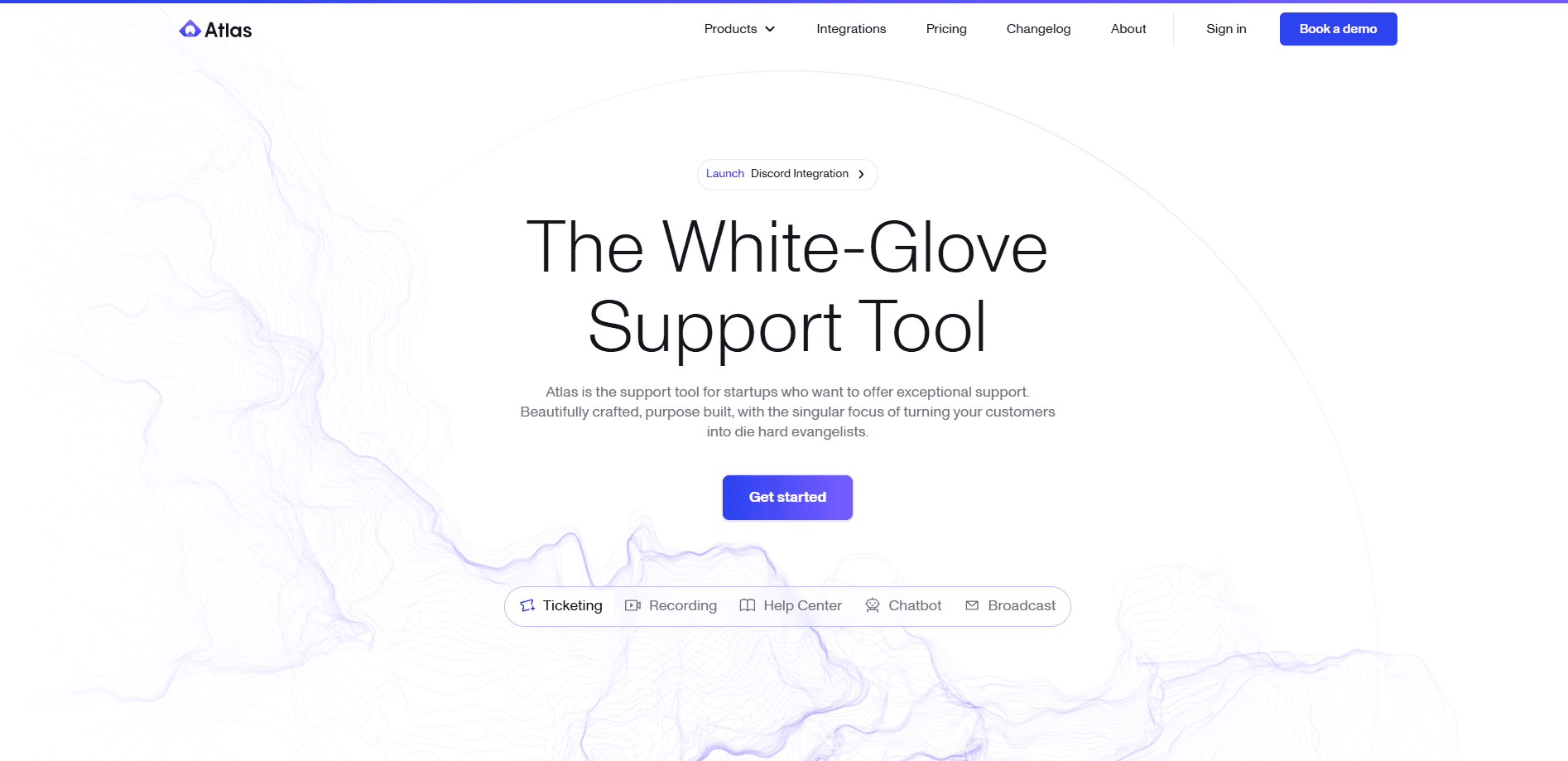
Atlas is a customer support platform built around AI. It blends the usual help desk pieces, meaning ticketing software, live chat, email, and a public help center, with two AI systems: Autopilot, which answers customers on its own, and Copilot, which acts as an AI support agent that drafts replies for humans.
The platform comes from Atlas Software, a company founded by Jon O'Bryan and Rahul Asati. The team frames support as a revenue driver instead of a cost center, and it built Atlas to connect every conversation across chat, email, SMS, WhatsApp, and Slack into a single place.
The biggest limitation is scope and cost. Atlas targets startups and growing software companies, not casual users, and every seat runs at least $39 per month. There is no free tier, so trying it means booking a call with the sales team first.
Getting Started
- Book a demo through the Atlas website to get an account and see the platform on your own data.
- Connect your channels, such as chat, email, SMS, WhatsApp, and Slack, so conversations land in one inbox.
- Feed the knowledge base by connecting docs, past tickets, and help center articles.
- Write plain-English playbooks and guardrails for Autopilot, then test the agent in the sandbox before it goes live.
- Let Autopilot and Copilot handle replies while your team reviews tickets in the shared timeline.
Product Information
A quick look at Atlas's pricing, supported platforms, and performance.
Best for
The users, tasks, and scenarios where this tool fits best.
Users
- Startup founders handling support themselves
- Support agents at growing software companies
- Customer experience leads
Tasks
- Answering repeat questions
- Drafting on-brand replies
- Keeping help content current
Scenarios
- A small team scaling support without adding headcount
- A support org moving off scattered tools
- Diagnosing tricky bugs
Key features
Autopilot
Autopilot is the AI agent that answers customers directly across chat, email, SMS, and other text channels. You define tools, tone, and plain-English protocols, then set guardrails and approvals so it stays inside your policy. It also handles multi-step actions, such as processing a refund or booking a call, rather than just replying.
Copilot
Copilot sits beside human agents and speeds up their work. It pulls a customer's history and recent conversations into a short brief, suggests on-brand drafts with citations, and proposes next actions like refunds or credits. Agents stay in control: they edit or send each suggestion in one click.
Knowledge Management
This module acts as help center software that keeps your content clean and current. Atlas generates and refreshes articles from tickets, chats, and internal docs, builds a knowledge graph of related topics, and detects when two sources disagree. Integrations include Zendesk, Salesforce, ServiceNow, Intercom, Confluence, Google Drive, Notion, and GitHub.
Ticketing and Unified Inbox
Atlas gathers chat, email, and messaging into one inbox so nothing gets lost. Each customer has a chronological timeline that shows their full journey, and session recordings let agents replay the exact steps that led to a problem. Standard plans add Linear, Jira, and SMS connectors so support links to your engineering tools.
Omnichannel and Multilingual Support
Autopilot understands and replies in your customers' languages while keeping your brand voice. Response channels cover chat, email, SMS, and WhatsApp, and the same agent can work across profiles tuned to different audiences. Automations trigger proactive messages when an event or intent shows up.
Testing, Analytics, and Reporting
Before shipping changes, teams test the agent in a controlled sandbox and run an evaluation battery to catch regressions. An in-house analyst reviews live tickets and suggests knowledge changes, while reports track KPIs across channels, intents, and profiles. Support data can also feed custom analytics through the API.
Pros and cons
Pros
- Combines ticketing, chat, help center, and AI agents in one platform, which cuts the number of separate tools a support team pays for.
- Copilot and Autopilot share the same knowledge base, so AI answers and human replies stay consistent.
- Deep Slack integration lets teams run support where they already work.
- Knowledge management auto-detects gaps and conflicts, which reduces outdated answers over time.
- API access, mobile SDKs, and SOC 2 Type 2 certification fit companies with security and integration needs.
Cons
- No free plan and no self-serve signup: you have to book a call to see pricing or start a trial.
- The cheapest seat is $39 per month, so cost adds up quickly for larger teams.
- API access sits in the Standard plan at $79 per seat, which puts integrations out of reach on the entry tier.
- The product aims at startups and tech companies, so teams outside software may find features like session recordings less useful.
Frequently asked questions
Atlas runs on three plans billed per seat, per month: Basic at $39, Standard at $79, and Pro at $119. Yearly billing saves about 17 percent.
Related content
Explore related tools, skills, and articles for Atlas.
Atlas Alternatives

Swms
Swms AI · Writing · Productivity · BusinessSwms is an AI safety compliance tool that turns a plain description of a job into ready-to-use safety documents. Describe your project, trade, and known hazards, and it writes a safe work method statement, job hazard analysis, safe work procedure, RAMS, or safety data sheet in seconds. It also ships with Oscar, a chat assistant that answers workplace safety questions in any language. Teams in construction, mining, transport, and warehousing use it to cut the paperwork that usually eats into a workday.

Wordly AI Translation
Wordly · Voice & Language · ProductivityWordly AI Translation is a real-time AI translation and captioning platform built for meetings, conferences, and events. It delivers live translation, captions, transcripts, and summaries in more than 60 languages, and attendees join by scanning a QR code or opening a link instead of using dedicated headsets. The platform works with Zoom, Microsoft Teams, Google Meet, and Webex, and it's designed for organizations that want multilingual access without hiring human interpreters for every session. Simple as that.

Rows
Rows (Superhuman) · Productivity · BusinessRows is an AI spreadsheet and data analysis tool that imports live data from more than 50 sources, then lets you work with it using plain language instead of SQL queries or nested formulas. You can pull numbers out of PDFs, connect ad platforms, databases, and bank accounts, and ask the AI to build reports, merge datasets, or set up models that recalculate themselves. It runs in the browser, works like a spreadsheet, and now sits under the Superhuman umbrella.