

Attention Insight
Attention Insight · Marketing
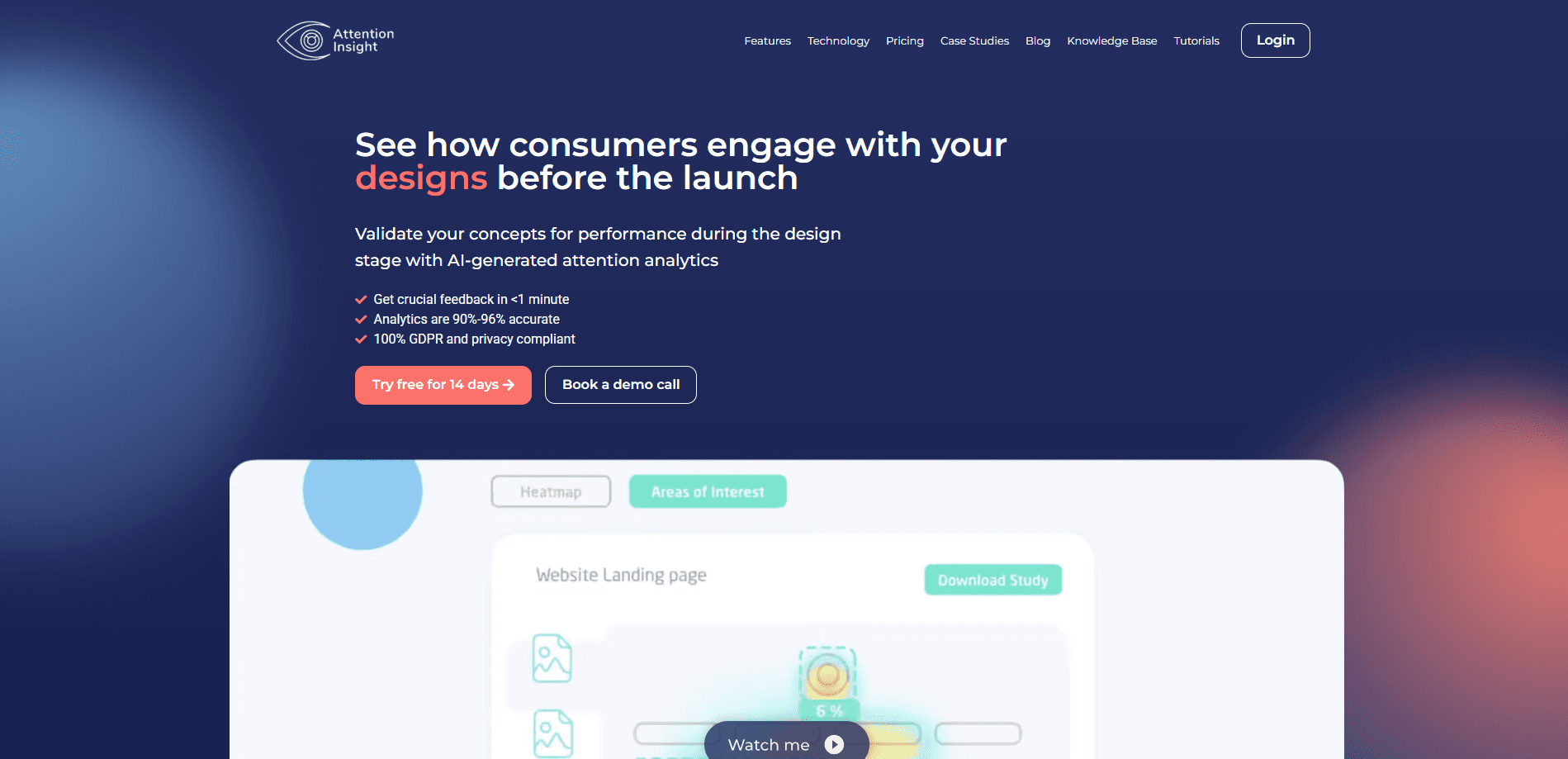
Attention Insight is an AI attention analytics tool that predicts where people look on a design and returns heatmaps, focus maps, clarity scores, and video testing in seconds.
About Attention Insight
What Is Attention Insight
Attention Insight is a design validation platform built on AI trained on large-scale eye-tracking data. It works as an AI heatmap tool and visual attention analytics service: you upload a website screen, ad, product shot, or short video, and it uses AI to predict eye tracking before any real viewer sees the design. The company says its attention heatmaps reach up to 96% accuracy against real eye-tracking studies.
The problem it targets is an old one. Design teams argue over mockups with opinions instead of evidence. A stakeholder says the logo should be bigger or the layout feels confusing, and no one has data to settle it. Attention Insight turns that debate into numbers you can show in a meeting, for a website heatmap or an ad mockup alike.
The limits are worth knowing upfront. Predictions come from a model, not from people who actually saw your design, so they flag likely attention patterns rather than proven behavior. It's a pre-launch gut check, not a replacement for usability testing with real users.
Getting Started
- Create an account at attentioninsight.com and start the 14-day free trial. No credit card is required.
- Upload an image, paste a URL for a live page (up to three sections), or drop in a short video clip.
- Let the analysis run, then read the attention heatmap, focus map, and clarity score.
- Compare two versions side by side, then share the report or link with your team.
Product Information
A quick look at Attention Insight's pricing, supported platforms, and performance.
Best for
The users, tasks, and scenarios where this tool fits best.
Users
- Designers and UX teams
- Marketers and CRO specialists
- Agencies and freelancers
Tasks
- Validating a landing page before launch
- Comparing two design variants
- Testing a video or ad clip
Scenarios
- Early concept review
- Client presentations
- Ongoing design iteration
Key features
Attention Heatmaps
The core output is a heatmap that shows which parts of a design draw the eye, with warmer colors marking the areas people notice most. You see whether the headline, hero image, or call to action wins attention, and where the layout lets focus slip away. It's the fastest way to spot a design that buries its own message.
Focus Map and Focus Score
The Focus Map shows what viewers notice in the first three to five seconds, and the Focus Score rates how concentrated that attention is. A high score means attention lands on a small, deliberate area. A low score means it's scattered, which usually signals a layout that lacks a clear focal point.
Clarity Score
The Clarity Score rates how clear or cluttered a design looks to a first-time viewer on a scale of 1 to 100. It factors in text amount and size, contrast, color saturation, and the number and size of images. A low score points to visual noise you can trim before launch.
Percentage of Attention
Drag a box around any element, like a button or heading, and the tool reports the exact share of attention it receives. Benchmarks for headings, subheadings, and primary and secondary calls to action let you compare your element against typical visibility. That turns a vague "is this prominent enough" into a number.
AI Recommendations
The tool reviews your design and suggests ways to improve attention capture, colors, and contrast. It explains what the heatmap means, checks the design against common UX practices, and points to elements that need more visibility. Think of it as a second opinion when you're stuck on a layout.
Design Comparison and Video Testing
You can run two designs side by side and compare heatmaps, focus maps, clarity scores, and attention percentages in one table. The video feature extends the same analysis to short clips, tracking focus and attention frame by frame so you can see whether a key moment lands.
Design Validation API
Pro plans and above include an API that lets teams build attention checks into their own products. A single credit covers several API transactions, so developers can add design scoring or validation as a feature rather than a separate tool. This is aimed at product teams, not solo users.
Pros and cons
Pros
- Predicts visual attention from a single upload, so you get feedback in seconds instead of weeks
- Combines heatmaps, focus and clarity scores, and AI recommendations in one place
- Integrates with Figma and Chrome, so checks happen inside the tools designers already use
- Has a public API for teams that want to embed design validation in their own products
- Free 14-day trial with no credit card makes it easy to test before paying
Cons
- Predictions come from a model, not real viewers, so they can't replace usability testing
- Credits are the pricing unit and they run out fast on video, since each second costs a credit
- Refunds aren't offered after you cancel, so a yearly commitment needs a careful look first
- The cheapest plan still adds a watermark and caps you at 40 credits
Frequently asked questions
It predicts where people will look on a design before launch, using AI trained on eye-tracking data. You upload an image, a live page, or a short video and get a heatmap, focus map, and clarity score back in seconds. Teams use it to validate layouts, compare variants, and settle design debates with numbers.
Related content
Explore related tools, skills, and articles for Attention Insight.
Attention Insight Alternatives

Tractionwave
TractionWave · Image · MarketingTractionWave is an AI attention heatmap tool for static ads. Upload a PNG or JPG and it returns predicted attention, ranked hotspots, and fixes before you spend budget.

OpenSEO - AI Visibility
EveryApp · Coding · Marketing · BusinessOpenSEO is an open source SEO platform for keyword research, backlinks, rank tracking, site audits, and AI visibility, with usage-based pricing and MCP access for AI agents.

Plugins Radar
Plugins Radar · Marketing · BusinessPlugins Radar tracks where your ChatGPT plugin ranks in directory and in-chat search, which competitors outrank it and what changed, with hourly checks on 9,885 listings.