

Attrove AI
Attrove · Productivity · Leaning
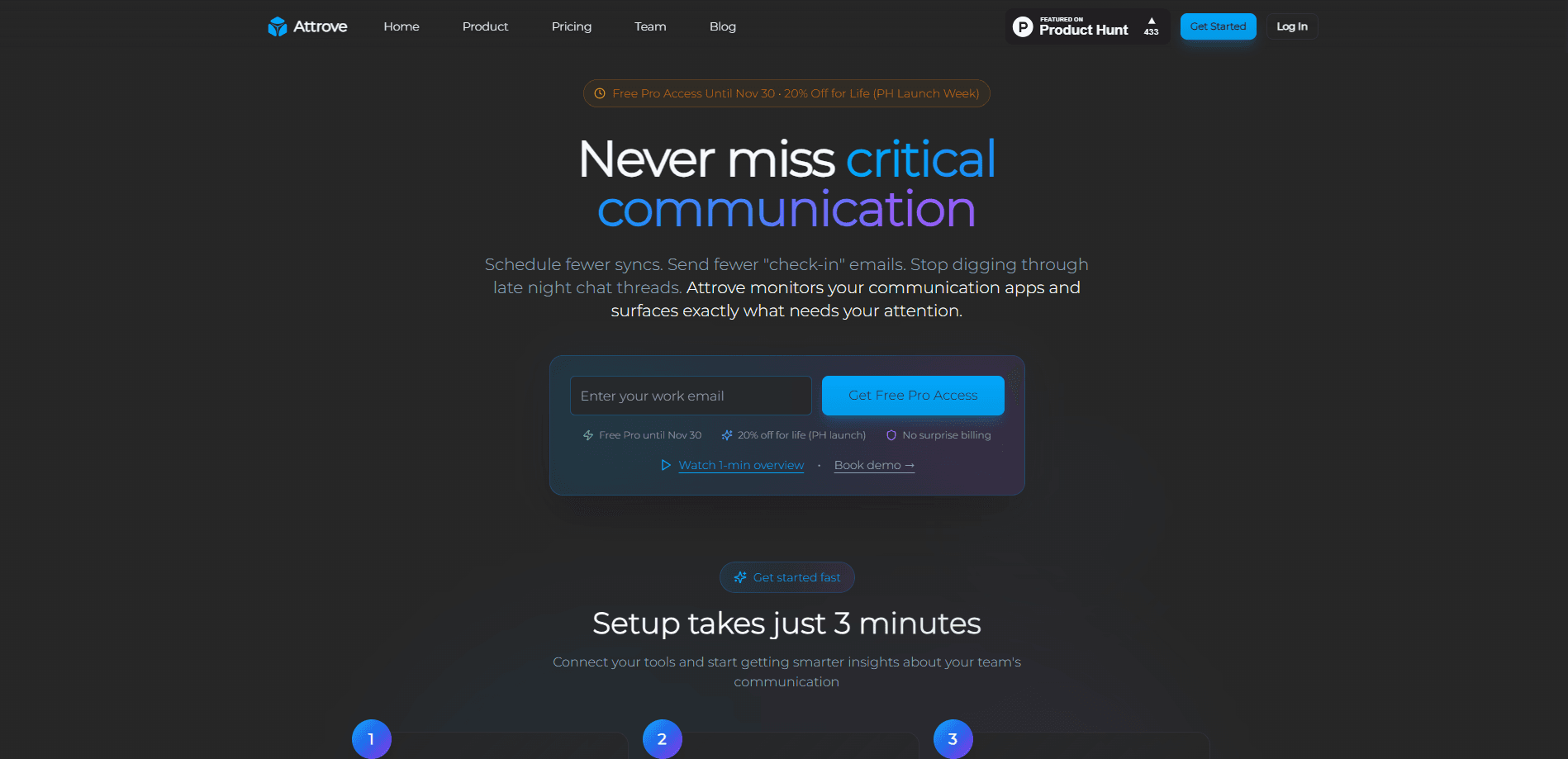
Attrove AI is a communication monitoring platform that watches work across Gmail, Outlook, Slack, Google Calendar, and Google Meet, then flags commitments that have gone quiet. It's also a builder's tool. Instead of answering a question and stopping, it keeps checking a goal you name, computes its health, and hands back the source messages or meetings behind every alert. Teams use it to catch slipped renewals, handoffs, and customer promises before they turn into lost revenue.
About Attrove AI
What Is Attrove AI
Attrove AI is built for a specific failure mode: work that goes quiet. A renewal stops getting replies. A handoff nobody confirmed. A customer promise made in a meeting and never revisited. Attrove reads the permissioned stream of email, chat, meetings, and calendar events and turns scattered commitments into watched outcomes it keeps checking on.
The core idea is stated plainly on its site: search answers when you ask, Attrove catches what happens next. That's a different job from ordinary AI email and Slack sync, which usually surfaces a summary and stops. You define a goal, such as a renewal that must close by a date, and Attrove re-evaluates it against new messages, meetings, and notes. It reports health, risk signals, and the evidence behind each state, and a person still controls what happens to the goal.
The main limits matter before you commit. Live connectors are read-scoped, so Attrove won't send email, draft replies, or change your source records. That's a real constraint. It also doesn't cover document tools like Notion or Google Drive. Microsoft Teams is in pilot, not fully live. Where does that leave you? If your team needs one provider only, that provider's own API is the simpler pick.
Getting Started
- Install Attrove into your AI client. For Claude Code and Cursor, run
npx @attrove/cli install claude-codeor the Cursor equivalent; for ChatGPT, point the client at the hosted MCP endpoint. - Sign in once when prompted. OAuth 2.1 creates your Attrove account automatically, so there's no dashboard setup step.
- Connect a source. Gmail, Outlook, Slack, Google Calendar, and Google Meet are live, with Teams in pilot.
- Create a goal. Name the outcome you want watched and, if you have one, a deadline and success criteria.
- Verify the first answer. Ask what needs your attention this week and check that it cites the messages or meetings it used.
Product Information
A quick look at Attrove AI's pricing, supported platforms, and performance.
Best for
The users, tasks, and scenarios where this tool fits best.
Users
- Customer success and account teams
- Engineering and product teams
- AI product builders
Tasks
- Catching silent renewals
- Tracking customer promises
- Cross-source research
Scenarios
- Daily triage across a busy inbox and channels
- Pre-meeting prep
- Production monitoring inside an app
Key features
Watched Outcomes With Health and Evidence
A goal in Attrove AI names an outcome and gets re-evaluated against the communication stream over time. The system assigns a health state such as on track, at risk, or blocked, and suggests next actions. Every state carries the cited messages, meetings, or notes behind it, so you can check the reasoning rather than trust a verdict. A person still decides when a goal is completed, archived, or cancelled. No black box.
Read-Scoped Connectors Across Email, Chat, and Calendar
Gmail, Microsoft Outlook, Slack, Google Calendar, and Google Meet are live, with Microsoft Teams in pilot. Attrove only syncs what each user is authorized to read and preserves the source citation on every result. If OAuth isn't an option, signed push ingest lets you send scoped messages, meetings, events, and notes directly.
Cited Answers and Semantic Search
You can ask a plain question and get an answer that lists the messages, meetings, and events it drew from, so you never have to reconstruct the trail yourself. Search works across sources at once, returning key messages, conversations, meetings, and calendar events in one response. Users can also push notes or transcripts from other tools, like a meeting recorder, so those land in the same stream.
Commitment Tracking That Survives Sessions
A commitment registers one promise, delegation, handoff, or wait with a counterparty and an expected signal. It's the AI commitment tracking layer. Because a commitment is stored rather than held in a chat session, a later agent can read the open ledger and record what actually happened. Under-specified entries stay as low-confidence suggestions and never become active watches, which keeps the ledger honest.
API, TypeScript SDK, and MCP Server
Developers provision users server-side, get a per-user API key, and query data through the SDK. A hosted MCP server exposes 24 tools to clients like Claude Code, Cursor, Codex, and ChatGPT, so an assistant can query the stream or manage goals directly. That API and MCP integration path is what puts Attrove inside another product rather than only in a browser tab. Attrove publishes an OpenAPI 3.1 spec and an A2A agent card for discovery.
Webhooks for Real-Time Delivery
Webhook subscriptions deliver events to an endpoint you control, covering new messages, completed syncs, new meetings, and goal transitions like risk detected. Deliveries are HMAC-SHA256 signed and auto-retried with idempotency keys, so your product can react the moment a watched outcome starts to slip instead of waiting on a scheduled check.
Pros and cons
Pros
- Watches for silent work instead of only answering on demand, which fits renewals and handoffs that quietly stall.
- Every alert cites the messages or meetings behind it, so you can audit the reasoning.
- One permission-aware stream spans Gmail, Outlook, Slack, Google Calendar, and Google Meet.
- Free Starter tier with 5 users and 500 queries a month needs no credit card.
- Goals, commitments, evaluations, sync, and webhooks aren't metered as separate usage.
Cons
- Connectors are read-only, so it can't send replies or update your source records.
- No support for document tools like Notion or Google Drive, so wiki-based knowledge stays out of scope.
- Microsoft Teams is still in pilot, which limits teams standardized on it.
- The $99 and $499 plans carry hard caps; heavy query users pay per-question overages past them.
Frequently asked questions
It watches communication across email, chat, meetings, and calendar and flags work that's gone quiet. You define goals for outcomes you care about, and Attrove keeps checking them, assigning health and attaching the evidence behind each alert.
Related content
Explore related tools, skills, and articles for Attrove AI.
Attrove AI Alternatives

Swms
Swms AI · Writing · Productivity · BusinessSwms is an AI safety compliance tool that turns a plain description of a job into ready-to-use safety documents. Describe your project, trade, and known hazards, and it writes a safe work method statement, job hazard analysis, safe work procedure, RAMS, or safety data sheet in seconds. It also ships with Oscar, a chat assistant that answers workplace safety questions in any language. Teams in construction, mining, transport, and warehousing use it to cut the paperwork that usually eats into a workday.

Wordly AI Translation
Wordly · Voice & Language · ProductivityWordly AI Translation is a real-time AI translation and captioning platform built for meetings, conferences, and events. It delivers live translation, captions, transcripts, and summaries in more than 60 languages, and attendees join by scanning a QR code or opening a link instead of using dedicated headsets. The platform works with Zoom, Microsoft Teams, Google Meet, and Webex, and it's designed for organizations that want multilingual access without hiring human interpreters for every session. Simple as that.

Rows
Rows (Superhuman) · Productivity · BusinessRows is an AI spreadsheet and data analysis tool that imports live data from more than 50 sources, then lets you work with it using plain language instead of SQL queries or nested formulas. You can pull numbers out of PDFs, connect ad platforms, databases, and bank accounts, and ask the AI to build reports, merge datasets, or set up models that recalculate themselves. It runs in the browser, works like a spreadsheet, and now sits under the Superhuman umbrella.