

Augment Code
Augment Code · Coding
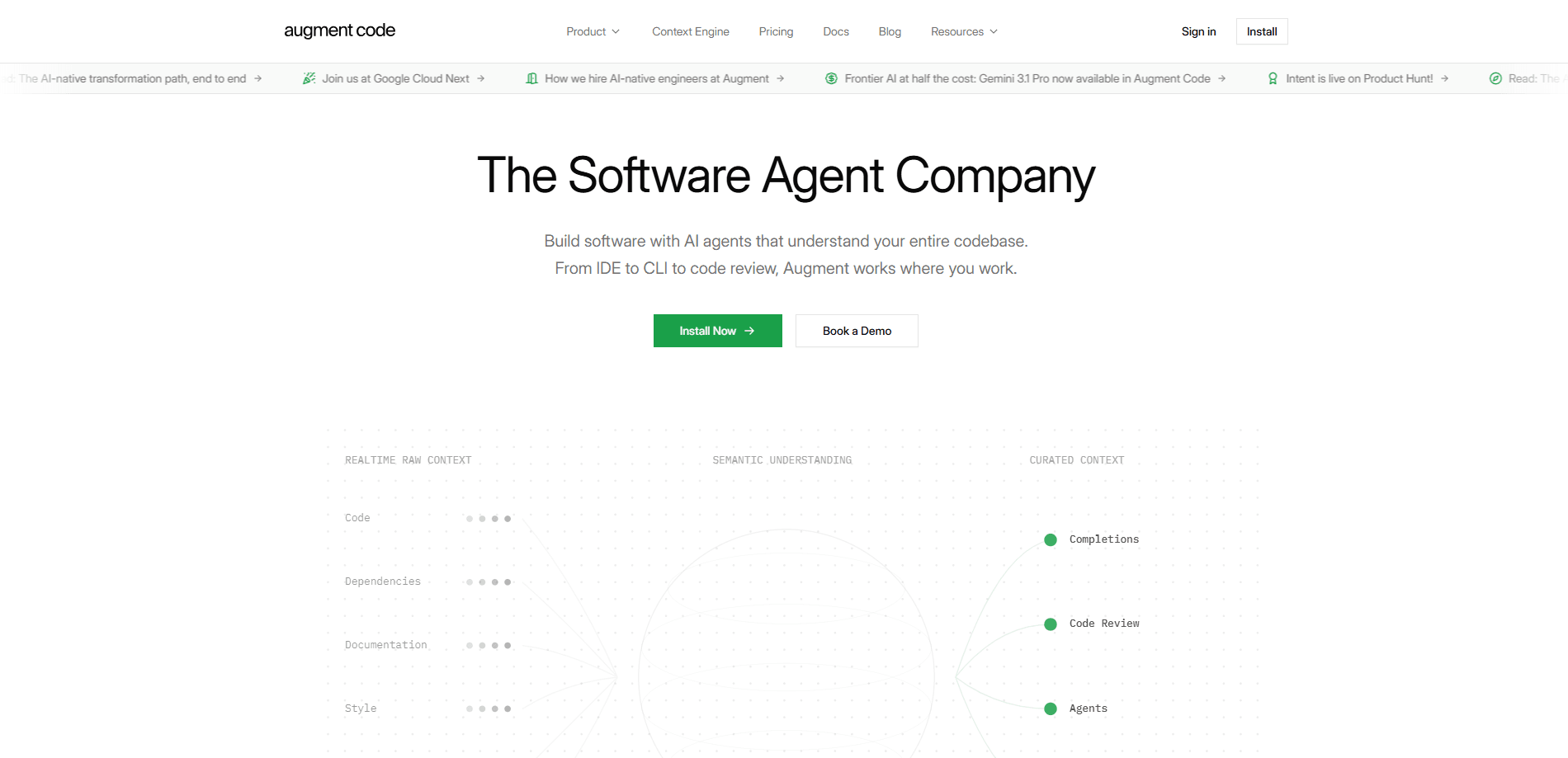
Augment Code is an AI coding platform built for professional software engineers who work on large, complex codebases rather than small side projects. Its Context Engine keeps a live model of your entire repository, so the AI code assistant understands how a change in one file ripples through the rest of your stack. The platform bundles three things. A coding agent that writes and tests changes. An AI code review pass on every pull request. And Cosmos, a system for running agents across the software development lifecycle. Stack it against the crowded field of AI developer tools and the difference is scope.
About Augment Code
What Is Augment Code
Augment Code targets a specific pain point. Generic AI code assistants do fine on greenfield scripts, but they fall apart in a codebase with a decade of history, dozens of services, and conventions nobody wrote down. The Context Engine tries to fix that by maintaining an ongoing picture of your dependencies, APIs, and internal patterns instead of looking at one file at a time.
The result is an AI code assistant that behaves less like an autocomplete box and more like a teammate who has read the whole repo. Teams trigger work from GitHub, GitLab, Slack, Linear, Jira, schedules, or webhooks, and agents can run in managed cloud sandboxes or on machines you control. Model flexibility matters here too: you pick the model per task rather than locking your whole strategy to one provider.
The trade-off is cost and setup. Augment Code has no free tier, so it's a paid commitment from day one. Usage is billed in dollars across LLM calls, the Context Engine, and compute, with a flat 40% service fee on model usage. Small teams on a tight budget will feel that. The platform is also opinionated toward teams, not solo hobbyists, which shows in how seats and usage are pooled. Is that a dealbreaker? Only if you work alone.
Getting Started
- Sign up at the Augment Code website and create a workspace for your team.
- Connect your repository and IDE. Augment Code integrates with VS Code, JetBrains IDEs, and its own CLI.
- Let the Context Engine index your codebase so suggestions reflect your actual dependencies and patterns.
- Set up your first loop in Cosmos by describing it in natural language through the Advisor, then pick where you want human checkpoints.
- Wire triggers such as pull requests, tickets, alerts, or schedules, and review the first agent run before letting it run live.
Product Information
A quick look at Augment Code's pricing, supported platforms, and performance.
Best for
The users, tasks, and scenarios where this tool fits best.
Users
- Professional software engineers
- Engineering teams of up to 50
- Platform and DevOps engineers
Tasks
- First-pass code review
- Ticket to pull request
- Vulnerability remediation
- Large-scale refactors
Scenarios
- Onboarding onto an unfamiliar codebase
- Incident triage at odd hours
- Standardizing AI-assisted development across several teams that each use different tools and models.
Key features
Context Engine
The Context Engine maintains a live understanding of your entire stack, tracking how files, services, and APIs relate to each other. It's the reason Augment Code's suggestions hold up in large codebases where a naive assistant would suggest code that breaks something two layers away. Single-file context isn't enough for that. For teams migrating legacy systems, this is the feature that separates it from tools built around single-file context.
Cosmos Agent Loops
Cosmos runs fleets of agents across the software development lifecycle, triggered by events rather than typed prompts. A pull request opens, an alert fires, or a schedule hits, and the right agent wakes in a sandboxed virtual machine, does the work, and waits at your checkpoint. Prebuilt loops cover code review, ticket-to-PR, vulnerability remediation, and incident response. You can fork one and tune it to your codebase, or describe a new loop in plain language and push it live in minutes.
Model Flexibility with Prism
Prism is Augment Code's model router, letting you route each task to the model that fits best. You can build your own router or use the default options, and the platform supports switching between providers without rewriting your agent setup. That matters if you want fast, cheap models for routine edits and stronger ones for tricky architectural work.
Integrations and Triggers
Augment Code connects to the tools your team already uses: GitHub, GitLab, Slack, Linear, and Jira, plus schedules and webhooks. Agents can run in managed cloud sandboxes, on customer-managed machines, or across both. MCP support means you can pull in local, remote, or OAuth-based servers, so the agent has access to the data and services it needs.
AI Code Review
The code review loop gives every pull request a real first-pass review within minutes, not just a lint check. It flags intent and architecture issues so senior engineers spend their attention where it counts. Output from the ticket-to-PR loop feeds straight into review, which keeps the pipeline moving without a human bottleneck at every step.
Auggie CLI
The Auggie CLI brings repository-scoped implementation, codebase exploration, and test execution to the terminal and CI pipelines. For teams that automate delivery, it means the same context-aware behavior works in headless environments, not only inside an IDE. It's a practical fit for CI automation where deep code context changes the quality of the output.
Security and Compliance
Paid plans exclude AI training on your data under the commercial terms, and the company holds SOC 2 Type II. Enterprise adds SSO, OIDC, and SCIM support, along with CMEK and ISO 42001 compliance. For organizations with strict review requirements, those controls often decide whether a tool is even eligible.
Pros and cons
Pros
- The Context Engine handles large codebases well, which is exactly where most AI code assistants start producing suggestions that don't fit.
- Cosmos turns one-off agent sessions into ongoing loops with human checkpoints, so automation doesn't mean giving up oversight.
- Flat pricing per team up to 50 seats, with usage pooled across users, avoids paying for seats that go unused.
- Model flexibility through Prism prevents lock-in to a single provider as pricing and capabilities shift.
- No AI training on customer data on paid plans, plus SOC 2 Type II and enterprise compliance options.
Cons
- There's no free tier, so you can't try the full product without committing to a paid plan or a trial.
- Usage is billed in dollars across LLM, Context Engine, and compute with a 40% service fee on model usage, which can climb if your team runs agents heavily.
- The team-oriented design, with pooled seats and usage, offers less value to a single developer working alone.
- Setup asks for real configuration: connecting repositories, integrations, and checkpoints takes longer than dropping in a simple autocomplete extension.
Frequently asked questions
No. Augment Code has no free plan. Paid plans start at $20 per month for Standard and $100 per month for Business, with Enterprise pricing quoted on request. Trials and beta access run on community support. So budget for a subscription before you start.
Related content
Explore related tools, skills, and articles for Augment Code.
Augment Code Alternatives
Forefront
Forefront · CodingForefront is a web platform for building with open-source AI. It lets you fine-tune leading open-source language models on your own data, evaluate how they perform, and run them through an API or export them to host yourself. Developers who want the convenience of a closed-source platform but insist on owning their models and data are the target audience here.

Startkit
StartKit.AI · CodingStartkit is a boilerplate for building AI SaaS and AI wrapper products. Think of it as an AI startup boilerplate with the boring parts already wired up: authentication, Stripe and Lemon Squeezy payments, usage limits, transactional email, and an AI API starter that talks to OpenAI, Anthropic, Groq, or Llama. You clone the repo, set your price, and start on the part of your product that people actually pay for. It's Next.js under React and Tailwind, so most of the boilerplate code already feels familiar.
Testim
Tricentis · CodingTestim is an AI-powered test automation platform for building and running end-to-end tests across web, mobile, and Salesforce applications. It leans on machine learning to keep tests stable when an interface changes, so teams spend less time fixing broken selectors. Not bad for an automated testing tool you can start using today. You create tests by recording actions in a browser, then optionally add JavaScript when you need more control. It's a solid pick for busy QA teams.