

AutoEdit
Eleven Percent · Video
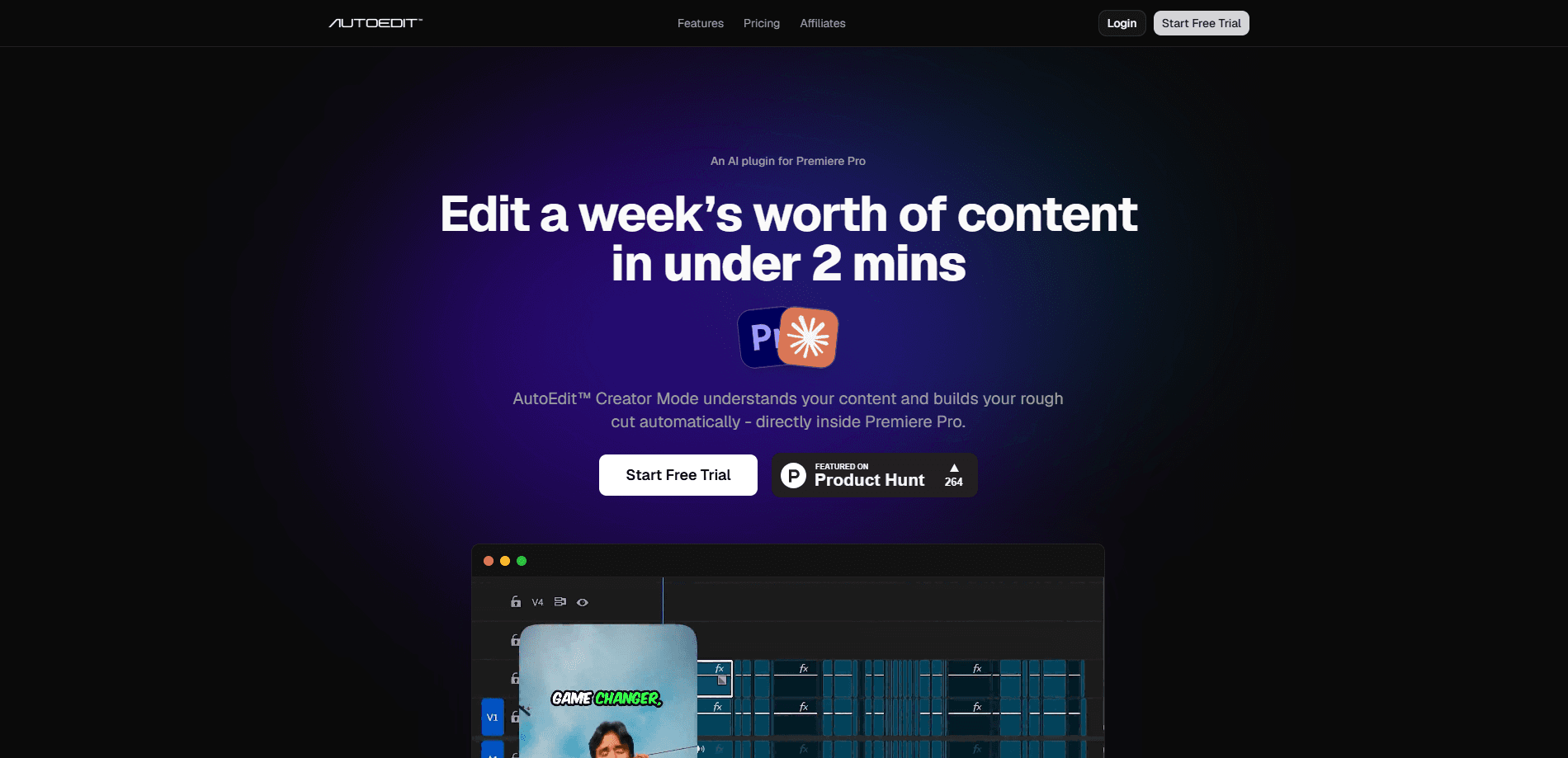
AutoEdit is an AI video editing plugin that runs inside Adobe Premiere Pro on Windows and macOS. It watches your raw spoken-word footage and cuts the silences, filler words, repeated takes, and failed attempts, then drops in captions, so you get a rough cut you can actually start finishing. Simple goal. Less busywork. It's aimed at talking-head creators, podcasters, and tutorial makers rather than film crews doing heavy visual work.
About AutoEdit
What Is AutoEdit
AutoEdit is a plugin, not a standalone editor. You install it into desktop Premiere Pro and it works on the timeline you already have, using Claude AI to understand what you're saying rather than just where the audio is quiet. That distinction matters. A waveform tool removes any pause. AutoEdit removes the pauses that don't belong and keeps the ones that keep a sentence breathing.
The problem it targets is the boring half of editing. Cutting ums, dead air, and the fourth take of the same line eats hours that never show up on screen. Hours. Gone. AutoEdit builds a first rough cut from that cleanup so you spend your time on pacing, b-roll, and the parts that need a human.
The limits are worth stating up front. It's built for spoken-word footage, so music videos, action sequences, and heavily visual pieces get little from it. It needs Premiere Pro on a desktop machine, so there's no web or mobile option. And the useful AI features sit behind a paid Creator plan or higher.
Getting Started
- Install the AutoEdit plugin into Adobe Premiere Pro on your Windows or macOS desktop.
- Sign in with your account and confirm your plan, since AI editing features require Creator Mode or above.
- Open the Premiere Pro project that holds your raw footage and import your clips to the timeline.
- Run the auto-edit pass and let it cut silences, filler words, repeated takes, and bad takes into a rough cut.
- Review the timeline, apply captions, and finish the edit by hand before exporting.
Product Information
A quick look at AutoEdit's pricing, supported platforms, and performance.
Best for
The users, tasks, and scenarios where this tool fits best.
Users
- Talking-head creators
- Podcasters
- Tutorial and course makers
Tasks
- Removing silences
- Cutting filler words and bad takes
- Adding captions
- Reframing for vertical
Scenarios
- Publishing weekly YouTube videos
- Editing multicam podcast episodes
- Turning long videos into short-form clips
Key features
Automatic Silence Removal
AutoEdit scans your audio and removes dead air and awkward pauses, but it keeps the pauses that hold a sentence together. That's the difference between a tight cut and a choppy one. The result is a timeline that sounds like a person talking. Not a machine trimming gaps.
Claude-Powered Context Editing
The editing runs on Claude AI. So AutoEdit reads meaning, not just volume. It knows when the same idea shows up twice and which version to keep. Waveform tools can't tell a thoughtful pause from a stumble, and this one can.
Filler Word and Bad Take Removal
Ums, uhs, likes, stutters, and restarted sentences get pulled out, along with failed takes and weak attempts. You start from a cleaner timeline instead of combing through every clip. For talking-head creators this is usually the single biggest time saver.
Auto Captions in 99+ Languages
AutoEdit transcribes and captions your footage across more than 99 languages. That keeps non-English channels in the workflow instead of forcing a separate caption tool. Premium caption styles and saved presets are available on the Creator plan and up.
Podcast Mode with Angle Switching
The plugin detects who's speaking in a multicam podcast and switches camera angles for you. Two hosts on two cameras no longer means cutting every back-and-forth by hand. It's the feature that pulls podcasters away from dedicated audio-first tools.
Auto Reframe for Short-Form Video
Turn a horizontal edit into vertical video without keyframing every shot. The reframe follows the subject as the aspect ratio changes, so a single recording can feed YouTube, Reels, and TikTok. Short-form creators get several posts out of one shoot.
Chat Edit Controls
On Creator plans and above, you tell the plugin what you want cut in plain language. Think of it as chatting with an assistant. It runs up to 100 AI turns a month on the Creator plan and 250 on the higher tier. It's a more direct way to steer the cut than tweaking settings.
Pros and cons
Pros
- Cuts silences, filler words, repeated takes, and bad takes in one automated pass, which targets the exact cleanup that slows spoken-word creators down and turns a two-hour session into a quick review.
- Runs inside Premiere Pro, so it edits the timeline you already use instead of adding another app to your workflow.
- Auto captions cover 99+ languages. That helps multilingual channels a lot.
- Podcast Mode handles multicam angle switching, saving manual camera cuts.
- Free tier and a $7.99/mo Lite plan let you test the basics before paying for Creator Mode.
Cons
- Requires desktop Premiere Pro on Windows or macOS, so there's no web or mobile version and no support for other editors like DaVinci Resolve or Final Cut.
- Built for spoken-word footage, which means music videos and heavily visual projects get little benefit.
- The signature Claude AI editing sits behind the $23.99/mo Creator plan, so the free and Lite tiers feel limited.
- Paid plans cap videos per month and AI editing hours, and running past those limits means upgrading.
Frequently asked questions
AutoEdit builds a first rough cut from raw spoken-word footage inside Adobe Premiere Pro. It removes silences, filler words, repeated takes, and bad takes, then adds captions. You skip the cleanup and start finishing.
Related content
Explore related tools, skills, and articles for AutoEdit.
AutoEdit Alternatives
Griffin by Tavus
Tavus · Voice & Language · Video · ChatbotGriffin by Tavus is the first Human Interaction Model: a full-duplex, video-to-video system that watches, listens, and answers during a live video call in real time.

Syllaby AI Avatar 2.0
Syllaby · Video · MarketingSyllaby AI Avatar 2.0 turns a script into a presenter-led video with a reusable AI avatar, natural voice, B-roll and automatic subtitles, all in one browser workflow.

Vitra.ai
Vitra.ai · Voice & Language · Video · MarketingVitra.ai is an agentic content platform that creates, translates, reviews, and publishes video, images, documents, and app content in 120 languages from one shared brief.