

BackEngine MCP
BackEngine, Inc. · Productivity · Leaning
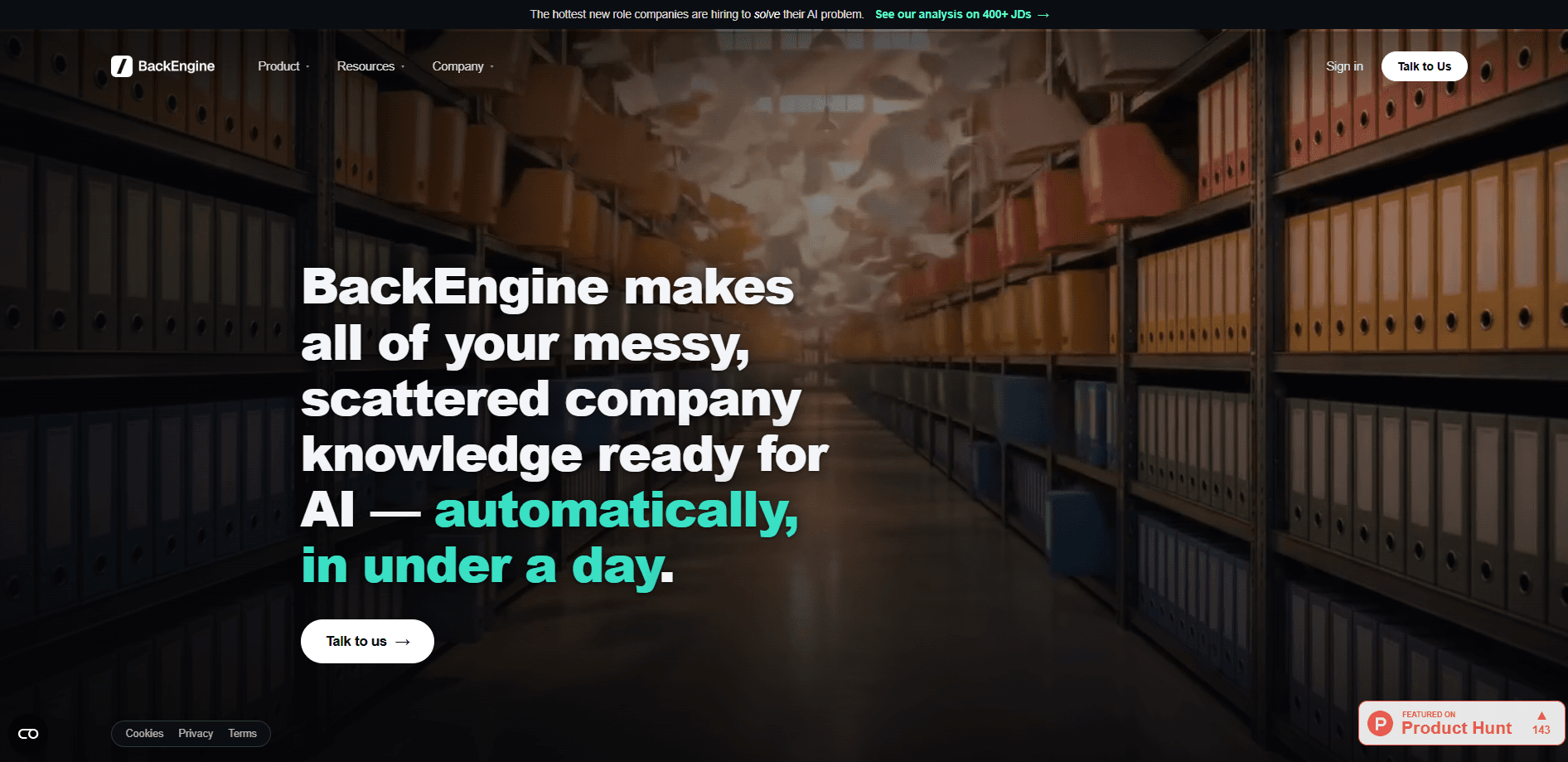
BackEngine MCP is an AI customer data connector that gives AI assistants like Claude one governed connection to your customer data. It works as an MCP server for enterprises, pulling conversations from Slack, email, calls, tickets, and your CRM into structured, permissioned account memory, so tools such as Claude can answer questions and act on what they find. Sales, post-sales, and product teams use it to prep meetings, scan accounts for risk, and draft forecasts without wiring each AI tool into every system by hand.
About BackEngine MCP
What Is BackEngine MCP
BackEngine MCP sits between your company systems and the AI your team already uses. Instead of pointing an AI assistant straight at Salesforce, HubSpot, Gmail, Slack, and a dozen other tools, you connect BackEngine once. It then reads conversations tied to the accounts you choose, organizes them into account memory, and lets an assistant query that memory through a single MCP server. BackEngine also enforces who can see what, so a rep only gets answers from their own accounts.
The point is context. A raw connector is a pipe that dumps records at the model. BackEngine is the customer context layer that remembers each account, respects source permissions, and keeps sensitive threads sealed off. The company says this produces fewer factual errors and uses far fewer tokens than wiring AI directly into your systems. Those benchmarks come from BackEngine itself, so treat the exact numbers as vendor claims, not third-party findings.
The biggest limitation is scope. BackEngine is built for enterprise customer data, not personal or general use, and the teams behind it lean on sales and post-sales workflows. There's no free self-serve tier you can spin up on a whim. You start with a proof of concept, and pricing is quoted per customer footprint. If you run a small team with a couple of tools, this is probably heavier than you need. That matters if you wanted governed AI data access without a sales conversation first.
Getting Started
- Book a demo and scope a free proof of concept with your own workflows and data.
- Connect your source systems, such as CRM, email, Slack, calls, and ticket tools, to BackEngine once.
- Pick the list of accounts BackEngine is allowed to watch, and set which people can query which accounts.
- Open Claude or another supported AI assistant and call the
/backengineMCP server with plain questions. - Move from answers to action, like drafting a forecast review or writing back to your CRM.
Product Information
A quick look at BackEngine MCP's pricing, supported platforms, and performance.
Best for
The users, tasks, and scenarios where this tool fits best.
Users
- Sales reps
- Post-sales and support teams
- Product managers
- Security and IT teams
Tasks
- Meeting prep
- Risk scanning
- Forecast reviews
- Competitive loss analysis
- CRM write-back
Scenarios
- A rep needs context minutes before a renewal call and can't dig through five tools in time.
- A manager wants a live wall of wins the team can actually celebrate and share to Slack.
- A support lead needs a summary of a billing dispute without exposing the raw emails behind it.
- A security reviewer wants to approve AI data access before anyone connects a system.
Key features
Governed AI data connection
BackEngine gives AI one controlled connection to your customer systems rather than many point-to-point links. You decide what data the assistant can reach, who can reach it, and how it gets used, all from a single place. That central control is the core reason teams pick it over wiring AI directly into each app. One connection. One policy.
Permissioned account memory
The server reads only conversations tied to accounts you put on a watch list. Everything else, like internal emails and personal threads, never gets read or stored. Each person then sees only what their role allows, so a rep gets answers from their own accounts and someone can pull a summary of an issue without seeing the underlying messages. Nothing else gets touched.
Customer context that reduces errors
Context arrives clean and organized instead of as raw records. BackEngine says its structured memory gets the AI to the right answer on the first try 97 percent of the time, against 50 percent when the same model is wired straight into systems. It's a vendor benchmark, so the direction is more convincing than the exact figure. Fewer wrong answers, less re-prompting.
Token and cost savings
The same task takes far fewer tokens when context is organized, which lowers the cost of every query across every seat. BackEngine puts the average at 41K tokens per query versus 211.8K for direct wiring, a claimed 81 percent reduction and roughly $2,500 saved per user per year. Again, those are the company's own numbers. Cheaper prompts, every time.
Built into the AI you already use
There's no new app to install or tab to open. BackEngine lives inside the assistant your team already runs, such as Claude, and answers through the /backengine command. That keeps adoption low-effort, since nobody has to learn a separate interface. What does that look like day to day? A rep opens Claude, types a plain question, and gets an answer grounded in real account data.
Security, privacy, and compliance
Data is encrypted at rest and in transit, with each company's data sealed off under its own encryption key and never pooled with anyone else's. BackEngine states your data is never used to train models, and the company holds SOC 2 and HIPAA compliance, signs BAAs, and offers a full trust center for security review. Your security team can look before anything connects.
Ready-made prompt library
A library of more than 100 copy-paste prompts covers common asks like meeting prep, risk scans, and forecast drafts. The prompts run on your own data the day you connect, which shortens the gap between setup and a working workflow.
Pros and cons
Pros
- One governed connection replaces wiring AI into each separate system.
- Per-person permissions keep answers scoped to what each user should see.
- Read limits mean only customer and prospect data is touched, nothing personal.
- Works inside tools like Claude, so there's no new interface to learn.
- SOC 2 and HIPAA compliance with signed BAAs eases security review.
Cons
- No free self-serve tier; you start with a paid proof of concept and custom pricing.
- Built for enterprise customer data, so small teams may find it heavy for their needs.
- The headline performance and token-savings figures come from BackEngine, not independent testing. That's a big caveat. Independent benchmarks would settle it, but none exist yet.
Frequently asked questions
It connects enterprise AI assistants to your customer data through one governed MCP server. Teams use it for meeting prep, account risk scans, forecast drafts, and CRM write-back, all drawn from conversations across tools like Slack, email, calls, tickets, and your CRM. Plain questions in, real answers out.
Related content
Explore related tools, skills, and articles for BackEngine MCP.
BackEngine MCP Alternatives

Swms
Swms AI · Writing · Productivity · BusinessSwms is an AI safety compliance tool that turns a plain description of a job into ready-to-use safety documents. Describe your project, trade, and known hazards, and it writes a safe work method statement, job hazard analysis, safe work procedure, RAMS, or safety data sheet in seconds. It also ships with Oscar, a chat assistant that answers workplace safety questions in any language. Teams in construction, mining, transport, and warehousing use it to cut the paperwork that usually eats into a workday.

Wordly AI Translation
Wordly · Voice & Language · ProductivityWordly AI Translation is a real-time AI translation and captioning platform built for meetings, conferences, and events. It delivers live translation, captions, transcripts, and summaries in more than 60 languages, and attendees join by scanning a QR code or opening a link instead of using dedicated headsets. The platform works with Zoom, Microsoft Teams, Google Meet, and Webex, and it's designed for organizations that want multilingual access without hiring human interpreters for every session. Simple as that.

Rows
Rows (Superhuman) · Productivity · BusinessRows is an AI spreadsheet and data analysis tool that imports live data from more than 50 sources, then lets you work with it using plain language instead of SQL queries or nested formulas. You can pull numbers out of PDFs, connect ad platforms, databases, and bank accounts, and ask the AI to build reports, merge datasets, or set up models that recalculate themselves. It runs in the browser, works like a spreadsheet, and now sits under the Superhuman umbrella.