

Beam AI Takeoff Software
Beam AI · Productivity · Business
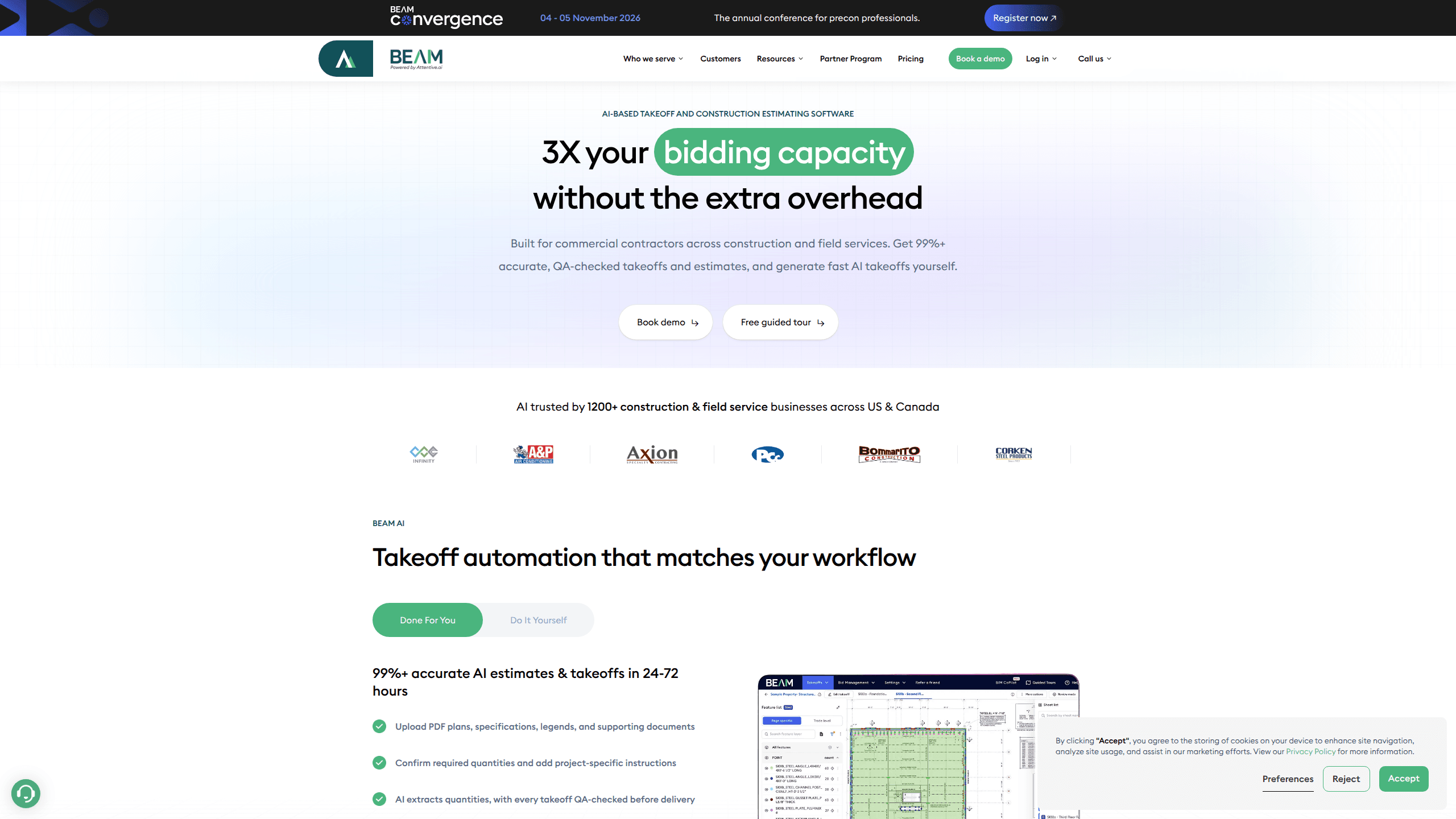
Beam AI Takeoff Software is an AI takeoff and construction estimating platform built for commercial contractors and field service businesses. It reads your PDF plans, specifications, and legends, pulls out material quantities, and hands back QA-checked takeoffs and estimates within 24 to 72 hours, or near-instantly for HVAC, plumbing, and steel work. The pitch is straightforward: submit more bids without hiring more estimators. According to Beam AI, its customers use it to roughly triple their bidding capacity while working from pricing and workflows they already trust. That's the whole idea in one line.
About Beam AI Takeoff Software
What Is Beam AI Takeoff Software
Beam AI is estimating software that automates the slowest part of winning a construction job: counting and measuring materials from plans. Instead of a human tracing lines and tallying quantities by hand, you upload the project documents and the system extracts the numbers for you. Contractors use it to move from raw blueprints to a finished estimate without bouncing between three different programs.
Ground measurement can eat a whole day. Not great when a bid is due Friday. The product covers two job types. Aerial takeoffs handle maintenance work, where measurements come from current aerial imagery of lawns, pavements, sidewalks, and parking lots. Blueprint takeoffs handle construction work, where you upload plans and get automated material quantities for landscaping and paving. That split matters, because the two workflows pull from completely different sources and a tool that handles only one leaves you stitching together two processes anyway.
The biggest limitation is access, and it shapes who can realistically use the product, because Beam AI doesn't offer a self-serve free tier or published prices, so you have to request a demo and let the sales team scope a plan around your specific workflow before you can evaluate anything. If you want to test the software on your own without a conversation first, that's a hurdle. The tool is also aimed at commercial contractors across the US and Canada, so smaller residential firms and users outside those markets may not find it a fit.
Getting Started
- Book a demo through the Beam AI site to set up your account and discuss your trade and pricing structure.
- Upload your project files: PDF plans, specifications, legends, and any supporting documents.
- Confirm the required quantities and add project-specific instructions for the estimator.
- Let the AI extract quantities, then review the QA-checked output before it's delivered.
- Receive a finished estimate aligned with your own pricing and workflows, ready to send out as a bid.
Product Information
A quick look at Beam AI Takeoff Software's pricing, supported platforms, and performance.
Best for
The users, tasks, and scenarios where this tool fits best.
Users
- Commercial contractors
- Estimators
- Preconstruction managers
- Landscaping and paving crews
Tasks
- Blueprint takeoff
- Aerial takeoff
- Instant estimating for HVAC, plumbing, and steel
- Bid management
Scenarios
- A week with more bid invitations than estimators
- Maintenance contracts that need fast measurement
- Tight deadlines before a proposal is due
Key features
AI Takeoff Automation
You upload PDF plans, specifications, and legends, confirm the quantities you need, and let the software extract them for you. Every takeoff is QA-checked before it's delivered. That's the part that matters when a wrong number costs you a job. Because it does. One bad quantity can blow up a margin. Turnaround runs 24 to 72 hours for standard work and is near-instant for HVAC, plumbing, and steel.
Aerial and Blueprint Takeoffs
The platform handles two very different sources under one roof, which is unusual for this category because most tools pick a lane and stay in it. Aerial takeoffs pull measurements from up-to-date imagery for maintenance jobs, so you don't need a site visit for every estimate. Blueprint takeoffs work from uploaded construction plans and return material quantities for landscaping and paving. Most estimating tools do one or the other, not both. So what does that mean for a crew that does both? You cover the full workload from a single login.
Built-In Estimating
Takeoff data flows into estimates that follow your own pricing and workflows. For HVAC and plumbing there's in-platform estimating, and Beam AI delivers instant Excel estimates across all trades. The result is less copy-pasting between a takeoff tool and a spreadsheet you maintain by hand, and that alone tends to be the difference between an estimate that takes an afternoon and one that takes fifteen minutes once the quantities are already sitting there.
Bid Management
Beyond takeoffs, the software captures ITBs automatically from your inbox and keeps every opportunity, deadline, owner, RFI, and addendum in one organized view, which matters over time because the details that slip through the cracks are usually the ones nobody wrote down anywhere. Teams stop losing track of which bid is due when. Missed deadlines stop being a surprise. It's the difference between a takeoff tool and a workflow you run your bidding from.
Accuracy You Can Check
Beam AI advertises 99%+ accuracy on QA-checked takeoffs. The QA step means a human reviews the extracted quantities before delivery, so errors get caught before they reach your bid, and that review is precisely what turns a fast guess into something you can actually put your name on when the proposal goes out. That combination of automation plus a review pass is what makes the numbers safe to build a price on. Nothing worse than a bid built on a miscount.
Pros and cons
Pros
- Turns PDF plans into QA-checked quantities without manual tracing.
- Handles both aerial and blueprint takeoffs, useful for a mixed workload.
- Estimators report saving 15 to 16 hours a week on takeoff work.
- Bid management keeps ITBs, deadlines, and RFIs in one place.
- Instant estimating for HVAC, plumbing, and steel speeds up budgeting.
Cons
- No free plan or published pricing, so you can't try it without a sales call.
- Turnaround of 24 to 72 hours won't suit anyone who needs quantities in under an hour.
- Aimed at US and Canada contractors, which limits it for other markets.
Frequently asked questions
It automates construction takeoffs and estimating. You upload plans and documents, and the AI extracts material quantities, which are QA-checked and turned into an estimate that follows your pricing.
Related content
Explore related tools, skills, and articles for Beam AI Takeoff Software.
Beam AI Takeoff Software Alternatives

Swms
Swms AI · Writing · Productivity · BusinessSwms is an AI safety compliance tool that turns a plain description of a job into ready-to-use safety documents. Describe your project, trade, and known hazards, and it writes a safe work method statement, job hazard analysis, safe work procedure, RAMS, or safety data sheet in seconds. It also ships with Oscar, a chat assistant that answers workplace safety questions in any language. Teams in construction, mining, transport, and warehousing use it to cut the paperwork that usually eats into a workday.

Wordly AI Translation
Wordly · Voice & Language · ProductivityWordly AI Translation is a real-time AI translation and captioning platform built for meetings, conferences, and events. It delivers live translation, captions, transcripts, and summaries in more than 60 languages, and attendees join by scanning a QR code or opening a link instead of using dedicated headsets. The platform works with Zoom, Microsoft Teams, Google Meet, and Webex, and it's designed for organizations that want multilingual access without hiring human interpreters for every session. Simple as that.

Rows
Rows (Superhuman) · Productivity · BusinessRows is an AI spreadsheet and data analysis tool that imports live data from more than 50 sources, then lets you work with it using plain language instead of SQL queries or nested formulas. You can pull numbers out of PDFs, connect ad platforms, databases, and bank accounts, and ask the AI to build reports, merge datasets, or set up models that recalculate themselves. It runs in the browser, works like a spreadsheet, and now sits under the Superhuman umbrella.