

Beart AI Face Swap
BeArt · Image · Video
BeArt AI Face Swap is a browser-based AI face swap tool for photos and videos. You upload a target image or clip, add a source face, and the site blends the two in a few clicks, with no account and no watermark on the result. It sits between a casual toy and a content tool: quick enough for a joke, clean enough for a social post.
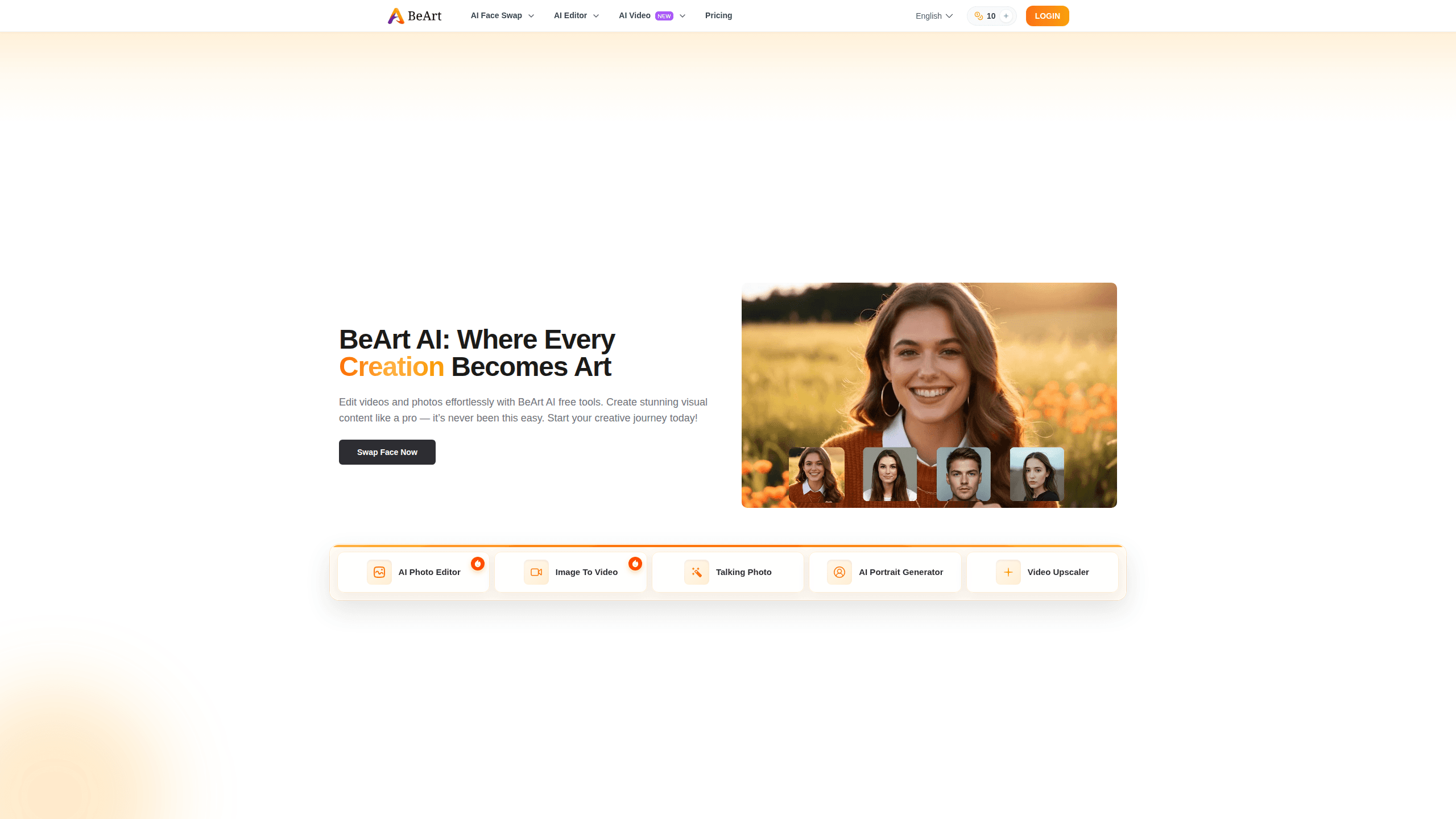
About Beart AI Face Swap
What Is BeArt AI Face Swap
BeArt AI Face Swap is an online face swap tool that runs entirely in your browser. You don't install anything, and you don't sign up. The whole point is speed: pick a face, drop it onto a photo or a short video, and download the output.
So what can it actually do? It handles both still images and video clips, so you can swap a face into a meme, a group photo, or a short clip for social media. The video side is where most free tools get stingy, and BeArt is no exception, but the photo side stays open to anyone who wants to try it without strings attached.
The biggest limit is the free cap on video. Free processing tops out at 100MB per file and only covers the first 5 seconds of a clip. If your footage is longer, you're cutting it down first. Not ideal, but that's the trade-off for a free tool.
Getting Started
- Open the BeArt AI Face Swap page in any modern browser. No download or install is needed.
- Upload your target photo or video, then upload the source face you want to transfer.
- Adjust the crop or framing if the tool asks for a face selection.
- Run the swap and wait for the AI to blend the two faces.
- Download the result. It comes out without a watermark.
Product Information
A quick look at Beart AI Face Swap's pricing, supported platforms, and performance.
Best for
The users, tasks, and scenarios where this tool fits best.
Users
- Social media creators
- Casual users
- Students and hobbyists
Tasks
- Photo face swap
- Short video face swap
- Format testing
Scenarios
- Making a joke edit for a group chat
- Testing a concept before real editing
- Privacy-conscious trials
Key features
Free Face Swap Without Registration
The core feature is a face swap you can run without an account. Open the page, upload your files, and swap. No email, no password, no card. That matters when you just want to try something once and don't want to leave a trail. That's the whole idea. Try it, and move on.
Photo Face Swap
Upload a still image, and BeArt blends a source face into the scene. The tool handles the alignment and color matching for you, so you don't need any editing skill. Results look best when both faces are clearly visible and reasonably well lit.
Video Face Swap
BeArt swaps faces in video clips, which many free tools don't offer at all. The catch is the free limit: files up to 100MB and only the first 5 seconds get processed. Loop a short clip or trim it down, and you can still get a clean output that looks like the real thing when the faces line up well and the lighting isn't fighting you.
No Watermark on Output
Free face swap tools often stamp a logo on the result. BeArt doesn't. What you download is what you uploaded, just with a new face, which makes the output usable for posts without extra cleanup.
Multiple File Formats
The tool works with common image and video formats, so you won't hit a wall when your file isn't a JPEG. It takes JPEG, PNG, and GIF on the photo side, and MP4, AVI, MOV, and WEBM for video. Formats matter less than you'd think.
Privacy-First Handling
BeArt says it doesn't collect personal information and deletes uploaded data after processing. For a tool you use on a whim with photos of real people, that promise is worth more than a feature list.
Browser-Based, No Install
Everything runs in the browser. There's no app to download, no storage to clear, and no update to chase. It works the same on a laptop and on a phone browser, as long as you have a stable connection.
Pros and cons
Pros
- Free to use, with no account or signup required
- Handles both photo and video face swaps
- Output comes out without a watermark
- Supports several common image and video formats
- Claims to delete uploaded data after processing
Cons
- Free video processing caps files at 100MB and only the first 5 seconds, so long clips need trimming first
- No API or developer integration, so it's not built for automated workflows
- Because it runs in the browser, quality and speed depend on your connection and device
Frequently asked questions
Yes. The tool is free to use, and you don't need to create an account or pay to run a swap. The main catch is the free video limit rather than a paywall.
Related content
Explore related tools, skills, and articles for Beart AI Face Swap.
Beart AI Face Swap Alternatives

X Ray Interpreter
X-ray Interpreter · ImageX Ray Interpreter is a web-based AI radiology tool that turns X-rays, CT scans, MRI, ultrasound, and PET images into plain-language reports. You upload a scan, get a preliminary X-ray interpretation in moments, then ask follow-up questions if something needs explaining. It works as a second opinion and a learning aid, not as a medical diagnosis.

Aieasypic
AIEasyPic · ImageAIEasyPic is an AI image generator that turns plain text prompts into finished artwork in seconds. You can also train custom models on your own photos, swap faces in existing images, and create short video clips from text, all from a browser. It suits casual creators who want quick visuals and hobbyists who want to build a personal model without touching any code.

Chargen
Chargen · ImageChargen is an AI character generator and worldbuilding toolkit built for Dungeons & Dragons and other tabletop RPGs. It turns a one-line idea into a painted character portrait, spins up NPCs, monsters, maps and encounters from the same session, and keeps every creature's details close at hand. The tabletop RPG art side runs on a credit system called Gold, while the text generators stay free for everyone.