

BeHooked
BeHooked · Video · Marketing
BeHooked is a generative studio for custom AI videos, images, and audio in one workspace, so you can render a finished social cut in minutes without a camera.
About BeHooked
What Is BeHooked
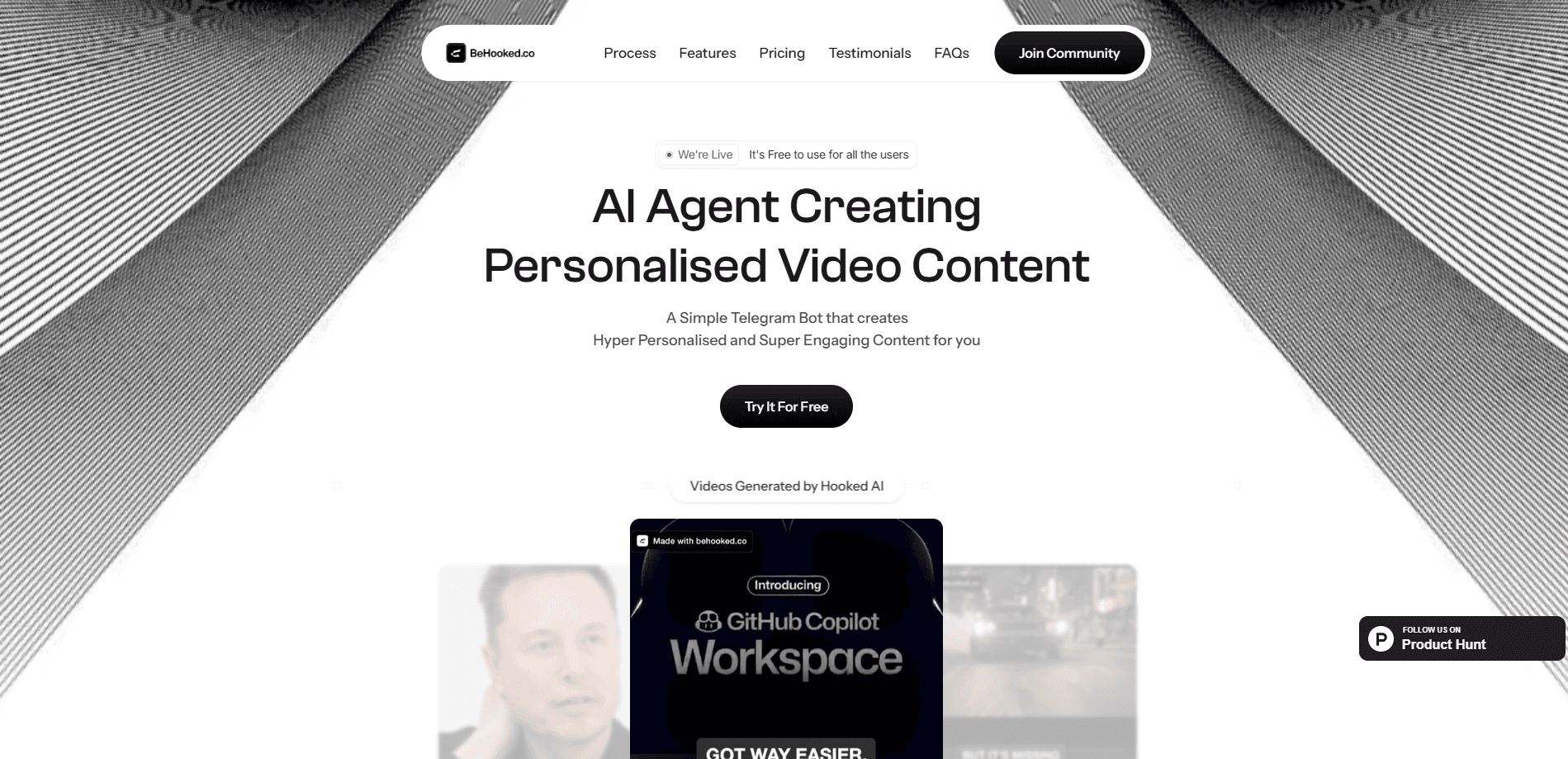
BeHooked is a generative studio for making custom AI videos, images, and audio from text. You describe what you want, pick a model, and the workspace renders it. The pitch is speed and range: a typical short-form cut comes back in minutes rather than hours, and the same project can produce a talking-head clip, a faceless narration, and a caption set without opening another app.
The product is built for volume. Instead of one video per shoot day, a channel can generate several versions, add captions and music, and export vertical, square, and wide cuts from a single project. Voice cloning and pre-made avatars keep the output sounding and looking consistent across a week of posts.
The main limits are worth knowing. BeHooked is a browser studio, so it needs a decent connection and a paid credit balance for anything past a few test renders, since sign-up is free but generations are not. Results are machine-made, so a clip can still arrive with an odd hand or a garbled line and needs a look before it goes live. Model quality also varies by task, so getting a clean result often means trying a second engine.
Getting Started
- Sign up at behooked.ai, which is free and starts you in the web workspace.
- Start a project and describe the video in plain words, or paste a script or outline.
- Choose a model for the job, then set duration, resolution, and the aspect ratios you need.
- Let the render run, then add captions, music, or a cloned voice on the same canvas.
- Export the vertical, square, and wide cuts at full resolution with no watermark.
Product Information
A quick look at BeHooked's pricing, supported platforms, and performance.
Best for
The users, tasks, and scenarios where this tool fits best.
Users
- Social creators who post daily
- E-commerce and ad teams
- Agencies and marketers
- Real estate agents
- Course and training creators
Tasks
- Making a custom AI video from a script
- Creating faceless videos
- Cloning a voice or training an avatar
- Editing images and video with prompts
- Building a repeatable workflow
Scenarios
- A creator with a full calendar and no shoot day
- A small shop testing ad angles
- A real estate agent with a new listing
- A marketer replacing four tools
Key features
Multi-model access in one place
BeHooked runs on leading generation models across image, video, and audio, including GPT Image 2, Veo 3, Flux 2, Kling 2.5, Seedream 4, and ElevenLabs v3. You pick the engine that fits the job and switch without leaving the workspace, so you are not stuck with one model's limits or waiting on a single provider to catch up.
Custom AI video from a script
The video studio works as an AI video generator and AI video editor in one place, turning a script, an outline, or a single line of premise into a first cut. Talking-head presenters carry an episode with lip-sync that holds at full frame, and faceless channels run on narration and B-roll instead. A typical vertical cut comes back in minutes, so the time you spend is compute, not waiting behind an editor.
Voice cloning and AI avatars
Voice cloning and presenter training both exist in the workspace, so a faceless channel can still sound like you and a talking-head channel can still look like you. Curated pre-made avatars are ready to use if you have nothing to train, and AI lipsync keeps a performance matched to the audio.
Nodeflow and repeatable workflows
Nodeflow is the part that handles the busywork. You build a workflow once, then run it on new inputs whenever you need it, with no re-explaining and no repeated setup. It is the difference between starting from a blank canvas each time and pressing play on a process you already trust.
MCP and CLI support
BeHooked ships full MCP and CLI support, so it plugs into the tools and agents you already run instead of forcing you into a browser tab every time. That makes it usable inside an automated pipeline, not just as a place you visit to click through a render.
Editing, captions, and multi-ratio export
Once a clip exists, you edit it with prompts, add word-level captions and music that land on the beat, and set the aspect ratios you need once. Every export from a project follows them automatically, so one video becomes a vertical, a square, and a widescreen cut without a re-import.
Pros and cons
Pros
- Renders a typical short-form cut in minutes, so a week of posts does not depend on a shoot day.
- Puts image, video, and audio models under one interface and one credit pool.
- Voice cloning, avatars, and lipsync keep a channel sounding and looking consistent.
- Exports vertical, square, and widescreen cuts at full resolution with no watermark.
- MCP and CLI support let it slot into an existing pipeline instead of staying a browser tab.
Cons
- Sign-up is free, but real output needs credits, and unused subscription credits do not roll over.
- Output is machine-made, so a clip can need a retry before it is good enough to post.
- Model quality varies by task, so a clean result sometimes means switching engines.
- Enterprise pricing is quoted, so teams have to ask for a number rather than read one.
Frequently asked questions
BeHooked makes custom AI videos, images, and audio in one workspace. You describe what you want, choose a model, and the studio renders a finished cut that you can caption, resize, and export.
Related content
Explore related tools, skills, and articles for BeHooked.
BeHooked Alternatives

ngram 2.0
ngram · Video · Marketingngram 2.0 is an AI video generator for teams. It turns a prompt, a screen recording, or a product URL into a narrated explainer, product demo, or AI avatar video, and every scene stays editable.

OpenScreen 2
OpenScreen (open-source project) · Video · ProductivityOpenScreen 2 is a free, open-source screen recorder and demo video editor for Windows, macOS, and Linux, with automatic zooms, styled frames, local captions, and agent edits.

Skreno
Skreno · Video · ProductivitySkreno is a browser screen recorder that captures a tab, a window or your whole display, then attaches AI transcripts, summaries and console logs to one share link.