
Big Breast AI
AIStudio · Image
Big Breast AI is a browser-based AI breast enhancement generator from AIStudio that reshapes how a person looks in a photo. You upload a picture, pick a focused tool for breast size, shape, lighting, or style, and the AI returns an edited version in about 20 seconds. It runs entirely online, uses a credit system, and starts with a $0 trial.
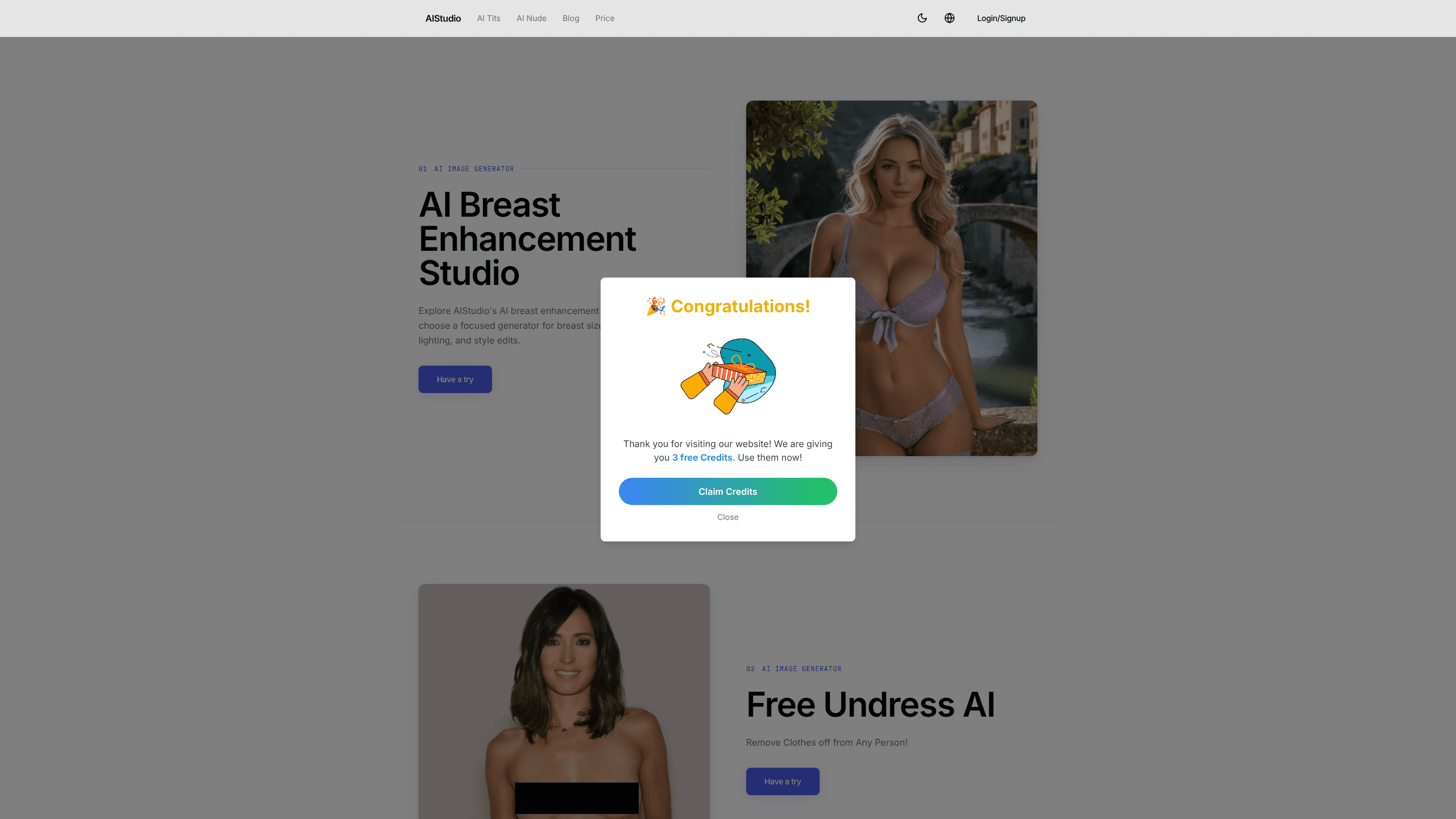
About Big Breast AI
What Is Big Breast AI
Big Breast AI is one of several image generators inside AIStudio, a web platform that hosts a collection of AI editing tools. This particular workspace targets breast size, shape, and lighting adjustments, so people who want a fuller look in a photo can get one without opening a full image editor.
The product sits in a sensitive category. It generates altered images of people, and that raises real questions about consent and where the results get used. Some tools in this space market themselves as undress AI, promising to remove clothing as well. AIStudio frames its generator for personal and creative work, but you should treat any photo of another person as something you need permission to edit.
A general AI body editor gives you layers and masks. This one gives you a single upload box. The main limit is scope. So what can it not do? This isn't a general AI photo editor with layers, masks, or precise controls. It does one job on the human body, and it does that job through a simple upload-and-generate loop. If you need broader retouching, look elsewhere on the same platform.
Getting Started
- Open aistudio.pics in a browser and choose the Big Breast AI generator.
- Upload a picture from your computer, or click an example image to load a sample.
- Wait roughly 20 seconds while the AI processes the photo and produces a result.
- Preview the output and download the version you want to keep.
Product Information
A quick look at Big Breast AI's pricing, supported platforms, and performance.
Best for
The users, tasks, and scenarios where this tool fits best.
Users
- Social media hobbyists
- Concept artists and designers
- Curious first-time users
Tasks
- Adjusting breast size in a photo
- Changing shape and lighting together
- Producing quick style variants
Scenarios
- Testing an AI editor before committing
- Personal creative projects
- Comparing generators inside one platform
Key features
Upload-and-Generate Workflow
The core loop is short. Pick a picture. Hit upload. The tool returns an edited version in about 20 seconds. No brushes, no selection tools, no layer stack. That simplicity is the point. It suits people who want a result fast and don't want to learn editing software.
Breast Size and Shape Editing
This is the feature the workspace is built around. The generator targets the chest area and changes its size and contour while trying to keep the rest of the image intact. Because the tool works from a single prompt-style request rather than manual control, the exact result depends on the input photo. Clear, well-lit shots tend to hold up better than busy ones.
Lighting and Style Adjustments
Alongside size and shape, the generator can shift how light falls across the body and apply a different visual style. That matters because a body edit often looks fake when the lighting around the changed area doesn't match. Handling both in one pass gives a more consistent image than editing shape alone.
Credit-Based Pricing
AIStudio runs on credits rather than flat access. Each plan bundles a set number of credits per week, month, quarter, or year, and generation uses them up. The weekly tier includes 500 credits, monthly 3,000, quarterly 9,000, and yearly the largest pool at 100,000. That structure lets light users pay little and heavy users buy in bulk.
Trial and Cancel-Anywhere Billing
The site starts every visitor with a $0 trial, and AIStudio states you can cancel at any time from a secure checkout. A trial plus cancel-anywhere terms lowers the cost of testing. For a tool in this category, where output quality varies by photo, that low-risk entry is a real selling point.
Multiple AI Tools Under One Login
Big Breast AI lives next to other generators on the same platform, so one account and one credit balance cover more than this tool. If a particular edit doesn't land, you can try a different generator without signing up again. That shared library is useful for anyone exploring AI image editing broadly.
Pros and cons
Pros
- Works in a browser with no install, so you can try it on any device with internet access.
- The upload-and-generate loop returns a result in about 20 seconds, which keeps iteration quick.
- A $0 trial and cancel-anywhere billing make it cheap to judge output before paying.
- Credit plans scale from a $2.9 weekly tier to a $79.9 yearly pool, covering light and heavy use.
- One account covers more than a single tool.
Cons
- Output quality depends heavily on the input photo, and dark or cluttered shots often produce weaker edits.
- There are no fine controls for masks, layers, or manual touch-ups, so you can't fix a bad result by hand.
- Consent and ethics are on you. Editing photos of other people without permission is easy to do and carries real risk.
- Plans are priced in credits, so you have to track usage to avoid running out mid-project.
Frequently asked questions
It edits a photo so the person in it appears to have a larger or reshaped chest, and it can adjust lighting and style at the same time. You upload an image and the AI returns a modified version.
Related content
Explore related tools, skills, and articles for Big Breast AI.
Big Breast AI Alternatives

X Ray Interpreter
X-ray Interpreter · ImageX Ray Interpreter is a web-based AI radiology tool that turns X-rays, CT scans, MRI, ultrasound, and PET images into plain-language reports. You upload a scan, get a preliminary X-ray interpretation in moments, then ask follow-up questions if something needs explaining. It works as a second opinion and a learning aid, not as a medical diagnosis.

Aieasypic
AIEasyPic · ImageAIEasyPic is an AI image generator that turns plain text prompts into finished artwork in seconds. You can also train custom models on your own photos, swap faces in existing images, and create short video clips from text, all from a browser. It suits casual creators who want quick visuals and hobbyists who want to build a personal model without touching any code.

Chargen
Chargen · ImageChargen is an AI character generator and worldbuilding toolkit built for Dungeons & Dragons and other tabletop RPGs. It turns a one-line idea into a painted character portrait, spins up NPCs, monsters, maps and encounters from the same session, and keeps every creature's details close at hand. The tabletop RPG art side runs on a credit system called Gold, while the text generators stay free for everyone.