

Bindago
Bindago · Marketing · Business
Bindago is a desktop app for LinkedIn automation. It sends bulk connection requests, mass InMails, and follow-up sequences, then syncs leads to your CRM. It supports free and paid LinkedIn accounts.
About Bindago
What Is Bindago
Bindago is a LinkedIn automation tool that runs as a desktop app on Windows, macOS, and Linux. It targets salespeople, recruiters, and founders who spend hours on manual outreach, and it turns that repeat work into campaigns you set up once and let run. You import leads from LinkedIn Search or Sales Navigator, personalize each message with merge variables, and watch acceptance and reply rates from one dashboard.
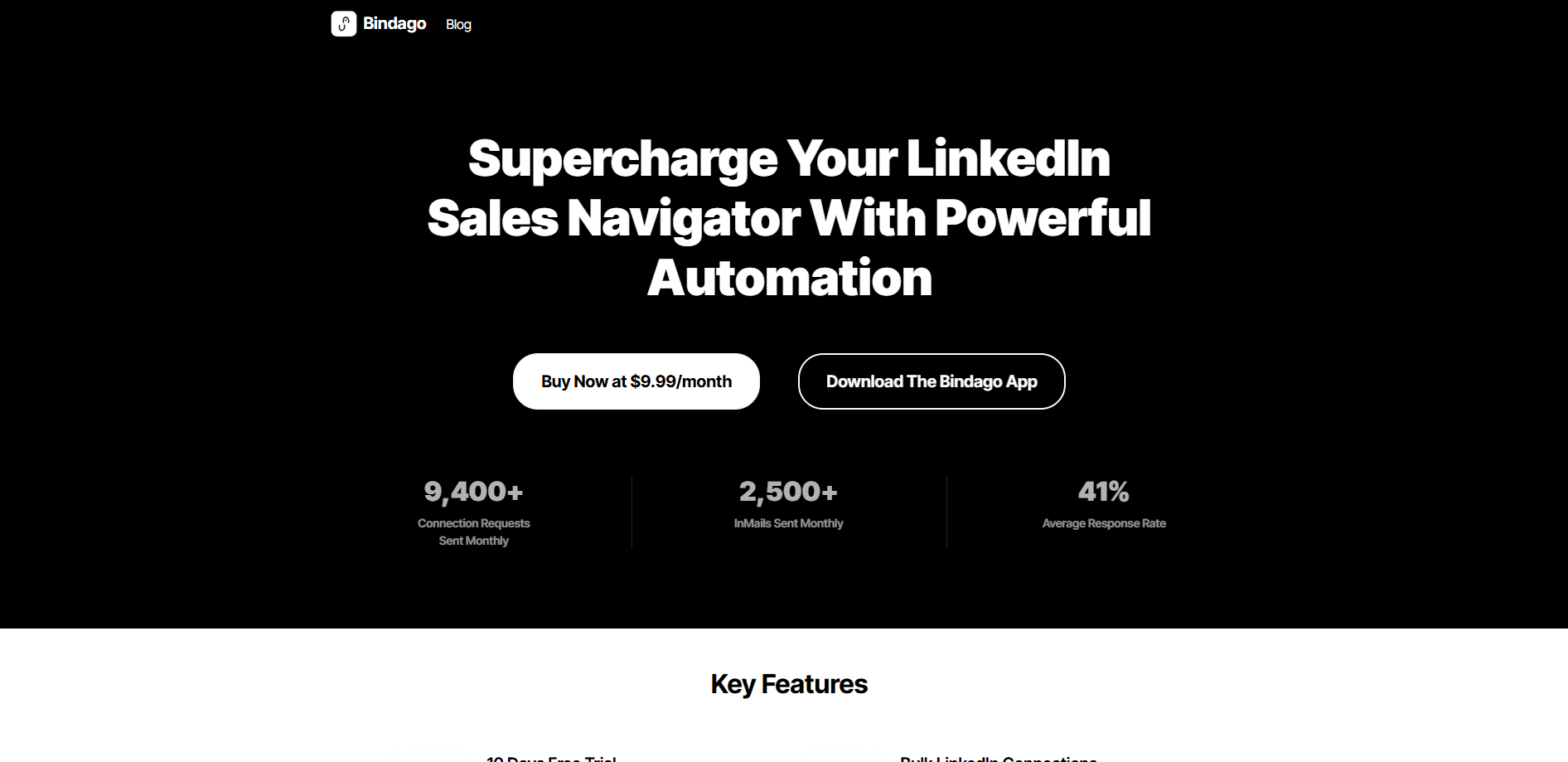
The problem it solves is scale without burnout. Sending connection requests one by one caps how many prospects you can reach in a week, and copying the same note into every message makes you look like a bot. Bindago handles the repetition while keeping a personal touch, and it works with free LinkedIn accounts, Premium, and Sales Navigator, so you do not need a paid LinkedIn tier to start. A typical LinkedIn outreach workflow, from lead import to follow-up, runs end to end here. Pricing runs from $9.99 to $39.99 per month, and a 10-day free trial needs no credit card.
The main limitation is that automation on LinkedIn carries account risk. Bindago leans on smart delays and daily limits to mimic human pacing, but sending at volume is still against LinkedIn's terms, so cautious users should keep volumes conservative. It is also a desktop app rather than a browser extension, which means it needs installing rather than a one-click add-on.
Getting Started
- Download the Bindago desktop app for Windows, macOS (Intel or Silicon), or Linux, then install and launch it.
- Connect your LinkedIn account and pick a plan, starting with the 10-day free trial that needs no card.
- Import a lead list from LinkedIn Search or Sales Navigator, or build a filter to pull prospects that match your ideal customer profile.
- Create a campaign, choose the actions you want (connection request, message, InMail, profile visit, like, or follow), and write your message with merge variables.
- Set delays and a daily limit to keep pacing human, then launch and track acceptance and reply rates in the analytics view.
Product Information
A quick look at Bindago's pricing, supported platforms, and performance.
Best for
The users, tasks, and scenarios where this tool fits best.
Users
- Sales teams and SDRs
- Recruiters and agency owners
- Founders and solo consultants
Tasks
- Sending personalized connection requests at scale
- Running multi-step follow-up sequences
- Mass InMail campaigns to Sales Navigator leads
- Pushing leads into your CRM
Scenarios
- Filling the top of the funnel for a B2B sales team that needs new meetings every week
- Managing several client LinkedIn accounts at once
- Cleaning up a stalled network
Key features
Bulk LinkedIn Connections
Bindago sends personalized connection requests to hundreds of targeted prospects in a few clicks. You import leads from LinkedIn Search or Sales Navigator, then personalize each request with merge variables such as first name and company. Smart daily limits and delays protect the account, which is the feature that separates careful automation from a bot that gets flagged.
Mass InMail Campaigns
You can launch personalized InMail campaigns to Sales Navigator lead lists in bulk, with custom variables per recipient to keep each message relevant. The tool tracks open and reply rates for every campaign, so you can see which copy earns a response. It is built for the outreach that Sales Navigator credits are meant for, just without the manual sending.
Sequences and Drip Campaigns
Sequences chain connection requests, messages, and follow-ups with set delays and conditions, which is the core of a LinkedIn drip campaign. A step can branch on whether a prospect accepts or replies, so warm leads move forward and cold ones drop off. Reusable sequence templates speed up setup, which matters when you run the same playbook for every new lead list.
CRM Integration
LinkedIn CRM integration syncs leads to the tools your team already uses, including native support for HubSpot, Pipedrive, and Zapier. Contacts push to the CRM automatically when they reply or accept, so no one copies details by hand. This keeps the sales pipeline current and turns a LinkedIn campaign into data your team can act on.
Campaign Performance Analytics
Every campaign reports response and acceptance rates, with daily and weekly breakdowns. You can compare campaigns side by side to find your best-performing copy, then double down on what works. Without this, scaling outreach is guesswork, and this view shows what is actually landing.
Works With Every LinkedIn Account Type
Bindago adapts to free LinkedIn accounts, Premium, and Sales Navigator, unlocking the automation features each tier supports. You do not need a paid LinkedIn subscription to start, which lowers the barrier for solo users testing the waters. It is also a desktop app on Windows, macOS, and Linux, so it runs outside the browser.
Built-In Chat
A chat view lets you read and reply to LinkedIn messages inside the app, so you do not open LinkedIn in a browser to handle every follow-up. Keeping conversations in one place helps when you juggle many threads. It means the reply, which is where a deal actually starts, stays inside the same workflow as the campaign.
Lead Export and Bulk Withdrawal
You can search and filter leads from LinkedIn Search or Sales Navigator and export lists to CSV for your CRM, spreadsheets, or email tools. Bulk invitation withdrawal pulls back pending requests to keep you within limits and tidy. Both are utility features that matter once your volume grows and cleanup becomes a chore.
Pros and cons
Pros
- Runs as a desktop app on Windows, macOS, and Linux, so it works outside the browser and does not depend on a fragile extension.
- The $9.99 Standard plan covers connection requests, InMails, sequences, analytics, and CRM sync, which undercuts most rivals on price.
- Works with free LinkedIn accounts, so you do not need Premium or Sales Navigator to start automating.
- Native HubSpot, Pipedrive, and Zapier support means leads land in your CRM without manual copy-paste.
- A 10-day free trial needs no credit card, which makes testing low risk.
Cons
- LinkedIn automation carries account risk, so bulk sending can trigger restrictions even with smart delays and daily limits.
- The cheapest plan limits you to 3 LinkedIn accounts, so agencies running more need the $24.99 tier or higher.
- There is no free plan, only a trial, so continued use means paying from $9.99 a month.
- It is a desktop app, so there is no cloud version you can run from a browser or a phone.
Frequently asked questions
Bindago is a LinkedIn automation tool that sends bulk connection requests, mass InMails, and multi-step follow-up sequences from a desktop app. It also tracks campaign results and syncs leads to your CRM when prospects reply or accept.
Related content
Explore related tools, skills, and articles for Bindago.
Bindago Alternatives

Tractionwave
TractionWave · Image · MarketingTractionWave is an AI attention heatmap tool for static ads. Upload a PNG or JPG and it returns predicted attention, ranked hotspots, and fixes before you spend budget.

OpenSEO - AI Visibility
EveryApp · Coding · Marketing · BusinessOpenSEO is an open source SEO platform for keyword research, backlinks, rank tracking, site audits, and AI visibility, with usage-based pricing and MCP access for AI agents.

Plugins Radar
Plugins Radar · Marketing · BusinessPlugins Radar tracks where your ChatGPT plugin ranks in directory and in-chat search, which competitors outrank it and what changed, with hourly checks on 9,885 listings.