

Blooper
Blooper · Video
Blooper is an agentic AI video production platform that runs script, storyboard, shots and render inside one project, with you approving every step.
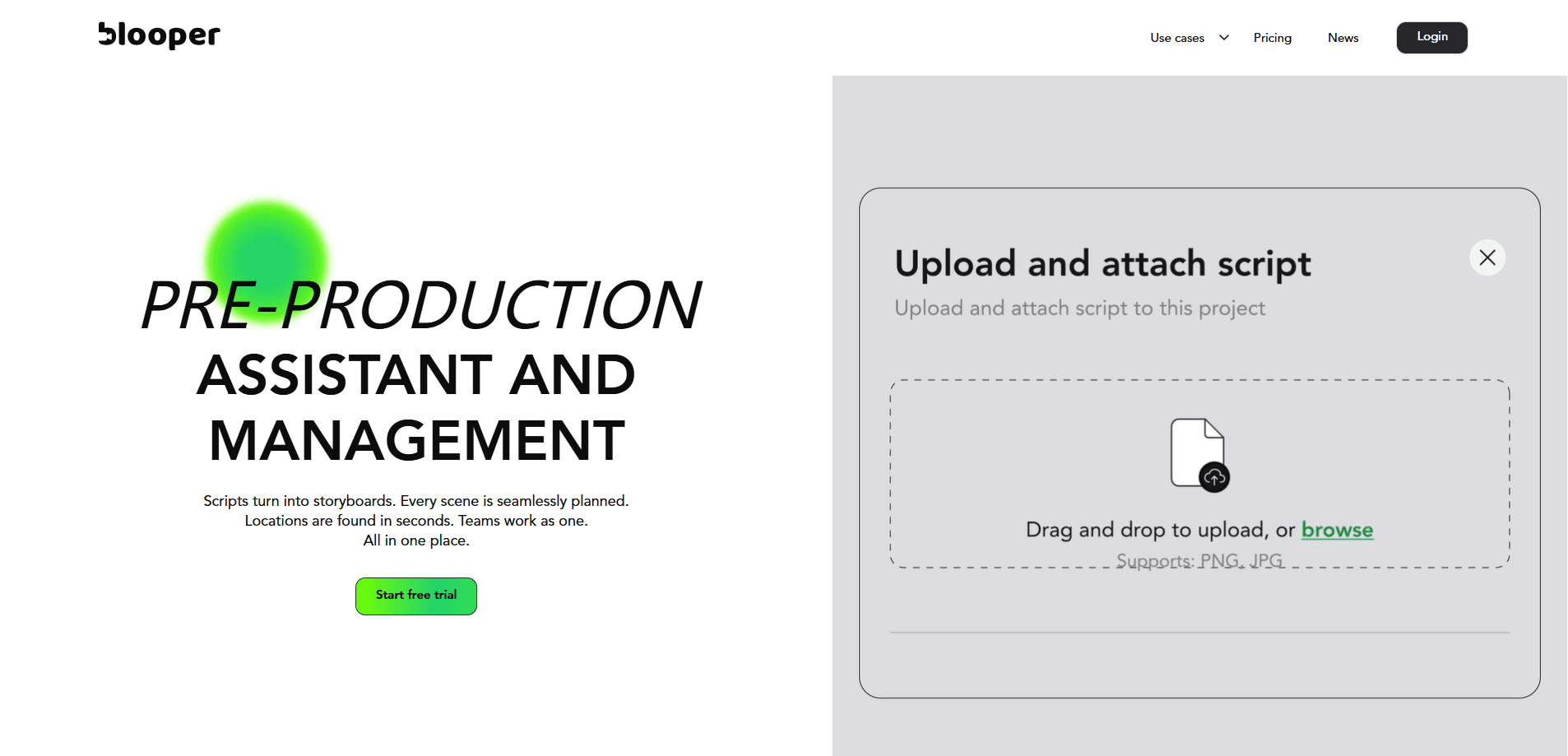
About Blooper
What Is Blooper
Blooper is a web platform for AI film production software, and it treats the whole pipeline as one project rather than a set of separate tools. You brief an agent, it plans the steps and runs them, and it hands the result back for you to judge. The pitch on the company's own homepage is blunt about the division of labor: the AI does the labor, you stay on every call.
The problem it targets is familiar to anyone who has made video with AI. Generators give you clips, but the surrounding work still lands on a person. Mood boards, character reference, shot lists, continuity across shots and version control all sit in separate apps, and keeping them in sync is the actual job. Blooper folds that work into one timeline where each output feeds the next.
Two limits are worth knowing before you commit. It is built for video ads and short-form production, not feature-length narrative work, and its credit model means every render costs money, so a heavy testing habit runs up a bill. The pricing page also states plainly that a shot the model actually ran is billed even if you dislike the result.
Getting Started
- Create a free account at app.blooper.ai, no card needed to look around
- Start a project and brief the agent, for example asking for a mood board for three characters or every shot in scene four
- Review what comes back, approve, tweak or roll back, and let the approved version feed the next stage
- Top up credits when you are ready to render, then compare takes and ship the cut you keep
Product Information
A quick look at Blooper's pricing, supported platforms, and performance.
Best for
The users, tasks, and scenarios where this tool fits best.
Users
- Performance marketers and ad teams
- Creative directors and producers
- Small studios and agencies
- Solo creators with a budget
Tasks
- Generating a full video ad from a brief
- Building shot lists and storyboards
- Keeping characters and branding consistent
- Testing ad variations
- Styling and editing footage
Scenarios
- A campaign needs ten ad variants
- A client wants to see options fast
- A brand has a fixed identity
- A director wants to try a bold cut
- A distributed team reviews together
Key features
Agentic Direction Instead of Manual Prompting
Blooper centers on briefing an agent rather than driving a timeline. You describe the outcome, like a mood board for these three characters, and the agent plans the steps, runs the tools and brings back the work. Each turn you take costs credits based on the tokens it uses, which the company says is usually a fraction of a single shot. The point is that you direct, and the platform operates.
One Project from Script to Render
Script, mood, characters, storyboard, AI shot generation, edit and render all live in the same project, and each output feeds the next stage. Nothing moves forward without your approval, so you can tweak, kill a take or start over before more money is spent downstream. This is the core difference from routing a prompt through a standalone video generator and then rebuilding context in an editor.
Model Choice per Shot
Blooper routes to several video and image model families, including Veo, Kling, Flux, Nano Banana and Seedance, and the pricing page names the cheapest starting credit cost for each. You pick the right model for a given shot instead of committing to one platform, and Blooper handles the routing, so there is no migration or re-authoring when a better model ships.
Continuity Through Shared Assets
Drop in a product, a character, a logo or a styled frame and every generation that follows uses it. Change the source and the shot, scene and cut all update, with dependencies flagged. That keeps your protagonist looking like your protagonist across frames, which is one of the hardest parts of AI video to hold together by hand.
Version History and Branching
Every generation keeps its full tree. You can branch a shot, compare any two takes, roll back to an earlier version or fork off an experimental cut while the approved version stays fixed. The company frames this as a way to try the risky idea safely and to find every branch you took, and every one you did not, when you reopen a project later.
Installable Skills for Production Tasks
Skills are workflows you install in one click and run with one line, covering tasks like trimming to the beat, generating every shot in a storyboard, tagging brand colors, scoring a montage or style-transferring between shots. As an AI video ad creator, Blooper leans on this skills layer to carry repeatable production jobs. Blooper describes this as an app store for the work itself, with skills built by the people doing the work and deepening as the community ships more.
Shared Project Space for the Whole Team
Director, editor, client and agent all work inside the same project, and every file appears the moment it ships. Anyone can comment on a shot and hand a note straight to the agent. The company positions this as the end of exports, screen-shares and the recurring request for the latest version.
Pros and cons
Pros
- Runs the full production pipeline in one project, so you don't rebuild context between a generator and an editor
- Credit pricing is pay-per-render with no subscription, no seats and no monthly reset, so unused balance stays yours
- Model routing covers Veo, Kling, Flux, Nano Banana and Seedance, letting you match the model to the shot
- Continuity tools tie characters, logos and product frames to every downstream generation
- Version trees and branching make it safe to test risky cuts without disturbing an approved version
Cons
- Credits are consumed on every generation, and the pricing page states a shot the model ran is billed even if you don't like the result, so experimenting gets expensive
- It targets video ads and short-form work, which means a feature-length narrative project won't fit the intended use
- No public API is documented, so teams that need to wire Blooper into their own pipeline are limited to the web app
- The cheapest credit rates require the cheapest models and shortest clips, so higher resolution and longer shots cost notably more
Frequently asked questions
Blooper is used to produce AI video ads and short-form video end to end. It covers script, mood boards, characters, storyboards, shot generation, editing and rendering inside one project, with an agent handling the steps between your decisions.
Related content
Explore related tools, skills, and articles for Blooper.
Blooper Alternatives
Griffin by Tavus
Tavus · Voice & Language · Video · ChatbotGriffin by Tavus is the first Human Interaction Model: a full-duplex, video-to-video system that watches, listens, and answers during a live video call in real time.

Syllaby AI Avatar 2.0
Syllaby · Video · MarketingSyllaby AI Avatar 2.0 turns a script into a presenter-led video with a reusable AI avatar, natural voice, B-roll and automatic subtitles, all in one browser workflow.

Vitra.ai
Vitra.ai · Voice & Language · Video · MarketingVitra.ai is an agentic content platform that creates, translates, reviews, and publishes video, images, documents, and app content in 120 languages from one shared brief.