

Bluedot Al Note Taker
Bluedot (Twiso Inc.) · Productivity
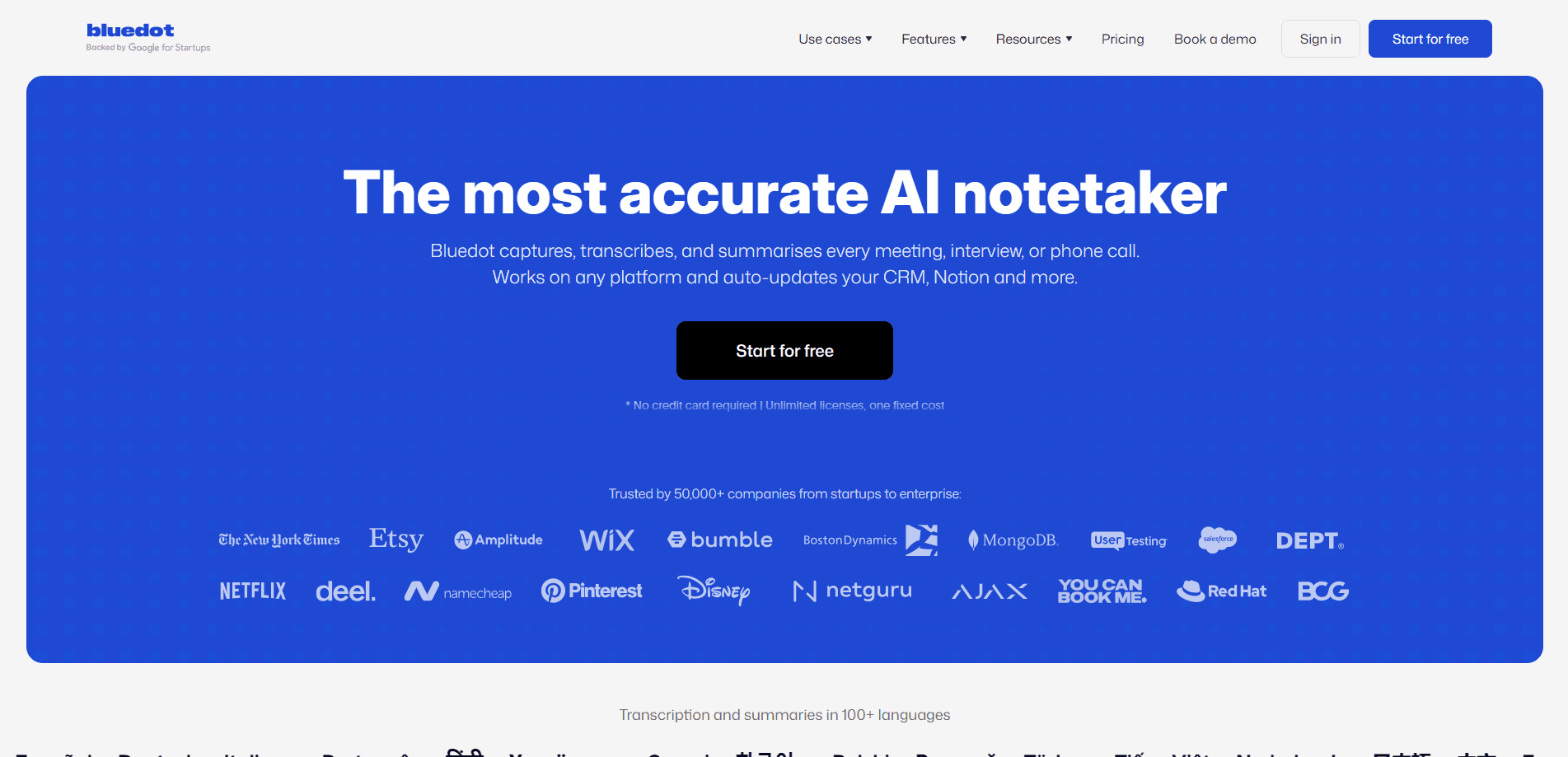
Bluedot is an AI note taker that records, transcribes, and summarizes meetings without sending a bot into your calls. It works across Zoom, Google Meet, Microsoft Teams, phone calls, and in-person conversations, then turns each session into a clean summary with action items, so you stop splitting your attention between listening and typing during a call. Your meetings stay natural. The notes still get written. That's the entire pitch, and for anyone drowning in back-to-back calls it's a good one. It doubles as a meeting summary app for teams that want a shared record without the hassle of a bot sitting in the room. No bot. No awkward silence.
About Bluedot Al Note Taker
What Is Bluedot
Bluedot is a bot-free AI notetaker built for anyone who takes a lot of meetings. Instead of joining your call as a visible participant, it listens on your side and quietly captures the conversation while you stay focused on the people in front of you rather than on a notepad. You get a transcript, a summary, and a list of next steps, all tied to the meeting they came from.
The problem it solves is the gap between "I was in the meeting" and "I remember what we decided." Chasing that knowledge afterward eats up an hour you didn't have. Bluedot closes that gap by turning every call into searchable AI meeting notes you can revisit, share, or push into another tool. No scrambling. No replayed recordings.
The main limitation is the free tier. It's generous enough to test, but it caps you at a handful of meetings for life. Anyone using it weekly will need a paid plan. There's also the usual caveat that transcription quality depends on audio. A bad connection means a rough transcript, every time.
Getting Started
- Sign in on the Bluedot website with your Google account, or install the Chrome extension and desktop app for Mac or Windows.
- Join your meeting on Zoom, Google Meet, or Teams as you normally would, then start a recording from Bluedot.
- Let it run through the call; Bluedot transcribes and identifies speakers in the background.
- Open the finished note to review the summary and action items, and edit anything the AI got wrong.
- Share the note with a link, or connect a CRM, Slack, or Notion so the follow-up happens automatically.
Product Information
A quick look at Bluedot Al Note Taker's pricing, supported platforms, and performance.
Best for
The users, tasks, and scenarios where this tool fits best.
Users
- Sales reps who want every client call logged to their CRM without typing notes afterward.
- Recruiters running back-to-back interviews who need candidate summaries pushed straight into an ATS.
- Engineers and product managers who want decisions and to-dos captured in one searchable place.
Tasks
- Meeting transcription
- Note generation
- CRM updates
Scenarios
- A sales team that wants follow-up emails drafted right after a discovery call while details are fresh.
- An in-person interview or client meeting where there's no call link for a bot to join.
- A founder who records the same recurring weekly sync and needs a clean recap without rewatching it.
Key features
Bot-Free Recording
The defining feature is that Bluedot doesn't join your meeting as a participant. There's no extra attendee on the list and no one gets a notification that a recorder dialed in. It captures audio from your side of the call or the room, which keeps conversations feeling normal. If you've ever watched a room go quiet the moment an AI notetaker appears, you know why this matters.
Meeting Notes Across Every Platform
Bluedot works with Zoom, Google Meet, Microsoft Teams, phone calls, and fully in-person meetings. There's a Chrome extension for browser calls, desktop apps for Mac and Windows, and a mobile app plus Apple Watch support for recording on the move. One app covers the calls you take at your desk and the conversations you have walking into a room. That range is what separates it from tools that only handle calendar invites. Bots can't join a meeting that never had a link.
AI Summaries and Action Items
After each meeting, Bluedot produces a summary, a speaker-labeled transcript, and a list of action items. The summaries are tuned for different teams, so you can get sales notes, Q&A, or a customer check-in format instead of one generic template. What did the client actually commit to? The notes tell you. You can also build custom note templates on the Pro plan. The practical win is skipping the ten minutes you'd spend reconstructing what happened. Small thing. Adds up fast.
Searchable Meeting History
Every recording and transcript lands in a searchable library, so your team builds a shared memory of what was said. You can ask the built-in AI chat questions like what a specific person said about pricing, and it pulls the answer from past meetings. Sharing works through links, and you can comment on key moments or clip highlights, which means a teammate who missed the call can catch up in minutes instead of asking you what happened. It turns a pile of recordings into something you can actually reference. That's the difference between a library and a graveyard.
Post-Meeting Automation
Bluedot syncs notes, transcripts, and action items to your CRM, ATS, and other tools through its API and MCP integration. On the Business plan you get CRM and ATS connections, org-wide webhooks, and Slack and Notion support. Instead of copying notes into HubSpot by hand, the update happens on its own. For sales and recruiting teams, that's the difference between logging a call and losing it.
Team and Admin Controls
On the Business plan, Bluedot adds advanced admin controls, SSO and SCIM, and custom data retention. You can also set a flat company rate instead of paying per seat, which keeps costs predictable as the team grows and new people start recording their own calls. These features target larger teams that need to manage access and keep data policy under control. It's the layer that makes Bluedot viable for a company rather than a single power user.
Pros and cons
Pros
- No bot joins your call, so meetings stay natural and participants don't get spooked.
- Covers Zoom, Google Meet, Teams, phone calls, and in-person sessions in one app.
- Notes sync to CRMs, ATSs, Slack, and Notion through API and MCP, cutting manual follow-up work.
- Meeting transcripts are searchable, so your team builds a reusable record of decisions.
- Desktop, mobile, and Apple Watch apps mean you can record away from your laptop.
Cons
- The free plan caps you at 5 meetings for life, so regular users have to pay to get real value.
- The cheapest paid tier is audio-only and limits each recording to one hour; video needs Pro.
- Quality depends on your audio setup, so a poor connection produces a rough transcript.
- Most of the deeper automation, like CRM sync and admin controls, sits on the Business plan.
Frequently asked questions
Bluedot is an AI note taker for meetings. It records, transcribes, and summarizes calls and in-person conversations, then produces action items and syncs the notes to tools like your CRM.
Related content
Explore related tools, skills, and articles for Bluedot Al Note Taker.
Bluedot Al Note Taker Alternatives

Swms
Swms AI · Writing · Productivity · BusinessSwms is an AI safety compliance tool that turns a plain description of a job into ready-to-use safety documents. Describe your project, trade, and known hazards, and it writes a safe work method statement, job hazard analysis, safe work procedure, RAMS, or safety data sheet in seconds. It also ships with Oscar, a chat assistant that answers workplace safety questions in any language. Teams in construction, mining, transport, and warehousing use it to cut the paperwork that usually eats into a workday.

Wordly AI Translation
Wordly · Voice & Language · ProductivityWordly AI Translation is a real-time AI translation and captioning platform built for meetings, conferences, and events. It delivers live translation, captions, transcripts, and summaries in more than 60 languages, and attendees join by scanning a QR code or opening a link instead of using dedicated headsets. The platform works with Zoom, Microsoft Teams, Google Meet, and Webex, and it's designed for organizations that want multilingual access without hiring human interpreters for every session. Simple as that.

Rows
Rows (Superhuman) · Productivity · BusinessRows is an AI spreadsheet and data analysis tool that imports live data from more than 50 sources, then lets you work with it using plain language instead of SQL queries or nested formulas. You can pull numbers out of PDFs, connect ad platforms, databases, and bank accounts, and ask the AI to build reports, merge datasets, or set up models that recalculate themselves. It runs in the browser, works like a spreadsheet, and now sits under the Superhuman umbrella.