

box
ASCII · Coding
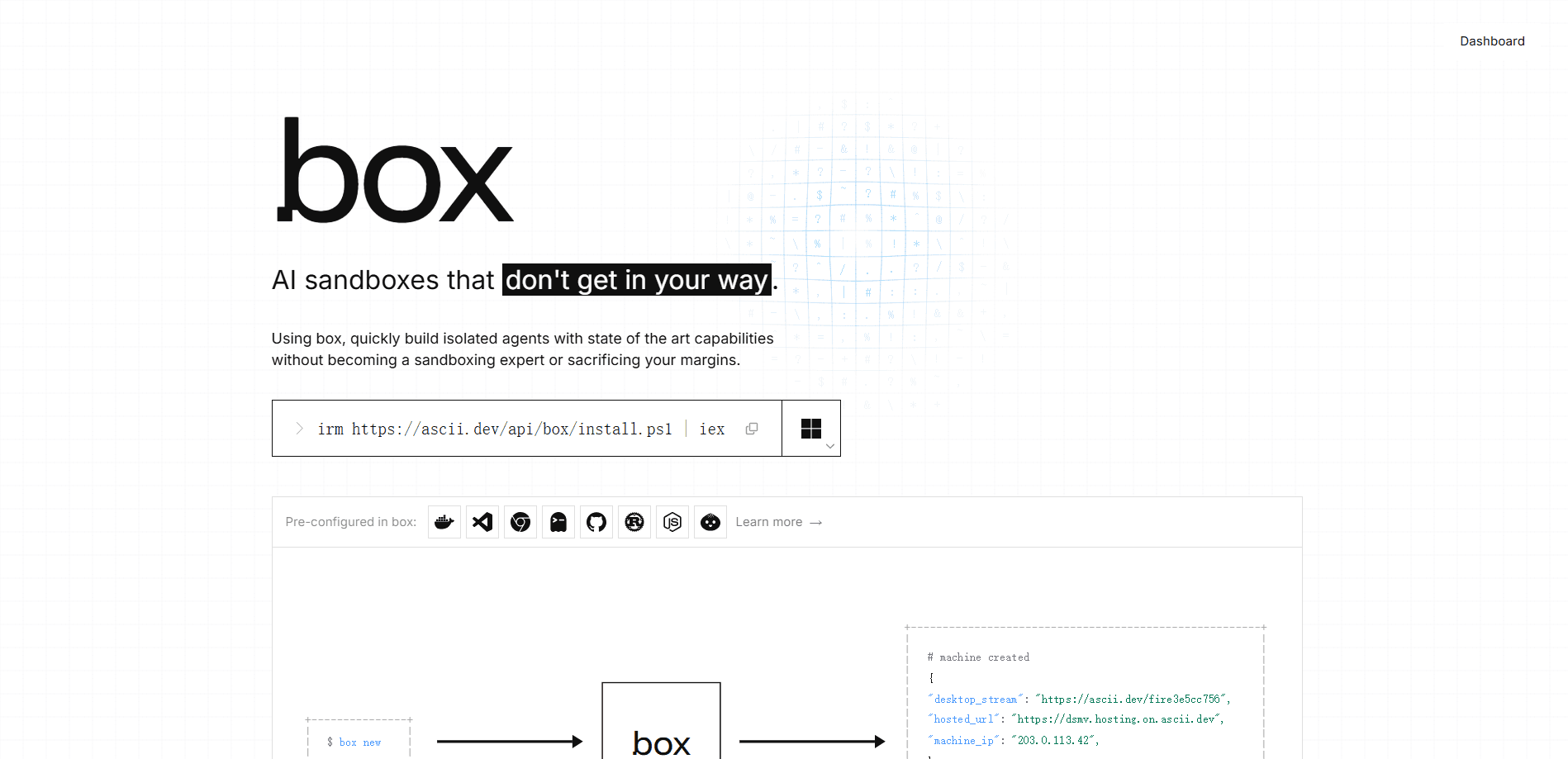
box is a cloud sandbox service from ASCII that gives AI agents their own persistent Ubuntu virtual machines. Think of it as an AI agent sandbox, not a shared container pool. Each sandbox runs as a full Linux VM with Docker, SSH and SCP access, a dedicated IPv4 or IPv6 address, and a 60fps desktop you can open in a browser. You spin them up with a CLI, API or SDK, and stop paying the moment a sandbox stops running.
About box
What Is box
box by ASCII solves a narrow problem well: agents need somewhere real to run. Instead of a throwaway container that resets between steps, each box is an SSH cloud VM, a full Ubuntu machine you can shell into, install packages on, and leave running for days. The same machine keeps its files, its installed software and its enabled systemd services, so an agent doesn't have to rebuild its environment every time it wakes up.
The service is built for people running agents at volume, not for a single hobby script. So why choose a VM over a container? Because state sticks. You can run 100 to 2,000 sandboxes at once depending on your plan, and fork a running VM to branch its work. Billing is per second while the sandbox runs, and a stopped sandbox costs nothing because it gets snapshotted. That's the pitch in one line.
The main catch is the price floor and the region. There's a $20 monthly minimum that converts into sandbox time rather than disappearing as a fee, and every sandbox runs in the EU (Germany, Finland or France). That's a real constraint. If your users are in the Americas, that adds roughly 100 to 200 ms of round-trip latency, which is fine for agent work but not for serving production traffic directly.
Getting Started
- Sign in on the dashboard or CLI with GitHub, Google, or a 6-digit code sent by email.
- Run
boat newto spin up your first sandbox, or pick a size likeboat new --type smallfor a lighter machine. - Connect with
boat sshto work interactively, orboat execto run a command without opening a shell. - Copy files in with
boat ssh/scp, then host any port as a public HTTPS URL usingboat host. - When you're done,
boat stopsnapshots the sandbox and pauses billing;boat resumebrings it back in a few seconds.
Product Information
A quick look at box's pricing, supported platforms, and performance.
Best for
The users, tasks, and scenarios where this tool fits best.
Users
- AI agent developers
- Solo builders prototyping agent products
- DevOps and platform engineers
Tasks
- Running long-lived background services
- Parallel agent workloads
- Reproducible dev environments
Scenarios
- Agent factory platforms
- 24/7 service hosting that needs a real IP
- A personal dev box you can reach from anywhere
Key features
Persistent full VMs, not throwaway containers
Every box is a complete Ubuntu VM you can run Docker, systemd, databases and cron inside, so it behaves like a real dev machine rather than a stripped-down runtime. No rebuild. Files, installed packages and enabled services survive a stop and resume, which is the difference between an agent that remembers its setup and one that starts from scratch each time.
Per-second billing with free stopped sandboxes
You pay only for the seconds a sandbox actually runs, and stopping one snapshots it and pauses the meter. Stop it, and the cost drops to zero. The $20 monthly minimum is account-wide and converts into 555 hours of default machine time, so it's time you spend rather than a fee you lose. Simple as that.
SSH, SCP and remote command execution
The CLI gives you boat ssh to shell in, boat ssh/scp to move files, and boat exec to run a single command without opening a shell. No SSH config to hand-edit. That means you can drive a sandbox by hand or from a script without changing how you work.
Fork and named snapshots
You can fork a running VM to branch its state, or save named snapshots to return to. For teams running many agents in parallel, forking turns one good setup into a family of machines without rebuilding each one. Why bother? Because cloning a configured VM beats configuring a fresh one every time.
60fps desktop and browser access
Each sandbox ships with an integrated desktop and browser you can open at 60fps, which is enough to click through web apps, games, 3D scenes or an IDE. It's the feature that makes a headless box suddenly usable for anything with a UI. Worth trying once.
Docker-in-VM and per-VM IP addresses
Docker runs inside the VM, not on a shared host, and every sandbox gets its own dedicated IPv4 or IPv6 with full TCP/UDP. Real isolation, real address. Combined with boat host, which publishes any port as a public HTTPS URL, this makes each sandbox effectively its own small server.
Control agents from the outside
You can prompt, observe and wrap any agent framework running in the sandbox from the outside through the CLI, API or SDKs, including running Claude Code or Codex with boat prompt and polling agent messages with boat events. The sandbox stays the execution surface while your tooling stays in control.
Team, secrets and account controls
API keys, secrets, teams and auto-stop are built in, and you can create sandboxes with no environment so they inherit none of your account's credentials. That last part matters if you hand sandboxes to your own users and want to keep them isolated.
Pros and cons
Pros
- Full VMs with sudo, Docker and systemd give you a real Linux environment, not a restricted runtime.
- Per-second billing with free stopped sandboxes keeps idle cost at zero.
- Persistent state across stop and resume means agents keep files and services.
- Multiple sizes from 2 vCPU / 4 GB up to 16 vCPU / 32 GB, changeable on resume or fork.
- Lowest published hourly rate among the sandbox providers it compares itself to ($0.036/h for 4 vCPU / 8 GB).
Cons
- There's a $20 monthly minimum, so it's not a fit for occasional single-sandbox use.
- All sandboxes run in the EU, which adds around 100 to 200 ms latency for users in the Americas.
- No free plan. The first 25 hours are free to start, so you can test before paying.
- Only the latest snapshot per sandbox is kept, so you can't archive many restore points for the same machine.
Frequently asked questions
box is a cloud sandbox service for running AI agents on persistent Ubuntu VMs. You use it to give agents a real Linux machine with SSH, Docker and a desktop, instead of a container that resets between runs.
Related content
Explore related tools, skills, and articles for box.
box Alternatives
Forefront
Forefront · CodingForefront is a web platform for building with open-source AI. It lets you fine-tune leading open-source language models on your own data, evaluate how they perform, and run them through an API or export them to host yourself. Developers who want the convenience of a closed-source platform but insist on owning their models and data are the target audience here.

Startkit
StartKit.AI · CodingStartkit is a boilerplate for building AI SaaS and AI wrapper products. Think of it as an AI startup boilerplate with the boring parts already wired up: authentication, Stripe and Lemon Squeezy payments, usage limits, transactional email, and an AI API starter that talks to OpenAI, Anthropic, Groq, or Llama. You clone the repo, set your price, and start on the part of your product that people actually pay for. It's Next.js under React and Tailwind, so most of the boilerplate code already feels familiar.
Testim
Tricentis · CodingTestim is an AI-powered test automation platform for building and running end-to-end tests across web, mobile, and Salesforce applications. It leans on machine learning to keep tests stable when an interface changes, so teams spend less time fixing broken selectors. Not bad for an automated testing tool you can start using today. You create tests by recording actions in a browser, then optionally add JavaScript when you need more control. It's a solid pick for busy QA teams.