

BrowserAI
BrowserAI · Coding
BrowserAI is an open-source JavaScript library that runs LLMs, speech recognition, and text-to-speech directly in the browser using WebGPU, so data stays on device and server costs drop to zero.
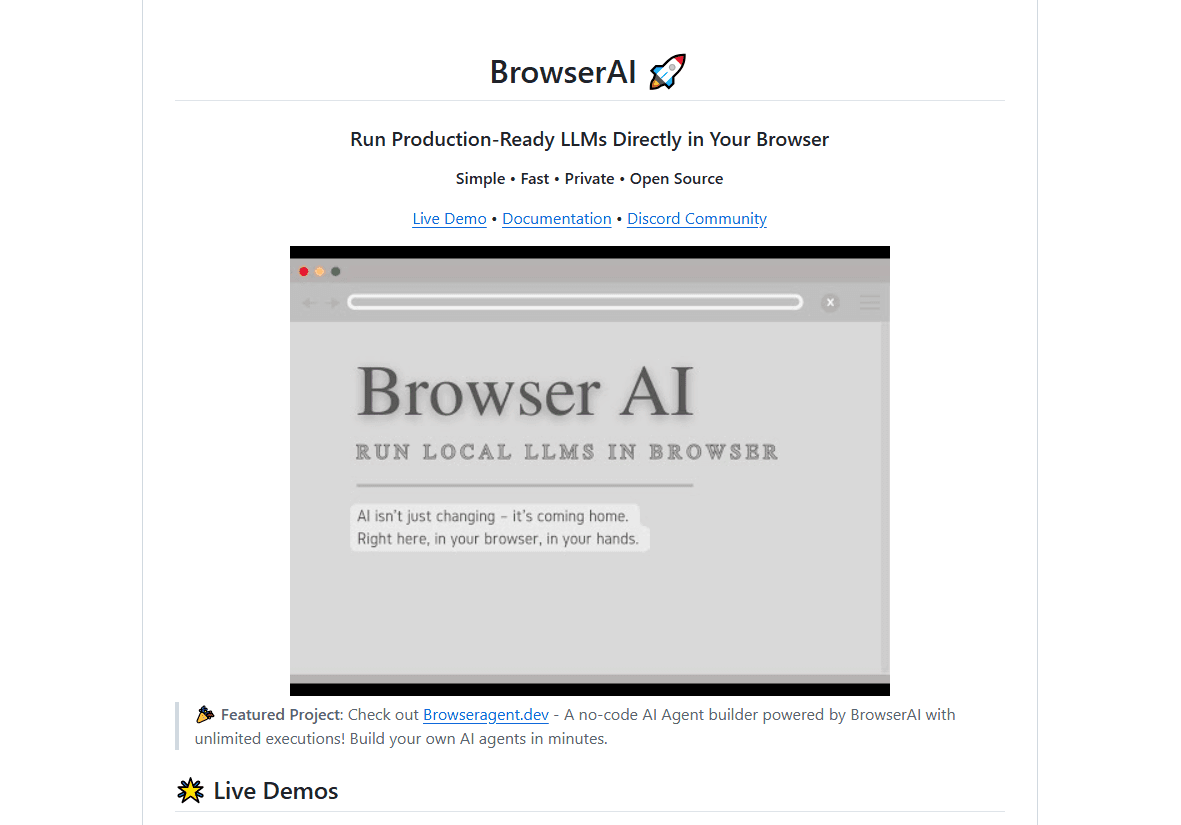
About BrowserAI
What Is BrowserAI
BrowserAI is a browser-first AI library that loads and runs a local LLM on the user's own device instead of a remote server, and it does so as an open-source JavaScript library. You install it from npm, then call a small API to load a model and generate text, and the whole thing runs inside the browser tab. The project is open source under the MIT license, so there are no API keys, no rate limits, and nothing to host.
The appeal comes down to where the compute happens. Because inference runs locally through WebAssembly and WebGPU, user prompts never leave the machine, and a shipped product carries no per-request bill. The library ships with pre-configured models from the Llama, Qwen, Gemma, SmolLM2, and Phi families, plus Whisper for speech and Kokoro for voice, so you don't fine-tune anything to get a demo running.
The trade-offs are real. Small on-device models don't match a frontier model hosted in the cloud on hard reasoning, and the browser needs WebGPU support, which rules out older machines. Model files are also large, so a first load means a heavy download before anything responds.
Getting Started
- Install the library with npm install @browserai/browserai, or add it from yarn.
- Import BrowserAI and call loadModel with a model name, tracking progress as the weights download into the browser.
- Call generateText with a prompt or a message list, and optionally pass a system prompt for a chat persona.
- For voice, load a Whisper model to transcribe audio or Kokoro to turn text into speech, then play the buffer back.
- Ship the page, and let returning visitors run the model offline once the files are cached.
Product Information
A quick look at BrowserAI's pricing, supported platforms, and performance.
Best for
The users, tasks, and scenarios where this tool fits best.
Users
- Front-end developers
- Privacy-focused teams
- Hobbyists and students
- Product teams on a tight budget
Tasks
- Building an in-page chatbot
- Adding speech input
- Generating speech
- Returning structured data
- Separating audio stems
Scenarios
- Shipping a private writing assistant
- Running a demo on a plane or offline
- Prototyping an AI feature before budget
- Embedding AI in an internal tool
Key features
Models that run on the device
BrowserAI loads models straight into the browser through WebGPU and WebAssembly, so inference happens on the user's hardware. The library ships with ready-to-use weights across the Llama, Qwen, Gemma, SmolLM2, Phi, and DeepSeek families, plus embedding models for search. You call loadModel with a name and a quantization setting, and the library handles the rest. On a supported machine, replies come back in near-native speed because the GPU does the heavy work.
Speech recognition and text-to-speech
Voice is a first-class part of the library, not an add-on. A Whisper model transcribes recorded audio, and Kokoro turns text into a playable audio buffer with a choice of voices and speed. A built-in recorder captures the mic, so you can wire up a spoken assistant without another service in the loop. Because both run locally, audio stays on the device the same way the text does.
Structured output with JSON schemas
Instead of parsing free text and hoping for the best, you pass a JSON schema and ask for a JSON object. The model returns data shaped to that schema, which drops straight into your app. This matters for agents and forms, where a malformed reply would otherwise break the flow. The result is a clean object you can validate and store.
Multiple engines behind one API
The library doesn't lock you to a single runtime. It switches between the MLC, Transformers, Flare, and Demucs engines, each suited to a different task. MLC and Flare cover text generation through WebGPU and WASM, Transformers handles speech and voice, and Demucs splits audio into stems. The API stays the same across them, so swapping a backend doesn't mean rewriting your code.
Web workers and streaming
Running a model can freeze a tab if you let it hog the main thread, and BrowserAI avoids that by running inference in a Web Worker. The UI stays responsive while the model thinks, and outputs stream in token by token so the user sees progress. A Web Worker plus streaming turns a heavy local model into something that feels like a normal web app.
Built-in storage and offline use
BrowserAI includes an in-browser database built on IndexedDB and SQLite, which holds conversations, embeddings, and cached model files. That storage is what lets the page keep working after the first download, even with no internet. For a chat app, it means history survives a refresh without any server to sync against.
Pros and cons
Pros
- Data never leaves the device, which makes it a fit for privacy-sensitive apps that can't send prompts to a cloud API.
- There are no per-request fees or servers to run, so the running cost stays near zero no matter how many users load the page.
- It ships with pre-configured models, so a working chatbot or voice demo takes a few lines of code rather than a training pipeline.
- One API covers text, speech, structured output, and audio separation, so you don't stitch four services together.
- It works offline once the files are cached, which suits kiosks, field tools, and any spot with flaky connectivity.
Cons
- Small on-device models fall short of cloud frontier models on hard reasoning, so quality drops on complex prompts.
- It needs a browser with WebGPU, which leaves out older machines and some mobile devices, so reach is narrower.
- Model weights are large, and the first load means a slow download before the app responds.
- There's no managed service or hosted endpoint, so a team wanting a turnkey API has to build and ship the client themselves.
Frequently asked questions
BrowserAI is an open-source JavaScript library for running AI models inside a web browser. It loads language, speech, and audio models onto the user's device and runs them through WebGPU and WebAssembly, so there's no server and no API key involved. Developers add it from npm and call its API to generate text, transcribe audio, or produce speech.
Related content
Explore related tools, skills, and articles for BrowserAI.
BrowserAI Alternatives
Forefront
Forefront · CodingForefront is a web platform for building with open-source AI. It lets you fine-tune leading open-source language models on your own data, evaluate how they perform, and run them through an API or export them to host yourself. Developers who want the convenience of a closed-source platform but insist on owning their models and data are the target audience here.

Startkit
StartKit.AI · CodingStartkit is a boilerplate for building AI SaaS and AI wrapper products. Think of it as an AI startup boilerplate with the boring parts already wired up: authentication, Stripe and Lemon Squeezy payments, usage limits, transactional email, and an AI API starter that talks to OpenAI, Anthropic, Groq, or Llama. You clone the repo, set your price, and start on the part of your product that people actually pay for. It's Next.js under React and Tailwind, so most of the boilerplate code already feels familiar.
Testim
Tricentis · CodingTestim is an AI-powered test automation platform for building and running end-to-end tests across web, mobile, and Salesforce applications. It leans on machine learning to keep tests stable when an interface changes, so teams spend less time fixing broken selectors. Not bad for an automated testing tool you can start using today. You create tests by recording actions in a browser, then optionally add JavaScript when you need more control. It's a solid pick for busy QA teams.