
Buddy Works
Buddy (Buddy Works) · Coding · Productivity · Business
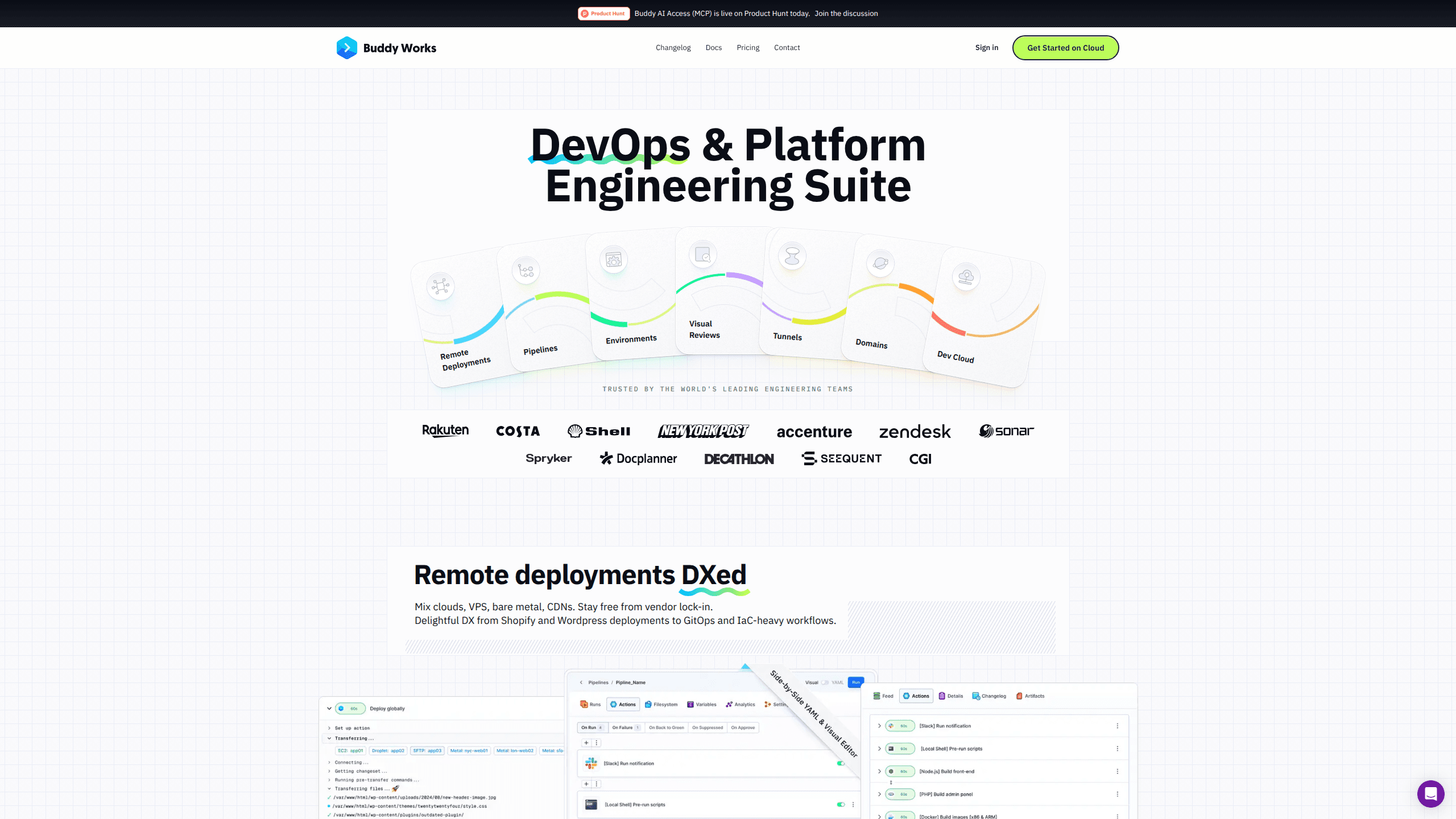
Buddy Works is a DevOps and platform engineering suite that automates the path from a git push to a live deployment. Teams use it as a continuous deployment tool: run builds and tests in containers, preview every pull request on its own environment, and ship to thousands of targets without touching server configs. The selling point is breadth: one tool covers CI/CD pipelines, environments, tunnels, domains and a dev cloud, so you don't have to stitch five services together.
About Buddy Works
What Is Buddy Works
Buddy Works is a delivery platform aimed at developers who ship often and don't want to babysit their release process. Instead of wiring up a build server, a deploy script, a preview environment service and a DNS manager separately, you get all of that behind one UI, one YAML config and one API. That's the core pitch, and for small teams it's a real time saver. One login, one bill.
The platform is built around pipelines. A pipeline is a chain of actions that runs after a trigger, like a commit to a branch or a merge into main. You can build one by dragging blocks in the visual editor or by writing YAML, and the two stay in sync. Builds run in isolated containers on Intel, ARM, Linux, Windows, Mac or NixOS, so you're not locked to one runtime. That's the whole idea.
The main limitation is the ceiling on the lower plans. The free tier gives you a single seat and one concurrent pipeline, which is fine for a solo project but tight for a team of even three people. Concurrency in particular is the number that bites first: with one concurrent build, everything queues behind whatever is already running. Annoying, but it's the trade you make for a free tier.
Getting Started
- Create an account with your email, GitHub or Bitbucket login, then pick a workspace name.
- Add a project and connect your git provider. Buddy reads the repo and suggests a starter pipeline based on the detected stack.
- Open the pipeline editor and add actions: install dependencies, run tests, then deploy. Drag from the action list, or switch to YAML if you'd rather type it.
- Set a trigger so the pipeline fires on push or pull request, and attach a target for the deploy step.
- Run it once manually to check the logs, then let it take over on the next commit.
Product Information
A quick look at Buddy Works's pricing, supported platforms, and performance.
Best for
The users, tasks, and scenarios where this tool fits best.
Users
- Solo developers and indie hackers
- Small product teams
- Platform engineers at growing companies
Tasks
- Automating a deploy on every push
- Giving each pull request its own preview URL
- Running visual tests across browsers
Scenarios
- Shipping a WordPress or Shopify theme
- Handling a multi-cloud setup
- Bringing order to a messy deploy process
Key features
Pipelines as Code or Drag and Drop
A pipeline is the unit of work in Buddy, and you build it two ways. The visual editor lets you drag actions into a chain and set their order, while the YAML view exposes the same config as text. It's build automation you can read. Changes made in one show up in the other, so the visual approach doesn't lock out anyone who prefers version-controlled config. Pick whichever fits your team.
Container-Based Builds on Any Runtime
Every build runs in an isolated container, which keeps one project's dependencies out of another's way. You can choose Intel, ARM, Linux, Windows, Mac or NixOS environments, and steps can run in a matrix, all at once or one at a time. That matters when you need to test the same code across platforms before release. No shared-state surprises.
Deployment to Thousands of Targets
The deployment actions push to a long list of targets, including cloud providers, VPS and bare metal. So deployment automation stops being a script you maintain by hand. There are agent and agentless modes, change-aware deploys that only ship what moved, manual approvals for gated releases and one-click rollback if a release goes wrong. For teams that deploy often, the rollback button alone earns its place. Buddy can spin up a fresh environment for each branch, pull request, stage or demo. These run on Buddy's cloud or inside your own infrastructure if you use bring-your-own-cloud. Each PR and branch gets its own URL, so testers and clients can look at a live build without waiting on a shared staging server. Handy for reviews.
Deployment to Thousands of Targets
The deployment actions push to a long list of targets, including cloud providers, VPS and bare metal. So deployment automation stops being a script you maintain by hand. There are agent and agentless modes, change-aware deploys that only ship what moved, manual approvals for gated releases and one-click rollback if a release goes wrong. For teams that deploy often, the rollback button alone earns its place.
Visual Reviews Across Browsers
The visual review tools run interaction and visual tests on different browsers, systems and viewports at the same time. You can wire them into Playwright, Selenium or Cypress, and Buddy keeps a baseline so it can flag what actually changed. Figma and Storybook support means design changes can be checked against the real UI. No more guessing.
Tunnels, Domains and Dev Cloud
Beyond CI/CD, Buddy bundles networking and hosting pieces. Tunnels connect to external networks with OAuth, SAML or OIDC protection, domains handle multi-tenant apps with automated SSL certificates, and the dev cloud runs apps on MicroVMs directly from a pipeline. It's a lot of surface area, and that's the point: fewer separate accounts to manage. Fewer moving parts.
A REST API and CLI for Everything
You can drive the whole platform from the UI, the API, a CLI, Terraform or YAML. That flexibility is why platform teams pick it: infrastructure can be defined as code and reviewed like any other change, and pipelines can be generated programmatically rather than clicked together by hand. Should you pick it over a plain CI service? That depends on how much of the delivery chain you want in one place.
Pros and cons
Pros
- One platform covers pipelines, environments, tunnels, domains and hosting, which cuts down on separate subscriptions.
- The free plan is genuinely usable for personal projects, with no credit card needed to start.
- Pipelines can be built visually or in YAML, so both clickers and config-file purists are served.
- Change-aware deploys and one-click rollback reduce the risk of a bad release reaching users.
- Prebuilt actions for common stacks like WordPress, Shopify and Node cut setup time on day one.
Cons
- The free plan allows only one concurrent build, so runs queue up fast once more than one person pushes code.
- Pricing is in euros and scales per seat and per concurrent build, which makes costs harder to predict as a team grows.
- The range of features is wide, and new users can spend the first few hours just figuring out where everything lives.
- The platform is cloud-first, so teams that insist on fully self-hosted CI/CD will need to look elsewhere.
Frequently asked questions
It's a DevOps platform for automating software delivery. You connect a repository, define a pipeline of build, test and deploy steps, and Buddy runs them automatically when code changes. It replaces the mix of scripts and tools teams usually cobble together.
Related content
Explore related tools, skills, and articles for Buddy Works.
Buddy Works Alternatives
Forefront
Forefront · CodingForefront is a web platform for building with open-source AI. It lets you fine-tune leading open-source language models on your own data, evaluate how they perform, and run them through an API or export them to host yourself. Developers who want the convenience of a closed-source platform but insist on owning their models and data are the target audience here.

Startkit
StartKit.AI · CodingStartkit is a boilerplate for building AI SaaS and AI wrapper products. Think of it as an AI startup boilerplate with the boring parts already wired up: authentication, Stripe and Lemon Squeezy payments, usage limits, transactional email, and an AI API starter that talks to OpenAI, Anthropic, Groq, or Llama. You clone the repo, set your price, and start on the part of your product that people actually pay for. It's Next.js under React and Tailwind, so most of the boilerplate code already feels familiar.
Testim
Tricentis · CodingTestim is an AI-powered test automation platform for building and running end-to-end tests across web, mobile, and Salesforce applications. It leans on machine learning to keep tests stable when an interface changes, so teams spend less time fixing broken selectors. Not bad for an automated testing tool you can start using today. You create tests by recording actions in a browser, then optionally add JavaScript when you need more control. It's a solid pick for busy QA teams.