

Budibase
Budibase · Coding
Budibase is an open-source low-code platform for building internal tools, automations, and AI agents without a full engineering team. Teams connect their databases and business apps, design interfaces by dragging components onto a screen, then wire up workflows that move data and route approvals. It runs on Budibase Cloud or on your own infrastructure, which matters if your data can't leave your network.
About Budibase
What Is Budibase
Budibase is a low-code platform aimed at operations and IT teams who need internal software faster than a traditional development cycle allows, and it doubles as an open-source app builder. Instead of writing a custom admin panel from scratch, you assemble it from templates, data sources, and prebuilt components. The pitch is simple. Connect your data, build the screens, and ship the tool in days rather than months.
The platform covers three jobs. The app builder creates end-user web apps for managing records and processes. The automation builder chains triggers and action steps to handle approvals, notifications, and routing on its own. The agent builder adds AI assistants that don't just answer questions but actually take action, creating records or kicking off workflows. That mix of internal tool builder and business process automation is what sets it apart from simpler form tools, which tend to stop at collecting data and leave the follow-up work to you. Budibase goes further.
The biggest limits are worth knowing up front. Budibase is built for internal business apps, not customer-facing products at scale, so it isn't a fit if you're shipping a public consumer app to a large audience. The free cloud tier caps you at one workspace and a single creator, and the AI features run on credits that eventually run out. Small teams hit those ceilings fast. Moving past them means paying per creator and per end user.
Getting Started
- Sign up for a free Budibase Cloud account, or install the open-source version on your own server if you'd rather self-host.
- Connect a data source, picking Budibase DB for a quick start or linking an external database, spreadsheet, or business app.
- Open the app builder and drag components onto a screen, then bind them to fields from your data.
- Add an automation that runs when something happens, such as a new record triggering an approval request.
- Publish the app and invite the end users who'll work in it day to day.
Product Information
A quick look at Budibase's pricing, supported platforms, and performance.
Best for
The users, tasks, and scenarios where this tool fits best.
Users
- Operations teams
- IT and internal tools teams
- Small businesses
Tasks
- Building an internal CRM, request tracker, or admin panel from scratch without a dedicated front-end team.
- Automating approval workflows so a submitted request routes to the right person and notifies them automatically.
- Connecting spreadsheets, databases, and business apps into one interface instead of switching between tools.
- Standing up an AI agent that answers employee questions and creates records or starts workflows in response.
Scenarios
- Handling daily repetitive requests, such as password resets or access approvals, that currently eat up staff time.
- Giving a support team a triage screen that categorizes and routes issues as they arrive.
- Replacing a fragile spreadsheet-based process with a proper internal app.
- Deploying inside your own infrastructure when compliance rules rule out a public cloud tool.
Key features
Drag-and-Drop App Builder
The app builder lets you design internal apps visually, dropping components onto a screen and binding them to your data so the interface reflects the records your team actually works with. You're building end-user web apps for managing records, tracking work, and running processes, no front-end code required. Templates speed things up too. They give you a starting point instead of a blank canvas.
Automation Builder
Budibase automations chain triggers and action steps to run backend workflows without manual effort. A new record can kick off an approval request, a notification, or a data update. With more than 20 triggers and actions, plus synchronous automations that return results directly to app users, you can automate the kind of routing and approval work that would otherwise get lost in long email threads. No chasing anyone down.
AI Agent Builder
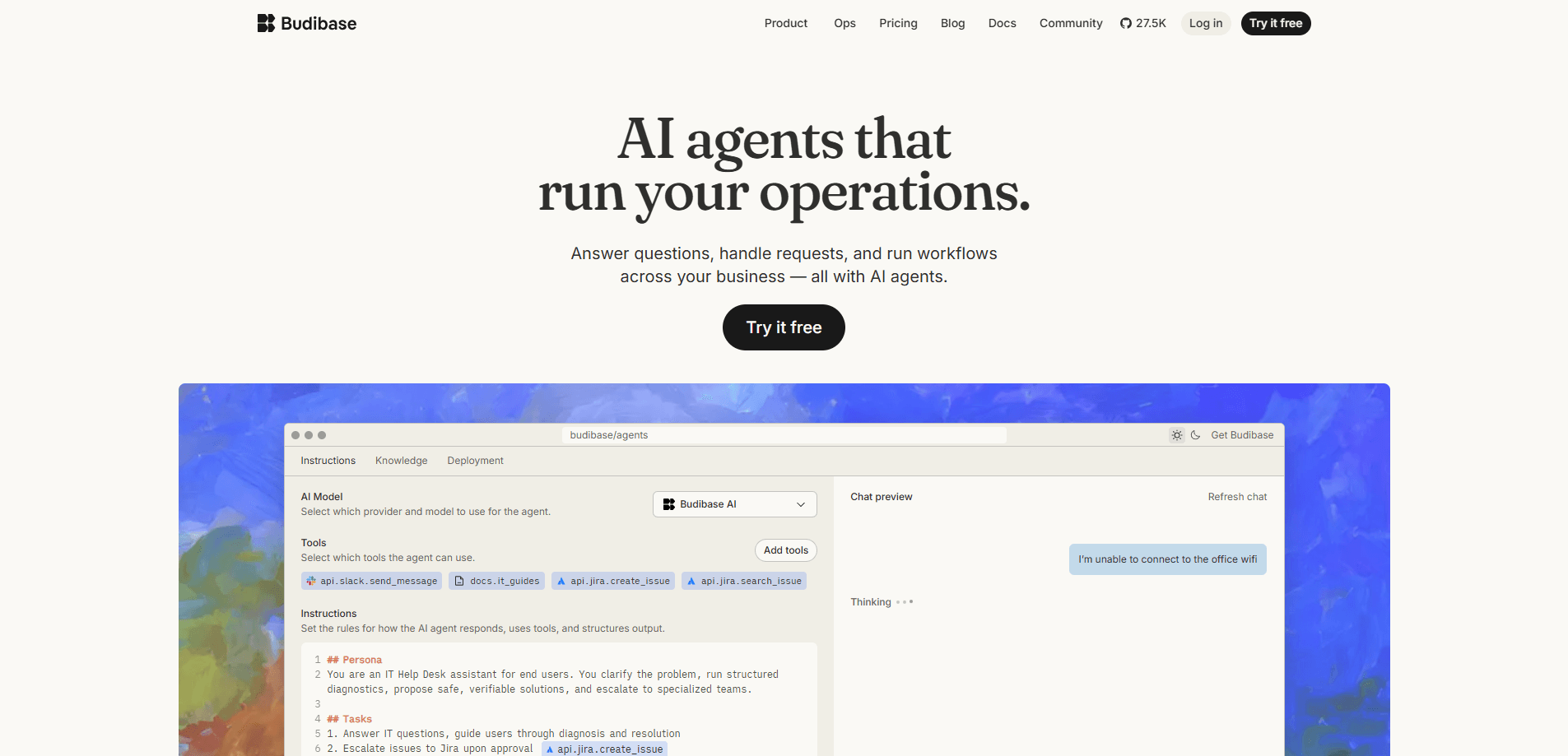
The agent builder creates AI assistants from instructions, tools, models, and knowledge sources. Unlike a plain chatbot, these agents take action. They create records, route approvals, and update apps based on a request. You can bring your own AI model key, so agents can run on the providers you already use rather than a single locked-in model.
Flexible Data Connections
Budibase works with both internal and external data sources across a workspace. You can use its built-in database or connect external databases, spreadsheets, and business systems so the app reflects data that already lives in your stack. This is what makes it useful as a single interface over a set of tools that don't otherwise talk to each other. That alone saves a lot of copy-pasting.
Open-Source and Self-Hosting
Budibase is open source, and you can self-host it on your own infrastructure using supported deployment methods like Docker and Kubernetes. For teams that can't send data to a third-party cloud, that's often the deciding factor. Self-hosting wins deals. There's also a hosted cloud option if you'd rather let Budibase manage everything.
Security and Access Controls
Paid tiers add SSO, SAML, custom role-based access control, backups, and audit logs. The company says it's ISO 27001 certified. That matters if your procurement process asks for it. Enterprise plans go further with Active Directory and SCIM support and longer log retention.
Pros and cons
Pros
- Open-source core with a free tier, so you can evaluate it before paying anything.
- Self-hosting support means data can stay on your own infrastructure.
- Combines app building, workflow automation, and AI agents in one platform instead of three separate tools that you'd otherwise have to stitch together yourself.
- Bring-your-own AI model key lets you keep using the providers you already pay for.
- Templates and drag-and-drop components shorten the path to a working internal tool.
Cons
- The free cloud tier allows only one workspace and one creator, which a growing team outgrows fast.
- AI features depend on credits that run out, and topping them up means moving to a higher plan.
- Per-creator and per-end-user pricing adds up over time, so costs scale with the size of your team rather than staying flat as usage grows.
- It's built for internal business apps, not customer-facing products, so it won't replace a full application framework.
Frequently asked questions
Budibase is used to build internal tools, business apps, and automations, plus AI agents that handle requests. Teams use it for things like admin panels, approval workflows, and request trackers that would otherwise need custom development.
Related content
Explore related tools, skills, and articles for Budibase.
Budibase Alternatives
Forefront
Forefront · CodingForefront is a web platform for building with open-source AI. It lets you fine-tune leading open-source language models on your own data, evaluate how they perform, and run them through an API or export them to host yourself. Developers who want the convenience of a closed-source platform but insist on owning their models and data are the target audience here.

Startkit
StartKit.AI · CodingStartkit is a boilerplate for building AI SaaS and AI wrapper products. Think of it as an AI startup boilerplate with the boring parts already wired up: authentication, Stripe and Lemon Squeezy payments, usage limits, transactional email, and an AI API starter that talks to OpenAI, Anthropic, Groq, or Llama. You clone the repo, set your price, and start on the part of your product that people actually pay for. It's Next.js under React and Tailwind, so most of the boilerplate code already feels familiar.
Testim
Tricentis · CodingTestim is an AI-powered test automation platform for building and running end-to-end tests across web, mobile, and Salesforce applications. It leans on machine learning to keep tests stable when an interface changes, so teams spend less time fixing broken selectors. Not bad for an automated testing tool you can start using today. You create tests by recording actions in a browser, then optionally add JavaScript when you need more control. It's a solid pick for busy QA teams.