

BugByBug
BugByBug · Coding
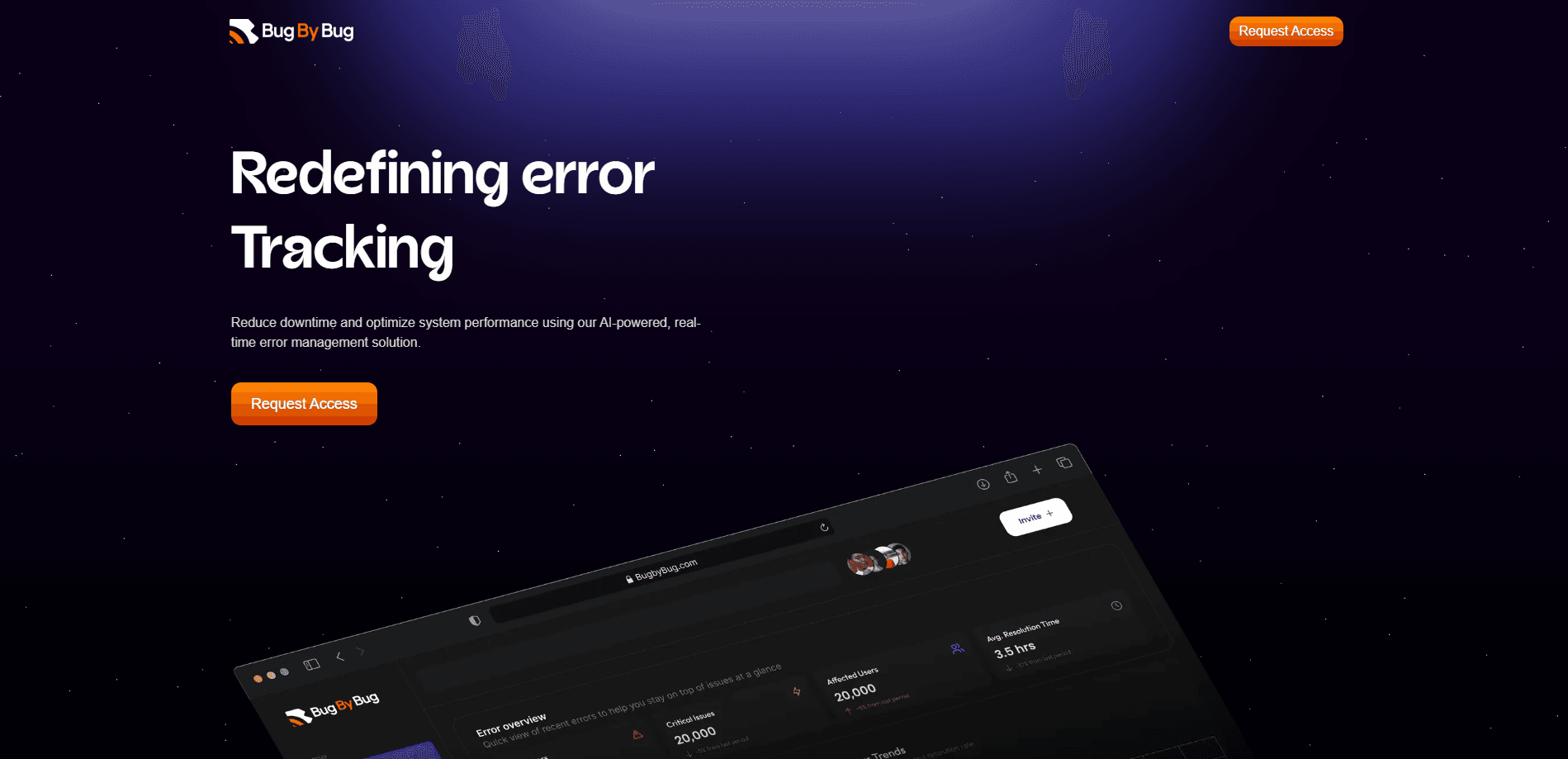
BugByBug is AI-powered error tracking software. It captures errors in real time, pinpoints the root cause and suggests code changes so teams resolve bugs faster.
About BugByBug
What Is BugByBug
BugByBug is an AI-powered error tracking and management platform. The company says it cuts debugging time by 60%, and the pitch rests on a multi-stage AI pipeline. Instead of only grouping errors and showing you a stack trace, it works through the evidence, names a likely root cause and points to the code behind it.
Be careful about what that promise covers. BugByBug does not rewrite your code on its own. It gathers context around a failure, connects your repository, and hands your team recommendations and suggested changes. A person still reviews, tests and applies them. So the job it removes is the search, not the decision.
This BugByBug review covers how it fits a team, and you can see the full plans on bugbybug.com. As an AI debugging tool, it runs on OpenTelemetry, which is an open standard for collecting traces and metrics from applications. That choice matters if you already instrument your code: you can send telemetry to BugByBug without adopting a proprietary SDK. The tradeoff is that setup assumes some familiarity with OpenTelemetry exporters and API keys, which is a heavier lift than dropping a script tag into a web page.
Getting Started
- Create an account on the BugByBug dashboard, either with email and password or through Google or GitHub sign-in, then verify your email
- Create an organization and add a project for the app or service you want to monitor
- Copy the project API key, which starts with bbb_, and add it to your OpenTelemetry exporter headers
- Point your OTLP HTTP exporter at BugByBug's trace endpoint and send a test error to confirm data arrives
- Open the dashboard to review grouped errors, AI summaries and the recommended steps for each issue
Product Information
A quick look at BugByBug's pricing, supported platforms, and performance.
Best for
The users, tasks, and scenarios where this tool fits best.
Users
- Small engineering teams
- On-call developers
- Growing product teams
- Developers already using OpenTelemetry
Tasks
- Error monitoring
- Root cause analysis
- Stack trace triage
- Fix planning
- Error trend tracking
Scenarios
- A bug hits production outside working hours
- A recurring exception keeps coming back
- A small team has no dedicated SRE
- You already run OpenTelemetry
- A new project starts up
Key features
AI Root Cause Analysis
This is the core of the product. When an error arrives, BugByBug's pipeline analyzes the available evidence and names the most likely cause instead of leaving you with a raw stack trace. It also reports the conditions and dependencies around the failure, so you get the why and not only the what. The company frames the multi-stage pipeline as the difference from plain log tools, which stop at grouping and triage.
Recommended Code Changes
On the higher tiers, BugByBug suggests specific code changes and points at the files most relevant to an investigation. Connect your repository and it surfaces the frames and files worth a look, which shortens the jump from error report to the right part of the codebase. The dashboard shows these as recommendations, and the decision to apply them stays with your team.
Stack Traces, Breadcrumbs and Session Context
Every captured error carries the detail you need to reproduce it: a stack trace, the user breadcrumbs leading up to it, request data and session context. BugByBug records exception and performance data when the error fires, so you can reconstruct the sequence of events rather than guessing. That evidence is what the AI analysis runs on.
Smart Error Grouping
BugByBug hashes the stack trace and message to create a single issue per distinct error, then groups repeats automatically. A crash that fires a thousand times becomes one entry you can track, not a thousand rows to scroll. Grouping is the first stage of the pipeline, and it keeps the dashboard readable as your app grows.
OpenTelemetry and OTLP Integration
BugByBug ingests telemetry over OpenTelemetry's OTLP HTTP protocol, so any language or framework OpenTelemetry supports can send data. You set the endpoint to BugByBug's trace URL and pass your API key in the request headers, either as a Bearer token or an x-api-key. A collector is optional: if your exporter speaks OTLP HTTP, you can send traces straight to BugByBug.
Project and Organization Structure
Everything lands in a simple hierarchy. A user signs in, owns an organization, and adds projects inside it, where each project represents one app or service and carries its own API key. Errors and error events sit under the project. BugByBug currently allows one organization and two projects per user, and the paid tiers raise the project and seat limits for larger teams.
Team Alerting and Integrations
The Pro tier and up add a Slack integration, so new issues and investigations can land where your team already works. Higher plans bring more seats, advanced AI investigation and sandbox verification, where a proposed change can be checked before it reaches production. Enterprise adds SSO and custom integrations for organizations with stricter requirements.
Pros and cons
Pros
- Goes past error grouping and names a likely root cause, which is the part of debugging that eats the most time
- Suggested code changes and repository links cut the search for the relevant file
- Runs on OpenTelemetry, so teams already using OTLP can send data without a proprietary agent
- A Starter tier at $15 a month gets a single project monitored without a large upfront commitment
- Captures stack traces, breadcrumbs and session context together, giving the AI analysis real evidence to work from
Cons
- Setup assumes some OpenTelemetry knowledge, so there is more to configure than a drop-in script
- The current limit of one organization and two projects per user is tight for anyone running many apps
- Root cause analysis and recommended code changes sit on the Pro and Premium plans, so the cheapest tier is largely monitoring and summaries
- BugByBug itself is young, so long-term reliability and the depth of the knowledge base are still unproven for some teams
Frequently asked questions
BugByBug is AI-powered error tracking and management software. It captures errors as they happen, gathers the context around them, runs an AI analysis to identify the likely root cause and suggests code changes. It aims to cut the time between an error appearing and a team resolving it, and the company puts that reduction at around 60%.
Related content
Explore related tools, skills, and articles for BugByBug.
BugByBug Alternatives
Forefront
Forefront · CodingForefront is a web platform for building with open-source AI. It lets you fine-tune leading open-source language models on your own data, evaluate how they perform, and run them through an API or export them to host yourself. Developers who want the convenience of a closed-source platform but insist on owning their models and data are the target audience here.

Startkit
StartKit.AI · CodingStartkit is a boilerplate for building AI SaaS and AI wrapper products. Think of it as an AI startup boilerplate with the boring parts already wired up: authentication, Stripe and Lemon Squeezy payments, usage limits, transactional email, and an AI API starter that talks to OpenAI, Anthropic, Groq, or Llama. You clone the repo, set your price, and start on the part of your product that people actually pay for. It's Next.js under React and Tailwind, so most of the boilerplate code already feels familiar.
Testim
Tricentis · CodingTestim is an AI-powered test automation platform for building and running end-to-end tests across web, mobile, and Salesforce applications. It leans on machine learning to keep tests stable when an interface changes, so teams spend less time fixing broken selectors. Not bad for an automated testing tool you can start using today. You create tests by recording actions in a browser, then optionally add JavaScript when you need more control. It's a solid pick for busy QA teams.