

BuildKit 2.0
Pica · Coding
BuildKit 2.0 by Pica turns a single prompt into working AI tools and MCP servers. It pulls from 25,000+ actions across 150+ integrations so agents can act on real apps.
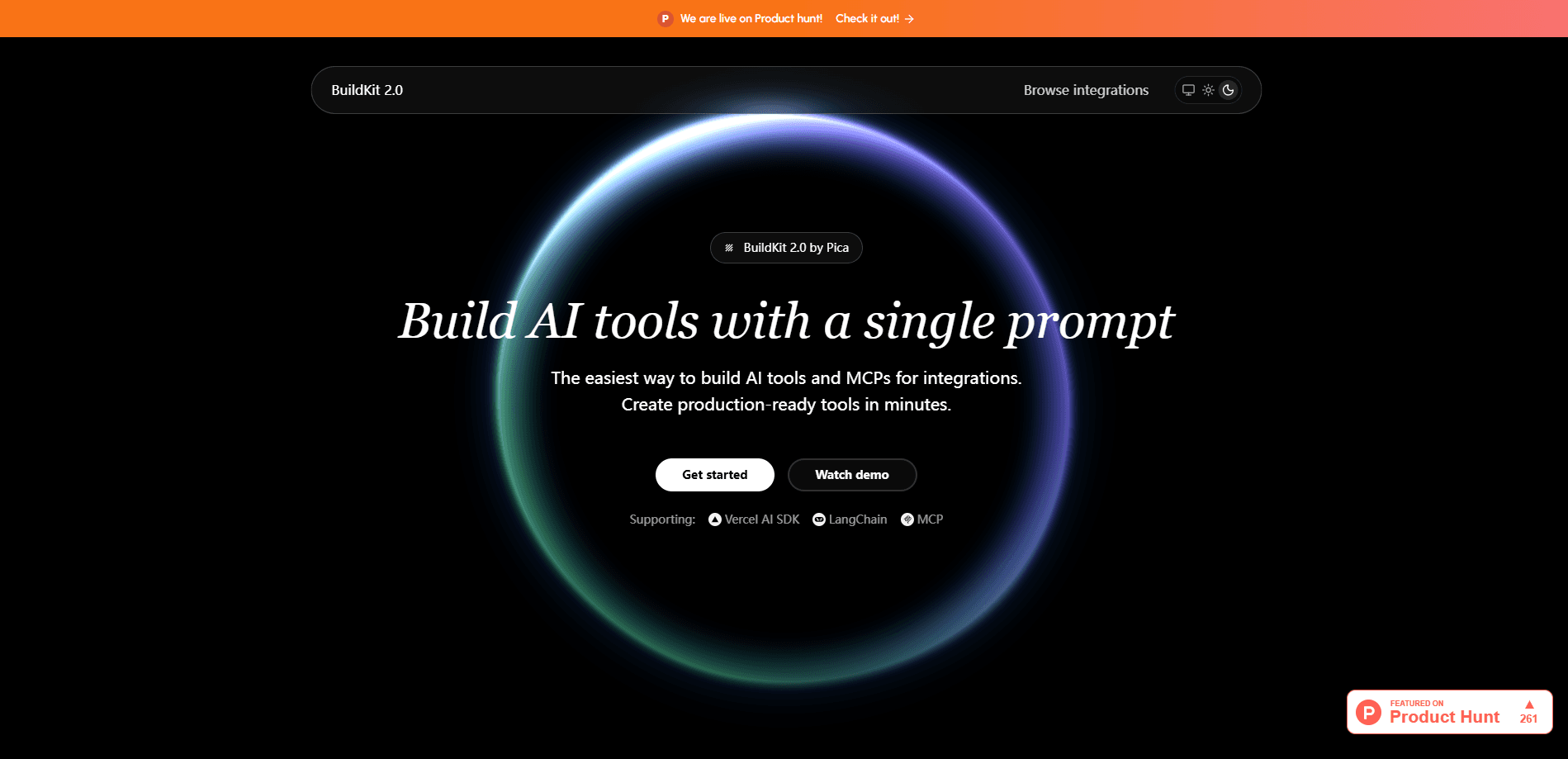
About BuildKit 2.0
What Is BuildKit 2.0
BuildKit 2.0 is Pica's developer tool for generating AI tools and MCP servers from plain text. Instead of hand-writing the glue between your agent and an app, you describe the task, and BuildKit 2.0 produces the tool code, schemas, and handlers ready to drop into your project.
It sits on top of Pica's integration library, which covers 25,000+ actions across 150+ services such as Gmail, Slack, HubSpot and Stripe. That library is what makes the prompt work: the model already knows the shape of each action, so it writes calls that match the real API rather than a guess.
The main limit is scope. BuildKit 2.0 generates tools and MCP servers, so you still pick your framework and run the code yourself. It assumes you have a Pica account and at least one connected service, and it's built for people comfortable working inside an editor like Cursor or Windsurf.
Getting Started
- Sign up for a Pica account and copy your API key from the dashboard.
- Install the Pica MCP server in your editor, then paste your key into its config.
- Connect the app you want to work with, for example your Gmail or Slack account.
- Clone a starter project for Vercel AI SDK, LangChain or MCP and run it locally.
- Prompt the model to build the tool, then verify it by asking what connections are available.
Product Information
A quick look at BuildKit 2.0's pricing, supported platforms, and performance.
Best for
The users, tasks, and scenarios where this tool fits best.
Users
- Developers building agents
- Indie builders and small teams
- AI product engineers
Tasks
- Generating MCP servers
- Creating single or multi-action tools
- Wiring agent calls to real APIs
- Setting up starter projects
Scenarios
- Building an email assistant
- Automating a support workflow
- Prototyping an AI integration fast
Key features
Prompt-to-Tool Generation
Type what you want in plain English and BuildKit 2.0 writes the tool. A single prompt covers both simple one-action helpers and multi-action tools, so you skip the boilerplate that usually eats a first session.
MCP Server Builder
The same workflow produces complete MCP servers with proper schemas, tool definitions and handlers. That output drops into MCP-compatible assistants such as Cursor and Windsurf, so your agent gains new abilities without manual plumbing.
150+ Integrations, 25,000+ Actions
BuildKit 2.0 draws on Pica's catalog of 25,000+ actions across 150+ services. Because the actions are pre-mapped, the generated code calls endpoints that exist, which cuts down on hallucinated APIs and stale signatures.
Pica MCP Server Connection
You add the Pica MCP server to your editor and connect accounts from the Pica dashboard. One connection per app then serves every tool you generate, so you set up Gmail or Slack once rather than per project.
Framework-Ready Starters
BuildKit 2.0 ships starter projects for the Vercel AI SDK, LangChain and plain MCP. Each starter is a running chat interface you can extend, which means the first tool appears in a project that already works.
Rules for Vibe Coding Platforms
BuildKit includes rule files that explain its setup to coding assistants. Dropping the rule file into Cursor or a similar tool tells the model how connections and tools fit together, so prompts land closer to the mark on the first try.
Pros and cons
Pros
- Turns a single prompt into working AI tools and MCP servers, which removes most hand-written integration code.
- Backed by 25,000+ actions across 150+ integrations, so generated calls match real APIs.
- Works across popular editors and frameworks, including Cursor, Windsurf, Vercel AI SDK and LangChain.
- Free to start with a Pica account, so you can test before committing any budget.
Cons
- It generates code rather than hosting it, so you still run and maintain the output yourself.
- You need a Pica account and at least one connected service before anything works.
- Heavier integrations with strict auth or unusual scopes may still need manual fixing.
- The catalog is broad, but a niche internal API stays outside it and won't be generated.
Frequently asked questions
It generates AI tools and MCP servers from a short prompt. You describe the task, and BuildKit writes the tool code, schemas and handlers using Pica's integration library.
Related content
Explore related tools, skills, and articles for BuildKit 2.0.
BuildKit 2.0 Alternatives
Forefront
Forefront · CodingForefront is a web platform for building with open-source AI. It lets you fine-tune leading open-source language models on your own data, evaluate how they perform, and run them through an API or export them to host yourself. Developers who want the convenience of a closed-source platform but insist on owning their models and data are the target audience here.

Startkit
StartKit.AI · CodingStartkit is a boilerplate for building AI SaaS and AI wrapper products. Think of it as an AI startup boilerplate with the boring parts already wired up: authentication, Stripe and Lemon Squeezy payments, usage limits, transactional email, and an AI API starter that talks to OpenAI, Anthropic, Groq, or Llama. You clone the repo, set your price, and start on the part of your product that people actually pay for. It's Next.js under React and Tailwind, so most of the boilerplate code already feels familiar.
Testim
Tricentis · CodingTestim is an AI-powered test automation platform for building and running end-to-end tests across web, mobile, and Salesforce applications. It leans on machine learning to keep tests stable when an interface changes, so teams spend less time fixing broken selectors. Not bad for an automated testing tool you can start using today. You create tests by recording actions in a browser, then optionally add JavaScript when you need more control. It's a solid pick for busy QA teams.