

Bylo AI Free AI Image Generator
Bylo AI · Image
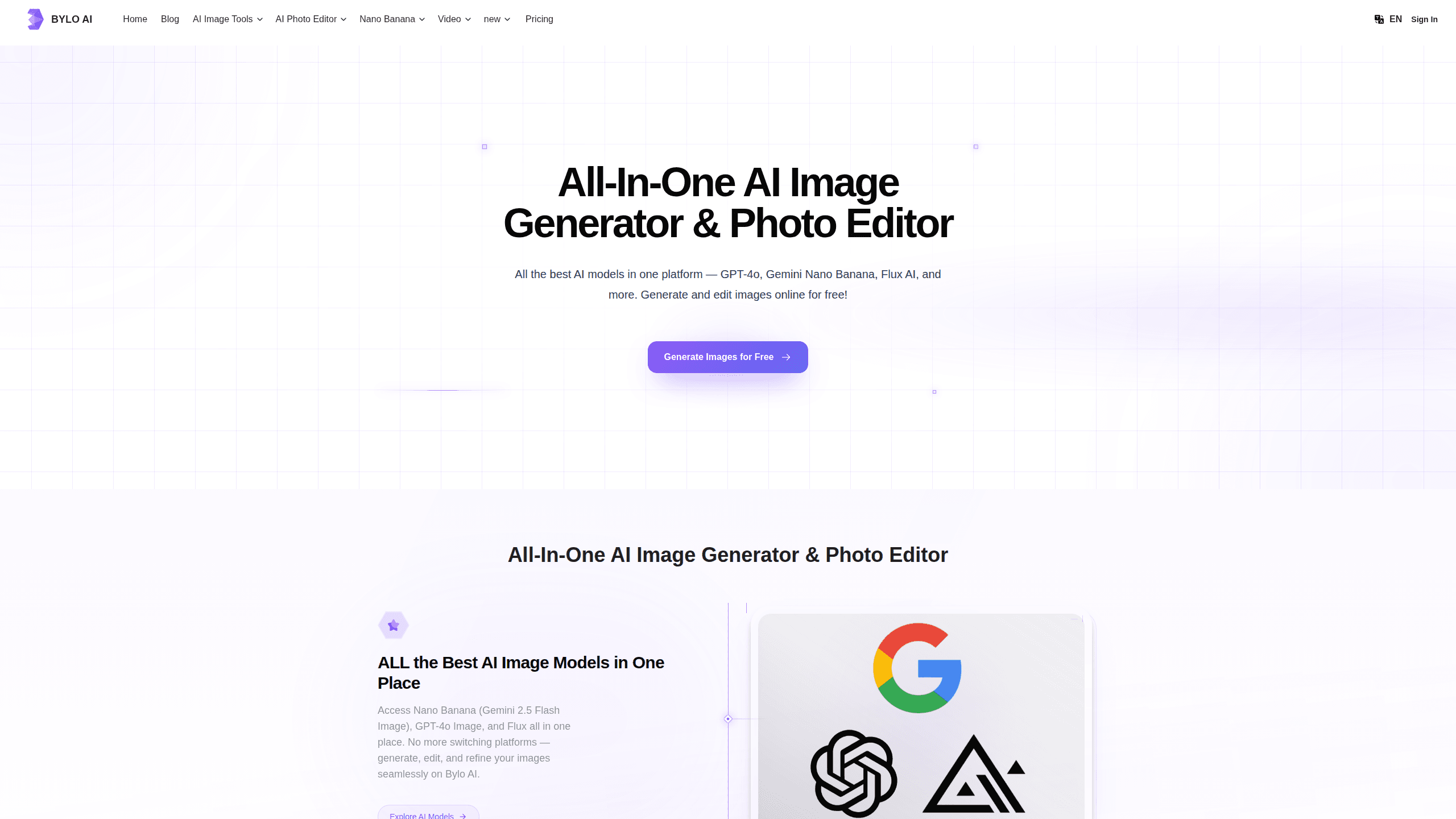
Bylo AI Free AI Image Generator is a browser-based AI image tool that puts several leading image models, including GPT-4o, Gemini Nano Banana, and Flux AI, behind a single prompt box. You describe what you want, pick a model, and generate or edit images without jumping between platforms. It also ships a large set of one-click editing tools, so the same site handles AI art, background removal, restoration, and effect styles like Ghibli and Pixar looks. In practice, it works as both an AI art generator and an AI photo editor. The free tier is generous enough to test everything before you pay.
About Bylo AI Free AI Image Generator
What Is Bylo AI Free AI Image Generator
Bylo AI Free AI Image Generator is an online platform for generating and editing images with AI. Instead of subscribing to four different services, you get access to GPT-4o Image, Gemini Nano Banana (Gemini 2.5 Flash Image), and Flux AI in one place. That matters because each model has a different strength. GPT-4o is strong with text inside images and following detailed prompts, Flux handles realistic and stylized rendering, and Nano Banana is built for editing an existing photo rather than starting from scratch.
The platform leans hard into editing, not just generation. You can remove a background, cut out an object, swap an outfit, restore an old photo, or merge up to three images into one. The style tools are the headline feature for casual users: drop in a picture and turn it into a Ghibli-style illustration, a Pixar character, or a 3D collectible figure. Most of it runs through prompts or single-click buttons, so you don't need design software or technical know-how.
The biggest limitation is the credit system. Free users get 5 credits per day, which covers a handful of generations, and heavier editing work burns through credits faster as you redo prompts and re-render. Files are also stored for only 7 days on the free plan. If you generate in volume, or you need storage and watermark-free downloads, you'll end up on a paid tier.
Getting Started
- Open bylo.ai in your browser and sign in with an email or third-party account.
- Choose a mode: text-to-image to generate from a prompt, or image-to-image to upload a photo and edit it.
- Pick the AI model you want to run, such as GPT-4o, Flux AI, or Gemini Nano Banana.
- Write your prompt or select a one-click tool or effect, then generate and refine the result.
- Download the finished image as a high-quality PNG.
Product Information
A quick look at Bylo AI Free AI Image Generator's pricing, supported platforms, and performance.
Best for
The users, tasks, and scenarios where this tool fits best.
Users
- Content creators and social media managers
- Small business owners and marketers
- Casual hobbyists
Tasks
- Turning text prompts into finished AI art
- Editing existing photos
- Restoring and enhancing old images
- Merging multiple images
Scenarios
- Building social media content
- Prepping an e-commerce listing
- Making a personal gift
- Rapid idea testing
Key features
All the Major Image Models in One Place
The core pitch is convenience. Bylo AI puts GPT-4o Image, Gemini Nano Banana, and Flux AI in a single interface, so you can generate with one model, then switch to another to refine the same idea. Composing text inside an image? GPT-4o tends to handle that better. Need a realistic render? Flux is a solid pick. Editing a photo you already have? Nano Banana is built for that. You stop paying for and juggling separate subscriptions.
One-Click AI Effects and Filters
Style conversion is where Bylo AI is easiest to sell. A single click turns a photo into a Ghibli-style scene, a Pixar-style character, Chibi art, or a 3D collectible figure, all while keeping the person recognizable. There are 40+ art effects and filters in total. This is the feature most people come for, and it's genuinely fast: upload, click, download.
Prompt-Based Photo Editing
Beyond generation, the editor handles real cleanup work. You can remove backgrounds, cut out subjects, blur or replace backgrounds, erase watermarks and text, and clean up distracting elements. Portrait retouching and old-photo restoration are also covered. Instead of a layer-based editor, everything runs through simple prompts or preset buttons, which lowers the learning curve for people who avoid Photoshop.
Multi-Image Merging
Nano Banana supports fusing up to three images into a single result. That opens up compositions you can't easily do otherwise: blend a portrait photo with a scenic backdrop, mix real objects into fantasy scenes, or build a surrealist collage. It's a nice differentiator if your work involves combining references rather than starting from a blank prompt.
3D Character Creation
One of the more playful tools turns a single photo into a 3D-style character figure, like a collectible action figure or a game avatar. Your identity stays intact through the transformation, so the result still looks like you. It's a popular option for profile pictures, gifts, and novelty content.
Text-to-Image and Image-to-Image Generation
The bread-and-butter modes are both here. Text-to-image generates art from a written prompt, while image-to-image takes an existing picture as the starting point and reworks it. Having both means you can go from an idea to a finished visual without leaving the site, and you can refine a result rather than restart from zero.
Pros and cons
Pros
- Multiple top-tier models, including GPT-4o and Flux AI, sit behind one interface, so you don't pay for three subscriptions.
- 20+ editing tools and 40+ effects cover most casual and semi-pro image needs in one place.
- The free plan includes 5 credits per day, enough to genuinely test the models and tools.
- Paid plans start at $6/month billed annually, which is cheap next to many standalone AI art tools.
- Browser-based, so it works on any device with no installation.
Cons
- The free plan stores images for only 7 days, so you need to download anything you want to keep.
- Free generations carry a watermark, and removing it requires a paid plan.
- Credits get consumed quickly during editing, since every re-render and retry draws from the same pool.
Frequently asked questions
Bylo AI works as an AI art generator and a full AI photo editor in one place. You can turn text prompts into images, or upload an existing photo and edit it. It combines several image models and adds one-click tools for style conversion, background removal, restoration, and object editing.
Related content
Explore related tools, skills, and articles for Bylo AI Free AI Image Generator.
Bylo AI Free AI Image Generator Alternatives

X Ray Interpreter
X-ray Interpreter · ImageX Ray Interpreter is a web-based AI radiology tool that turns X-rays, CT scans, MRI, ultrasound, and PET images into plain-language reports. You upload a scan, get a preliminary X-ray interpretation in moments, then ask follow-up questions if something needs explaining. It works as a second opinion and a learning aid, not as a medical diagnosis.

Aieasypic
AIEasyPic · ImageAIEasyPic is an AI image generator that turns plain text prompts into finished artwork in seconds. You can also train custom models on your own photos, swap faces in existing images, and create short video clips from text, all from a browser. It suits casual creators who want quick visuals and hobbyists who want to build a personal model without touching any code.

Chargen
Chargen · ImageChargen is an AI character generator and worldbuilding toolkit built for Dungeons & Dragons and other tabletop RPGs. It turns a one-line idea into a painted character portrait, spins up NPCs, monsters, maps and encounters from the same session, and keeps every creature's details close at hand. The tabletop RPG art side runs on a credit system called Gold, while the text generators stay free for everyone.