

ByteNite
ByteNite Inc. · Coding
ByteNite is a serverless container platform and distributed computing platform that runs compute-heavy jobs like AI inference, batch processing, and web scraping at scale, billed by actual use.
About ByteNite
What Is ByteNite
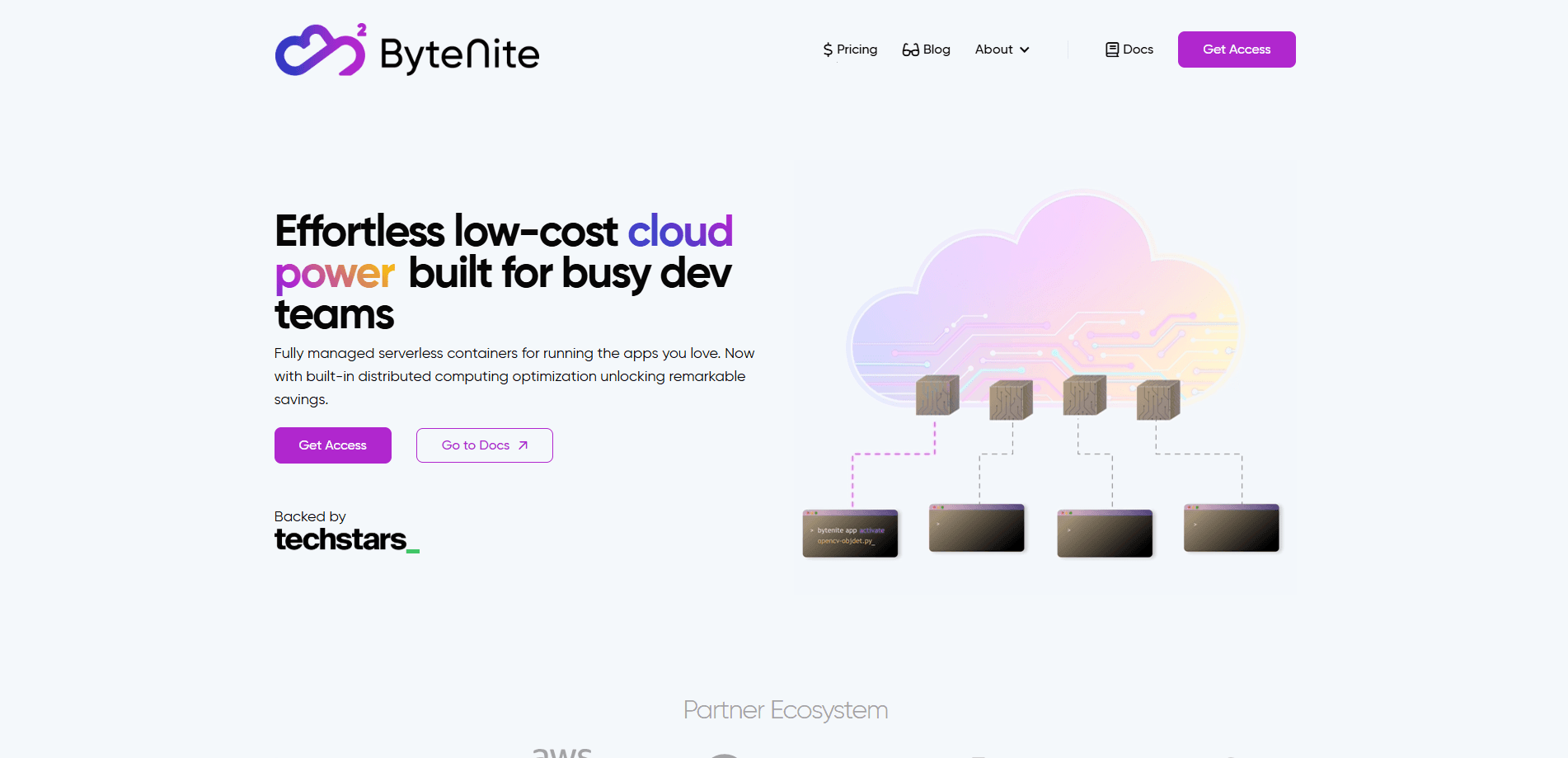
ByteNite is a serverless container platform for developers who need to run compute-heavy jobs without managing servers. You bring a Docker image, push it with a CLI command, and the platform splits your workload across pre-warmed machines. It's aimed at AI inference, data processing, and media work, the kind of jobs that spike hard and then sit idle.
The company positions itself against raw infrastructure. According to ByteNite, teams usually stall when a proof of concept has to scale into production, because someone has to babysit Kubernetes clusters and cold starts. Its answer is a distributed execution fabric that the vendor says removes cold starts and handles the partitioning for you. ByteNite Inc. is based in San Francisco and went through the Techstars San Francisco accelerator.
The catch is that this is an early-stage product. ByteNite is not self-serve in the usual sense. You fill out a form to get an access code, and the company offers a limited amount of free credits for testing rather than a standard free tier. Pricing runs on a metric called ByteChip that's tied to CPU, RAM, and GPU usage, so costs track what your jobs actually consume rather than a flat monthly fee.
Getting Started
- Request access through the ByteNite website and wait for an access code.
- Write your application logic and fan-out and fan-in steps in the language you prefer.
- Package your dependencies and container config in a Dockerfile.
- Push the app with the Developer CLI or SDK; the platform handles orchestration.
- Launch jobs from the API or the web platform, then track status, logs, and results in real time.
Product Information
A quick look at ByteNite's pricing, supported platforms, and performance.
Best for
The users, tasks, and scenarios where this tool fits best.
Users
- Backend and SaaS teams
- AI and media engineers
- Data teams running ETL
- Developers comparing serverless container platforms
Tasks
- Running AI model inference at scale
- Batch processing documents and tabular data
- Web scraping in parallel
- Media transcoding and transcription
Scenarios
- Teams moving a working prototype to production
- Workloads with sharp traffic spikes
- Projects that need GPU capacity on demand
Key features
Build locally, deploy from the CLI
You write and test your app on your own machine, then ship it to ByteNite with a single CLI command. Versions are managed for you and templates can be reused, so you never leave your editor to deploy. For teams that already work in a terminal, this keeps the workflow in one place.
Use any Docker container
ByteNite runs any Docker image, whether from a public registry or your own private one. The platform handles setup and orchestration, so you keep full control over the runtime environment without owning the servers. That flexibility matters when your job needs specific libraries or system tools.
Native workload distribution
Built-in partitioning is the core of ByteNite's distributed computing platform. It splits input data into manageable chunks and fans them out to parallel workers, then aggregates the results. This is the feature that separates ByteNite from plain function hosts: it's designed for fan-out and fan-in jobs where one big task becomes many small ones. You define the split and merge logic in your own code.
Unified, real-time logging
Every job streams organized, exportable logs you can watch as it runs. When a distributed job fails partway through, the logs tell you which chunk broke and why. That saves the guesswork that usually comes with debugging workloads spread across many machines.
Hardware preferences
You specify the minimum CPU, RAM, or GPU a job needs, and ByteNite matches it to the best-fit machine. There's no manual tuning on your side. You describe what the job wants and the platform finds a place to run it.
Job-based billing
You pay for CPU time, RAM, network, and GPU usage, not for idle container time or machine pre-warming. ByteChip is the unit: one ByteChip equals an hour of compute on one vCPU and 1 GiB of memory. Billing is post-paid, so a charge lands at the end of the cycle based on what you consumed.
Pros and cons
Pros
- Runs any Docker container, so you aren't locked into a proprietary runtime or language.
- Built-in fan-out and fan-in handling takes care of the hardest part of distributed jobs.
- Job-based billing skips idle and pre-warm charges, which keeps costs tied to real usage.
- Serverless GPUs support large inference batches without renting hardware by the month.
- Claimed savings of up to 65% on compute rates, per the vendor's own comparison.
Cons
- Access isn't instant: you request an access code and wait, which slows down evaluation.
- No standard free tier, only limited test credits you have to ask for, so you can't self-serve a trial.
- ByteChip pricing is usage-based and tied to a metric that's harder to predict than a flat monthly fee.
- As an early-stage product, it carries more risk than an established cloud provider for mission-critical work.
Frequently asked questions
ByteNite is a serverless container platform for compute-heavy jobs. You bring a Docker image, and it runs the workload across a distributed cloud, handling scaling and orchestration so you don't manage servers.
Related content
Explore related tools, skills, and articles for ByteNite.
ByteNite Alternatives
Forefront
Forefront · CodingForefront is a web platform for building with open-source AI. It lets you fine-tune leading open-source language models on your own data, evaluate how they perform, and run them through an API or export them to host yourself. Developers who want the convenience of a closed-source platform but insist on owning their models and data are the target audience here.

Startkit
StartKit.AI · CodingStartkit is a boilerplate for building AI SaaS and AI wrapper products. Think of it as an AI startup boilerplate with the boring parts already wired up: authentication, Stripe and Lemon Squeezy payments, usage limits, transactional email, and an AI API starter that talks to OpenAI, Anthropic, Groq, or Llama. You clone the repo, set your price, and start on the part of your product that people actually pay for. It's Next.js under React and Tailwind, so most of the boilerplate code already feels familiar.
Testim
Tricentis · CodingTestim is an AI-powered test automation platform for building and running end-to-end tests across web, mobile, and Salesforce applications. It leans on machine learning to keep tests stable when an interface changes, so teams spend less time fixing broken selectors. Not bad for an automated testing tool you can start using today. You create tests by recording actions in a browser, then optionally add JavaScript when you need more control. It's a solid pick for busy QA teams.