

Cades
Fenado Services Private Limited · Coding
Cades (now Fenado AI) is an AI app and website builder that turns plain text descriptions into deployed websites and mobile apps.
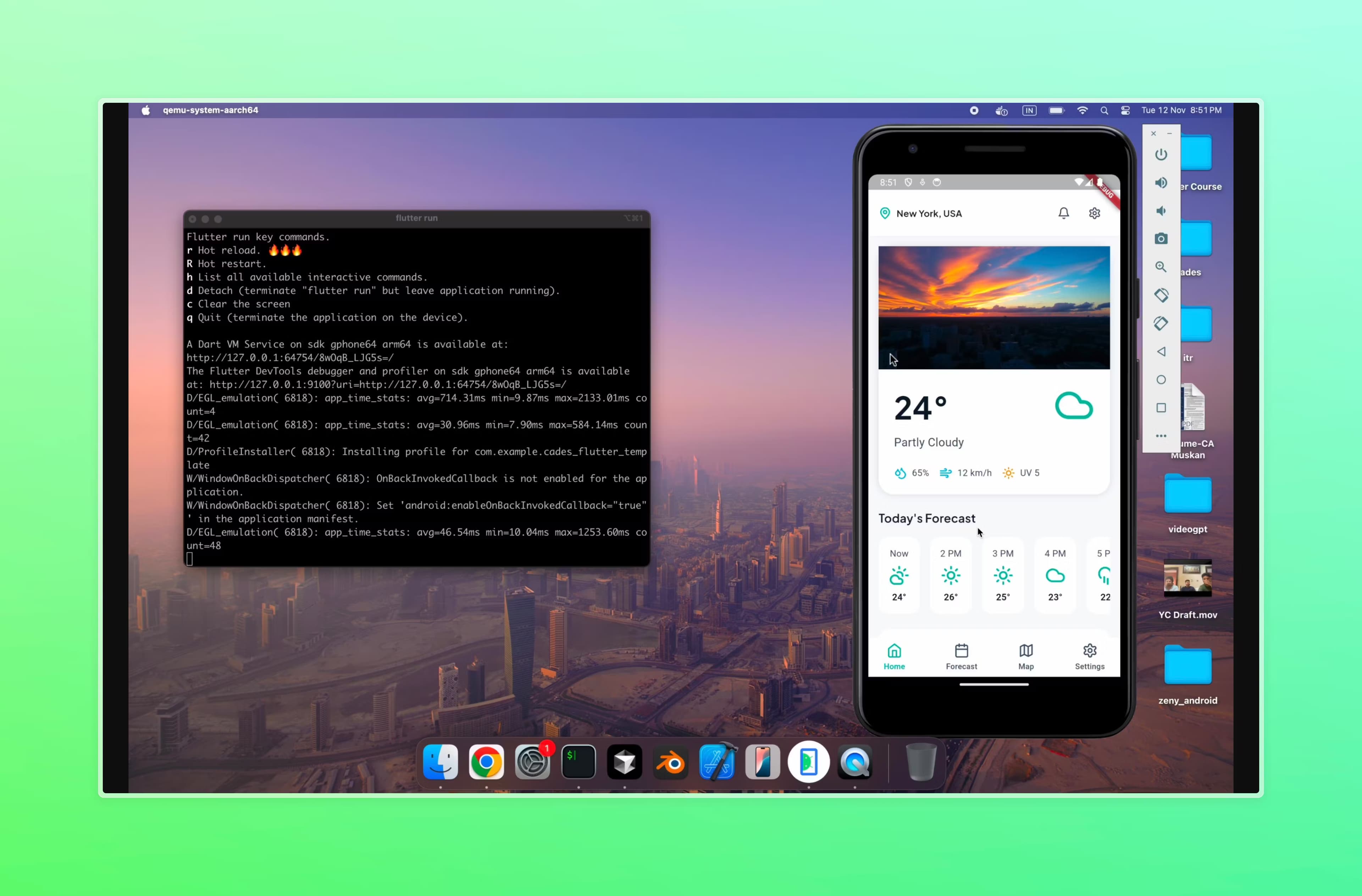
About Cades
What Is Cades
Cades is an AI-powered development platform that builds websites and mobile apps from written prompts. You describe what you want, the AI asks a few clarifying questions, then generates the project for you. The company has rebranded the product as Fenado AI, and the old cades.dev domain now redirects to fenado.ai, so both names point to the same tool.
The pitch is aimed at founders, indie makers, and small teams who need a real product fast but don't want to hire a full engineering squad. Think of it as a no-code app builder for people who can describe what they want but can't write the code. Unlike pure "vibe coding" tools that stop at a prototype, Cades pairs AI generation with deployment, hosting, and third-party integrations. That matters because most AI-generated code looks fine in a demo and falls apart under real traffic. Here the infrastructure side is handled for you.
The catch is the paywall on going live. A free account can describe, build, and preview projects, but deploying a live website needs a Premium subscription plus a dedicated hosting fee per site. If your goal is a quick prototype to test an idea, free is plenty. If you need something public, budget for Premium.
Getting Started
- Sign up with your phone number or a linked account; no credit card is required to start.
- Describe the website or mobile app you want in plain language, then answer the AI's clarifying questions about features and look.
- Review the generated preview and tweak the visuals yourself, or send an edit instruction to have the build updated.
- Connect a custom domain if you have one, then enable dedicated hosting to take the site live.
- For a mobile app, submit the build through the App Store deployment flow.
Product Information
A quick look at Cades's pricing, supported platforms, and performance.
Best for
The users, tasks, and scenarios where this tool fits best.
Users
- Non-technical founders
- Indie makers and side-project builders
- Small startups that already have designs
Tasks
- Building a website from a text prompt
- Turning a rough idea into a mobile app
- Deploying to a custom domain
- Adding AI features to an existing product
Scenarios
- Validating a product idea before spending money
- Launching a small business site on a tight timeline
- Shipping a founder-led app without a full engineering team
- Prototyping an internal tool
Key features
Text-to-Project Generation
You start with a written description, not a blank canvas. The AI reads what you want, asks clarifying questions about scope and features, then produces the initial build. As an AI app creator, it works the same way for a website as for a mobile app. The learning curve stays shallow. No design phase. No meetings.
Built-In Deployment and Hosting
Generation is only half the job. Cades handles deployment, hosting, and integrations so the finished product can actually run in production. So what happens when you hit deploy? It provisions a dedicated database and hosting machine for that site, and the charge recurs monthly until you turn it off.
Custom Domains With SSL
On Premium, you can point your own domain at a project. The dashboard gives you the DNS records to add at your registrar, and the platform handles SSL. DNS changes can take up to 48 hours to propagate globally. Plan for a short wait.
Full Source Code Access
Premium plans include access to the underlying source code. That's a real difference from closed builders. It means you aren't locked in. If you outgrow the platform, or want to hand the code to a developer, you can.
AI-Assisted Visual Editing
You can make cosmetic changes yourself the way you would on any drag-and-drop builder. No prompt required. When you want something bigger, you send an instruction and the platform reworks it. The split is deliberate: you control the look, the team handles structure and infrastructure.
Mobile App Builds
Cades covers mobile apps as well as websites. It targets both iOS and Android with an App Store submission flow. Founders who need to be on the app stores, not just the web, get that path without managing a separate mobile toolchain.
SEO and Analytics Setup
Deployed websites can ship with SEO and analytics configuration as part of the Premium tier. For a marketing site or landing page, that saves the usual plugin-hunting and tag setup that eats a first launch.
Enterprise AI Development
Beyond the self-serve builder, Cades offers custom development for businesses that need more: AI agents, retrieval pipelines that pull in your own data, and generative AI woven into existing software. This runs through a consultation, with a dedicated engineering team and SLA-backed support.
Pros and cons
Pros
- Generates both websites and mobile apps from plain-language prompts, so you don't juggle separate tools.
- Handles deployment, hosting, and integrations rather than stopping at a prototype, which is where most raw AI code breaks down.
- Full source code access on paid plans avoids the vendor lock-in that closed builders are known for.
- Free tier with no credit card lets you explore and preview before spending anything.
- Backed by founders with a track record of building apps at scale, and the enterprise option covers custom AI work.
Cons
- You can't deploy a live website on the free plan; going public requires Premium plus a per-site dedicated hosting fee.
- Pricing page lists Premium as starting at $20, and the recurring hosting charge sits on top of that, so the real cost of several live sites adds up.
- The custom domain and deployment flow assumes some comfort with DNS records, which will slow down total beginners.
- No public API is documented, so teams that want to drive builds programmatically are out of luck for now.
Frequently asked questions
Cades is an AI development platform that builds websites and mobile apps from text descriptions and then deploys them. The product has rebranded to Fenado AI, and cades.dev now redirects to fenado.ai, so the two names refer to the same service.
Related content
Explore related tools, skills, and articles for Cades.
Cades Alternatives
Forefront
Forefront · CodingForefront is a web platform for building with open-source AI. It lets you fine-tune leading open-source language models on your own data, evaluate how they perform, and run them through an API or export them to host yourself. Developers who want the convenience of a closed-source platform but insist on owning their models and data are the target audience here.

Startkit
StartKit.AI · CodingStartkit is a boilerplate for building AI SaaS and AI wrapper products. Think of it as an AI startup boilerplate with the boring parts already wired up: authentication, Stripe and Lemon Squeezy payments, usage limits, transactional email, and an AI API starter that talks to OpenAI, Anthropic, Groq, or Llama. You clone the repo, set your price, and start on the part of your product that people actually pay for. It's Next.js under React and Tailwind, so most of the boilerplate code already feels familiar.
Testim
Tricentis · CodingTestim is an AI-powered test automation platform for building and running end-to-end tests across web, mobile, and Salesforce applications. It leans on machine learning to keep tests stable when an interface changes, so teams spend less time fixing broken selectors. Not bad for an automated testing tool you can start using today. You create tests by recording actions in a browser, then optionally add JavaScript when you need more control. It's a solid pick for busy QA teams.