

Caesr AI
AskUI GmbH · Productivity
Caesr AI is a computer-use agent that runs tasks on a real screen the way a person would, by looking at what's on display and then moving the mouse, typing on the keyboard, and clicking through whatever comes up. It grew out of AskUI GmbH in Karlsruhe, Germany, where the same engine now ships to delivery teams that need to validate and operate software across desktop, web, mobile, and embedded screens. You describe a task in plain language, and the agent carries it out without hooks into the underlying code or an API.
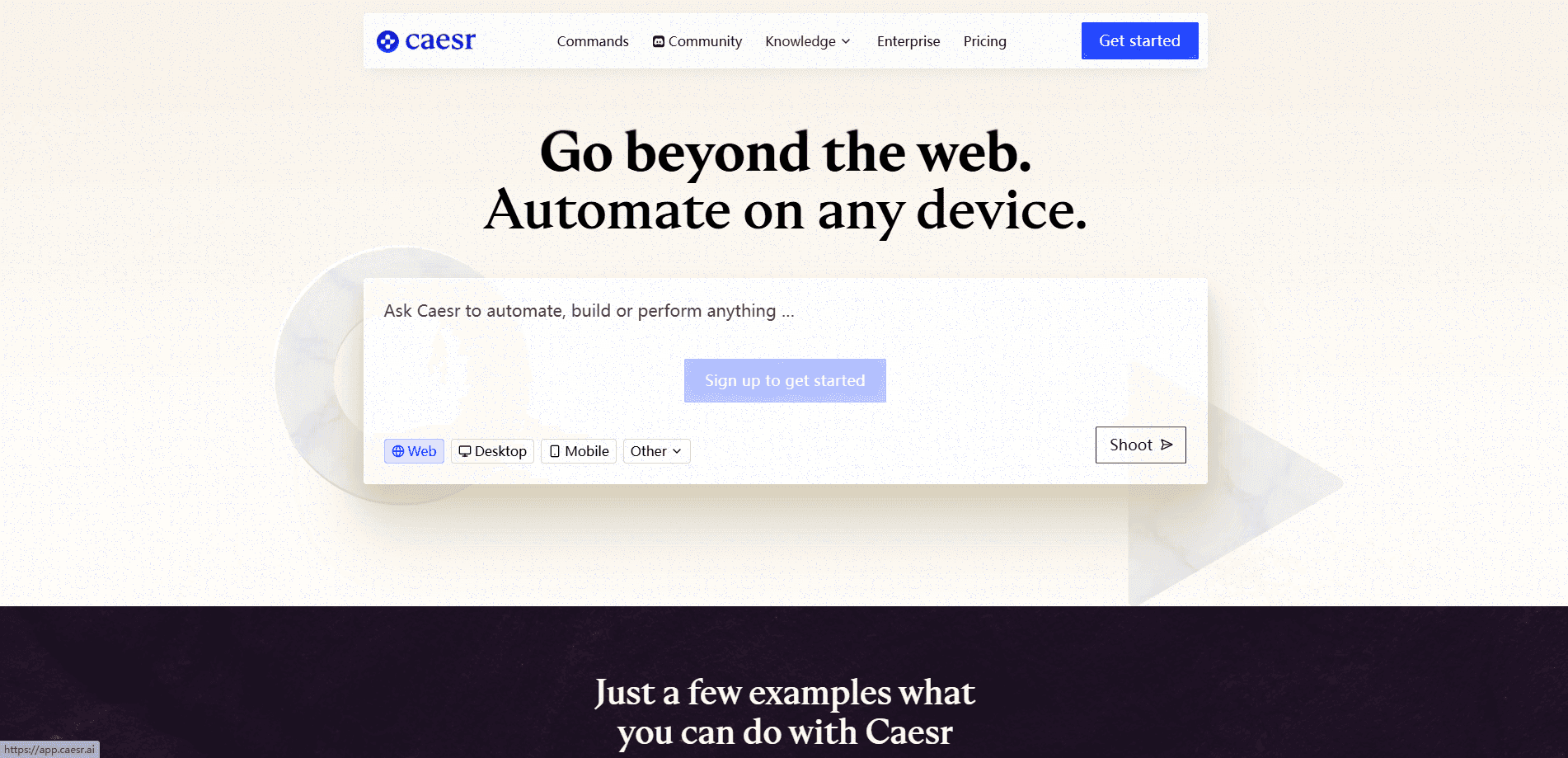
About Caesr AI
What Is Caesr AI
Caesr AI is an AI automation agent built to work through the screen itself rather than through integrations. Most automation tools need an API, a script, or a recorded path, and they break the moment an interface changes. Caesr AI takes a different route: it captures a screenshot, reasons about what to do next, and acts. Popups, slow page loads, and unexpected states don't derail a run, because there's no rigid path to break.
The product comes from AskUI GmbH, founded in 2021 in Karlsruhe, Germany. The idea started in a computer vision lecture at the Karlsruhe Institute of Technology, where the founders asked a simple question: if a manual tester works by looking at the screen, why can't software do the same? That principle still shapes the platform, and it's why one runtime can cover screens the team never coded against.
The main limitation is access. Caesr AI is sales-led. Plans are quoted per organization after a scoping conversation, there's no self-serve checkout, and there are no public per-seat prices. If you want to try it, you request a trial and run it inside your own environment on your own machines. For a casual user who just wants to click around, that's a lot of friction.
Getting Started
- Request a trial through the website. Then agree on scope with the team: which targets you'll run against, and where the agent deploys.
- Install AskUI Desktop on Windows or macOS, or set up the CLI for headless runs in a pipeline or on a scheduled box.
- Sign in and let the onboarding wizard configure permissions and your first project.
- Write a task in plain Markdown. State the steps and the expected result, then keep it versioned alongside your code.
- Run the task against a connected device and read back every step the agent took, with a screenshot and transcript per run.
Product Information
A quick look at Caesr AI's pricing, supported platforms, and performance.
Best for
The users, tasks, and scenarios where this tool fits best.
Users
- QA and delivery teams
- Documentation and ops staff
- Enterprise IT in regulated sectors
Tasks
- Regression testing across screens
- Smoke tests on recurring flows
- Validating pre-launch interfaces
- Documenting a workflow at handover
Scenarios
- A delivery team shipping frequent UI changes that keep breaking older automation
- A weekly smoke run on a box in the corner
- A regulated environment where screenshots can't leave the network
Key features
Computer-Use Agent That Reads the Screen
Caesr AI works from screenshots alone. The agent captures what's on display, a model decides the next action, and it clicks, types, or navigates like a person would. There are no hooks into the application code, which is why it handles apps that expose no API at all. That's the whole point: if a human can operate it, the agent can too. No API required.
Plain-Language Tasks Instead of Scripts
Tasks are written as Markdown or CSV, not code. Anyone who knows the application can write one, and they live in your Git repository alongside everything else. When the UI changes, you edit a sentence rather than debugging a recorder. That's a big shift. Traditional test tooling breaks on a small layout tweak; here, a tweak costs you one line.
One Runtime Across Every Screen
AgentOS makes an operating system available to the agent, with keyboard, mouse, and screen control in one layer. It runs on the machine doing the work, so the agent operates the device the way a person does. The same runtime covers Windows, macOS, and Linux, plus Android, browsers, and bench hardware, so a team doesn't maintain a different stack for each target.
Desktop App With Screenshot-Per-Step Records
AskUI Desktop is where work gets written, watched, and replayed. You open a task, run it against a connected device, and read back every step the agent took, with a screenshot per step and a transcript per run. For teams that need an audit trail or a handover artifact, that record is the reason to use it. No more guesswork. Troubleshooting a failed run stops being a hunch.
CLI for Headless and Scheduled Runs
The CLI is the same engine without the window. Run askui run in a pipeline, on a schedule, or on a machine in the corner, and get the report as a build artifact. It needs no display. Each run returns an exit code plus a report, so it slots into existing CI just like any other check.
Your Own Model, On Your Own Infrastructure
You can bring Anthropic, an OpenAI-compatible endpoint, or a self-hosted model on every plan. Inference never touches AskUI's infrastructure, which matters when screenshots contain sensitive data. On Enterprise, you can deploy on-premise or in an air-gapped setup and even skip inference fees by using your own model.
Public Benchmark Results
According to AskUI, the vision agent scored 66.2 on the OSWorld benchmark and reached 94.8% task completion on AndroidWorld, placing it on both public leaderboards at publication. Benchmark numbers don't tell you how it'll handle your specific app, but they're a useful signal when comparing computer-use agents, and they're published rather than buried.
Pros and cons
Pros
- Works without API access, so it can automate apps that expose no integration points.
- Tasks are plain language, so people who know the app can write them without coding.
- One runtime covers desktop, web, mobile, and embedded screens, which cuts down on per-platform rework.
- Screenshot-per-step records give you a clear audit trail and handover documentation.
- Screenshots and inference can stay on your own network, which helps in regulated settings.
Cons
- Pricing is quote-only with no self-serve tier, so you can't evaluate cost without a scoping conversation.
- There's no free plan, which shuts out individuals and small teams wanting to test it casually.
- The initial trial and onboarding assume you'll run it against real environments and CI, which takes setup effort.
- A vision-first agent can still stumble on unusual screens that change fast, where a coded path would be more predictable.
Frequently asked questions
It runs tasks on a device the way a person would, by reading the screen and then clicking, typing, and navigating. You describe the task in plain language, and the agent carries it out. This is no API automation at all: the agent never needs access to the app's code or an API.
Related content
Explore related tools, skills, and articles for Caesr AI.
Caesr AI Alternatives

Swms
Swms AI · Writing · Productivity · BusinessSwms is an AI safety compliance tool that turns a plain description of a job into ready-to-use safety documents. Describe your project, trade, and known hazards, and it writes a safe work method statement, job hazard analysis, safe work procedure, RAMS, or safety data sheet in seconds. It also ships with Oscar, a chat assistant that answers workplace safety questions in any language. Teams in construction, mining, transport, and warehousing use it to cut the paperwork that usually eats into a workday.

Wordly AI Translation
Wordly · Voice & Language · ProductivityWordly AI Translation is a real-time AI translation and captioning platform built for meetings, conferences, and events. It delivers live translation, captions, transcripts, and summaries in more than 60 languages, and attendees join by scanning a QR code or opening a link instead of using dedicated headsets. The platform works with Zoom, Microsoft Teams, Google Meet, and Webex, and it's designed for organizations that want multilingual access without hiring human interpreters for every session. Simple as that.

Rows
Rows (Superhuman) · Productivity · BusinessRows is an AI spreadsheet and data analysis tool that imports live data from more than 50 sources, then lets you work with it using plain language instead of SQL queries or nested formulas. You can pull numbers out of PDFs, connect ad platforms, databases, and bank accounts, and ask the AI to build reports, merge datasets, or set up models that recalculate themselves. It runs in the browser, works like a spreadsheet, and now sits under the Superhuman umbrella.