

Calendar0
Calendar0 · Productivity
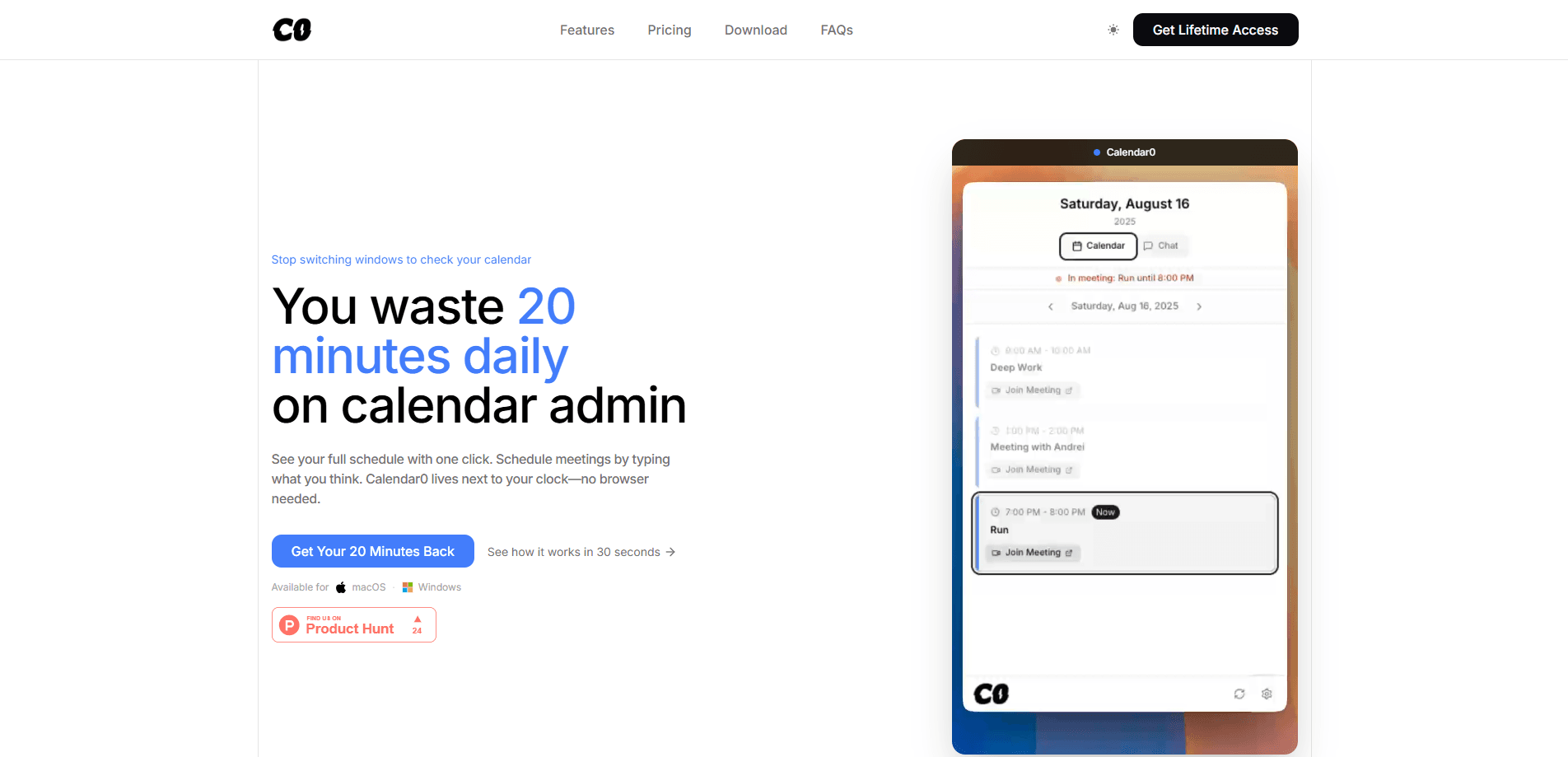
Calendar0 is an AI-powered desktop calendar app for macOS and Windows that sits in your menubar or system tray, one click away from your clock. It pulls personal, work, and shared calendars from Google, Microsoft 365, and Apple iCloud into a single view. Want a meeting? Type a sentence like "lunch with Sarah tomorrow," and the AI resolves the contact, checks every attendee's availability, and sends the invite before you've opened anything else. It's a meeting scheduler built for people who live in back-to-back calls and lose a chunk of every day to calendar admin.
About Calendar0
What Is Calendar0
Calendar0 is a menubar calendar app that answers the small, constant question "what's next, and are we free?" without making you open a browser. It reads your calendars from Google, Microsoft 365, and Apple iCloud in one place, so personal and work accounts stop living in separate tabs.
The bigger idea is the AI scheduling assistant. Instead of clicking through date pickers, you describe what you want in normal language. Calendar0 finds the right person in your contacts or directory, checks conflicts across everyone invited, and creates the event. It also handles the boring bulk work, like adding buffers between meetings or reshuffling a whole afternoon. Simple.
The catch is scope. Calendar0 is a personal scheduling tool, not a team calendar platform. No shared team-calendar administration. No room booking. And no public API or MCP surface today, so it won't slot into an automated workflow you're building yourself. It also runs only on macOS and Windows, not in a browser or on phones.
Getting Started
- Download Calendar0 from the official site and install it on macOS or Windows.
- Connect your accounts: Google and Microsoft sign in with OAuth, while Apple iCloud connects over CalDAV with an app-specific password.
- Click the menubar or tray icon to confirm your calendars are syncing into one view.
- Type a first command, such as "lunch with Sarah tomorrow," and watch the AI resolve the contact and propose a time.
- Adjust the result by dragging or resizing events, or ask the assistant to reschedule them.
Product Information
A quick look at Calendar0's pricing, supported platforms, and performance.
Best for
The users, tasks, and scenarios where this tool fits best.
Users
- Managers with 10+ meetings a day
- People juggling a personal and a work calendar
- Freelancers and consultants who book with clients
Tasks
- Scheduling a meeting from a sentence
- Checking availability fast
- Bulk rescheduling
Scenarios
- The "are you free Thursday at 2?" scramble
- Rescuing a jammed afternoon
- Sharing a booking link with a client
Key features
Natural Language Scheduling
The core of Calendar0 is typing what you want instead of navigating a form. Tell it "move my 1:1 to tomorrow" or "lunch with Sarah tomorrow," and it translates the sentence into a real event. The AI resolves contacts, works with partial names (typing "Sarah" finds "Sarah Johnson"), and checks conflicts before it commits, which is where most of the time savings come from.
Contacts and Availability Lookup
When you name an attendee, Calendar0 searches Google Contacts, Google Workspace, and the Microsoft directory to find the right email, then checks every attendee's availability and guards against double-booking across your team. No bouncing into Slack or a company directory just to grab an address.
One View Across Every Calendar
Personal, work, and shared calendars from Google and Microsoft show up together, with an instant free/busy check across accounts. The assistant picks the right calendar for each meeting, so a personal dinner doesn't land on your work calendar. Apple iCloud is supported too, connected over CalDAV.
Bulk Operations
Back-to-back meetings are the enemy of a clear head. Calendar0 adds buffers between them in one action, lets you select and modify several events at once, and supports dragging to reschedule or resizing by the edges. One move fixes an afternoon. No hand-editing six events in a row.
Keyboard-First Control
Global hotkeys open the app instantly (Cmd+Shift+C on Mac, Ctrl+Shift+C on Windows), and shortcuts cover most actions. If you rarely touch a mouse during the workday, this keeps Calendar0 in reach without breaking your flow. Handy.
Privacy-Focused Account Handling
Google and Microsoft sign-ins use OAuth, so Calendar0 never sees those passwords. Apple iCloud uses an app-specific password over CalDAV. Credentials are stored encrypted, and the AI only sees the calendar data you choose to share with it, according to the company. Good.
Pros and cons
Pros
- Scheduling by sentence cuts the repetitive admin of checking availability and sending invites.
- One menubar view merges Google, Microsoft 365, and iCloud calendars, so no more tab-switching.
- Bulk actions like adding buffers or moving several events at once save real time on busy days.
- Free Starter plan includes full calendar features plus 3 AI commands, so you can test the assistant before paying.
- OAuth sign-in and encrypted credential storage keep provider passwords out of the app's hands.
Cons
- No public API or MCP surface, so it can't be wired into your own automated workflows. That rules it out if you need programmatic scheduling.
- It only runs on macOS and Windows, with no browser or mobile app. Anyone on Linux or phones is left out.
- Team calendar administration and room booking aren't supported, which means it's a personal tool rather than something to roll out across an organization.
- The unlimited AI assistant sits behind a paid plan; the free tier caps you at 3 commands.
Frequently asked questions
It's a menubar calendar for macOS and Windows that reads all your Google, Microsoft 365, and Apple iCloud calendars in one view, and schedules meetings from natural-language commands instead of a form. You type a sentence, it resolves the contact, checks availability, and creates the event.
Related content
Explore related tools, skills, and articles for Calendar0.
Calendar0 Alternatives

Swms
Swms AI · Writing · Productivity · BusinessSwms is an AI safety compliance tool that turns a plain description of a job into ready-to-use safety documents. Describe your project, trade, and known hazards, and it writes a safe work method statement, job hazard analysis, safe work procedure, RAMS, or safety data sheet in seconds. It also ships with Oscar, a chat assistant that answers workplace safety questions in any language. Teams in construction, mining, transport, and warehousing use it to cut the paperwork that usually eats into a workday.

Wordly AI Translation
Wordly · Voice & Language · ProductivityWordly AI Translation is a real-time AI translation and captioning platform built for meetings, conferences, and events. It delivers live translation, captions, transcripts, and summaries in more than 60 languages, and attendees join by scanning a QR code or opening a link instead of using dedicated headsets. The platform works with Zoom, Microsoft Teams, Google Meet, and Webex, and it's designed for organizations that want multilingual access without hiring human interpreters for every session. Simple as that.

Rows
Rows (Superhuman) · Productivity · BusinessRows is an AI spreadsheet and data analysis tool that imports live data from more than 50 sources, then lets you work with it using plain language instead of SQL queries or nested formulas. You can pull numbers out of PDFs, connect ad platforms, databases, and bank accounts, and ask the AI to build reports, merge datasets, or set up models that recalculate themselves. It runs in the browser, works like a spreadsheet, and now sits under the Superhuman umbrella.