

Canny
Canny · Productivity · Business
Canny is an AI-powered customer feedback platform that collects requests, votes, and comments, then uses AI to analyze and prioritize them against revenue impact so teams stop guessing which ideas actually deserve engineering time. Product, sales, and customer success teams use it to spot recurring themes, tie feedback to real accounts, and publish a public roadmap. The core pitch is simple: stop letting the loudest voice in the room decide what gets built next. Most Canny reviews land on the same point.
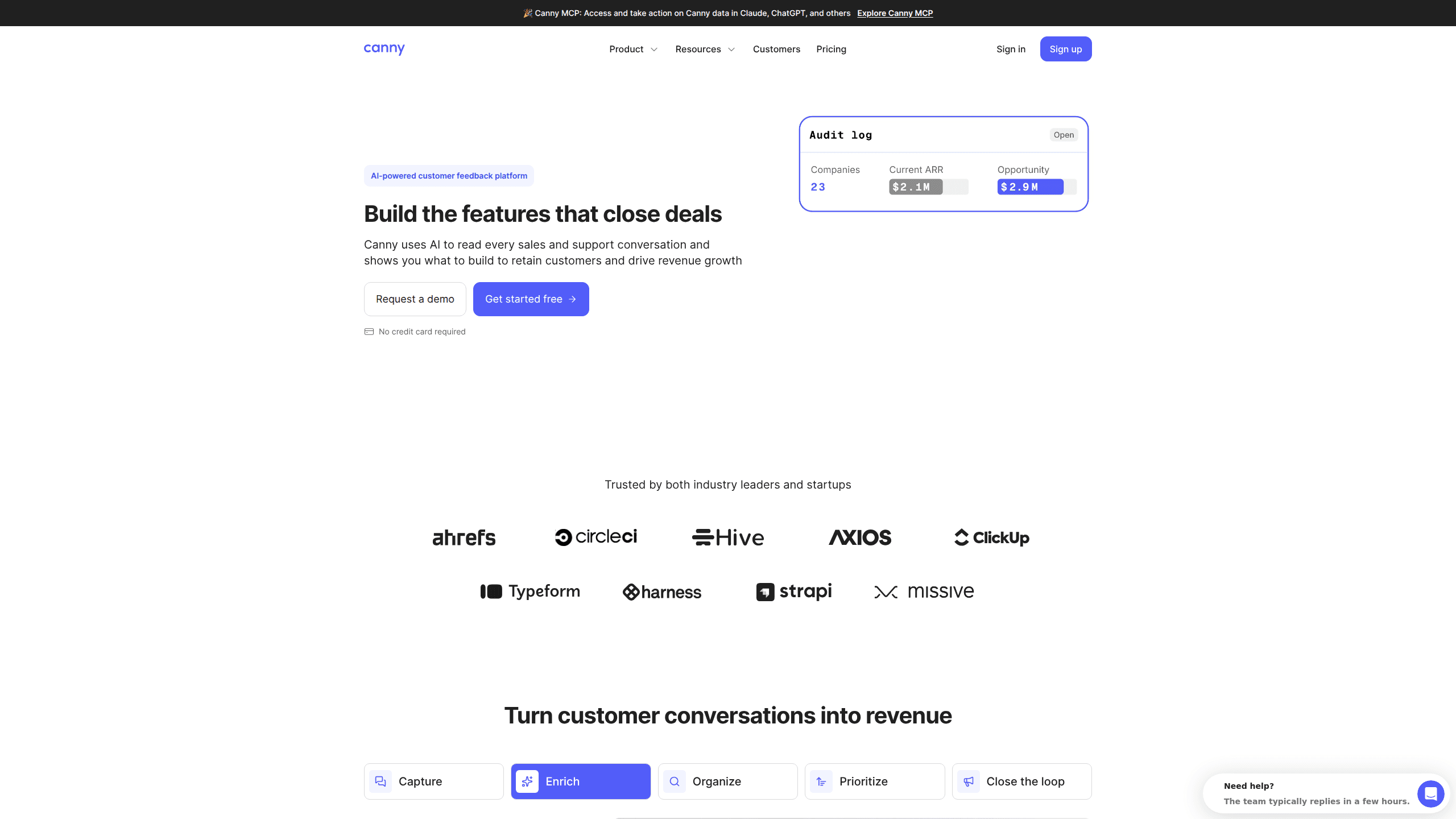
About Canny
What Is Canny
Canny is a feedback management platform for teams that ship software. It gives customers one place to submit ideas and vote, while giving your team a structured pipeline to review every submission, which means nobody has to dig through old email chains to figure out why a feature was requested in the first place. Instead of scattered Slack threads and spreadsheets, everything lands in a single searchable board with statuses, owners, and revenue context. One board. Every request.
What separates Canny from older request tools is the AI layer it calls Autopilot. Autopilot reads support tickets and sales calls from tools like Intercom, Zendesk, Gong, and Freshdesk, then surfaces themes and deduplicates entries without anyone copying and pasting by hand, which is exactly the kind of busywork that used to swallow entire afternoons on a product team. Canny says that's how a feature tied to $10K of existing revenue can get compared fairly against one with a big opportunity number attached. That's the whole argument behind the product.
The main catch is that it's a paid, seat-based SaaS built for B2B teams, not individuals. Costs climb as you track more users, and the most valuable integrations sit behind higher tiers, so a small startup and a mid-market company can end up paying very different amounts for what looks like the same dashboard. You can also analyze feedback inside Claude or ChatGPT through Canny's MCP server if you'd rather work from an LLM directly. Just don't expect a bargain at scale.
Getting Started
- Create a free account at canny.io and set up your workspace with your product or company name.
- Configure a feedback board, then decide its privacy setting if you want some boards internal only.
- Connect Autopilot to your support and sales tools, such as Intercom, Zendesk, or Slack, so feedback flows in automatically.
- Invite teammates, assign owners, and set up statuses for your roadmap stages.
- Share your portal link with customers so they can submit and vote, then publish updates as items ship.
Product Information
A quick look at Canny's pricing, supported platforms, and performance.
Best for
The users, tasks, and scenarios where this tool fits best.
Users
- Product managers
- Customer success teams
- Sales teams
- Support leads
Tasks
- Feature request tracking
- Customer feedback analysis
- Roadmap publishing
- Product announcements
- Revenue prioritization
Scenarios
- Clearing a messy backlog of hundreds of scattered requests after a growth spurt. Simple enough.
- Preparing for a quarterly planning meeting where you need defensible reasons for what made the cut.
- Handling a renewal conversation where you want proof of what's already been built for that account. Good luck without it.
- Running a public feedback portal so power users feel heard without your team replying to each one.
Key features
Autopilot AI feedback capture
Autopilot reads sales and support conversations and pulls out product feedback automatically, then sorts it into the right team, so nothing important gets buried in a call recording nobody ever revisits. It also deduplicates near-identical requests so your board doesn't fill up with twenty versions of the same idea. Canny says this runs across Intercom, Zendesk, Freshdesk, Gong, and Zoom, and it's included on every plan. No manual copying required.
Feedback analysis by product area
You can build custom views by product area, theme, or owner, which means the right people see the feedback that concerns them. Instead of one giant unsorted list, each squad gets a filtered slice. This is where the platform earns its keep for larger organisations with several product lines. Handy. Really handy.
MCP server for LLM analysis
Canny ships an MCP server that connects to Claude, ChatGPT, Cursor, and ClickUp, so you can query your feedback and build custom reports inside an LLM you already use. If your team lives in a chat assistant, this saves a lot of clicking around inside the dashboard. Ask it a question. Get a report.
Public feedback portal
Customers submit ideas in their own words and vote on others, and every request shows its current status, so nobody has to send a separate email just to find out whether their suggestion is being considered. You control who can access the portal and can publish a customer-facing version of any request. It doubles as a lightweight community space for your most engaged accounts.
Product roadmap and changelog
Every request carries a status, so customers can follow what's coming next. You can publish announcements to everyone who asked for a specific feature, and a changelog keeps past releases visible. This cuts down on the "when is this shipping" tickets that eat up support time. Customers stop asking. Your team stops repeating itself.
Revenue-linked prioritization
On paid tiers, Canny ties feedback to opportunity revenue and account value so you can weigh a request against the money behind it, turning a vague "this feels important" debate into a number that sales and product can both point at during a planning meeting. This is the feature the marketing leans on hardest, and it's genuinely useful during planning. Just know the deeper reporting lives above the free plan. Worth the upgrade? For most sales-led teams, yes.
Integrations and SSO
Canny connects to project management tools like Jira, ClickUp, Linear, and Asana, plus Slack and Microsoft Teams for notifications, which means a product decision made in Canny can turn into a ticket in the tool your engineers actually open every morning. Higher tiers add CRM integrations with HubSpot and Salesforce and SSO through Okta, OIDC, and Entra ID. That coverage matters if feedback has to land where engineers already work. It usually does.
Pros and cons
Pros
- Autopilot genuinely reduces manual triage by reading support and sales conversations and deduplicating automatically.
- The public portal gives customers a clear, transparent way to submit and track requests.
- Revenue-linked prioritization helps justify roadmap decisions to leadership and sales.
- Broad integrations cover support, project management, CRM, and SSO in one platform. Not bad for a single subscription.
- A free plan with 25 tracked users lets small teams test the workflow before paying.
Cons
- Pricing scales with tracked users, so costs rise quickly for consumer-facing products with large user bases.
- The most valuable reporting, CRM sync, and SSO features sit behind the Pro and Business tiers.
- Autopilot depends on connecting your support and sales tools, so value drops if those sources aren't available.
Frequently asked questions
Canny collects customer feedback, lets people vote on it, and uses AI to organize and prioritize the requests. Teams use it to decide what to build next and to show customers what's planned. It replaces scattered spreadsheets and chat threads with a single structured system.
Related content
Explore related tools, skills, and articles for Canny.
Canny Alternatives

Swms
Swms AI · Writing · Productivity · BusinessSwms is an AI safety compliance tool that turns a plain description of a job into ready-to-use safety documents. Describe your project, trade, and known hazards, and it writes a safe work method statement, job hazard analysis, safe work procedure, RAMS, or safety data sheet in seconds. It also ships with Oscar, a chat assistant that answers workplace safety questions in any language. Teams in construction, mining, transport, and warehousing use it to cut the paperwork that usually eats into a workday.

Wordly AI Translation
Wordly · Voice & Language · ProductivityWordly AI Translation is a real-time AI translation and captioning platform built for meetings, conferences, and events. It delivers live translation, captions, transcripts, and summaries in more than 60 languages, and attendees join by scanning a QR code or opening a link instead of using dedicated headsets. The platform works with Zoom, Microsoft Teams, Google Meet, and Webex, and it's designed for organizations that want multilingual access without hiring human interpreters for every session. Simple as that.

Rows
Rows (Superhuman) · Productivity · BusinessRows is an AI spreadsheet and data analysis tool that imports live data from more than 50 sources, then lets you work with it using plain language instead of SQL queries or nested formulas. You can pull numbers out of PDFs, connect ad platforms, databases, and bank accounts, and ask the AI to build reports, merge datasets, or set up models that recalculate themselves. It runs in the browser, works like a spreadsheet, and now sits under the Superhuman umbrella.