
Casey Scholar
Nick Yu · Leaning
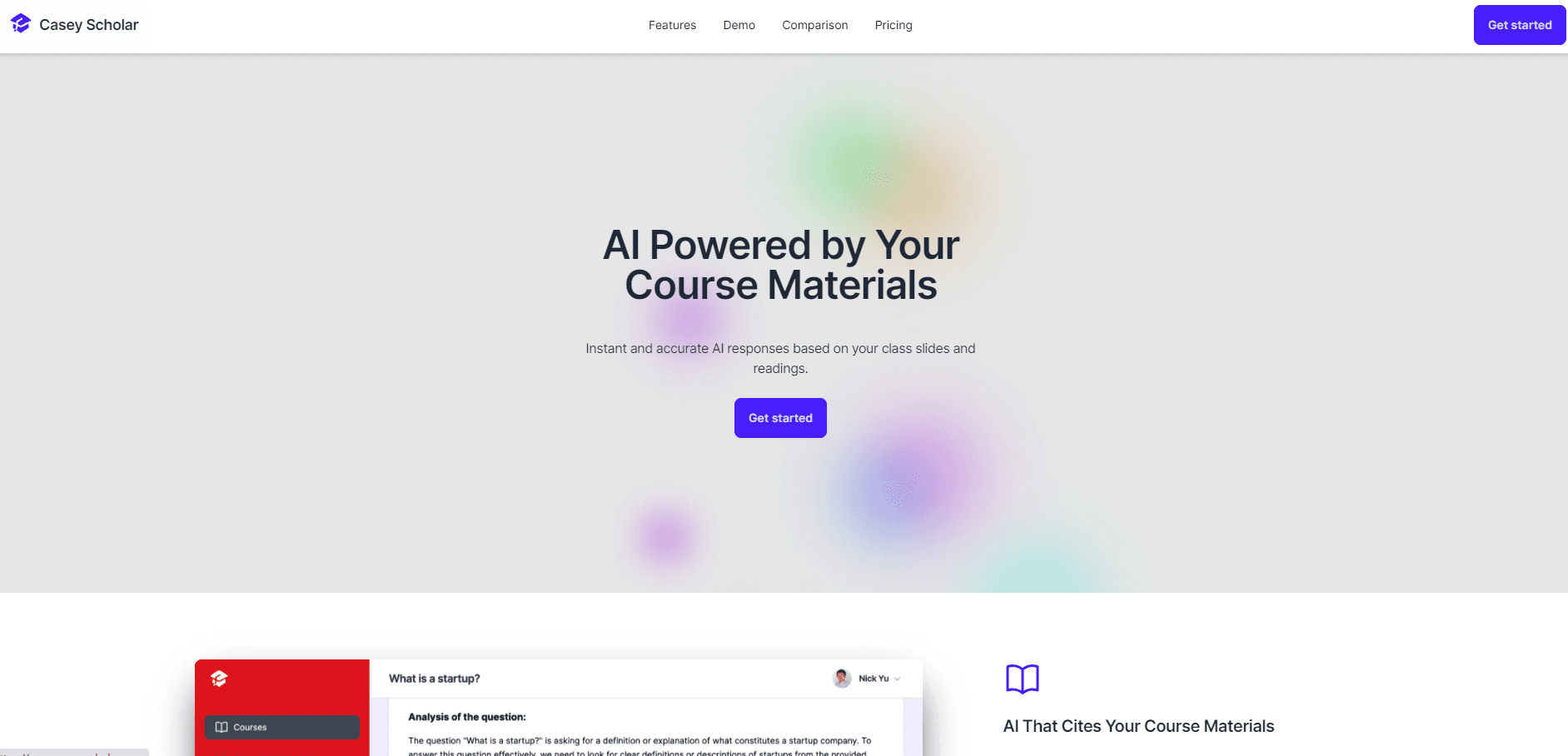
Casey Scholar was an AI study assistant that answered questions using your own course slides and readings, with citations. The web service is now discontinued.
About Casey Scholar
What Is Casey Scholar
Casey Scholar was a web app for students who were tired of generic chatbot answers. You connected your class material, mostly slides and readings, then asked questions in plain language. Answers came back grounded in that content, with citations pointing to the slide or page they came from. Nick Yu, an MBA graduate, built the first version for his own coursework after finding ChatGPT unreliable for it.
The pitch was narrow on purpose: ask about your actual syllabus, not the open web. That focus made the tool useful for exam prep, case discussions and assignment review, where a general model tends to drift toward plausible sounding nonsense. The tradeoff was coverage. When a question sat outside your materials, there was little it could do.
The service no longer runs. The official site carries a shutdown notice, accounts have been closed, and there is no signup path left. The sections below describe what the product did while it was live, which is still worth reading if you're comparing study tools or hunting for something close to it.
Getting Started
- Create an account on the Casey Scholar website.
- Connect the courses you wanted help with and let the app pull in the slides and readings.
- Wait for the sync to finish, then type a question in the chat box in your own words.
- Open the citations under an answer to check the slide or page behind it.
- Add courses as the term went on, since the app tracked a whole schedule in one place.
Product Information
A quick look at Casey Scholar's pricing, supported platforms, and performance.
Best for
The users, tasks, and scenarios where this tool fits best.
Users
- MBA and business students
- Undergraduates in slide heavy lecture courses
- Students who never bothered with prompt engineering
Tasks
- Exam prep from lecture slides
- Assignment review
- Spot checking your own understanding
Scenarios
- The night before a case discussion, when you need the framework from week three and not a textbook definition.
- A term with five courses running at once, where switching between separate folders is its own chore.
- Fact checking a chatbot answer that sounded right but felt off, with the source one click away.
Key features
Answers Cited to Your Own Course Materials
Every response leaned on the slides and readings you connected, and citations showed where each claim came from. That changed the workflow from trust to verify. Reading a citation took seconds, and the habit caught errors that a plain chatbot answer would have hidden.
Automatic Sync With Class Content
The app pulled new material in as courses updated, so there was no manual re-uploading after every lecture. For a student adding three decks a week, that removed the step people usually abandon by midterm.
All Courses in One Place
Casey Scholar tracked a full schedule rather than a single folder of files. Questions could reference one class without losing the others, which mattered when a term mixed quantitative and reading heavy courses.
Better Odds on Tricky Questions
The official site made a direct claim that Casey retrieved information general chatbots missed and got harder questions right. That's the vendor's framing, not an independent benchmark. The mechanism behind it was straightforward: retrieval from a small, relevant set of documents beats guessing from training data.
Assignment Aware Answers
You could ask about an assignment, not only about course concepts. In practice that covered clarifying what a prompt was asking and how it connected to the reading, which is the point where students usually message a classmate instead.
Pros and cons
Pros
- Citations turned every answer into something you could audit in a few seconds.
- Automatic syncing kept material current without a weekly upload ritual.
- Multi-course tracking fit a real semester better than a single document folder.
- A free plan with a weekly question allowance made it cheap to try.
- Assignment questions were treated as in scope, which general purpose chatbots handle badly.
Cons
- The service is discontinued. Accounts are closed and anyone who built a routine around it has to rebuild that workflow elsewhere.
- Coverage stopped at the material you connected, so questions about outside sources got thin answers.
- Web only. There was no mobile app for reviewing slides on a commute.
- Question caps were tight on the free plan, at 10 per week, and 200 per week on the paid tier.
Frequently asked questions
No. The official site states that Casey Scholar has been discontinued, that the service is no longer available, and that accounts have been closed. There is no current signup or subscription option.
Related content
Explore related tools, skills, and articles for Casey Scholar.
Casey Scholar Alternatives
Coddy
Coddy · Coding · LeaningCoddy is a gamified platform to learn to code through short interactive lessons in 20+ languages, with a browser editor, an AI tutor and free certificates.

Marv
Cameron (independent developer) · Coding · Productivity · LeaningMarv is an AI cursor companion for Windows and Mac. It sees your screen, answers out loud, and draws arrows and highlights that show you the next click.

Teachoo
iAsk AI · Leaning · ChatbotTeachoo is a free AI homework helper that walks students through math, science, writing and coding problems one step at a time, with photo input, hints and flashcards.