
CAT ME app
CAT ME · Image
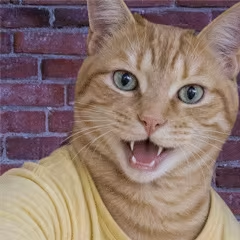
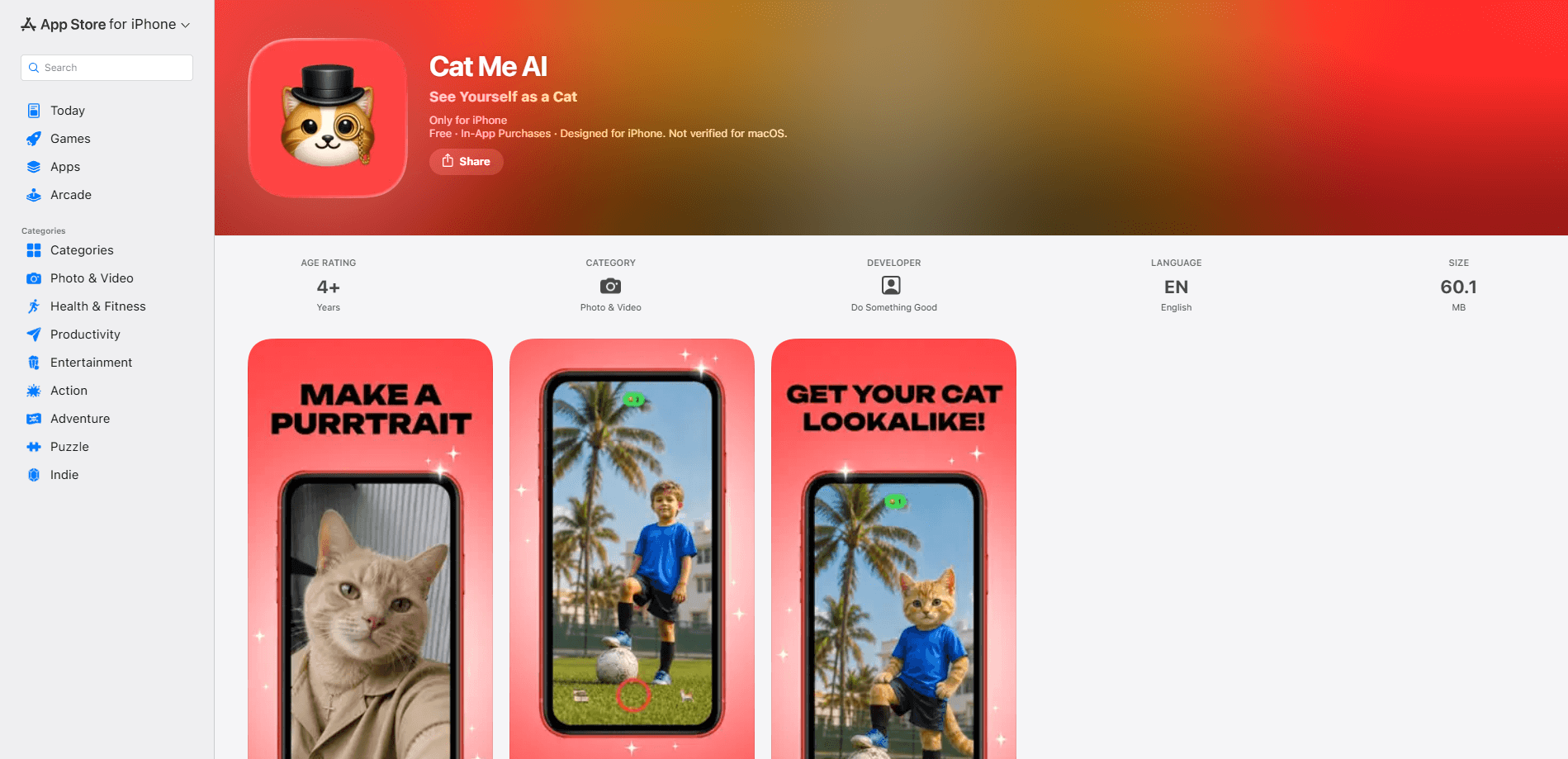
CAT ME app is a playful AI cat photo app that turns a normal picture of you, a friend, or a pet into a cat. Want to turn yourself into a cat? You upload a photo, the app reshapes the face and body while keeping the original expression and pose, and you get a shareable image in seconds. Think of it as a cat filter app with a brain: it's built for fun, not for photo editing work, so the appeal is the finished cat avatar you can post right away.
About CAT ME app
What Is CAT ME app
CAT ME app is an AI cat photo app that redraws a human photo as a cat. It keeps the details that make a person recognizable, like the tilt of the head, the shape of a smile, and the general mood, then rebuilds the rest as a furry version of the same face. The point isn't realistic photo retouching. It's the surprise of seeing someone you know as a cat, which is exactly why people pass it around. It works less like a clunky face swap app and more like a cat generator with a memory for faces.
The main draw is speed and sharing. You don't need to learn prompts or edit layers; the app handles the hard part and hands back a finished image. Because the output usually keeps the subject's personality, group photos and workplace jokes land better than a generic cat filter ever would. Simple as that.
The catch is that CAT ME app is a one-trick tool. It does one transformation well and doesn't try to be a full photo editor, so if you want background removal, retouching, or video, you'll end up in a different app. It's also an iPhone AI app only right now, which leaves Android users out.
Getting Started
- Install CAT ME app from the App Store on your iPhone.
- Open the app and upload a photo from your library or take a new one with the camera.
- Pick the person in the shot you want turned into a cat and let the AI generate the result.
- Review the image, regenerate if it doesn't look right, then save it or share it to your social app.
Product Information
A quick look at CAT ME app's pricing, supported platforms, and performance.
Best for
The users, tasks, and scenarios where this tool fits best.
Users
- Social media users who want a quick, funny image for a post
- Friend groups and coworkers running a joke
- Pet owners curious about their cat as a person, and people who just like cat content
Tasks
- Turning a selfie into a cat avatar
- Making a joke of a friend's photo
- Creating a themed image for a birthday or group chat
Scenarios
- Filling a slow afternoon with something silly to send to friends
- Producing a fresh profile picture for a social account
- Kicking off a group chat theme or an office inside joke
Key features
Face-to-cat transformation
The core feature takes a photo of a person and rebuilds it as a cat while holding on to the original expression and pose. It's what separates a good result from a generic animal sticker, since the face underneath the fur still reads as the same person. Think of it as an AI pet portrait where the pet is you.
Expression and pose preservation
Instead of pasting a cat face onto a photo, the app reads the subject's head angle, smile, and overall mood and rebuilds them in cat form. The output keeps the joke intact because the person still looks like themselves. That's the hard part, and it's what makes this more than a sticker pack.
One-photo workflow
There's no prompt writing and no layer editing. You upload a single image, choose the subject, and the app returns a finished result, which keeps the learning curve close to zero. Open it. Upload. Done.
Quick share-ready output
Generated images come out ready to post, so the path from photo to social app is short. That speed is the reason the app spreads through group chats and feeds rather than staying in a camera roll. No export settings to fiddle with.
Pros and cons
Pros
- Keeps the subject recognizable, so the transformation reads as funny rather than random.
- No editing skills or prompts needed; one photo is enough to start.
- Fast enough to use casually, which suits a tool built for sharing.
- Works on ordinary phone photos. No studio shot required.
Cons
- iPhone-only, so Android users can't run it at all.
- It does one thing. Anyone wanting a general photo editor will need another app for that.
- Results vary with photo quality; blurry or angled shots give weaker cats, so you may need a few tries.
Frequently asked questions
It turns a photo of a person into a cat using AI, keeping the original expression and pose so the result still looks like the subject. You upload a photo and get a shareable cat version.
Related content
Explore related tools, skills, and articles for CAT ME app.
CAT ME app Alternatives

X Ray Interpreter
X-ray Interpreter · ImageX Ray Interpreter is a web-based AI radiology tool that turns X-rays, CT scans, MRI, ultrasound, and PET images into plain-language reports. You upload a scan, get a preliminary X-ray interpretation in moments, then ask follow-up questions if something needs explaining. It works as a second opinion and a learning aid, not as a medical diagnosis.

Aieasypic
AIEasyPic · ImageAIEasyPic is an AI image generator that turns plain text prompts into finished artwork in seconds. You can also train custom models on your own photos, swap faces in existing images, and create short video clips from text, all from a browser. It suits casual creators who want quick visuals and hobbyists who want to build a personal model without touching any code.

Chargen
Chargen · ImageChargen is an AI character generator and worldbuilding toolkit built for Dungeons & Dragons and other tabletop RPGs. It turns a one-line idea into a painted character portrait, spins up NPCs, monsters, maps and encounters from the same session, and keeps every creature's details close at hand. The tabletop RPG art side runs on a credit system called Gold, while the text generators stay free for everyone.