
CC-BEEPER
Victor Cartier · Coding
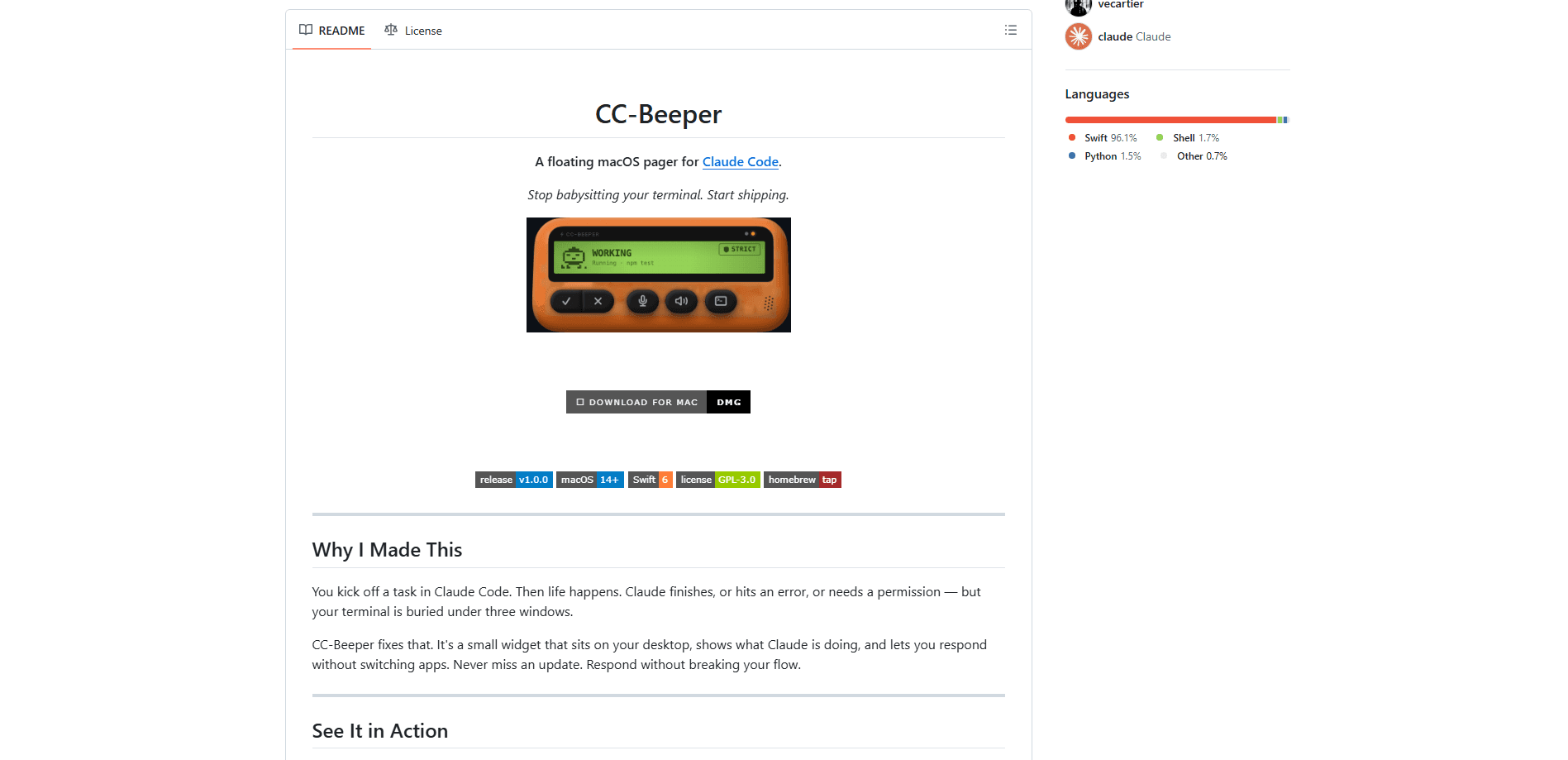
CC-BEEPER is a free, open source macOS widget that keeps an eye on your Claude Code sessions while you work in other apps. It works as a terminal pager you leave on your desktop, a small floating window that shows what Claude is doing right now, from running a tool to asking for permission. You can approve, deny, answer questions, or dictate a prompt by voice without ever switching back to a terminal window. No window switching. It's built for developers who run long coding tasks in the background and hate babysitting the terminal.
About CC-BEEPER
What Is CC-BEEPER
CC-BEEPER is a desktop companion for Claude Code, Anthropic's terminal-based coding agent. Claude Code is powerful, but it lives in a terminal window. When one of your sessions finishes a task, hits an error, or waits for a permission prompt, you won't notice if that window is buried under three others. CC-BEEPER solves that gap. It reads session events over local hooks and flashes the current state onto a small always-visible widget.
Everything runs on your Mac, and the app talks to Claude Code over 127.0.0.1, uses an on-device speech engine for dictation and read-aloud, and has no accounts or sign-up. There's no telemetry and no outbound connection, which matters if you're working with private code.
The biggest limitation is scope. CC-BEEPER is macOS 14+ only, and it's an independent community project rather than an Anthropic product. Its most aggressive setting, YOLO mode, auto-approves every tool request, including file deletions and shell commands. That's a real risk. Leave it on by accident and you could lose work.
Getting Started
- Download the latest release from the GitHub repo and move
CC-Beeper.appto your Applications folder. - Launch the app. The onboarding wizard installs the Claude Code hooks, sets your theme, and configures permissions, voice engines, and hotkeys.
- Pick an auto-accept mode from the menu bar: Strict, Relaxed, Trusted, or YOLO. Relaxed is a sensible starting point.
- Run a Claude Code task in your terminal. The widget starts reporting state changes on its own.
- Respond straight from the pager. Press ⌥A to approve, ⌥D to deny, or ⌥R to dictate a reply by voice.
Product Information
A quick look at CC-BEEPER's pricing, supported platforms, and performance.
Best for
The users, tasks, and scenarios where this tool fits best.
Users
- Mac-based developers running Claude Code daily
- Coders who keep several agent sessions open at once
- Anyone who prefers talking to typing
Tasks
- Answering permission prompts
- Catching finished or failed tasks
- Hearing a summary instead of reading one
Scenarios
- Long refactors that run while you're in meetings
- Working across multiple monitors or full-screen apps
- Night-time background jobs
Key features
Eight Live Session States
The widget tracks eight states and gives each one its own pixel-art animation, so you can read the situation without parsing text. You'll see the difference between SNOOZING (idle), WORKING (running a tool), DONE, ERROR, ALLOW?, INPUT?, LISTENING, and RECAP. Higher-urgency events take priority when several sessions are active. A pending permission always jumps ahead of a quiet one.
Four Auto-Accept Modes
CC-BEEPER lets you choose how much Claude Code can do without asking. Strict asks on every action. Relaxed allows reads and asks before writes and commands. Trusted permits file operations while still checking shell commands. YOLO approves everything, including deletes and network calls, with no prompt. You can switch presets from the menu bar at any time, and the menu bar icon changes color so you can spot which mode is live.
Voice Dictation and Read-Aloud
You can prompt Claude or answer its questions by talking. Toggle recording with ⌥R from any app, or double clap to go hands-free. Dictation runs on WhisperKit on-device across 99 languages, with Apple Speech as a built-in fallback, and it works with Terminal.app, iTerm2, Warp, Alacritty, Kitty, and WezTerm, which covers most of the terminals Mac developers actually use. Read-aloud uses the on-device Kokoro engine with 54 voices across 9 languages to play Claude's last reply back to you.
Global Hotkeys
Five hotkeys work from any app and in any keyboard layout, including AZERTY, QWERTZ, and Dvorak. ⌥A approves, ⌥D denies, ⌥R toggles dictation, ⌥T focuses the active terminal, and ⌥M stops speech or replays the last response. All of them are remappable in Settings, so you don't have to relearn muscle memory.
Themes, Sizes, and Feedback
You can pick from 10 shell colors and three widget sizes: Large, which shows buttons and an LCD, Compact, which shows the LCD only, or Menu Only, which keeps just an icon in the menu bar. Sound and haptics add a ping on permission requests, a chime on completion, and a vibration that repeats until you deal with the request. Those cues are what make the widget useful from across the room.
Fully Local and Private
Every message travels over localhost through plain curl hooks. There's no telemetry, analytics, or crash reporting, and the app makes zero outbound connections. Voice never leaves your Mac because both engines run on-device. There are no accounts or tokens, and the hooks live in ~/.claude/settings.json, where you can inspect or remove them whenever you want.
Handling Multiple Sessions
CC-BEEPER manages several concurrent Claude Code sessions and picks the displayed state by priority across all of them, so the session that needs you most is the one you see. Sessions prune themselves automatically after two hours of inactivity, so the widget doesn't get cluttered with abandoned tabs. On launch it pings ports 19222 to 19230 to detect another running instance and avoid conflicts.
Pros and cons
Pros
- Free and open source under GPL-3.0, with a native Swift build you can compile yourself.
- Fully local design with no API keys, accounts, or outbound traffic, which suits private codebases.
- Voice dictation and read-aloud run on-device, so your audio is never uploaded.
- Priority-based state resolution keeps the most urgent session in front when you run several at once.
- Remappable hotkeys and four auto-accept presets fit different working styles.
Cons
- macOS only, and it needs macOS 14 Sonoma or later. Windows and Linux users are out.
- YOLO mode approves everything, including file deletes and shell commands. Dangerous if you forget it's on.
- It's an independent project with a single maintainer, so long-term support depends on that person staying involved.
- The project isn't affiliated with Anthropic, so official Claude Code changes can break integration.
Frequently asked questions
It's a floating macOS widget that watches your Claude Code sessions and shows their live status on your desktop. You can approve permission requests, answer questions, and dictate prompts from the widget instead of switching to a terminal, which is the whole point of installing it.
Related content
Explore related tools, skills, and articles for CC-BEEPER.
CC-BEEPER Alternatives
Forefront
Forefront · CodingForefront is a web platform for building with open-source AI. It lets you fine-tune leading open-source language models on your own data, evaluate how they perform, and run them through an API or export them to host yourself. Developers who want the convenience of a closed-source platform but insist on owning their models and data are the target audience here.

Startkit
StartKit.AI · CodingStartkit is a boilerplate for building AI SaaS and AI wrapper products. Think of it as an AI startup boilerplate with the boring parts already wired up: authentication, Stripe and Lemon Squeezy payments, usage limits, transactional email, and an AI API starter that talks to OpenAI, Anthropic, Groq, or Llama. You clone the repo, set your price, and start on the part of your product that people actually pay for. It's Next.js under React and Tailwind, so most of the boilerplate code already feels familiar.
Testim
Tricentis · CodingTestim is an AI-powered test automation platform for building and running end-to-end tests across web, mobile, and Salesforce applications. It leans on machine learning to keep tests stable when an interface changes, so teams spend less time fixing broken selectors. Not bad for an automated testing tool you can start using today. You create tests by recording actions in a browser, then optionally add JavaScript when you need more control. It's a solid pick for busy QA teams.