

CentryAI
CentryAI · Productivity
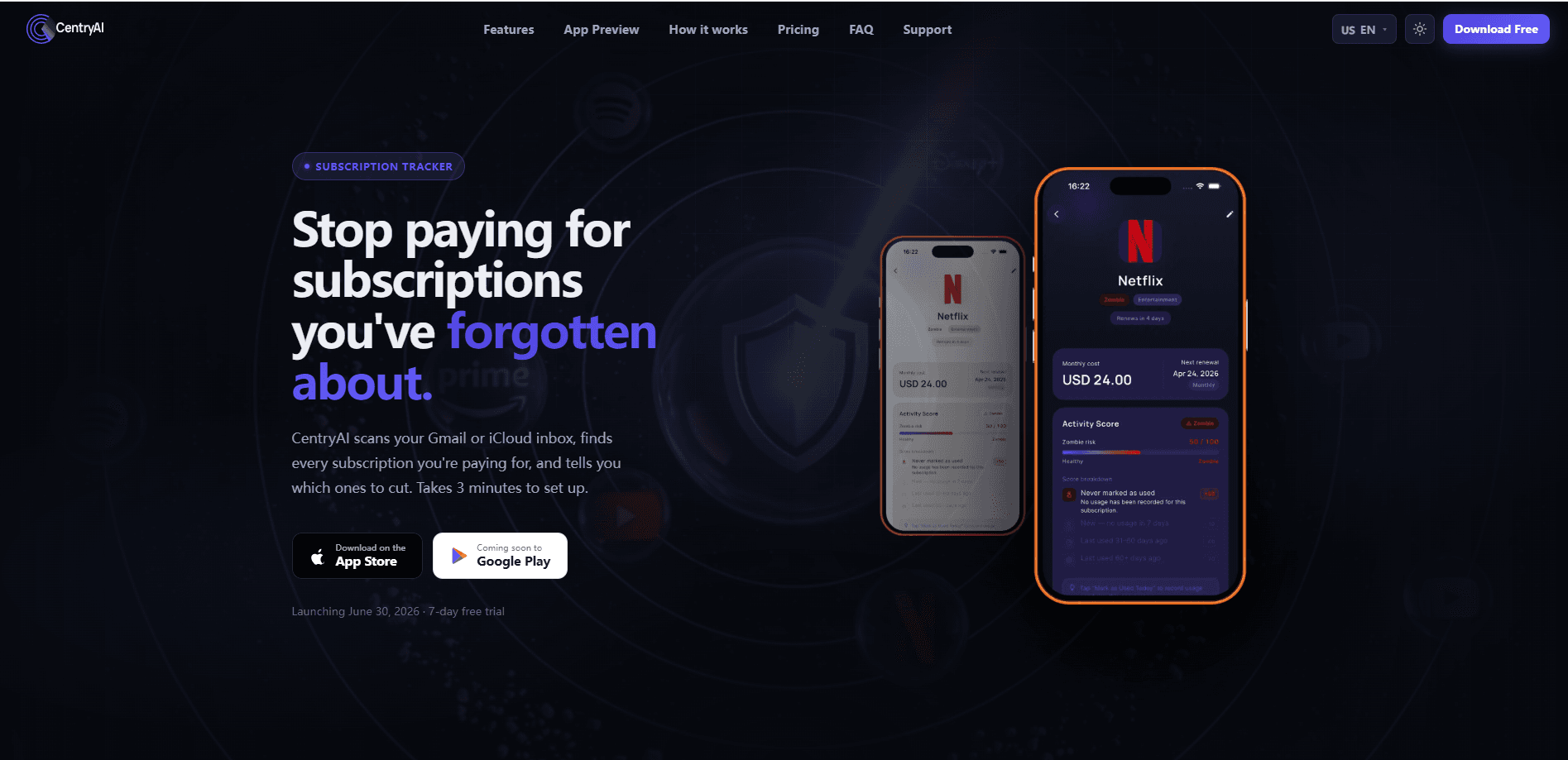
CentryAI is a subscription tracker app that scans your Gmail or iCloud inbox to surface every recurring charge you're paying for, then scores each one so you can spot what to cut. It connects with read-only access, flags unused "zombie subscriptions" with a numeric score, and hands you a direct cancellation link in one tap. The core tracking is free, and a Pro tier at $7.99/mo unlocks the AI scanner and spending analytics. It runs on Android, with an iPhone version listed as coming soon.
About CentryAI
What Is CentryAI
CentryAI is the app you reach for when you suspect you're paying for things you've forgotten exist. Instead of asking you to type in every service by hand, it links to your Gmail or iCloud inbox with read-only permission and picks out subscription receipts automatically. That covers streaming, SaaS, fitness, news, cloud storage, and 90+ other services.
The main problem it solves is the gap between what you think you spend each month and what's actually leaving your account on a recurring basis. Manual trackers only catch subscriptions you remember, which defeats the purpose. CentryAI scans the receipts already sitting in your inbox, so even a charge from three years ago shows up.
The biggest limit is that it never touches your bank account. That's a privacy plus, but it also means the app only knows what shows up as an email receipt. Services that bill silently, or receipts you delete, won't surface. One-tap automatic cancellation also isn't here yet. Right now CentryAI finds the cancel page or the phone number and walks you through it yourself.
Getting Started
- Download CentryAI from Google Play and open the app. No credit card is needed to start.
- Connect Gmail or iCloud with read-only access. The scan looks for subscription receipts and billing emails, and takes under 60 seconds.
- Review the subscription list CentryAI builds: name, price, renewal date, and a zombie score for each service.
- Tap any subscription to open its direct cancellation page, or set a renewal reminder so nothing sneaks up on you.
- Upgrade to Pro if you want unlimited tracking, the AI email scanner, and spending analytics.
Product Information
A quick look at CentryAI's pricing, supported platforms, and performance.
Best for
The users, tasks, and scenarios where this tool fits best.
Users
- People juggling five or more subscriptions who've lost track of what's active
- Anyone who wants to cut recurring spend without handing over bank credentials
- Budget-conscious users who want a spending view across monthly and annual charges
Tasks
- Finding subscriptions buried in old email receipts
- Spotting unused services
- Cancelling a service fast
Scenarios
- A monthly money check-in where you review what's due and kill one thing you've stopped using
- Cleaning up after a free trial you forgot to cancel
- Auditing family plans to see the per-person cost of shared subscriptions
Key features
Inbox scanner
CentryAI connects to Gmail or iCloud and automatically finds every subscription receipt in your inbox, covering streaming, SaaS, fitness, news, cloud storage, and 90+ more services. The scan finishes in under 60 seconds and requires read-only access, so your emails are never stored. This is the feature that separates a subscription tracker app from a plain spreadsheet.
Zombie detector
Every subscription gets a zombie score based on how long it's been since you last used it. The higher the number, the more likely you're paying for something you've forgotten. So what counts as high? A service untouched for 90 days lands near the top of the list. It's a blunt but useful gut check when you're deciding what to cancel.
Spending dashboard
The dashboard shows your monthly and annual spend per currency, placing past payments next to upcoming charges so the picture is complete. You can switch between 1-month, 3-month, 6-month, and 1-year views to see how your habits shift. No bank link required. It answers the "what am I actually paying" question in one screen.
Cancel Finder
Cancel Finder opens the exact cancellation page for a service in one tap, so there's no digging through settings menus and no calling support. CentryAI uses AI to locate the direct cancel link, or gives you a phone number and step-by-step instructions when a service hides the option. Automatic in-app cancellation is slated for a later version.
Renewal calendar and reminders
The app lays your renewals out on a calendar so you can see what's coming before it hits. Pro users also get email reminders ahead of a charge. It's the difference between noticing a renewal the day before and noticing it three months later in your statement.
Pros and cons
Pros
- Scans your inbox automatically, so forgotten subscriptions surface without manual entry
- Never requests bank access, and email content stays off its servers
- Zombie scores make it easy to spot what's safe to cut
- Free tier covers tracking up to three subscriptions with a renewal calendar
- Pro is $7.99/mo with a 7-day free trial and no card required to start
Cons
- Only detects subscriptions that arrive as email receipts, so silent charges slip through
- One-tap automatic cancellation isn't live yet; you still cancel yourself
- iOS is listed as coming soon, so iPhone users can't use it today
Frequently asked questions
It connects to your Gmail or iCloud inbox with read-only access and uses pattern recognition to identify recurring charges from subscription receipts. You can also add subscriptions manually. It never stores your email content on its servers.
Related content
Explore related tools, skills, and articles for CentryAI.
CentryAI Alternatives

GitBot
gitbot-hq · Coding · ProductivityGitBot is an open-source local server that turns Claude Code, Codex or OpenCode into reusable bots with saved instructions, approval rules and threads you can resume later.

Ferndesk
Ferndesk · Productivity · BusinessFerndesk is an AI help center platform whose agent, Fern, checks each article against your actual product, drafts corrections, and publishes only after you approve them.

Supertake
Supertake, Inc. · Productivity · BusinessSupertake turns a written investment idea into a managed portfolio of US stocks, then sends the trades to your own brokerage. It's invite-only while in beta.