

ChatCut
ChatCut · Video
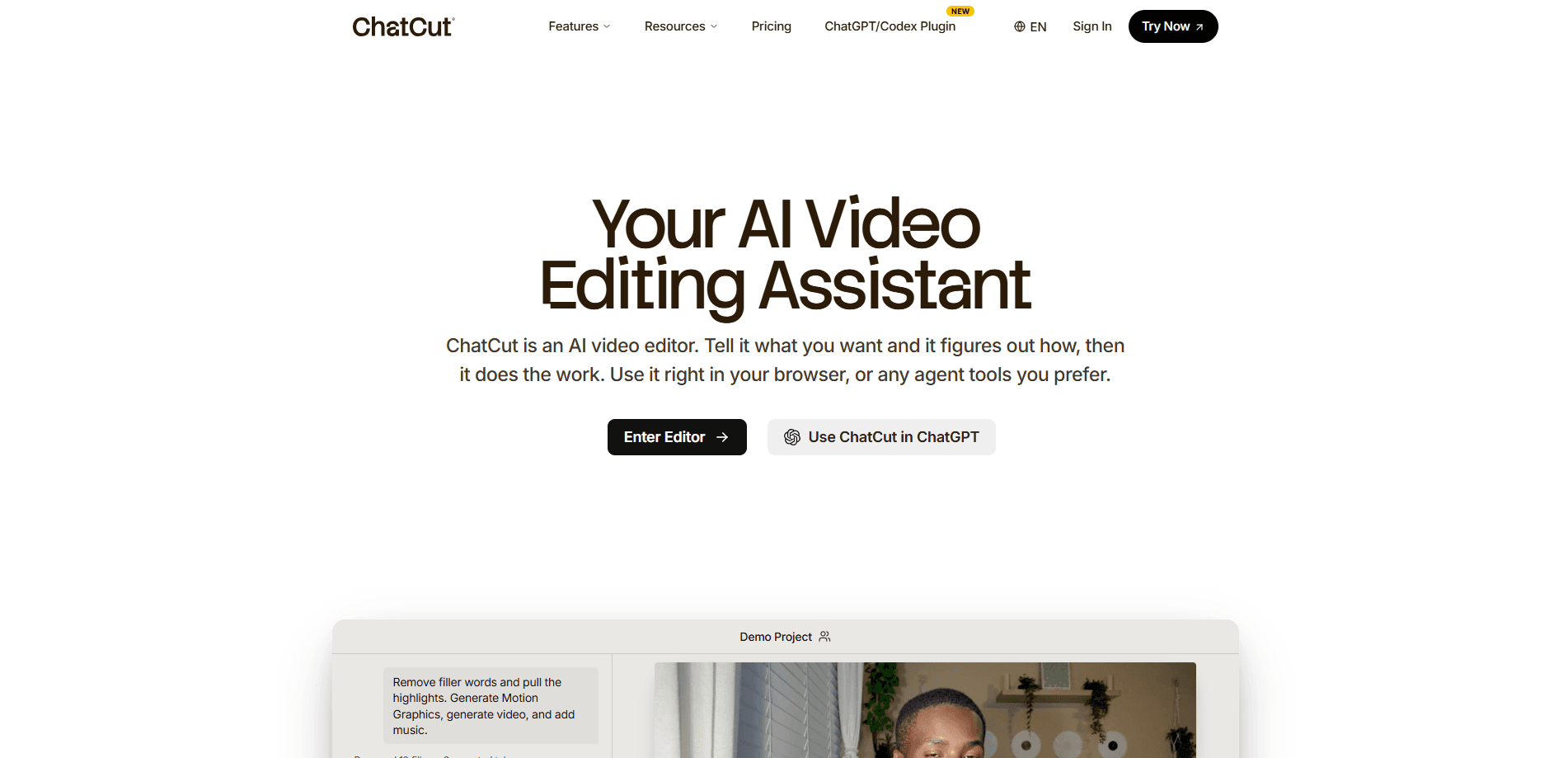
ChatCut is a browser-based AI video editor that turns plain-English prompts into real multi-track timeline edits. You upload footage, describe what you want in the chat panel, and the tool cuts, captions, adds motion graphics, and matches music to your brand. Auto captions land in the edit without any extra setup. It's built for people who already have footage and just want a fast first cut, not for generating video from nothing.
About ChatCut
What Is ChatCut
ChatCut treats your transcript as the timeline. Instead of dragging clips around a ruler, you edit the words: delete a sentence and the matching video drops out. Say "remove all filler words" and it handles the whole track in one pass. That's a different model from Premiere or DaVinci, and it's the reason the tool feels approachable even if you've never touched an editor before. Transcript-based editing is the whole idea here.
ChatCut isn't a text-to-video generator. It won't replace a finishing suite for color grading or complex compositing either. It handles the rough cut, the captions, the simple graphics, and the export. From what I gather, that's deliberate. The heavy creative work stays with you, and the tedious part gets automated. Simple as that.
Every AI edit returns a real, editable timeline rather than a locked render. You can hand-tweak anything the model produced, or pass an XML file into Premiere Pro or DaVinci Resolve for final polish. Multitrack editing, transitions, and frame-accurate timecodes are all there, so it slots into a professional workflow instead of sitting beside it. As an AI video editing tool, it earns its place by staying open.
Getting Started
- Create an account at chatcut.io and pick a plan. The monthly tiers start at $25/month for 100 credits.
- Upload your footage or import a project file (MP4, XML, and common camera formats work).
- Let the editor transcribe the audio. It supports close to 100 languages and separates speakers automatically.
- Type your instructions in the chat panel, such as "cut the intro to 20 seconds" or "add captions and a lower third."
- Review the returned timeline, tweak by hand if you want, then export as MP4, XML, SRT captions, or a Word document.
Product Information
A quick look at ChatCut's pricing, supported platforms, and performance.
Best for
The users, tasks, and scenarios where this tool fits best.
Users
- Content creators who record talking-head or tutorial footage and want a clean first cut without learning a full editor.
- Podcasters and interviewers sitting on long transcripts who need filler words and dead air removed fast.
- Marketing teams turning product demos into short promo clips with captions and motion graphics.
Tasks
- Cleaning up a raw talking-head recording by deleting filler words, repeated takes, and long pauses from the transcript.
- Generating burned-in subtitles or an SRT file for social clips in one language or several.
- Assembling a product explainer from screen recordings, interface shots, and a script.
- Producing B-roll and simple animated titles to cover gaps where nothing was filmed.
Scenarios
- Shipping a weekly podcast episode without paying an editor for the basic cleanup pass.
- Cutting a 40-minute webinar down to a 3-minute highlight reel for social media.
- Localizing a single video into multiple languages with translated captions and voiceover.
- Prototyping a marketing video quickly before committing budget to a full production.
Key features
Prompt-Based Timeline Editing
You type what you want and the editor acts on a real timeline with tracks, transitions, and clips. Prompt-based video editing means you never drag a clip just to make a change. Ask it to find highlight moments, trim the intro, or reorder scenes, and it returns an editable result. The difference from other AI tools is that you can keep working on the output by hand rather than starting over.
Transcript-First Cutting
ChatCut transcribes your footage, then lets you edit the text to edit the video. Delete a line and the corresponding clip goes with it. Fast. This is the quickest way to strip ums, false starts, and repeats, and it makes captioning almost automatic since a full, frame-aligned transcript already exists before you touch the timeline.
Automatic Captions and Transcription
The editor handles transcription in close to 100 languages and detects different speakers, with timecodes accurate to the frame. Auto captions can be burned in or exported as SRT, so the same pass serves both your on-screen subtitles and your upload metadata.
Motion Graphics and Animated Titles
You can generate animated titles, charts, and presentation frames from a single sentence or a reference image. Each layer stays editable, so you can nudge timing or swap the text after generation. It covers the simple graphic needs most social and marketing videos have without a separate motion-design tool.
B-Roll and Generative Fill
When your narration mentions something you never filmed, ChatCut can source or generate supporting footage and drop it straight onto the timeline. No more scrambling for stock clips at midnight, and if your narration runs long and wanders off script, the tool keeps the visuals changing so the viewer stays with you through every section. That counts.
AI Music and Voiceover
The editor generates background music and voiceover to match your brand and the mood of the scene. You can also bring your own BGM. For creators who don't license music, this removes a common last-minute roadblock.
Multi-Format Export
You can export to MP4 for direct publishing, XML for round-tripping into Premiere Pro or DaVinci Resolve, SRT for captions, and Word documents for scripts and transcripts. That range is what lets ChatCut sit at the front of a professional pipeline rather than replacing it.
Collaborative Editing
Multiple people can work inside the same project online, which suits small teams reviewing a cut before it ships. One timeline, several hands. It's a practical feature for agencies and in-house marketing groups that would otherwise pass a project file back and forth over email and lose track of which version is current.
Pros and cons
Pros
- Editing by transcript is genuinely faster than scrubbing a timeline for cleanup work like filler-word removal. Why sit through an hour of footage when the words are already there?
- Every AI action returns an editable timeline, so nothing gets locked into a black-box render.
- XML export means it fits into Premiere Pro and DaVinci Resolve workflows instead of trapping you.
- Transcription covers close to 100 languages with speaker separation and frame-accurate timecodes.
- No install or GPU needed since it runs in the browser.
Cons
- There's no free tier, so you have to pay before you can test it on your own footage.
- The credit system takes some planning, since heavy projects with lots of generated assets burn through a monthly allowance faster than expected.
- It's built for footage you already shot, so anyone wanting text-to-video generation will need a different tool.
- Fine color grading and complex compositing still belong in a dedicated finishing suite.
Frequently asked questions
It edits video you already have. You upload footage, tell it in plain English what you want changed, and it performs the cut on a real timeline you can keep adjusting by hand. It doesn't generate a video from a text prompt alone.
Related content
Explore related tools, skills, and articles for ChatCut.
ChatCut Alternatives

ngram 2.0
ngram · Video · Marketingngram 2.0 is an AI video generator for teams. It turns a prompt, a screen recording, or a product URL into a narrated explainer, product demo, or AI avatar video, and every scene stays editable.

OpenScreen 2
OpenScreen (open-source project) · Video · ProductivityOpenScreen 2 is a free, open-source screen recorder and demo video editor for Windows, macOS, and Linux, with automatic zooms, styled frames, local captions, and agent edits.

Skreno
Skreno · Video · ProductivitySkreno is a browser screen recorder that captures a tab, a window or your whole display, then attaches AI transcripts, summaries and console logs to one share link.