
Chaterm - AI SSH Terminal
Chaterm · Coding
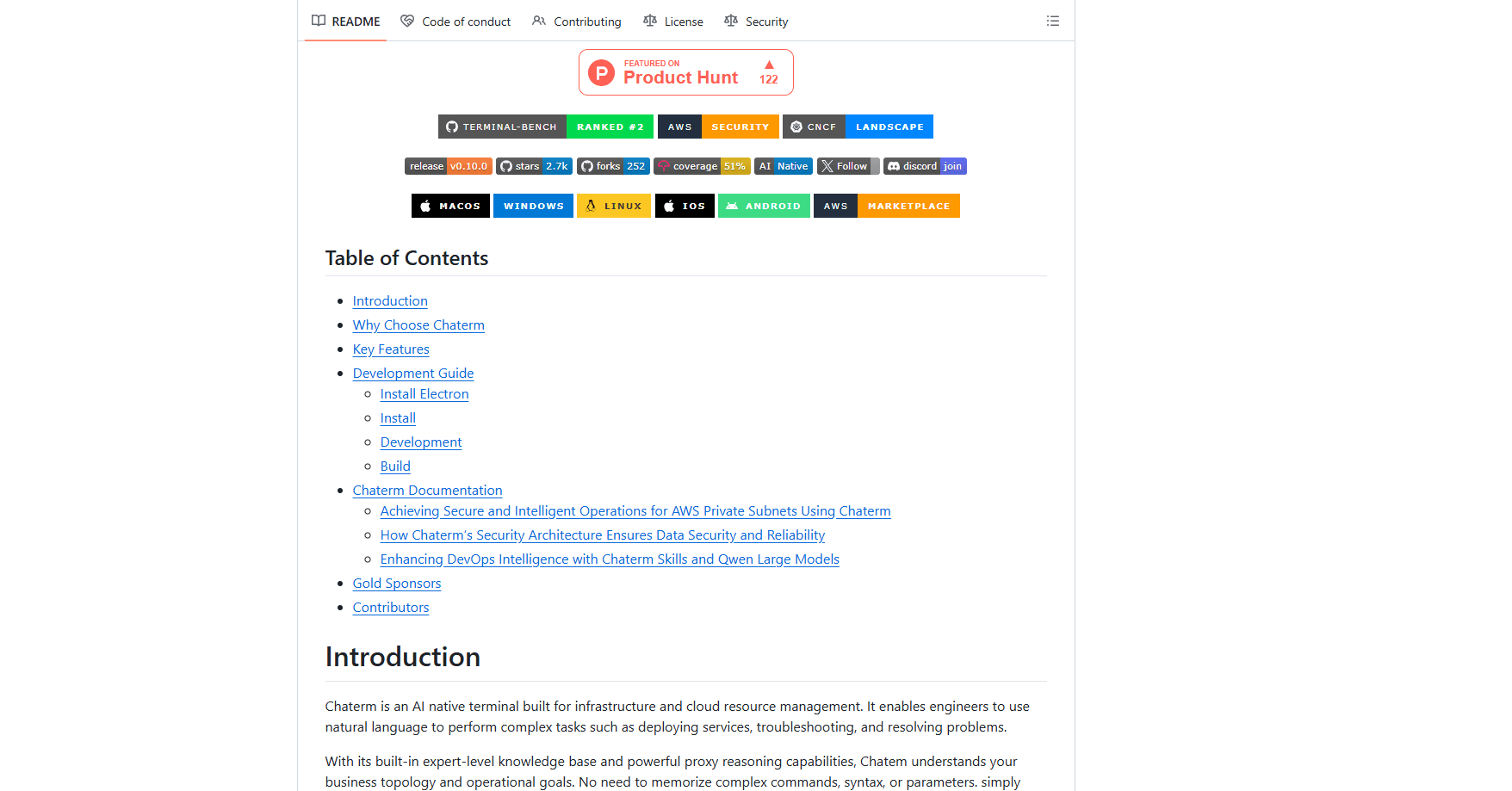
Chaterm is an open-source AI SSH terminal and SRE copilot that lets engineers manage servers and Kubernetes clusters in plain language instead of memorized commands. It works as a natural language terminal and an AI agent in one: you describe the task, and the agent plans the steps, runs them across hosts, and keeps every action auditable. For DevOps automation and infrastructure automation, that means less time translating intent into syntax. It suits developers, DevOps engineers, and SREs who want junior-level shell access to feel closer to senior-level, and it ships with a free community tier.
About Chaterm - AI SSH Terminal
What Is Chaterm
Chaterm is a desktop terminal built around an AI agent rather than a command prompt. Instead of recalling syntax for systemctl, kubectl, or a cloud CLI, you type what you want: restart the staging service, find why this pod keeps crashing, roll back the last deploy. The agent reads your infrastructure context, proposes a plan, and executes it while logging every step.
The problem it solves is the gap between knowing what should happen and knowing the exact flags to make it happen. Chaterm closes that gap. It also layers in smart command completion, a personal knowledge base you can fill with runbooks and internal docs, and a plugin system for cloud and Kubernetes access. So what does that feel like in practice? You stop alt-tabbing to search the docs.
Its most important limitation is scope. Chaterm leans on cloud-hosted models for its reasoning and knowledge base, so teams with strict data-residency rules need to check what leaves their network before adopting it. It's also a desktop tool first, with a mobile app for lighter session work, so it won't replace a browser-based cloud console for every task.
Getting Started
- Download the desktop build for Windows, macOS, or Linux from the official site, or install the mobile app on Android.
- Add a host connection with your SSH credentials, then optionally plug in cloud or Kubernetes access through the plugin system.
- Set the model you want the agent to use in Settings, including its context window and output token limits.
- Describe a task in natural language, review the plan it proposes, approve the commands, and let it run.
- Save the workflow as a reusable Agent Skill so the same job runs the same way next time.
Product Information
A quick look at Chaterm - AI SSH Terminal's pricing, supported platforms, and performance.
Best for
The users, tasks, and scenarios where this tool fits best.
Users
- DevOps engineers
- SRE on-call
- Backend and platform developers
- Sysadmins new to cloud tooling
Tasks
- Deploying a service across several hosts
- Root-cause analysis on crashes and error logs
- Rolling back a bad release
- Building reusable runbooks
- Managing Kubernetes workloads
Scenarios
- Handling a production incident at 2am
- Onboarding onto an unfamiliar stack
- Standardizing operations across a team
- Remote maintenance from a phone
- Working across Windows, macOS, and Linux servers
Key features
AI Agent Execution
The agent doesn't just suggest commands, it plans them. Give it a goal and it lays out the steps, runs them across multiple hosts or clusters, and tracks completion. It handles code builds, service deployments, fault diagnosis, and automatic rollback within one flow. One task. Many hosts.
Smart Command Completion
Suggestions pull from your personal memory, your typing habits, and the current server's context, so the terminal proposes the command you probably meant. On high-latency SSH sessions it can render your typing locally while the remote echo is still in flight. Slow links feel responsive. That's the goal.
Knowledge Base
You can import runbooks, internal docs, scripts, and technical papers to build a private maintenance knowledge system. Retrieval mixes vector search and keyword search through RRF fusion, ranking both recall channels into a single result list. New setups default to Qwen-Plus in the China edition and Gemini 2.5 Flash in the global edition.
Agent Skills
Recurring procedures become reusable Agent Skills. This is the part that turns one engineer's know-how into team infrastructure: a careful deployment sequence, once written, executes the same way for anyone who runs it. That consistency is what makes AI automation safe enough for production. No guesswork. No drift.
Plugin System
Plugins handle authentication, permission checks, and encrypted connections for public cloud servers and Kubernetes. Instead of juggling credentials across each tool, you centralize access and manage infrastructure from one place. Less sprawl.
Database Workspace
Connect to MySQL, PostgreSQL, SQLite, and Oracle to browse schemas, run queries, inspect DDL, and edit table rows. The AI assistance is database-aware, so it understands the tables it's looking at rather than guessing. Handy for quick fixes.
Voice Command and Cross-Device Sync
Speech recognition handles voice input for keyboard-free work, and sessions sync across devices. On mobile the combination of voice, quick commands, and synced sessions lowers the cost of checking on things when you're not at a desk. Takes seconds.
Per-Model Limits
In Settings, you can set the context window and maximum output tokens for each custom model you add. Those limits drive both context management and the actual API requests. You tune cost and behavior per model instead of trusting defaults. Useful when budgets matter.
Pros and cons
Pros
- Open source, so the terminal itself can be inspected and self-hosted.
- The agent handles multi-host operations rather than single-command lookups. That's where the real time savings are.
- Every automated action is auditable and rollback-ready. In production, that matters more than raw speed.
- Generous feature set on the free Community tier, including command completion and a 1GB knowledge base.
- Runs on Windows, macOS, and Linux, with a companion Android app for remote checks.
Cons
- Clearing the open-source repo doesn't remove your reliance on cloud models for the AI features. For regulated teams, that raises data-residency questions.
- The richer agent request quotas sit behind the paid tiers, so heavy autonomous use hits limits on the free plan.
- The desktop experience is more mature than the mobile app, so phone-only users get a reduced feature set.
- Teams outside the China edition can't pick Qwen-Plus as the default reranking model the way the China build does.
Frequently asked questions
Chaterm is an AI SSH terminal for managing servers, cloud resources, and Kubernetes clusters. You describe a task in natural language and its agent plans and runs the steps, covering deployments, troubleshooting, and operations work.
Related content
Explore related tools, skills, and articles for Chaterm - AI SSH Terminal.
Chaterm - AI SSH Terminal Alternatives
Forefront
Forefront · CodingForefront is a web platform for building with open-source AI. It lets you fine-tune leading open-source language models on your own data, evaluate how they perform, and run them through an API or export them to host yourself. Developers who want the convenience of a closed-source platform but insist on owning their models and data are the target audience here.

Startkit
StartKit.AI · CodingStartkit is a boilerplate for building AI SaaS and AI wrapper products. Think of it as an AI startup boilerplate with the boring parts already wired up: authentication, Stripe and Lemon Squeezy payments, usage limits, transactional email, and an AI API starter that talks to OpenAI, Anthropic, Groq, or Llama. You clone the repo, set your price, and start on the part of your product that people actually pay for. It's Next.js under React and Tailwind, so most of the boilerplate code already feels familiar.
Testim
Tricentis · CodingTestim is an AI-powered test automation platform for building and running end-to-end tests across web, mobile, and Salesforce applications. It leans on machine learning to keep tests stable when an interface changes, so teams spend less time fixing broken selectors. Not bad for an automated testing tool you can start using today. You create tests by recording actions in a browser, then optionally add JavaScript when you need more control. It's a solid pick for busy QA teams.