

ChatGPT Toolbox
Infi Developments · Coding
ChatGPT Toolbox is a Chrome extension that adds folders, full-text search, a prompt library, and conversation export to ChatGPT, Gemini, Claude, and Grok.
About ChatGPT Toolbox
What Is ChatGPT Toolbox
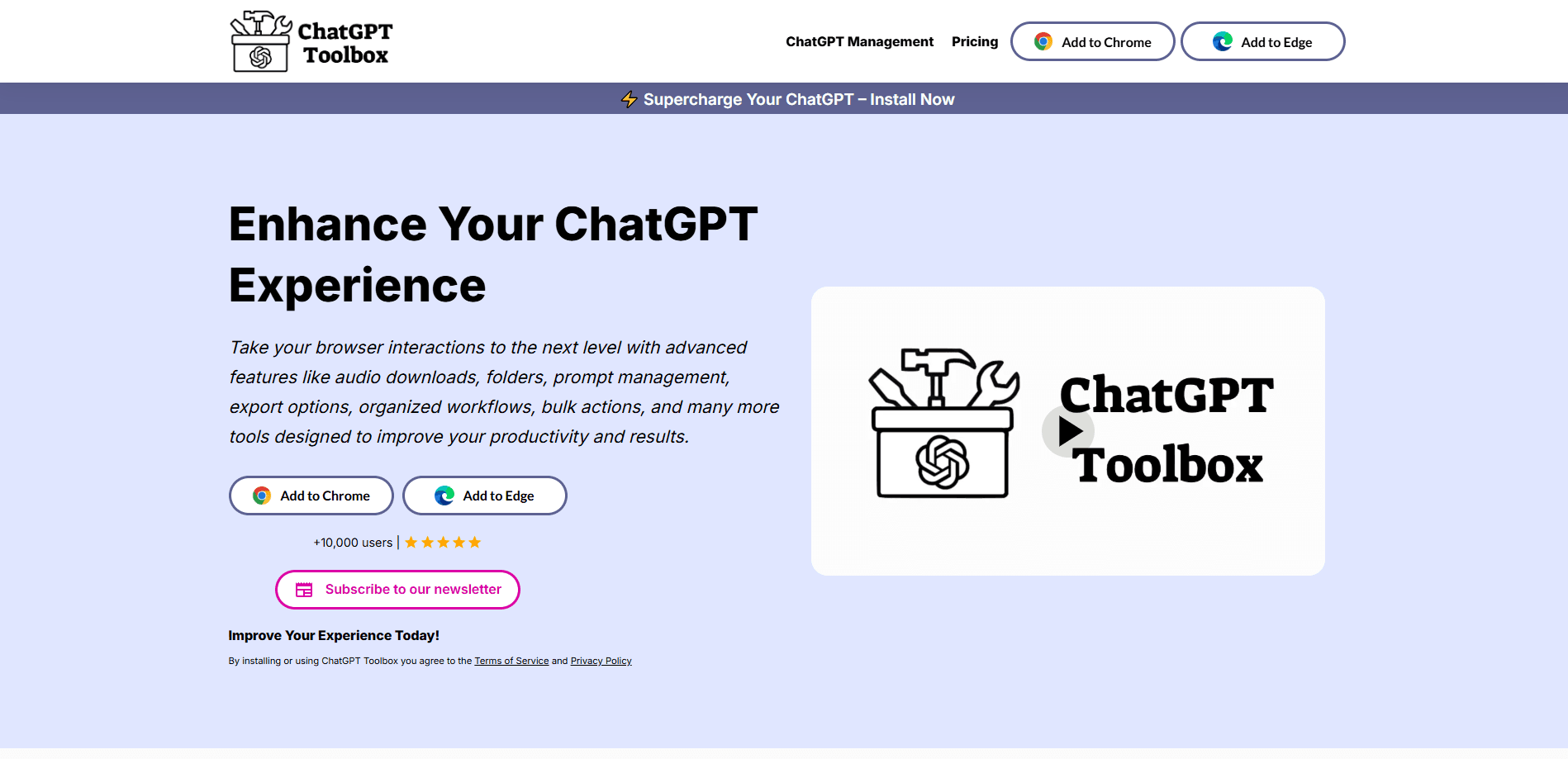
ChatGPT Toolbox is a browser extension that works as a ChatGPT organizer, fixing the one thing native AI sidebars never solved: finding and sorting your conversations once you have hundreds of them. It runs inside ChatGPT, Gemini, Claude, and Grok, adding folders, pinned chats, a search that reads message text, a prompt library, and export tools to the sidebar you already use. You install it once and it activates on each platform without a separate app.
The extension comes from Infi Developments, a two-person studio founded in September 2024 and based in Israel. The product launched that same month under the ChatGPT Toolbox name and rebranded to AI Toolbox in April 2026 when Gemini, Claude, and other modules were folded into one install. The company reports 40,000+ users across 150+ countries with a 4.7 out of 5 rating on the Chrome Web Store.
What sets it apart from a plain ChatGPT wrapper is that it isn't an AI subscription at all. You keep your own ChatGPT account and login. The extension only organizes what you already generate. The tradeoff is scope: on the free plan you get 2 folders, 2 pins, 2 saved prompts, and only the first 5 search results, and some of the strongest features, like unlimited bulk export and full analytics, sit behind a paid module.
Getting Started
- Open the Chrome Web Store listing and click Add to Chrome. It installs on Chrome, Edge, Brave, Opera, or any Chromium browser, with no account needed.
- Open ChatGPT, Gemini, Claude, or Grok as you normally would. A toolbox button and floating launcher appear in the sidebar on top of your chat list.
- Create a folder, drag conversations into it, and pin the chats you reopen every day.
- Save prompts you reuse, then insert them with the // shortcut, or open the public Prompt Library for ready-made ones.
- Export single chats or whole folders as TXT, Markdown, JSON, PDF, or a bulk ZIP. The free plan covers TXT export of any single chat with no daily limit.
Product Information
A quick look at ChatGPT Toolbox's pricing, supported platforms, and performance.
Best for
The users, tasks, and scenarios where this tool fits best.
Users
- Heavy ChatGPT users with a bloated history
- People juggling multiple AI assistants
- Writers and marketers who reuse prompts
- Data-hoarding researchers and students
- Team leads who want shared assets
Tasks
- Finding an old answer across four assistants
- Cleaning up a messy sidebar
- Saving a conversation before it disappears
- Reusing a proven prompt
- Tracking how much you use ChatGPT
Scenarios
- A researcher gathering quotes from months of threads
- A freelancer moving work between assistants
- A marketer keeping campaign prompts consistent
- A student on a Chromebook
Key features
Folders and subfolders for every AI
The extension adds a folder tree with unlimited subfolders so you can group conversations any way you like. On the free plan you get 2 top-level folders across the ChatGPT, Gemini, Claude, and Grok modules, and paid plans remove the limit. Folders sync across devices, and search-to-add lets you file a chat the moment you find it.
Full-text search across your entire history
Native ChatGPT search only matches conversation titles. This one indexes every message in every chat, so pressing Cmd or Ctrl, Shift, F and typing a phrase highlights the sentence that matched and links straight into the thread. The free plan returns the first 5 results, Advanced filters and unlimited results come with Premium, and All Access searches all four AIs at once.
Prompt library and prompt chaining
You save your own prompts and insert them with the // shortcut, so a proven wording never has to be retyped. The public Prompt Library organizes ready-made prompts across 12 categories, 5 of them free, covering marketing, SEO, and sales. Chaining runs saved prompts one after another, and on paid plans you can add dynamic placeholders.
Bulk and flexible conversation export
Export a single chat or a whole folder. The free plan handles TXT with no daily limit, and Premium adds Markdown, JSON, PDF, and bulk ZIP so you can archive many conversations at once. This is the feature that keeps your best answers available after you clear a thread or let a subscription lapse.
Smart Tags and bulk actions
Smart Tags auto-categorize chats with rules you write once, then group them across every AI. The free tier tags the last 50 chats with 2 custom rules, and paid plans lift both limits. Bulk delete and archive let you act on a folder or a tag in one move rather than chat by chat.
Cross-AI handoff and one prompt set
The extension connects ChatGPT, Gemini, Claude, and Grok so folders, tags, and prompts work across all of them, and one folder tree holds chats from every assistant. Chat handoff carries a conversation from one AI to another with the context included. These cross-platform tools need the All Access Lifetime plan or a plan covering the AI you're using them from.
Privacy that keeps chats in the browser
Conversation content stays on your device and is never permanently stored on the company's servers. Only what you build, folders, prompts, and tags, syncs, and it's encrypted at rest. Smart tag matching runs entirely in your browser, so your messages aren't sent off for tagging. It's a sensible design for anyone uneasy about handing chat history to a third party.
Pros and cons
Pros
- Runs inside ChatGPT, Gemini, Claude, and Grok without a separate app or a new AI subscription.
- Full-text search reads message content, not just titles, which native search doesn't do.
- The free plan is unlimited in time and covers folders, search, prompts, and TXT export with no credit card.
- Lifetime pricing at $99 per module, or $199 for all four, avoids a recurring bill.
- 40,000+ users and a 4.7/5 rating across 891 reviews give it a longer track record than most AI chat extensions.
Cons
- The free tier caps you at 2 folders, 2 pins, 2 saved prompts, and 5 search results, which runs out fast for anyone with a real backlog.
- Bulk export, PDF and JSON formats, and full analytics all need a paid plan, so the free version is really a trial.
- There's no Firefox version, which rules out anyone not on a Chromium browser.
- Cross-AI features like shared folders and one search across all four assistants only unlock with All Access, not a single-module plan.
Frequently asked questions
It's a browser extension that adds folders, full-text search, a prompt library, and export tools to ChatGPT, Gemini, Claude, and Grok. It launched as ChatGPT Toolbox in September 2024 and now ships as AI Toolbox, keeping the old name alive in its Chrome Web Store listing.
Related content
Explore related tools, skills, and articles for ChatGPT Toolbox.
ChatGPT Toolbox Alternatives
Forefront
Forefront · CodingForefront is a web platform for building with open-source AI. It lets you fine-tune leading open-source language models on your own data, evaluate how they perform, and run them through an API or export them to host yourself. Developers who want the convenience of a closed-source platform but insist on owning their models and data are the target audience here.

Startkit
StartKit.AI · CodingStartkit is a boilerplate for building AI SaaS and AI wrapper products. Think of it as an AI startup boilerplate with the boring parts already wired up: authentication, Stripe and Lemon Squeezy payments, usage limits, transactional email, and an AI API starter that talks to OpenAI, Anthropic, Groq, or Llama. You clone the repo, set your price, and start on the part of your product that people actually pay for. It's Next.js under React and Tailwind, so most of the boilerplate code already feels familiar.
Testim
Tricentis · CodingTestim is an AI-powered test automation platform for building and running end-to-end tests across web, mobile, and Salesforce applications. It leans on machine learning to keep tests stable when an interface changes, so teams spend less time fixing broken selectors. Not bad for an automated testing tool you can start using today. You create tests by recording actions in a browser, then optionally add JavaScript when you need more control. It's a solid pick for busy QA teams.