

ChatHop
ChatHop · Productivity · Chatbot
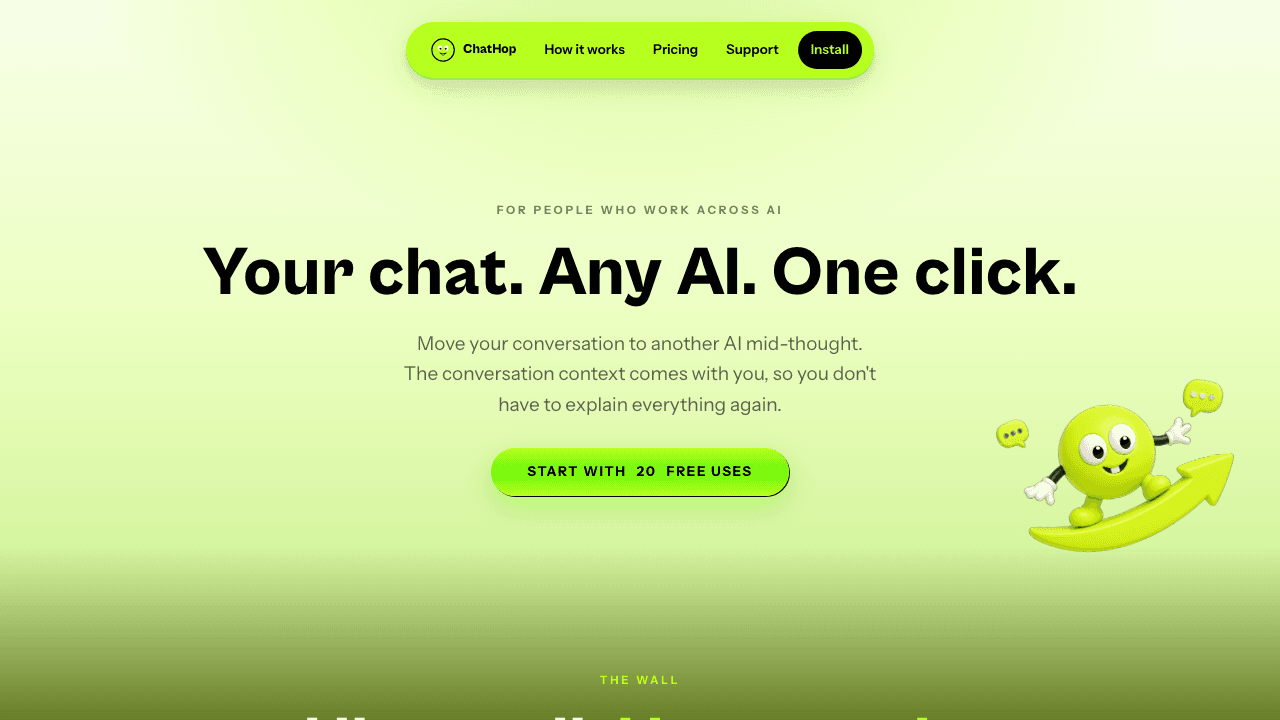
ChatHop is a browser tool that carries an ongoing conversation from one AI chatbot to another with a single click. When you hit a rate limit, get a bad answer, or just want a second opinion, it hands your chat context to a fresh session on the AI you choose, then drops it into the destination composer for review. It also copies a full chat to your clipboard as plain text or Markdown when you need the conversation somewhere else.
About ChatHop
What Is ChatHop
ChatHop is an AI chat transfer tool for a small but constant annoyance: your conversation lives inside one AI chatbot, and moving it somewhere else means copying, pasting, and re-explaining everything you already covered. ChatHop moves the context for you. You tell it why you're moving the conversation and where it should go, and it recreates the thread inside the destination chat.
The tool is a browser extension for AI chats, not a standalone chatbot. It works alongside the major services you already use, so you keep your existing accounts and habits, and you don't have to rebuild your routine around a new app. The real promise here is AI conversation portability: your conversation stops being trapped in one app.
So when does the hop actually help? It helps the moment an AI stops being useful.
The main limitation is scope. ChatHop relies on the AI chat sites it supports, so if a platform isn't on that list, the hop won't work there. And because it moves context rather than models, it can't make a weak model smarter. It just gets your work to a better one faster.
Getting Started
- Install the ChatHop browser extension and pin it to your toolbar.
- Open a conversation in any supported AI chat service and let it build up some context.
- Click the ChatHop button, then choose why you're moving the chat.
- Pick your destination AI from the list of supported services.
- Review the transferred context in the new composer, then send. Auto-send stays off unless you turn it on.
Product Information
A quick look at ChatHop's pricing, supported platforms, and performance.
Best for
The users, tasks, and scenarios where this tool fits best.
Users
- People who juggle several AI chatbots
- Writers and researchers who hit rate limits mid-task
- Anyone comparing answers
Tasks
- Continuing a long thread on a second AI
- Escaping a bad answer or a stalled model
- Getting a chat into a doc, email, or notes app
Scenarios
- Mid-project when your current AI throws a rate limit
- Requesting a second opinion on a draft or plan
- Archiving a conversation outside any AI tool
Key features
One-click chat transfer
ChatHop's core move is simple: click, pick a reason, pick a destination, and your conversation shows up in the new AI's composer. The context travels with you, so you skip the copy-paste-retell routine that makes switching chatbots such a chore. It works across the major AI services you'd actually use, so moving chat between AI chatbots takes seconds instead of a copy-paste routine.
Reason-first routing
Instead of asking only where to send a chat, ChatHop asks why you're moving it. Rate limit, bad answer, second opinion: picking a reason gives the tool the framing it needs to shape the transfer. You switch AI chatbots for different reasons, and the tool accounts for that. It's a small touch that makes the hop feel deliberate rather than mechanical.
Review before anything sends
The transferred conversation lands in the destination composer for you to read before it goes anywhere. Auto-send is optional and off by default, so nothing leaves your screen without your say-so. That matters when a thread contains sensitive details you don't want sent into a new service unchecked.
Copy a whole chat to your clipboard
Not every hop ends at another AI. The copy feature exports the complete conversation as plain text or Markdown, ready to drop into a document, email, notes app, code editor, or Slack. You decide where it goes, and both formats keep the thread readable.
Built to preserve context
The point of ChatHop is that your new chat starts where the old one left off. Carrying the prior exchange means the second AI has the background it needs, so you don't spend the first few messages rebuilding what you already established. If you move chat between AI chatbots often, that saved setup adds up fast.
Works with the AI chats you already use
ChatHop is an add-on, not a replacement. You keep your existing accounts and your existing habits, and the tool slots into the chat services you're already logged into. That lowers the learning curve to near zero.
Pros and cons
Pros
- Cuts the busywork out of moving a conversation between AI chatbots.
- Review-first transfer with auto-send off by default gives you control over what gets sent.
- The copy-to-clipboard export covers plain text and Markdown, useful beyond AI tools.
- No standalone account needed, since it rides on the AI chats you already use.
Cons
- It only works with the AI services ChatHop supports, so an unsupported platform means no hop.
- Because it moves context rather than capability, it won't fix a model that's genuinely weaker.
- Pricing details aren't spelled out on the site, which makes cost hard to judge up front.
Frequently asked questions
It moves an ongoing conversation from one AI chatbot to another with a click, carrying your context into a fresh chat on the AI you choose. It also copies a whole chat to your clipboard as plain text or Markdown.
Related content
Explore related tools, skills, and articles for ChatHop.
ChatHop Alternatives

Swms
Swms AI · Writing · Productivity · BusinessSwms is an AI safety compliance tool that turns a plain description of a job into ready-to-use safety documents. Describe your project, trade, and known hazards, and it writes a safe work method statement, job hazard analysis, safe work procedure, RAMS, or safety data sheet in seconds. It also ships with Oscar, a chat assistant that answers workplace safety questions in any language. Teams in construction, mining, transport, and warehousing use it to cut the paperwork that usually eats into a workday.

Wordly AI Translation
Wordly · Voice & Language · ProductivityWordly AI Translation is a real-time AI translation and captioning platform built for meetings, conferences, and events. It delivers live translation, captions, transcripts, and summaries in more than 60 languages, and attendees join by scanning a QR code or opening a link instead of using dedicated headsets. The platform works with Zoom, Microsoft Teams, Google Meet, and Webex, and it's designed for organizations that want multilingual access without hiring human interpreters for every session. Simple as that.

Rows
Rows (Superhuman) · Productivity · BusinessRows is an AI spreadsheet and data analysis tool that imports live data from more than 50 sources, then lets you work with it using plain language instead of SQL queries or nested formulas. You can pull numbers out of PDFs, connect ad platforms, databases, and bank accounts, and ask the AI to build reports, merge datasets, or set up models that recalculate themselves. It runs in the browser, works like a spreadsheet, and now sits under the Superhuman umbrella.