

Chime - Remember Everything
Chime · Productivity
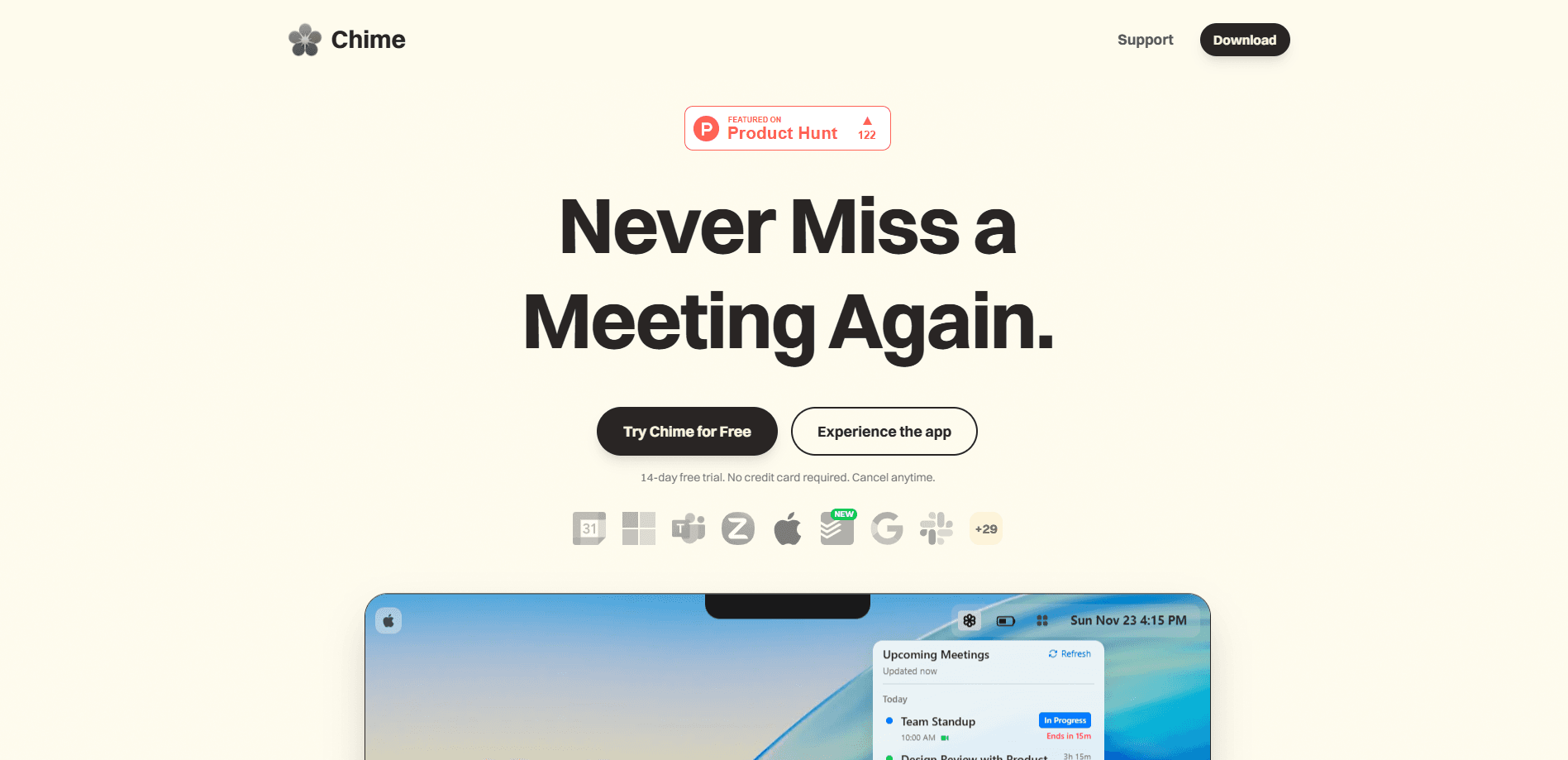
Chime - Remember Everything is a macOS reminder app built around one idea: a small banner in the corner of your screen is too easy to ignore. Instead, it takes over your entire display for important meetings, tasks, and reminders, then lets you snooze, join, or dismiss with a keystroke. It pulls events from your calendar, Todoist, and Apple Reminders so your daily commitments land in one alert system, no matter where you originally scheduled them. Call it a calendar reminder that refuses to be ignored. If you've ever looked up from a task and realized a call started five minutes ago, Chime is aimed squarely at you. The whole promise is simple: never miss a meeting again.
About Chime - Remember Everything
What Is Chime - Remember Everything
Chime is a desktop reminder tool for Mac that interrupts you on purpose. Instead of a notification that fades after a few seconds, it blocks your whole screen with a card showing what's coming up, when it starts, and any notes attached to the event. The point isn't to nag you. It's to make missing a meeting genuinely hard. So who actually needs a reminder this loud?
The app targets people who lose track of time: freelancers juggling client calls, remote workers with back-to-back video meetings, students with deadlines, and anyone managing ADHD who finds standard notifications too easy to swipe away without a second thought. It connects to the calendars and task apps you already use rather than asking you to rebuild your schedule inside it.
The catch is the platform. Chime runs only on macOS 14.0 or later. No Windows. No Linux. No mobile app. If your work happens on a Mac, that restriction won't matter much, since the full-screen alert design leans on the desktop screen you're already staring at all day. If you split time across devices, you'll still need your phone for alerts when you step away from the desk.
Getting Started
- Download Chime from the official site and install it on a Mac running macOS 14.0 or later.
- Start the 14-day free trial, which needs no credit card and can be cancelled at any time.
- Grant calendar access so Chime can read your meetings, then optionally connect Todoist with an API token or enable Apple Reminders.
- Set how far ahead alerts should fire, and choose a default meeting link if you use Zoom, Meet, or Teams.
- When an alert covers your screen, hit snooze for two more minutes, join the call, or dismiss it if you're already there.
Product Information
A quick look at Chime - Remember Everything's pricing, supported platforms, and performance.
Best for
The users, tasks, and scenarios where this tool fits best.
Users
- Remote workers
- Freelancers and consultants
- People with ADHD
- Students
Tasks
- Remembering meetings
- Tracking to-dos
- Handling personal reminders
- Joining calls fast
Scenarios
- A day of back-to-back calls
- Deep focus sessions
- Working from home alone
- Managing a packed personal schedule
Key features
Full-Screen Alerts
This is the feature everything else supports. When an event is due, Chime takes over the entire display with a card showing the meeting name, start time, and your notes. You can snooze it for two minutes, join the call, or dismiss it. The design assumes you'll ignore anything less dramatic, and it's right. A corner banner never stood a chance.
Calendar Sync
Chime reads your existing calendars and turns upcoming events into alerts, so you don't have to rebuild and duplicate your whole schedule inside a separate tool. No duplicated schedule, no manual entry. A newer ultra-fast sync mode drops the refresh interval to 30 seconds for near-instant updates. The app warns that it drains more battery, and the default refresh runs every minute.
Todoist Integration
Connect a Todoist account with an API token and your dated tasks flow into Chime with their own icons. Each one gets the same full-screen alert as a meeting, and you can mark it complete right from the alert or the menu bar without opening the original app. Completed and undated items are filtered out automatically.
Apple Reminders Support
Native Apple Reminders sync brings personal to-dos into the same alert system. Reminders appear alongside meetings, open in the Reminders app from the menu bar, and can be ticked off without switching windows. It's a clean way to unify work and personal commitments.
Meeting Link Manager
Save your recurring Zoom, Meet, and Teams room links with custom labels, then set a default that auto-fills whenever you create a new meeting inside the app. When an alert fires, the join button launches the right room directly. It's a small convenience that removes the usual hunt for your personal meeting URL.
Lightweight Menu Bar Control
Chime lives in the menu bar, showing your next events and letting you add meetings or check reminders without opening a full window. When a calendar connection drops, sync status and retry progress show up there too, so you know whether your alerts are actually working.
Pros and cons
Pros
- Full-screen alerts are genuinely hard to miss, which is the whole point for people who tune out notifications.
- Connects to calendars, Todoist, and Apple Reminders instead of forcing you into a new system.
- 14-day free trial with no credit card required lowers the risk of trying it.
- Saved meeting links and one-key join cut the friction of getting into a call.
Cons
- macOS only, so there's no Windows, Linux, or mobile version if you work across devices.
- Requires macOS 14.0 or later, which rules out older Macs that can't update that far.
- The aggressive alerts may feel intrusive if you prefer quiet, unobtrusive notifications.
- No public API, so you can't script custom integrations or pipe alerts into other tools.
Frequently asked questions
It's a Mac reminder and meeting alert app. You connect your calendars and task apps, and it shows full-screen alerts so you don't miss meetings, deadlines, or to-dos while working.
Related content
Explore related tools, skills, and articles for Chime - Remember Everything.
Chime - Remember Everything Alternatives

Swms
Swms AI · Writing · Productivity · BusinessSwms is an AI safety compliance tool that turns a plain description of a job into ready-to-use safety documents. Describe your project, trade, and known hazards, and it writes a safe work method statement, job hazard analysis, safe work procedure, RAMS, or safety data sheet in seconds. It also ships with Oscar, a chat assistant that answers workplace safety questions in any language. Teams in construction, mining, transport, and warehousing use it to cut the paperwork that usually eats into a workday.

Wordly AI Translation
Wordly · Voice & Language · ProductivityWordly AI Translation is a real-time AI translation and captioning platform built for meetings, conferences, and events. It delivers live translation, captions, transcripts, and summaries in more than 60 languages, and attendees join by scanning a QR code or opening a link instead of using dedicated headsets. The platform works with Zoom, Microsoft Teams, Google Meet, and Webex, and it's designed for organizations that want multilingual access without hiring human interpreters for every session. Simple as that.

Rows
Rows (Superhuman) · Productivity · BusinessRows is an AI spreadsheet and data analysis tool that imports live data from more than 50 sources, then lets you work with it using plain language instead of SQL queries or nested formulas. You can pull numbers out of PDFs, connect ad platforms, databases, and bank accounts, and ask the AI to build reports, merge datasets, or set up models that recalculate themselves. It runs in the browser, works like a spreadsheet, and now sits under the Superhuman umbrella.