

Product Workbench for Claude Code
Chordio, Inc. · Coding
Product Workbench for Claude Code is a product workspace built by Chordio that lets product managers and designers prototype directly on their existing products inside Claude Code. Instead of spinning up a throwaway demo, you work against the real app, so what you build looks and behaves like it belongs there. It's aimed at teams that need speed without giving up enterprise security and compliance. That's the whole pitch.
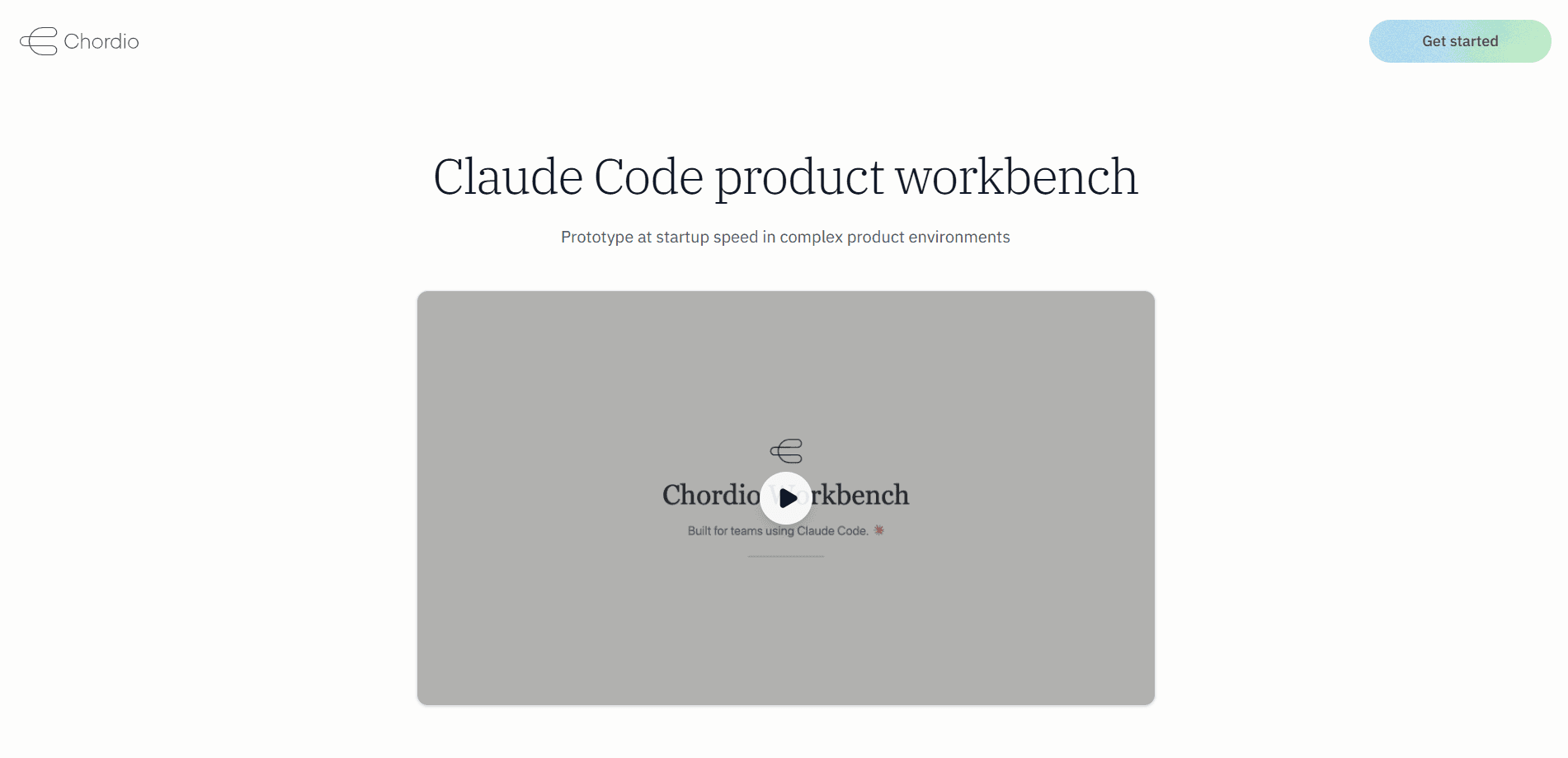
About Product Workbench for Claude Code
What Is Product Workbench for Claude Code
Product Workbench for Claude Code is a workspace layer that sits on top of Claude Code, Anthropic's coding agent, and turns it into a place where product people can build. The point is to close the gap between an idea and something clickable. A PM or designer can describe a change, and the agent makes it inside a copy of the actual product rather than in a generic mockup.
The problem it solves is familiar to anyone who has handed a design off. Prototypes usually live in a separate tool, which means they drift from the real product the moment an engineer starts building. So why not build on the product itself? Working on the product itself keeps the two in sync. It also removes a lot of setup: you don't need a full dev environment before you can try an idea. That's a big deal for a PM.
The catch is that it leans on Claude Code. You're working inside Anthropic's agent, so the experience depends on that tool and on a Claude plan or API access. Teams that have standardized on other coding agents, whether Cursor or Codex or something else entirely, won't get the same fit.
Getting Started
- Install Claude Code and sign in with your account or API key.
- Pull your product's repository so the agent can read the real codebase.
- Open the Workbench workspace and describe the feature or change you want to see.
- Review the agent's edits on the live product, then iterate on the details.
- Share the result with your team for feedback before it moves to engineering.
Product Information
A quick look at Product Workbench for Claude Code's pricing, supported platforms, and performance.
Best for
The users, tasks, and scenarios where this tool fits best.
Users
- Product managers
- Designers
- Startup founders
Tasks
- Prototyping a new flow
- Testing small UI changes
- Exploring product direction
Scenarios
- Early product discovery
- Design reviews
- Cross-functional alignment
Key features
Prototyping on the real product
The core idea is that you build against your actual product, not a sandbox copy. The agent reads your codebase and makes changes inside it, so the result shares the real app's components, styles, and conventions. That means fewer surprises when the change eventually ships, since what you reviewed in the workspace is already made of the same parts engineering will use.
Runs inside Claude Code
Workbench lives on Claude Code, so you get the agent's file editing, command running, and code reading without leaving the workspace. If your team already uses Claude Code, there's no new tool to learn. If it doesn't, that's a real dependency to weigh. No way around it.
Light setup for non-engineers
The workspace is aimed at people who don't want to configure a dev environment first. PMs and designers describe what they want and let the agent handle the files. Simple enough. You still need a working repo and basic familiarity with how the agent operates, and that part isn't optional for anyone hoping to skip the technical side entirely.
Enterprise security and compliance
Chordio positions the workspace for teams with firm requirements around how code and data are handled. That points at a specific audience: the enterprise AI workspace buyer who can't just install a random tool. It matters for larger companies where an unvetted prototyping tool won't clear review. Worth confirming the specifics with the vendor for your own policy.
Built by a design-focused team
Chordio's founders spent over a decade in design and UX, and their earlier startup was acquired by InVision. That background shows in the emphasis on product experience rather than pure code generation. You can feel it in how the workspace frames the problem, which is less about shipping code fast and more about shipping something that feels designed.
Pros and cons
Pros
- Prototypes stay close to the real product instead of drifting in a separate file
- Low setup for product managers and designers who aren't engineers
- Security and compliance are treated as first-class concerns
- Backed by a team with deep design and product experience
Cons
- Depends on Claude Code, so it won't fit teams using other coding agents
- No free plan, which makes it harder to try before paying
- Pricing and API details aren't fully public, so you'll need to ask the vendor
Frequently asked questions
It gives product managers and designers a workspace where they can prototype changes directly on their real product using Claude Code. You describe a change, and the agent builds it inside your existing app. That's it, no separate mockup tool involved.
Related content
Explore related tools, skills, and articles for Product Workbench for Claude Code.
Product Workbench for Claude Code Alternatives
Forefront
Forefront · CodingForefront is a web platform for building with open-source AI. It lets you fine-tune leading open-source language models on your own data, evaluate how they perform, and run them through an API or export them to host yourself. Developers who want the convenience of a closed-source platform but insist on owning their models and data are the target audience here.

Startkit
StartKit.AI · CodingStartkit is a boilerplate for building AI SaaS and AI wrapper products. Think of it as an AI startup boilerplate with the boring parts already wired up: authentication, Stripe and Lemon Squeezy payments, usage limits, transactional email, and an AI API starter that talks to OpenAI, Anthropic, Groq, or Llama. You clone the repo, set your price, and start on the part of your product that people actually pay for. It's Next.js under React and Tailwind, so most of the boilerplate code already feels familiar.
Testim
Tricentis · CodingTestim is an AI-powered test automation platform for building and running end-to-end tests across web, mobile, and Salesforce applications. It leans on machine learning to keep tests stable when an interface changes, so teams spend less time fixing broken selectors. Not bad for an automated testing tool you can start using today. You create tests by recording actions in a browser, then optionally add JavaScript when you need more control. It's a solid pick for busy QA teams.