

Chromatic AI
Chromatic Labs · Video · Marketing
Chromatic AI is an AI production workspace from Chromatic Labs where an assistant named Light turns product shots, scripts, and references into ads, UGC videos, and stills.
About Chromatic AI
What Is Chromatic AI
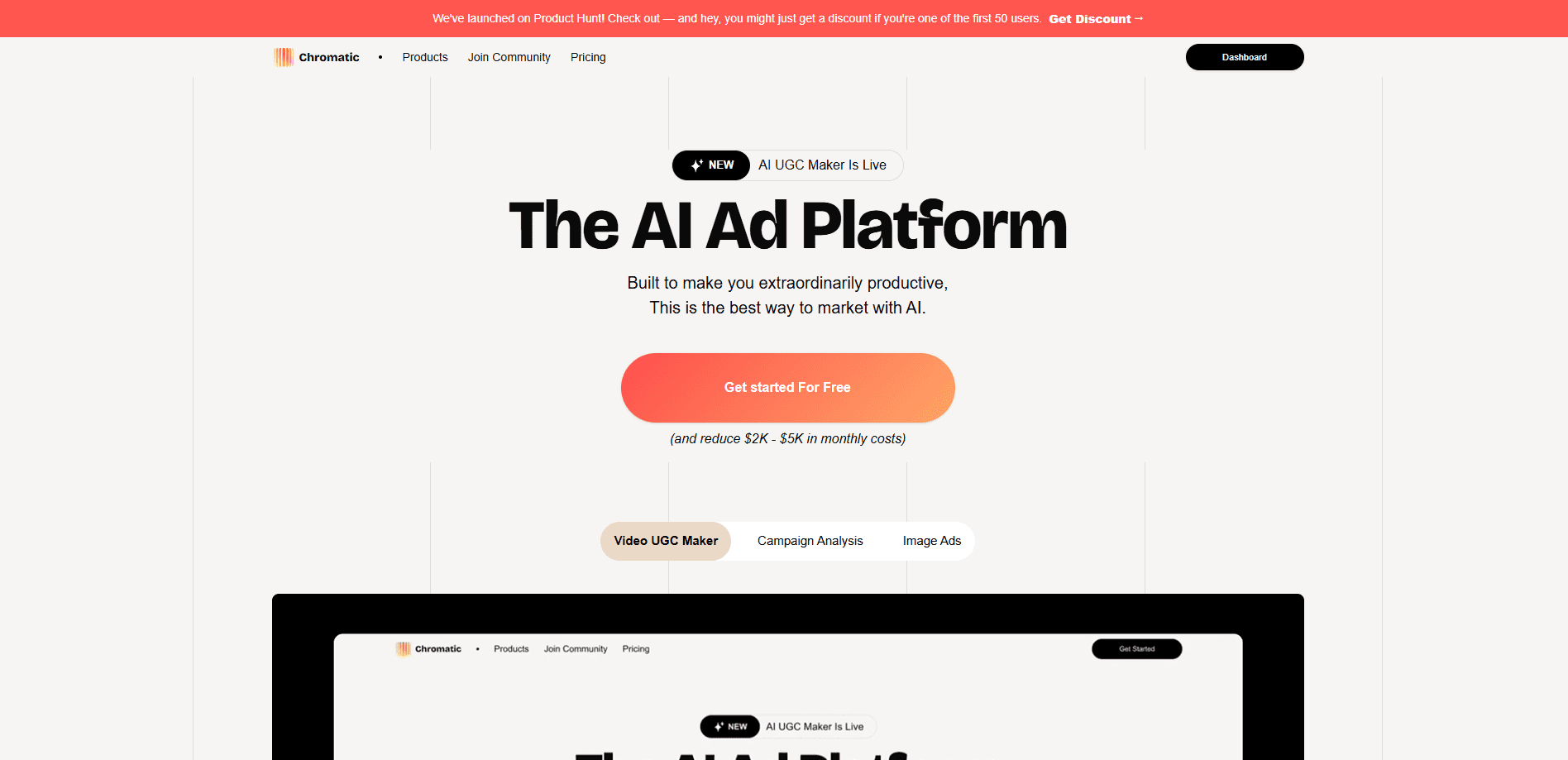
Chromatic AI is an AI ad creation platform built by Chromatic Labs. It runs on an infinite canvas called Prism, where you drop product images, references, or a script and an assistant named Light decides which model to use, writes the prompts, and returns the finished video or image. Think of it as a studio where you brief a director instead of wiring a workflow node by node.
The problem it solves is the cost of small-batch ad production. A single UGC video used to mean a shoot, an actor, and days of turnaround. Chromatic compresses that into a few minutes of generation. You describe the ad, paste the assets, and Light routes the job to one of 50-plus models for video, image, and audio. When a look works, you save it as a Skill, a reusable run you fire again with a slash command, so a whole campaign keeps the same style without rebuilding it each time.
The main limit is that you're renting someone else's models rather than owning a pipeline. Generation runs on credits, so heavy daily production burns through your allowance and pushes you to a higher plan. Commercial use only unlocks on the Beam tier and above, and free output carries limits on models and assistant messages. Chromatic also aims at teams that already create ads and social content, not casual users who want a one-off image.
Getting Started
- Sign in at chromaticlabs.co, which starts you on the free plan with 100 credits and no card required
- Drop your product shots, references, a character sheet, or a script anywhere on the Prism canvas
- Talk to Light and describe the ad you want, or type a slash command like /product-video or /ugc-talking-character
- Preview the result, adjust what you selected, and export or download the finished clip when it looks right
Product Information
A quick look at Chromatic AI's pricing, supported platforms, and performance.
Best for
The users, tasks, and scenarios where this tool fits best.
Users
- E-commerce and DTC marketers
- Solo founders and small agencies
- Social media managers
- Brand and creative teams on larger budgets
- Designers testing concepts
Tasks
- Making a product commercial
- Producing UGC video ads
- Generating product stills
- Storyboarding a script
- Building a campaign moodboard
Scenarios
- Launching a new product with a small team
- Running fast ad tests
- Keeping a campaign visually consistent
- Answering a last-minute social request
- Localizing ads for new markets
Key features
Prism canvas and Light assistant
Prism is an infinite canvas that holds every asset, reference, and output for a project in one place. Light reads what's on the board, writes the prompts, and runs them across the connected models, so you direct the work instead of engineering it. If you can describe the ad, you can make it without learning a node graph.
50-plus video and image models
Chromatic bundles more than 50 generation models under one plan, including Seedance 2.5, Veo 3.1, Kling 3.0, MiniMax H3, Midjourney V8.1, Nano Banana 2, Grok Imagine 1.5, and Wan. Every model is open on every plan from day one, which means you don't pay a higher tier just to reach the best video engine. MiniMax H3 alone handles 5 to 15 second 4K clips with native stereo audio.
Skills you run with a slash
A Skill is a saved run: the shots, the rules, and the shape of the output, ready to repeat. Type a slash command like /product-video, /ugc-talking-character, or /storyboard-generator and the same result comes back on a new brief. Skills can come from the Chromatic team or from creators, and you can keep ones you build yourself.
UGC ad generation
The UGC workflow targets the kind of ad that looks like a real person talking about a product. You upload product images, optionally add a character, paste the dialog, and the platform returns a short vertical clip. Chromatic markets this as a way to skip the actor fee and the days of turnaround a traditional UGC shoot requires.
Character and avatar creation
A /create-character Skill builds a consistent on-screen talent you can reuse across a campaign, which matters when several ads need to look like the same person. That consistency is what separates a real brand run from a pile of unrelated clips, and it's the feature competitors sell as an actor library.
Storyboards and moodboards
Chromatic includes planning Skills that sketch a six-panel storyboard from a script or turn one reference image into a campaign moodboard. Both are pitched as ways to pressure-test a narrative or lock a look before you spend on generation or a real shoot.
Shareable canvas and upfront cost
The canvas can be shared by email so a colleague can drop comments straight onto the work, which keeps feedback in one place. Cost shows before you generate, so you know the credit price of a take before you run it, and extra credits can be bought on demand instead of being locked to a single allowance.
Pros and cons
Pros
- All 50-plus models are available on every plan, so you don't pay a premium tier just to reach the strongest video engine
- The Light assistant removes the node-wiring that most AI ad tools ask you to do by hand, which lowers the learning curve for non-technical marketers
- Saved Skills turn a winning look into a repeatable run, so a campaign stays visually consistent without rebuilding the workflow each time
- Generation typically lands in about 3 to 4 minutes, which is fast enough to test several hooks in one sitting
- The free plan gives 100 credits with no card, so you can try real output before paying
Cons
- Credits are the real ceiling. Heavy daily production on the lower plans runs out fast, and your only fix is a bigger subscription
- Commercial use is locked behind the Beam plan and above, so free and Ray users can't legally ship the output in paid campaigns
- Everything depends on Chromatic Labs' model roster. If a model you rely on is dropped or changes, your saved Skills may produce different results
- The free tier caps you at 14 models and 30 assistant messages a day, which is enough to explore but not to run a real campaign
- There's no published public API, so teams that want to automate Chromatic inside their own pipeline can't plan around one today
Frequently asked questions
Chromatic AI is used to create ads and social content from images and scripts. It generates product videos, UGC-style talking-head clips, product stills, and storyboards on a canvas, so marketers can produce a campaign's worth of creative without booking a shoot.
Related content
Explore related tools, skills, and articles for Chromatic AI.
Chromatic AI Alternatives

ngram 2.0
ngram · Video · Marketingngram 2.0 is an AI video generator for teams. It turns a prompt, a screen recording, or a product URL into a narrated explainer, product demo, or AI avatar video, and every scene stays editable.

OpenScreen 2
OpenScreen (open-source project) · Video · ProductivityOpenScreen 2 is a free, open-source screen recorder and demo video editor for Windows, macOS, and Linux, with automatic zooms, styled frames, local captions, and agent edits.

Skreno
Skreno · Video · ProductivitySkreno is a browser screen recorder that captures a tab, a window or your whole display, then attaches AI transcripts, summaries and console logs to one share link.