

Chronoid
Chronoid · Productivity
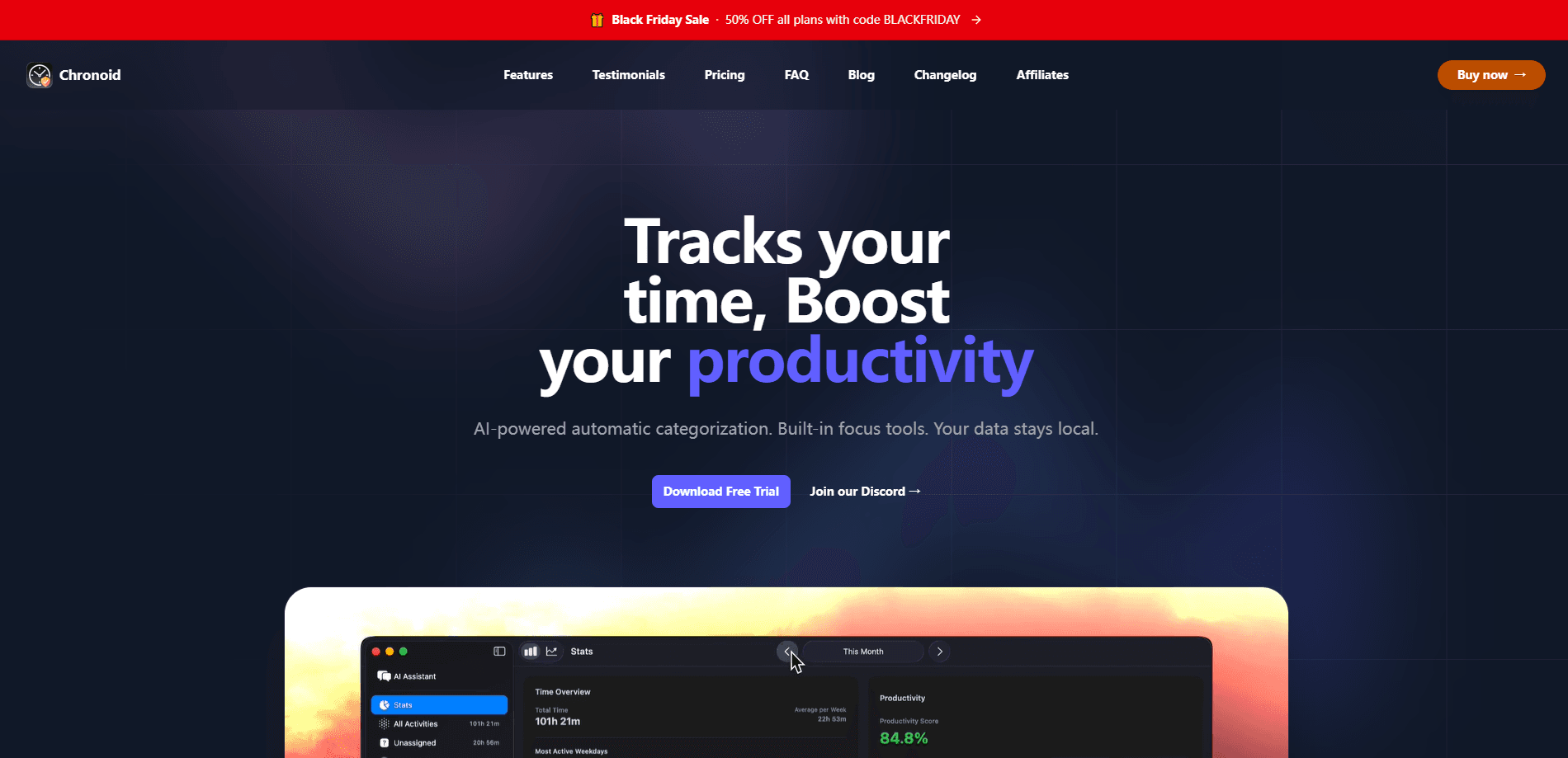
Chronoid is a native macOS time tracking app that records where your hours actually go across apps, websites, windows, and documents without any manual timers. It pairs automatic tracking with project billing, a built-in Pomodoro timer app, a website blocker, and AI insights that read your own local data. Everything stays on your Mac, and you pay once instead of subscribing. No timers. No spreadsheets.
About Chronoid
What Is Chronoid
Chronoid is a time tracking software built for people who bill by the hour or just want an honest picture of their workday. It lives in the background, watches which app or site is in the foreground, and files that time under the right project. Freelancers, consultants, developers, students, and remote workers get accurate logs without remembering to hit start and stop. That's the whole point of freelancer time tracking done right.
The appeal is the mix. Most tools do one thing well, tracking or focus or billing. Chronoid bundles automatic tracking, Pomodoro sessions, a site blocker, invoicing, and a local MCP server that lets AI assistants query your work log. You don't have to stitch five subscriptions together. One app covers the lot.
The main catch is the platform. Chronoid runs on macOS only, so Windows and Linux users are out of luck. It also leans on macOS permissions and Screen Time integration, which means setup takes a few minutes before tracking works properly. If you don't grant those permissions, you'll wonder why your hours look empty.
Getting Started
- Download the app from the official site and install it, then launch it once so it can register with macOS.
- Grant the required permissions, including accessibility and Screen Recording access, so automatic tracking can read window titles and app activity.
- Create your first project and add a client or hourly rate if you plan to invoice.
- Set up smart rules so activity gets auto-assigned to projects instead of landing in a catch-all bucket.
- Review your stats and reports after a day or two of normal work, then fine-tune idle detection and scheduled tracking.
Product Information
A quick look at Chronoid's pricing, supported platforms, and performance.
Best for
The users, tasks, and scenarios where this tool fits best.
Users
- Freelancers and consultants
- Developers
- Students and educators
Tasks
- Billing clients
- Deep focus work
- Weekly reviews
Scenarios
- Days full of context switching
- Client work with mixed projects
- Protecting evenings and weekends
Key features
Automatic Time Tracking
Chronoid records which app, website, window, or document is active and files the time for you. There are no start and stop buttons to forget. It reads window titles to label sessions, so a coding agent session gets a name and a project instead of a generic entry. Big difference for billable hours tracking.
Pomodoro Timer and Website Blocker
A built-in focus timer runs classic Pomodoro sessions, and a website blocker keeps distracting sites away while you work. When you resume a blocked site, Chronoid sends you back to the page you were on, so the block doesn't break your workflow.
Project and Billing Tools
Assign hours to clients and projects, set hourly rates, and turn tracked time into billable summaries and PDF invoices. Data exports and a dashboard make it easy to hand a client a report without retyping anything.
Smart Rules and Scheduled Tracking
Smart rules auto-categorize activity into the right project based on what you're doing. Scheduled tracking limits recording to set hours, and idle detection drops away-from-keyboard time so your totals stay honest.
Screen Time Integration
Chronoid syncs with macOS Screen Time to fold in app and website usage. That gives you one place to see both your tracked work and your broader habits on the Mac. For a Mac productivity app, that kind of shared view is rare.
AI Insights and Local MCP Server
The app runs a local MCP server, so AI assistants such as Claude and Cursor can query your work log directly. Want to know what you shipped this week, or which tasks are still open? Just ask. It reads your own data without uploading a thing.
Privacy-First, Local Storage
Everything stays on your Mac. Chronoid doesn't capture keystrokes or screenshots, only the foreground app and its window title. Optional iCloud sync keeps multiple Macs in step without sending activity to a third-party server.
Pros and cons
Pros
- Truly automatic tracking means no timers to start or forget, which is the single biggest reason manual logs fail.
- One-time purchase instead of a subscription, so the cost doesn't keep climbing month after month.
- Local-first storage and a built-in MCP server give privacy-conscious users a way to use AI on their own data.
- Bundles tracking, focus, billing, and insights, replacing several separate tools.
- 30-day refund window lowers the risk of trying it.
Cons
- macOS only, so anyone on Windows or Linux can't use it at all.
- No free plan, just a 7-day trial, which may not be long enough to judge long-term tracking.
- Depends on macOS permissions working correctly, and setup stumbles here are the most common complaint. Skip them and your reports look empty.
Frequently asked questions
Chronoid tracks how you spend time on your Mac automatically, then turns that data into reports, billable hours, and invoices. It also includes focus tools and AI insights over your local data.
Related content
Explore related tools, skills, and articles for Chronoid.
Chronoid Alternatives

Swms
Swms AI · Writing · Productivity · BusinessSwms is an AI safety compliance tool that turns a plain description of a job into ready-to-use safety documents. Describe your project, trade, and known hazards, and it writes a safe work method statement, job hazard analysis, safe work procedure, RAMS, or safety data sheet in seconds. It also ships with Oscar, a chat assistant that answers workplace safety questions in any language. Teams in construction, mining, transport, and warehousing use it to cut the paperwork that usually eats into a workday.

Wordly AI Translation
Wordly · Voice & Language · ProductivityWordly AI Translation is a real-time AI translation and captioning platform built for meetings, conferences, and events. It delivers live translation, captions, transcripts, and summaries in more than 60 languages, and attendees join by scanning a QR code or opening a link instead of using dedicated headsets. The platform works with Zoom, Microsoft Teams, Google Meet, and Webex, and it's designed for organizations that want multilingual access without hiring human interpreters for every session. Simple as that.

Rows
Rows (Superhuman) · Productivity · BusinessRows is an AI spreadsheet and data analysis tool that imports live data from more than 50 sources, then lets you work with it using plain language instead of SQL queries or nested formulas. You can pull numbers out of PDFs, connect ad platforms, databases, and bank accounts, and ask the AI to build reports, merge datasets, or set up models that recalculate themselves. It runs in the browser, works like a spreadsheet, and now sits under the Superhuman umbrella.