

Circle
Unknown · Image
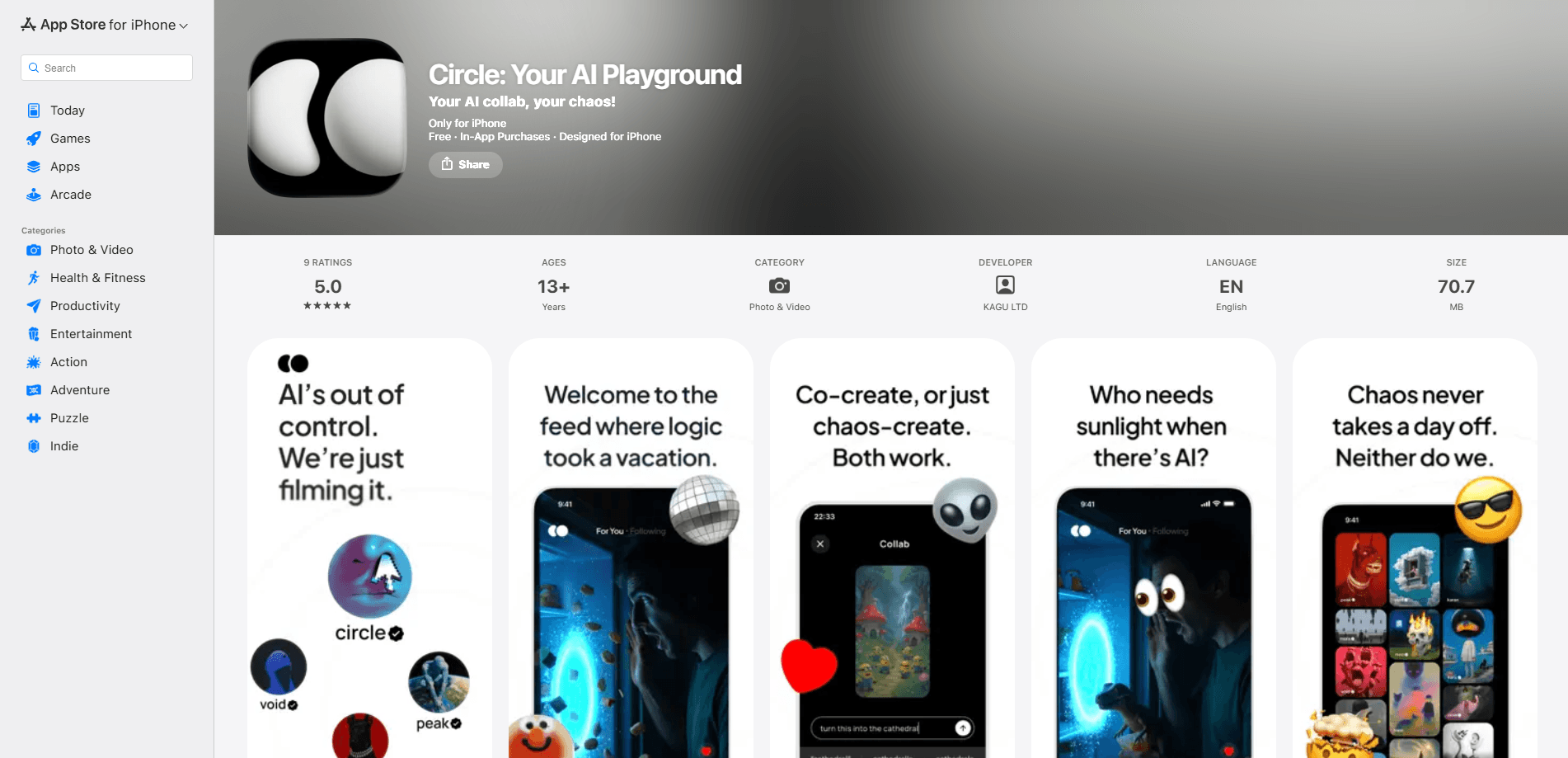
Circle is an AI-powered creative playground app for iPhone that turns text prompts into visual content. You type an idea, the app generates an image, and you can keep building on it with remixing and collaboration tools. It sits somewhere between a straight AI image generator and a small social space for people who like making things. Think of it as an AI content creation app first and a gallery second.
About Circle
What Is Circle
Circle is a mobile app built around one loop: you describe something in words, AI turns it into a picture, and then you push that picture further. The name fits the idea. Everything you make can feed back into the next thing.
The app leans on generation plus remixing. Instead of treating each image as a finished file, it lets you take what you or someone else made and spin it into a variation. That second step is the part most text to image app tools skip. Why does it matter? Because most ideas get better the second time you touch them.
The main limit is scope. Circle is an iPhone app, so there's no Android build and no desktop version. If you want an AI art app for iPhone only, that's fine. If you work mostly on a laptop or an Android phone, it won't fit how you already create.
Getting Started
- Download Circle from the App Store and open the app.
- Create an account or sign in so your work stays saved to your profile.
- Type a text prompt describing the image you want, then generate it.
- Browse the feed, open a piece you like, and remix it with your own prompt.
- Save or share the results you want to keep.
Product Information
A quick look at Circle's pricing, supported platforms, and performance.
Best for
The users, tasks, and scenarios where this tool fits best.
Users
- Hobbyist creators who want a quick way to turn ideas into images without learning desktop software.
- Designers looking for a fast way to test a visual direction before committing to a full mockup.
- People who enjoy social creativity and like seeing what others make from the same prompt.
Tasks
- Turning a short text idea into a finished image in a few taps, even when you've never touched an image model before.
- Remixing an existing image into new styles or variations instead of starting from zero.
- Building a small collection of related visuals for a theme, mood board, or post. Tiny project. Real output.
Scenarios
- Filling a slow commute by generating and refining a few images on your phone.
- Brainstorming visuals for a social post when you need something on short notice.
- Playing with a shared theme with friends and comparing everyone's take.
Key features
Text-to-image generation
You write a prompt and Circle produces an image from it, and because the input is plain language you don't need to learn syntax, memorise weights, or fiddle with model settings just to get a usable first result. It's the entry point for everything else in the app.
Remixing
Circle lets you take an existing creation and build a new version from it. You can shift the style, change a detail, or push the idea in a new direction. When you remix AI art this way, you're iterating instead of restarting, which is what separates Circle from tools that only give you a one-shot output.
Collaborative creation
The app is built for sharing the making, not just the result, which matters because seeing how another person approached the same rough idea often pushes you somewhere you wouldn't have gone alone. You can work off other people's prompts and images, and that turns a solo activity into something closer to a group project. It's a low-pressure way to pick up ideas you wouldn't have tried yourself.
Prompt-driven workflow
Everything runs through prompts. Your first image starts with one. Your remix starts with another. There are no complex panels or layer stacks to manage, which keeps the focus on the idea and not the interface.
Mobile-first design
Circle is made for the phone, so generating and iterating happens in your hand rather than at a desk. Capturing an idea the moment it hits is the whole point of the format. Nothing more.
Feed and discovery
The app surfaces what other users are making, so you can browse for inspiration and jump off from a piece you like, which keeps discovery and creation sitting right next to each other instead of split across two apps. You don't have to hunt for a starting point. It's already there.
Pros and cons
Pros
- Turns a text idea into an image in a few steps, with no design background required.
- Remix tools let you iterate on an image instead of restarting each time.
- Collaborative angle makes it easy to build off other people's work.
- Free to start, so you can test whether the loop fits how you create.
- Built for iPhone, which keeps the flow fast and portable.
Cons
- iOS only, so Android and desktop users are left out.
- The listing and developer details are hard to verify, which makes long-term support unclear.
- Limited public documentation means you're learning most of it by using it.
Frequently asked questions
It turns text prompts into images and then lets you remix those images into new versions. Collaboration features let you build on what other users make.
Related content
Explore related tools, skills, and articles for Circle.
Circle Alternatives

X Ray Interpreter
X-ray Interpreter · ImageX Ray Interpreter is a web-based AI radiology tool that turns X-rays, CT scans, MRI, ultrasound, and PET images into plain-language reports. You upload a scan, get a preliminary X-ray interpretation in moments, then ask follow-up questions if something needs explaining. It works as a second opinion and a learning aid, not as a medical diagnosis.

Aieasypic
AIEasyPic · ImageAIEasyPic is an AI image generator that turns plain text prompts into finished artwork in seconds. You can also train custom models on your own photos, swap faces in existing images, and create short video clips from text, all from a browser. It suits casual creators who want quick visuals and hobbyists who want to build a personal model without touching any code.

Chargen
Chargen · ImageChargen is an AI character generator and worldbuilding toolkit built for Dungeons & Dragons and other tabletop RPGs. It turns a one-line idea into a painted character portrait, spins up NPCs, monsters, maps and encounters from the same session, and keeps every creature's details close at hand. The tabletop RPG art side runs on a credit system called Gold, while the text generators stay free for everyone.