

ClawPane
ClawPane · Coding
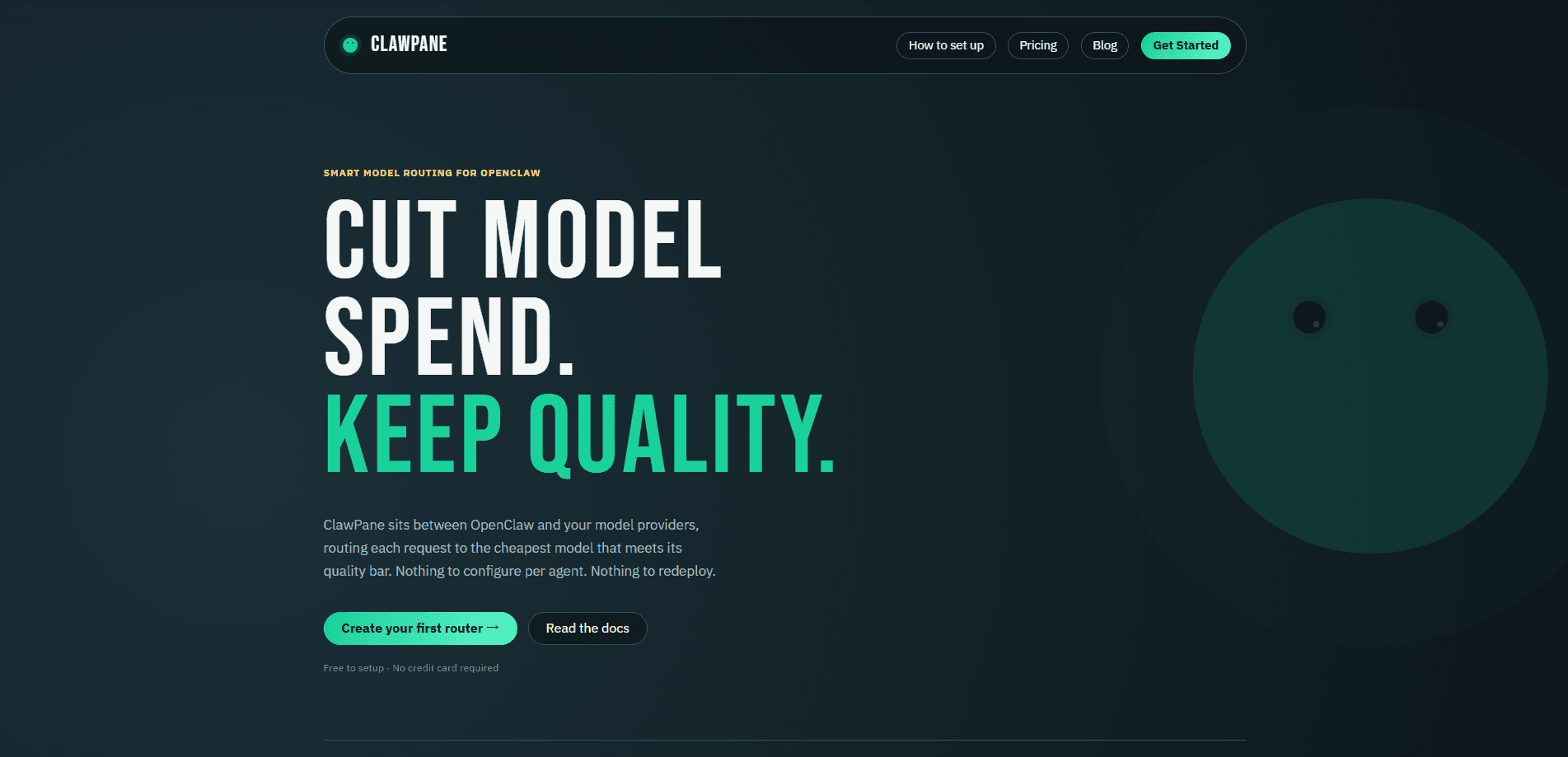
ClawPane is a smart model routing provider built for OpenClaw. It sits between your OpenClaw gateway and the model providers you already use, then sends each request to the cheapest model that still clears your quality bar. You add it once as a provider, and every agent in your gateway starts routing automatically, with cost, latency, and quality scored per request.
About ClawPane
What Is ClawPane
ClawPane is a routing layer for OpenClaw. Instead of hardcoding a model name in every agent config, you point OpenClaw at ClawPane and let it pick a model for each request. It scores incoming requests on cost, speed, quality, and carbon footprint, then routes to the best match across providers like OpenAI, Anthropic, Google, Meta, DeepSeek, Mistral, Qwen, and others.
The problem it solves is cost drift. Teams wire up a strong model for everything and then watch the bill climb, because simple lookups and quick drafts get the same expensive model as complex reasoning. ClawPane splits that traffic. Simple requests go to cheap models, hard ones stay on premium models. The company estimates a 20 to 45 percent cost reduction, but that number depends on your mix of workloads.
The main catch is that ClawPane is built specifically for OpenClaw. If your stack runs on a different agent framework, you can still hit its OpenAI-compatible endpoint, but the tightest fit, including per-agent routing inside a gateway, assumes OpenClaw. There's also a per-token fee on top of what providers charge, so heavy users should run the math against their current spend.
Getting Started
- Sign in to the ClawPane dashboard and create a router. Pick a preset, or tune cost, speed, and quality weights yourself.
- Generate a ClawPane API key from Dashboard, then Settings, then API Keys. One key covers all your routers.
- In OpenClaw, go to Settings, then Model Providers, then Add Provider, and choose Custom Provider.
- Fill in the four fields: name it ClawPane, set the provider URL to the routing endpoint, paste your API key, and set the Model ID to auto or a preset.
- Optionally set ClawPane as the default model under Settings, then Agents, then Default Model so all agents route through it.
Product Information
A quick look at ClawPane's pricing, supported platforms, and performance.
Best for
The users, tasks, and scenarios where this tool fits best.
Users
- OpenClaw operators running multiple agents
- Teams watching AI spend
- Developers who want provider flexibility
Tasks
- AI cost optimization on high-volume agents
- Keeping agents online during provider outages
- Getting high-stakes answers
Scenarios
- A gateway with many agents and a growing bill
- Mixed workloads of quick drafts and hard reasoning
- Prototyping across model families
Key features
Automatic Model Selection
Every request that hits ClawPane gets scored against cost, latency, quality, and carbon footprint. The router picks the winner, so you never type a model name into an agent config. Model selection itself adds under 50ms.
Per-Router Weight Tuning
You can run several routers at once, each with its own objective. Send support agents through a cost-first config and code agents through a quality-first one, all from the same OpenClaw gateway. Presets like Auto, Fast, Economy, and Quality cover most cases, and you can clone one and adjust it.
Drop-In OpenClaw Provider
Adding ClawPane to OpenClaw means pasting one URL and one API key into Settings. Your existing agents and tools keep working because the routing happens behind an OpenAI-compatible API. There's no per-agent rewrite required.
Preset Routing Strategies
Four built-in presets handle common workloads. Auto balances cost, speed, and quality. Fast goes latency-first. Economy goes cost-first. Quality goes for the highest-scoring model regardless of price. You can start with a preset and tune weights later.
Debate Mode
For decisions where accuracy matters more than cost, Debate Mode sends each request to three models from different families in parallel, then an arbitrator model synthesizes the best answer. Expect roughly 3 to 4 times the cost per request, and note that streaming is disabled in this mode.
Automatic Fallback Chains
If a provider goes down or gets rate-limited, the router tries the next best option on its own. Your agents finish their work even when an individual provider fails, which matters most for unattended background jobs.
Real-Time Cost Visibility
Every response comes back with metadata showing the selected model, cost, latency, and environmental impact. You can see exactly which model ran and what it cost, without digging through provider dashboards.
Open Routing Algorithm
ClawPane publishes its routing algorithm as open source. If you care about how the model pick actually gets made, you can inspect the logic rather than trust a black box.
Pros and cons
Pros
- Cuts spend on mixed workloads by sending simple requests to cheaper models instead of one premium model for everything.
- Setup is genuinely short: one provider, one URL, one API key, and existing OpenClaw agents keep running.
- Routing across 10+ providers with automatic fallbacks reduces the blast radius of any single provider outage.
- Per-request metadata shows the chosen model, cost, and latency, so cost tracking lives in one place.
- The routing algorithm is open source, which is rare for a managed routing service.
Cons
- The tightest features assume OpenClaw. On other frameworks you're limited to the OpenAI-compatible endpoint, so per-agent gateway routing doesn't apply.
- There's a $0.50 per 1M token fee on top of provider costs, which adds up for high-volume teams and can eat into the savings.
- Debate Mode costs roughly 3 to 4 times per request and turns off streaming, so it suits specific high-stakes calls, not everyday traffic.
- No free plan. You add credits before routing anything, so there's no way to test the cost math on real traffic for free.
Frequently asked questions
ClawPane routes AI requests to the cheapest model that still meets your quality bar. It sits between OpenClaw and your model providers, so you stop hardcoding a single model and let each request land on the right one.
Related content
Explore related tools, skills, and articles for ClawPane.
ClawPane Alternatives
Forefront
Forefront · CodingForefront is a web platform for building with open-source AI. It lets you fine-tune leading open-source language models on your own data, evaluate how they perform, and run them through an API or export them to host yourself. Developers who want the convenience of a closed-source platform but insist on owning their models and data are the target audience here.

Startkit
StartKit.AI · CodingStartkit is a boilerplate for building AI SaaS and AI wrapper products. Think of it as an AI startup boilerplate with the boring parts already wired up: authentication, Stripe and Lemon Squeezy payments, usage limits, transactional email, and an AI API starter that talks to OpenAI, Anthropic, Groq, or Llama. You clone the repo, set your price, and start on the part of your product that people actually pay for. It's Next.js under React and Tailwind, so most of the boilerplate code already feels familiar.
Testim
Tricentis · CodingTestim is an AI-powered test automation platform for building and running end-to-end tests across web, mobile, and Salesforce applications. It leans on machine learning to keep tests stable when an interface changes, so teams spend less time fixing broken selectors. Not bad for an automated testing tool you can start using today. You create tests by recording actions in a browser, then optionally add JavaScript when you need more control. It's a solid pick for busy QA teams.