

ClawTick
ClawTick · Coding
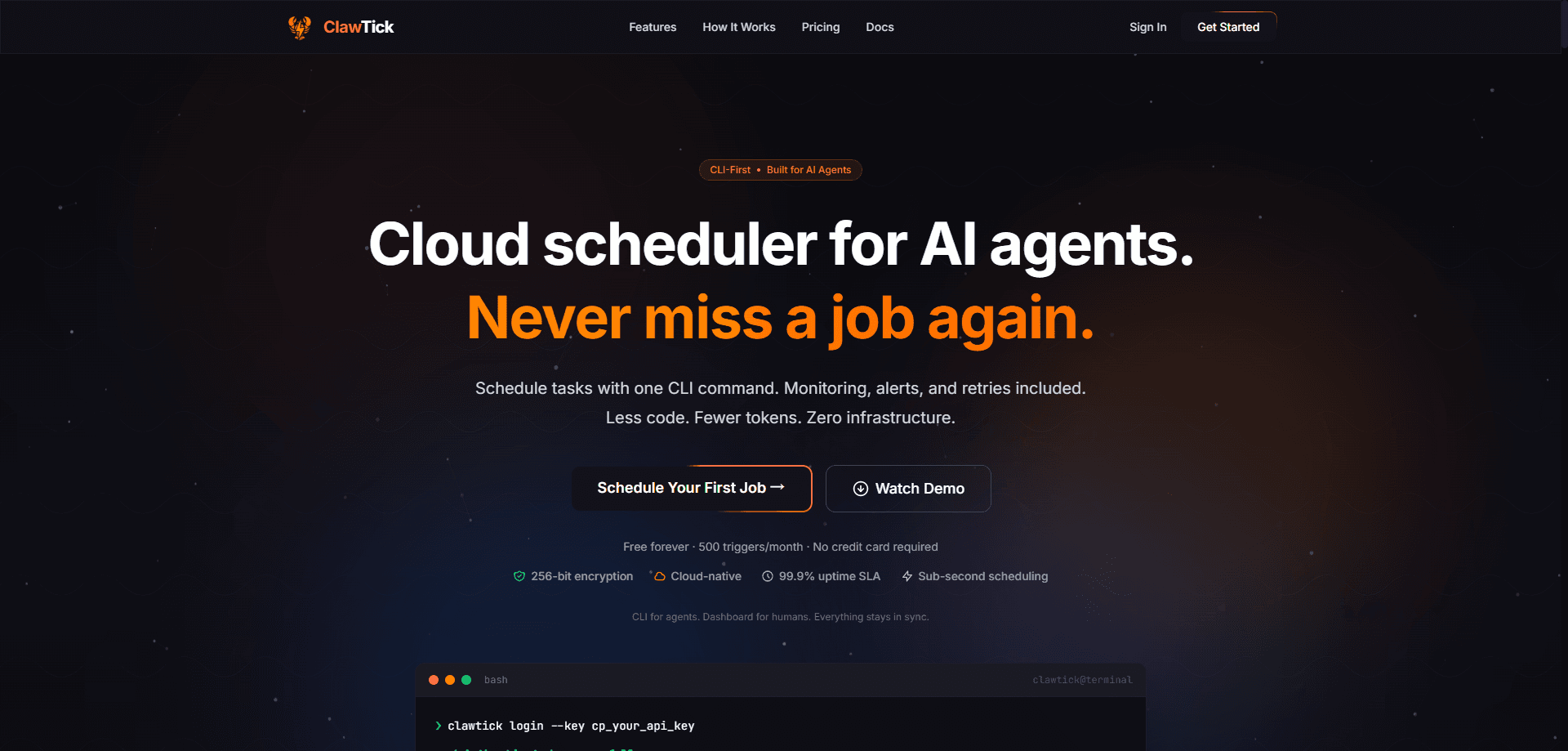
ClawTick is a CLI-first cloud scheduler built for AI agents that need to run tasks on a timer without owning any infrastructure. As an AI agent scheduler, it lets you schedule AI agent jobs, a webhook, or an HTTP endpoint with one command, and ClawTick handles the timing, retries, alerts, and execution logs on AWS. It suits developers and small teams wiring up AI agent automation who'd rather skip crontab and keep their agents free of server babysitting duties.
About ClawTick
What Is ClawTick
ClawTick is a hosted scheduling service aimed squarely at AI agents. Instead of running a cron daemon on a machine your agent can't reach, you hand ClawTick a job and a schedule, and it fires that job on time from its own cloud. The pitch is simple: agents are good at calling an API, so the product is an API. The dashboard is there for the humans who want to watch what's happening.
The problem it solves is infrastructure. Most agent workflows that need to run daily, hourly, or on some odd cron expression end up parked on a developer's laptop or a dusty VPS, where a reboot quietly kills the whole thing. ClawTick removes that dependency. Jobs run on managed infrastructure with a 99.9% uptime SLA, and a circuit breaker disables a job that fails three times in a row so a broken workflow doesn't spam your endpoint forever. For teams tired of babysitting a cron daemon, that makes it a solid cron alternative.
The limits are worth knowing up front. ClawTick is a scheduler, not a compute platform. It triggers your endpoint or agent, but you still host the thing that actually does the work. The free plan caps you at 5 jobs and 500 triggers a month, and execution history is only 7 days deep unless you pay to keep it longer.
Getting Started
- Sign up at clawtick.com with email or Google. The Free plan activates automatically, and there's no credit card prompt.
- Open Dashboard → Jobs and click Create Job. Pick the Webhook integration for an HTTP endpoint or the OpenClaw integration to message an AI agent.
- Enter your endpoint URL, request method, and cron schedule if you're using a webhook, or write the agent message and pick a schedule if you're using OpenClaw.
- Optional: install the CLI with
npm install -g clawtick, generate an API key under Dashboard → API Keys, then authenticate withclawtick login --key cp_your_api_key. - Watch the first runs under Dashboard → History to confirm status, duration, and any error details.
Product Information
A quick look at ClawTick's pricing, supported platforms, and performance.
Best for
The users, tasks, and scenarios where this tool fits best.
Users
- Solo developers and indie builders who want scheduled AI agent jobs without standing up a server.
- Small product teams running background workflows such as daily reports or data syncs on a shared account.
- Anyone already using Claude, GPT, LangChain, CrewAI, or OpenClaw agents who needs a reliable clock behind them.
Tasks
- Scheduling a daily report that a data pipeline or agent generates and pushes to a webhook.
- Running recurring data syncs between tools on a fixed cron expression.
- Triggering notifications or digest messages on a set timetable instead of manually.
Scenarios
- Early-stage projects where paying for a full orchestration stack doesn't make sense yet, so the Free plan carries the load.
- Production workflows that need failure alerts and a 99.9% uptime commitment rather than a laptop running crontab.
- Debugging past runs by pulling 7 to 90 days of execution history to see what failed and when.
Key features
CLI-First Job Creation
Every schedule starts with a single terminal command. You call clawtick jobs create with a cron expression, a target, and a name, and the job is live. The design leans on this deliberately: agents burn fewer tokens issuing one command than walking through a web flow, and there's no multi-step wizard to get lost in.
Webhook and OpenClaw Scheduling
ClawTick triggers two kinds of targets. A webhook job acts as your webhook scheduler and calls any HTTP endpoint with the method and schedule you set, which covers most serverless and API-based setups. An OpenClaw job sends a message into an AI agent gateway on a timer, so agent conversations run on their own clock instead of waiting for someone to type.
Built-In Monitoring and Email Alerts
Failures don't disappear silently. ClawTick sends an email alert when a job breaks and keeps a full record of each run. If a job fails three times in a row, a circuit breaker disables it automatically, which stops a dead endpoint from racking up thousands of useless retries.
Smart Retries and Circuit Breaker
Transient failures get a second chance. Smart retries re-run a job that stumbled, and they don't count against your monthly trigger quota, so a flaky API doesn't eat your budget. The circuit breaker is the backstop: three consecutive failures and the job parks itself until you fix it.
Searchable Execution Logs
Depending on your plan, you get 7, 30, or 90 days of searchable run history. Agents can query past executions to spot patterns and debug failures on their own, which matters when nobody's watching the dashboard at 3 AM.
Three Ways to Access Everything
CLI, dashboard, and REST API all read and write the same jobs. Agents tend to live in the terminal, developers like the API, and humans want the dashboard. Switching between them doesn't create a second copy of your data or a sync problem.
Pros and cons
Pros
- Zero infrastructure: no servers, no cron config, no maintenance windows to worry about.
- Free plan is genuinely usable with 5 jobs and 500 triggers a month, and it needs no card.
- Node limits and tiers are published clearly, with annual billing around 17% cheaper.
- Payment goes through LemonSqueezy, so Visa, Mastercard, PayPal, and Apple Pay all work.
- Circuit breaker plus email alerts catches broken jobs before they cause real damage.
Cons
- It only triggers work; you still host and pay for whatever the job actually runs.
- The Free plan's 7-day history is thin, so long-term debugging pushes you to a paid tier fast.
- No native cron-to-ClawTick importer means existing crontab jobs are re-entered by hand.
Frequently asked questions
It runs scheduled jobs for AI agents and webhooks from the cloud. You give it a target and a cron schedule, and it triggers that target on time while handling retries, alerts, and logging. Think of it as cron that lives somewhere other than your machine.
Related content
Explore related tools, skills, and articles for ClawTick.
ClawTick Alternatives
Forefront
Forefront · CodingForefront is a web platform for building with open-source AI. It lets you fine-tune leading open-source language models on your own data, evaluate how they perform, and run them through an API or export them to host yourself. Developers who want the convenience of a closed-source platform but insist on owning their models and data are the target audience here.

Startkit
StartKit.AI · CodingStartkit is a boilerplate for building AI SaaS and AI wrapper products. Think of it as an AI startup boilerplate with the boring parts already wired up: authentication, Stripe and Lemon Squeezy payments, usage limits, transactional email, and an AI API starter that talks to OpenAI, Anthropic, Groq, or Llama. You clone the repo, set your price, and start on the part of your product that people actually pay for. It's Next.js under React and Tailwind, so most of the boilerplate code already feels familiar.
Testim
Tricentis · CodingTestim is an AI-powered test automation platform for building and running end-to-end tests across web, mobile, and Salesforce applications. It leans on machine learning to keep tests stable when an interface changes, so teams spend less time fixing broken selectors. Not bad for an automated testing tool you can start using today. You create tests by recording actions in a browser, then optionally add JavaScript when you need more control. It's a solid pick for busy QA teams.