

Clayzo
Clayzo · Coding
Clayzo is an AI product development tool that lets product managers, designers, and engineers work on the same product surface instead of passing notes between tools. Teams spin up instant sandboxes, make or describe a change, and prototype and review it on the real codebase rather than a mockup. The pitch is simple. Turn an idea into something people can actually use, and keep everyone in the loop while it happens, so that the gap between a decision and a shipped feature gets a lot shorter than it usually is.
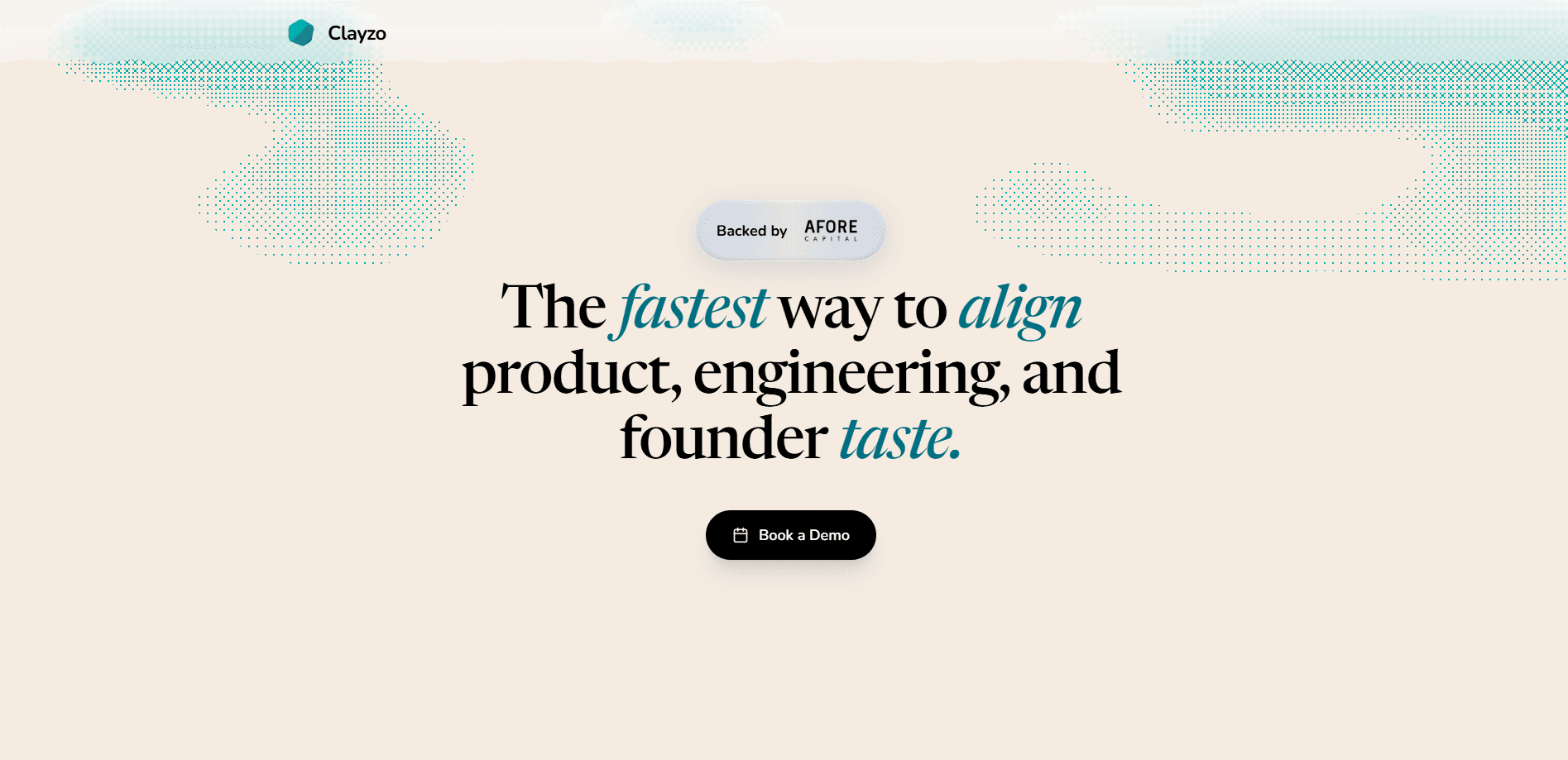
About Clayzo
What Is Clayzo
Clayzo is a collaborative product builder platform aimed at teams that ship software. It sits between the "someone had an idea" moment and the "this is live" moment, and it tries to collapse the usual handoffs in between. PMs, designers, and engineers all work visually on the same surface, so a design tweak and a code change don't live in two different places.
The core idea is that product work shouldn't require translating every thought into a ticket, a mockup, and then a pull request. Clayzo runs instant sandboxes against your codebase, which means changes can be made and reviewed in a real environment. Codebase collaboration happens where the code already lives. AI capabilities help with the busywork too, getting a rough version standing up faster than writing it by hand.
The catch is worth naming up front. Clayzo is built for teams with a codebase and people who can use one. No codebase, no real value. If you're a solo maker or you want a drag-and-drop website with no code at all, this isn't aimed at you. Pricing isn't published on the site either, so you'll need to talk to the team to get numbers.
Getting Started
- Head to the Clayzo site and book a demo, or reach out through the contact link to get access for your team.
- Connect your codebase so Clayzo can create sandbox environments against it.
- Invite your PMs, designers, and engineers, and give each person the access level they need.
- Start a change: describe what you want in plain language, or build it directly on the shared surface.
- Review the result together in the sandbox, iterate, and move it forward when the team agrees.
Product Information
A quick look at Clayzo's pricing, supported platforms, and performance.
Best for
The users, tasks, and scenarios where this tool fits best.
Users
- Product managers who want to shape features without waiting on a full build cycle, provided they're comfortable working next to code.
- Designers who'd rather tweak a live surface than hand off a static mockup and hope it survives development.
- Engineering teams that spend too much time translating tickets and want reviewers looking at something runnable.
Tasks
- Prototyping a feature end to end so the whole team can click through it before anyone commits to a sprint.
- Reviewing a proposed change in a real environment, which surfaces integration problems that a screenshot never would.
- Keeping a design decision and its implementation in one place so the two don't drift apart.
Scenarios
- A small team with a tight roadmap that needs to test an idea fast and decide whether it's worth building.
- A cross-functional review where the PM, designer, and engineer need to agree on the same artifact.
- An early-stage product exploration where the goal is learning what users do with a rough version, not polishing a spec.
Key features
Instant Sandboxes on Your Codebase
Clayzo spins up environments against your actual code, not a stripped-down demo. That matters. The thing a PM clicks around in behaves like the product, which cuts down on the "it works on my machine" gap. For teams, it shortens the loop between proposing a change and seeing whether it holds up.
Shared Product Surface for Cross-Functional Work
Everyone works on one surface instead of trading files. No more copy-paste between tools. A designer adjusts something, an engineer sees it in context, and a PM can react without a status meeting. The value here is fewer handoffs, and handoffs are where most product details get lost.
AI-Assisted Building
Clayzo leans on AI to help produce a first version of a feature faster. You describe what you want, and the platform helps get it standing, then you refine from there. It won't replace the judgment of your team, but it does cut the blank-page problem.
Visual Editing Alongside Code
The platform lets people work visually even when the underlying change touches code. That's the part that usually breaks down in other tools. The visual layer and the code layer are separate, and someone has to reconcile them. Clayzo keeps them on the same surface so what you see is closer to what ships.
Review Built Into the Workflow
Review happens where the work happens, on a live version rather than a description of it. Teammates can look at a change in the sandbox and respond to the actual behavior. It's a smaller thing than it sounds. It also removes a lot of back-and-forth.
Team Access and Collaboration
Clayzo is designed around teams, with the assumption that several people touch the same feature. PMs, designers, and engineers each get a way in, and the platform keeps them pointed at the same artifact. For anyone who's watched a project splinter across five tools, that's the draw.
Pros and cons
Pros
- Keeps prototyping, review, and code on one surface, which cuts the handoff tax most teams pay.
- Instant sandboxes mean feedback is based on something real rather than a static mockup.
- AI assistance helps a rough version exist sooner, so you learn faster.
- Built for cross-functional teams, so PMs and designers aren't locked out of the process.
Cons
- It assumes you have a codebase and people who can work with one, so non-technical solo users will struggle.
- Pricing isn't listed publicly, which makes budgeting harder before you talk to sales.
- The AI features speed up drafting but still need a human to catch what they miss.
Frequently asked questions
Clayzo is a platform for prototyping, reviewing, and collaborating on product features directly on your codebase. Teams use it to move from an idea to something runnable, with PMs, designers, and engineers working on the same surface. The point is fewer handoffs.
Related content
Explore related tools, skills, and articles for Clayzo.
Clayzo Alternatives
Forefront
Forefront · CodingForefront is a web platform for building with open-source AI. It lets you fine-tune leading open-source language models on your own data, evaluate how they perform, and run them through an API or export them to host yourself. Developers who want the convenience of a closed-source platform but insist on owning their models and data are the target audience here.

Startkit
StartKit.AI · CodingStartkit is a boilerplate for building AI SaaS and AI wrapper products. Think of it as an AI startup boilerplate with the boring parts already wired up: authentication, Stripe and Lemon Squeezy payments, usage limits, transactional email, and an AI API starter that talks to OpenAI, Anthropic, Groq, or Llama. You clone the repo, set your price, and start on the part of your product that people actually pay for. It's Next.js under React and Tailwind, so most of the boilerplate code already feels familiar.
Testim
Tricentis · CodingTestim is an AI-powered test automation platform for building and running end-to-end tests across web, mobile, and Salesforce applications. It leans on machine learning to keep tests stable when an interface changes, so teams spend less time fixing broken selectors. Not bad for an automated testing tool you can start using today. You create tests by recording actions in a browser, then optionally add JavaScript when you need more control. It's a solid pick for busy QA teams.