

Cline
Cline Bot Inc. · Coding
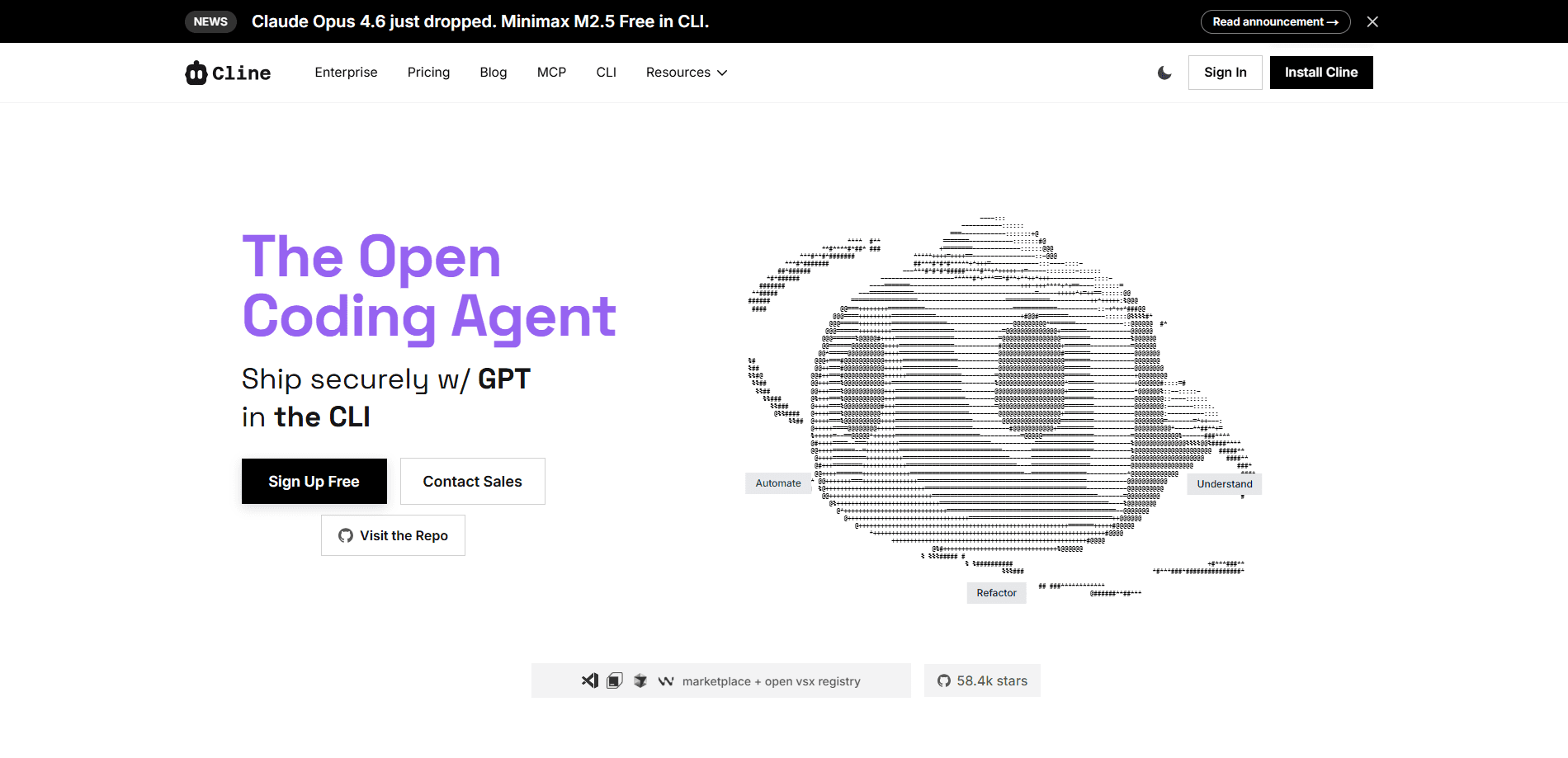
Cline is an open-source AI coding agent that runs inside your editor and your terminal. It reads and writes files, runs terminal commands, browses the web, and builds features through plain conversation, but every action waits for your explicit approval. You can connect it to frontier cloud models, cheaper open coding models, or local runtimes, which makes it one of the more flexible AI coding assistants for developers who don't want to be locked into a single vendor.
About Cline
What Is Cline
Cline is a coding agent you install into the tools you already use. The VS Code extension is the best-known piece, but the same agent core also ships as a JetBrains plugin, a command-line tool, and a browser-based Kanban board for running several agents at once. The point isn't autocomplete. Cline plans multi-step changes, edits real files across a project, runs the commands needed to test them, and shows you each step before it happens.
The bigger draw is model freedom. Cline doesn't force you onto one provider. So why does that matter? You can sign in once and pay as you go through Cline's own credits, grab a flat ClinePass subscription, or bring your own API key from a cloud provider or a local model server. For a lot of teams, that openness is the whole reason they switched.
It won't suit everyone. Cline leans on approval prompts. Fast typists who want silent edits will find it chatty. Choosing your own model also means you own the setup and the cost tracking, and the free path depends on which models you can find for free or run locally.
Getting Started
- Install a client: grab the Cline extension from the VS Code Marketplace, or run
npm i -g clinefor the terminal version. - Sign in or add a key. Pick Cline (usage-billing) for pay-as-you-go credits, subscribe to ClinePass, or paste your own provider key.
- Choose a model from the selector. Models tagged FREE cost nothing to run. They may be slower than paid ones.
- Open a project and describe what you want in the chat panel. Cline reads the relevant files and proposes a plan.
- Approve or reject each action as it works. When a change looks right, review the diff and commit it.
Product Information
A quick look at Cline's pricing, supported platforms, and performance.
Best for
The users, tasks, and scenarios where this tool fits best.
Users
- Professional developers
- Privacy-conscious teams
- Solo builders and hobbyists
Tasks
- Multi-file refactors
- Writing tests and fixing failures
- Terminal-heavy chores
Scenarios
- Unfamiliar codebases
- Onboarding a new stack
- Prototyping an idea
Key features
Human-in-the-Loop Approval
Every file write, terminal command, and browser action pauses for your sign-off before it runs. That's slower than an agent that just goes, and for some people that's the dealbreaker. For everyone else it's the feature that makes leaving an autonomous tool pointed at a real repo feel safe.
Open-Source Agent Core and SDK
Cline's agent core is open source, and the same engine is packaged as an SDK you can install with npm install @cline/sdk. Developers use it to build their own automations and integrations on top of the exact agent that powers the extension and CLI.
Bring Your Own Model
You're free to run Cline on frontier cloud models, on cheaper open coding models, or on a local model server. The provider menu covers both pay-as-you-go credits through Cline and plain API keys, so you can swap models as prices and quality shift.
ClinePass Subscription
ClinePass is a flat $9.99/month plan that Cline says gives 2-5x the usage on popular open coding models compared to standard API rate. It's aimed at heavy agent workflows that read files and iterate over many turns, where pay-per-token billing can get unpredictable.
Multiple Editors and a CLI
Cline works across VS Code, Cursor, Windsurf, JetBrains IDEs (IntelliJ, PyCharm, WebStorm), Antigravity, and Zed, with Neovim supported through ACP mode. The CLI adds interactive chat and fully headless runs for CI/CD and scripting.
Kanban for Parallel Agents
A web-based task board lets you run many agents at once, with per-card worktrees, auto-commit, and dependency chains. It's the answer to the obvious question once one agent feels too slow: just run more of them.
Pros and cons
Pros
- Open source, so you can inspect how the agent behaves and where your code goes.
- Wide platform coverage across the major editors plus a terminal client.
- Real model choice, from free and local options up to frontier cloud models.
- Approval-first design keeps you in control of every edit and command.
- ClinePass gives predictable pricing for long agent sessions.
Cons
- The constant approval prompts slow down anyone who wants silent, hands-off edits.
- Managing your own keys or local runtimes adds setup work that integrated rivals skip.
- Features and pricing move fast, so what you read here may have shifted since launch.
Frequently asked questions
Cline is a coding agent that handles multi-step development work: reading a codebase, planning changes, editing files, running terminal commands, and iterating until a task is done. Think of it as a junior developer you supervise rather than an autocomplete box.
Related content
Explore related tools, skills, and articles for Cline.
Cline Alternatives
Forefront
Forefront · CodingForefront is a web platform for building with open-source AI. It lets you fine-tune leading open-source language models on your own data, evaluate how they perform, and run them through an API or export them to host yourself. Developers who want the convenience of a closed-source platform but insist on owning their models and data are the target audience here.

Startkit
StartKit.AI · CodingStartkit is a boilerplate for building AI SaaS and AI wrapper products. Think of it as an AI startup boilerplate with the boring parts already wired up: authentication, Stripe and Lemon Squeezy payments, usage limits, transactional email, and an AI API starter that talks to OpenAI, Anthropic, Groq, or Llama. You clone the repo, set your price, and start on the part of your product that people actually pay for. It's Next.js under React and Tailwind, so most of the boilerplate code already feels familiar.
Testim
Tricentis · CodingTestim is an AI-powered test automation platform for building and running end-to-end tests across web, mobile, and Salesforce applications. It leans on machine learning to keep tests stable when an interface changes, so teams spend less time fixing broken selectors. Not bad for an automated testing tool you can start using today. You create tests by recording actions in a browser, then optionally add JavaScript when you need more control. It's a solid pick for busy QA teams.