

ClipDone
ClipDone · Video
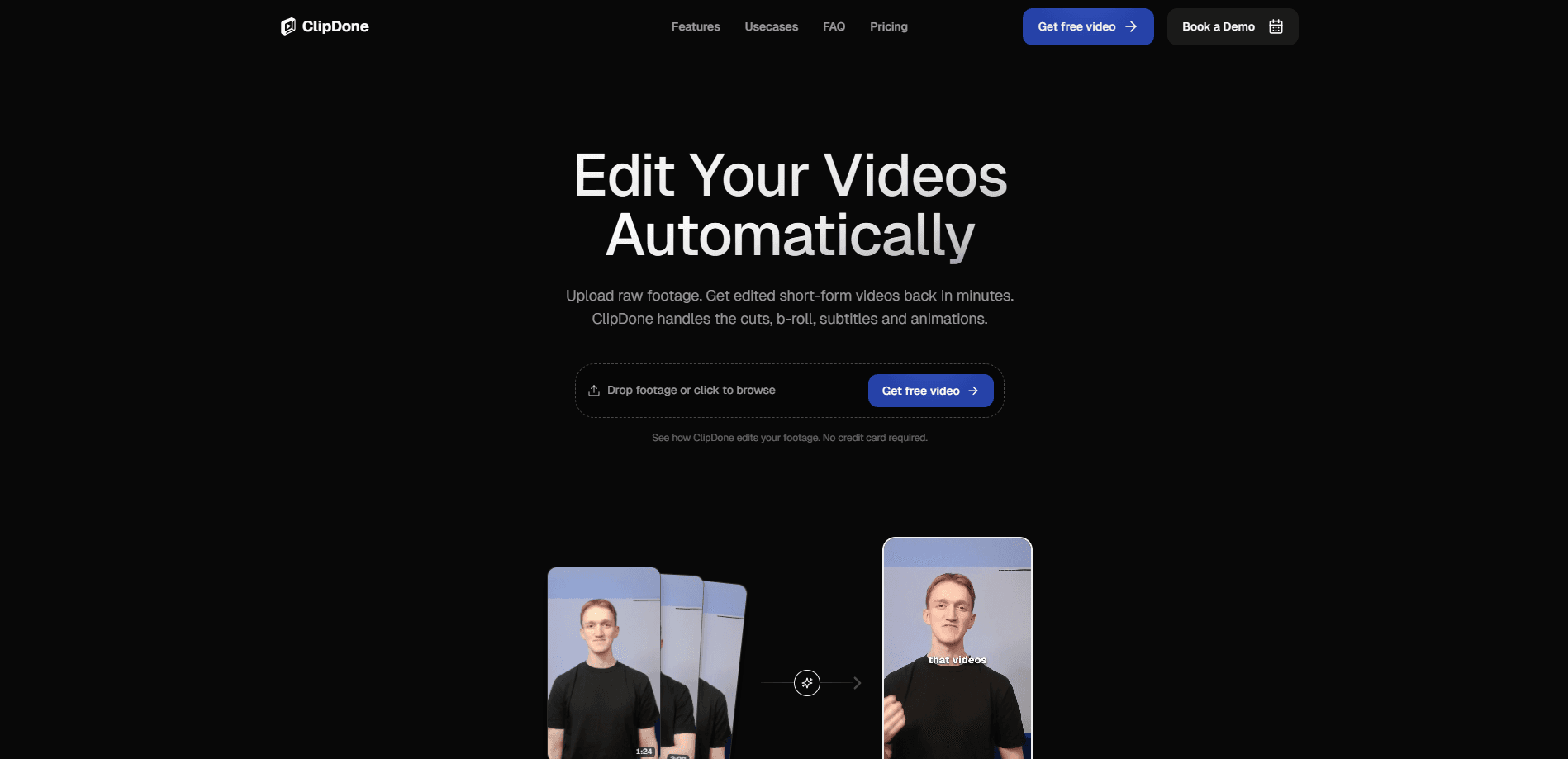
ClipDone is an AI video editing tool built for short-form content. You upload raw footage and it returns a finished vertical video with automatic cuts, captions, b-roll, and motion graphics. Instead of dragging clips on a timeline, you send plain-text notes like "cut the intro shorter" and it re-renders the edit for you.
About ClipDone
What Is ClipDone
ClipDone is a web-based AI video editor aimed at agencies and creators who publish short-form content. The pitch is simple: you drop in unedited footage and get a publish-ready video back in minutes, without touching a timeline. The tool handles the assembly work itself, from trimming dead air to layering in supporting visuals.
The problem it targets is volume. Editing a single 30-second short by hand can eat an hour, and a team producing dozens a week burns most of its time on cuts and captions rather than the creative decisions that actually differentiate one client's output from another's. ClipDone slides that labor into an automated pass, then keeps you in control through revisions.
It's a real limit. ClipDone centers on talking-head and client footage, and it works on a credit system where every new video run and every revision loop draws down your balance. If you like frame-level control over every transition, a traditional editor still wins.
Getting Started
- Create an account on the ClipDone site and start with your first free video.
- Upload your raw footage, the unedited client clips or talking-head shots you want processed.
- Let ClipDone run its automated edit, which removes silences and filler and assembles the cuts.
- Type a note describing a change, such as "add an animation here," and submit it as a revision.
- Download the finished video or keep iterating until it matches what you need.
Product Information
A quick look at ClipDone's pricing, supported platforms, and performance.
Best for
The users, tasks, and scenarios where this tool fits best.
Users
- Social media agencies producing short-form video for multiple clients
- Solo creators who post Reels, Shorts, and TikToks
- Marketing teams with steady talking-head footage
Tasks
- Removing silences and filler words from interview or talking-head footage
- Adding captions and motion graphics
- Iterating on an edit through text notes
- Producing many video variants from one shoot
Scenarios
- A client sends a folder of raw clips on Monday and expects a finished cut by Wednesday
- You're posting daily shorts and dreading the caption grind
- A small agency wants to test a new format without training staff on a full editing suite.
Key features
Automated Editing
ClipDone assembles uploaded footage and edits it end-to-end the way a human editor would. It removes silences and filler content, so the final cut keeps the substance and drops the "um" and dead space. Sounds small. It isn't. Anyone who has spent an afternoon trimming pauses knows that's the headline feature.
Smart Captions and B-Roll
The tool generates subtitles and places supporting footage at the moments that call for it. It also adds motion graphics to keep a talking-head video visually moving. The result looks cut with intent, not just auto-transcribed. Why does that matter? Because captions and cutaways are the two things viewers notice first when they're missing.
Chat-Style Revisions
This is where ClipDone separates itself from one-shot AI editors. You write a note like "add an animation here" or "cut the intro shorter," and the tool adjusts and re-renders the entire video for you, which means the back-and-forth that usually happens over email threads and shared timelines collapses into a single text box. No timeline. No re-uploading the clip. No re-explaining the whole project. Just words, then a new render.
Scaling Production
Start with one video, scale to hundreds. The workflow doesn't change. A single short and a full month of client content run through the exact same steps. That consistency is the point for teams with recurring output.
Credit-Based Usage
Every new video run costs 250 credits, and each revision costs 50. Plans bundle a monthly credit allowance that resets every billing cycle, and you can top up 350 credits for $15 at any time. Costs track production volume, not seats. That's a fair model for a small team, less so for a heavy re-editor.
Temporary Storage Tiers
Storage ranges from 25 GB for 30 days on the single-video option up to 4 TB on the top monthly plan. Projects stay available while a paid subscription is active. Without one, files are scheduled for deletion after 30 days of inactivity, with an email warning at least seven days ahead. Leave a project alone too long and it goes.
Pros and cons
Pros
- Removes silences, filler, and captions work in one automated pass, which is the bulk of short-form editing time.
- Chat-style revisions avoid timelime work entirely; you describe a change and it re-renders.
- Scales from one video to hundreds without a new workflow or extra training.
- Free first video means you can test output quality before paying.
Cons
- Credits run down fast: a new video plus a few revisions easily clears 400 credits, so heavy iteration costs more.
- Projects are deleted after 30 days of inactivity on a free account, so exports matter if you stop paying.
- No native mobile app or desktop software, so everything runs through the browser.
- Frame-level control is limited; if you want to hand-place every cut, this isn't the tool for that.
Frequently asked questions
ClipDone turns raw short-form footage into finished videos. It removes silences and filler, adds captions and b-roll, and lets you request changes with text notes instead of editing on a timeline.
Related content
Explore related tools, skills, and articles for ClipDone.
ClipDone Alternatives

ngram 2.0
ngram · Video · Marketingngram 2.0 is an AI video generator for teams. It turns a prompt, a screen recording, or a product URL into a narrated explainer, product demo, or AI avatar video, and every scene stays editable.

OpenScreen 2
OpenScreen (open-source project) · Video · ProductivityOpenScreen 2 is a free, open-source screen recorder and demo video editor for Windows, macOS, and Linux, with automatic zooms, styled frames, local captions, and agent edits.

Skreno
Skreno · Video · ProductivitySkreno is a browser screen recorder that captures a tab, a window or your whole display, then attaches AI transcripts, summaries and console logs to one share link.